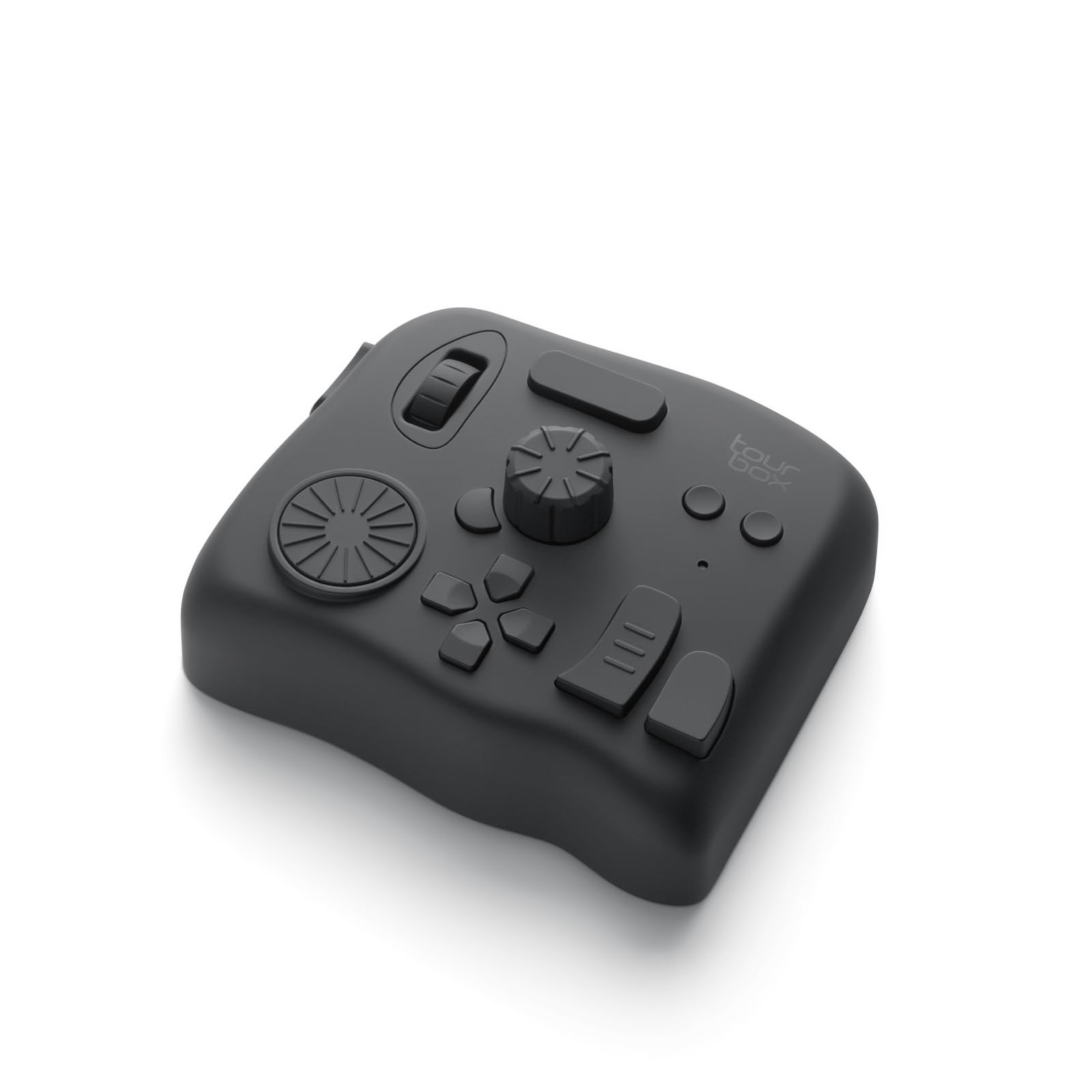
Best Overall
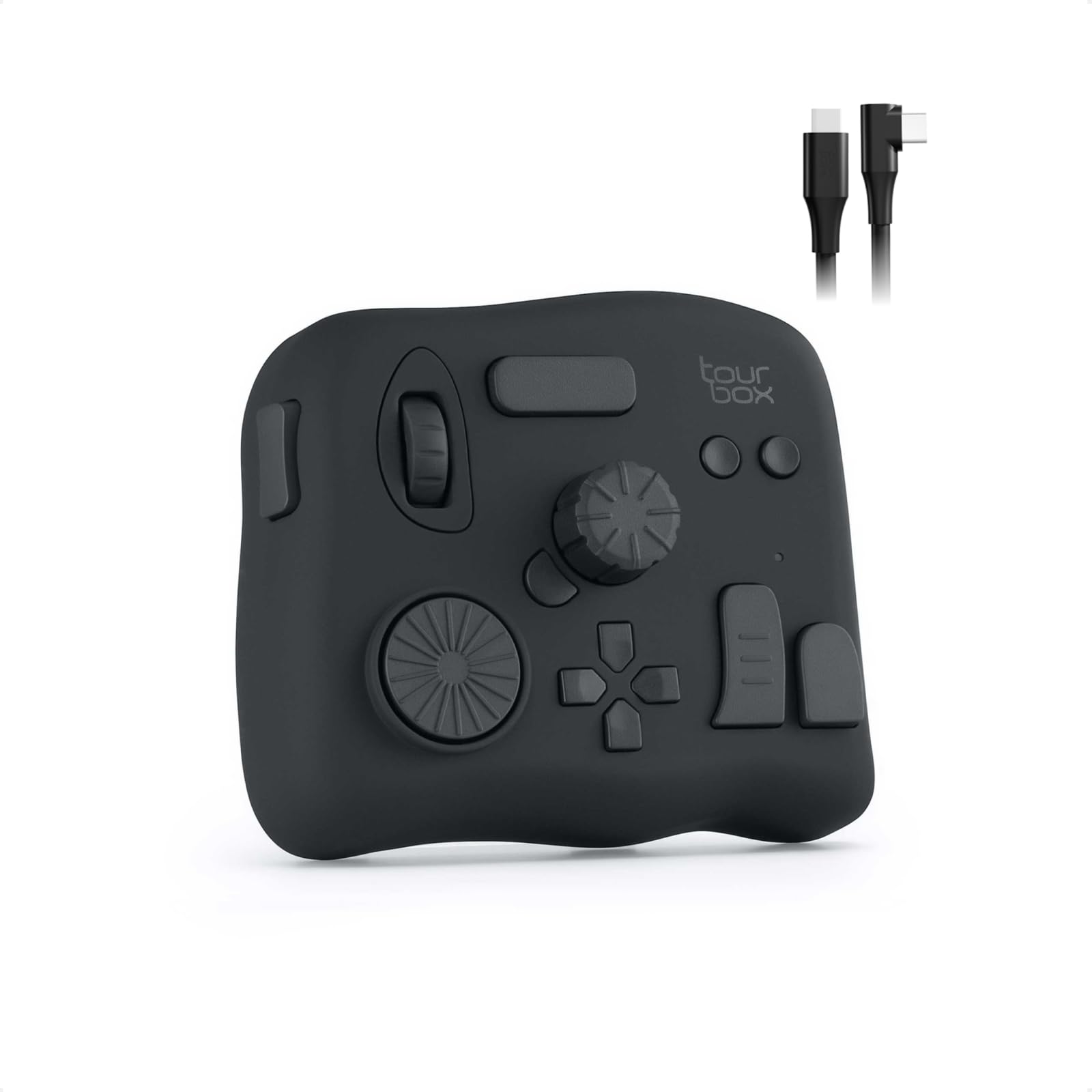
TourBox NEO
Key details
- Controls
- 14 controls
- Software
- TourBoxConsole
- Footprint
- 3.98 x 4.57 in
- Connectivity
- USB-C wired
Fourteen controls sounds like a lot until you put your hand on the NEO: the dial falls under your thumb, the D-pad sits under your fingers, and the buttons land where a mouse hand would otherwise leave the keyboard. That density is exactly why it is our top pick. You learn a small set of shapes—dial, scroll, D-pad, press—and those shapes stay useful whether you are trimming in Premiere Pro or grading in DaVinci Resolve.
The software is the part that turns those shapes into muscle memory. TourBoxConsole includes templates for the major editing and photo apps, and once a profile is built, switching applications is mostly automatic. The fixed-function dials are the exception: a few controls are locked to particular actions, so map your most-used shortcuts to the buttons and the free dial first. The learning curve is real, but it is a week of deliberate use rather than a technical wall.
Against the Speed Editor, the NEO gives up Resolve-specific search-dial integration and the included Studio license. Against the MX Creative Console, it lacks labeled LCD keys. What it keeps is among the broadest app coverage here and the most tactile controls in this group. If you edit in more than one NLE, that is the version of best that matters.
Pros
- Fourteen tactile controls in one compact footprint
- Works across Premiere, Resolve, Photoshop, and more
- Profiles and templates reduce setup time
- No battery to charge
Cons
- Wired-only USB connection
- Some dial functions are preset
For editors who move between Premiere, Resolve, and photo apps, the NEO is the most useful control surface we tested, with enough tactile controls to keep the mouse idle.