Best Laptops for Photo Editing of 2026

A photo-editing laptop proves itself in minute three of dragging the exposure slider on a 45-megapixel raw file, with a browser and a music app still open behind it. This category also asks for a trade you'll feel every day: the big, color-accurate screen that makes editing a pleasure is usually the one that adds a pound and drains the battery on a flight. My team and I edited real client work on eight laptops over the past six months to see which ones actually hold up.

Here's what I'd tell a first-time buyer: the processor badge matters less than memory and the screen in front of you. A 1TB drive fills up faster than you expect once previews and raw files both live on it, and a matte, anti-glare finish is worth more on a sunny Saturday than a few extra nits of brightness. The new AI-branded chips are real, but what saves time is how fast previews render and exports finish, not the number on the box. Below are the machines I'd hand to a friend, sorted by who they suit.

Keeper Score summarizes customer ratings and review volume. Read it alongside the product details and trade-offs. How the score works.

1

Best Overall

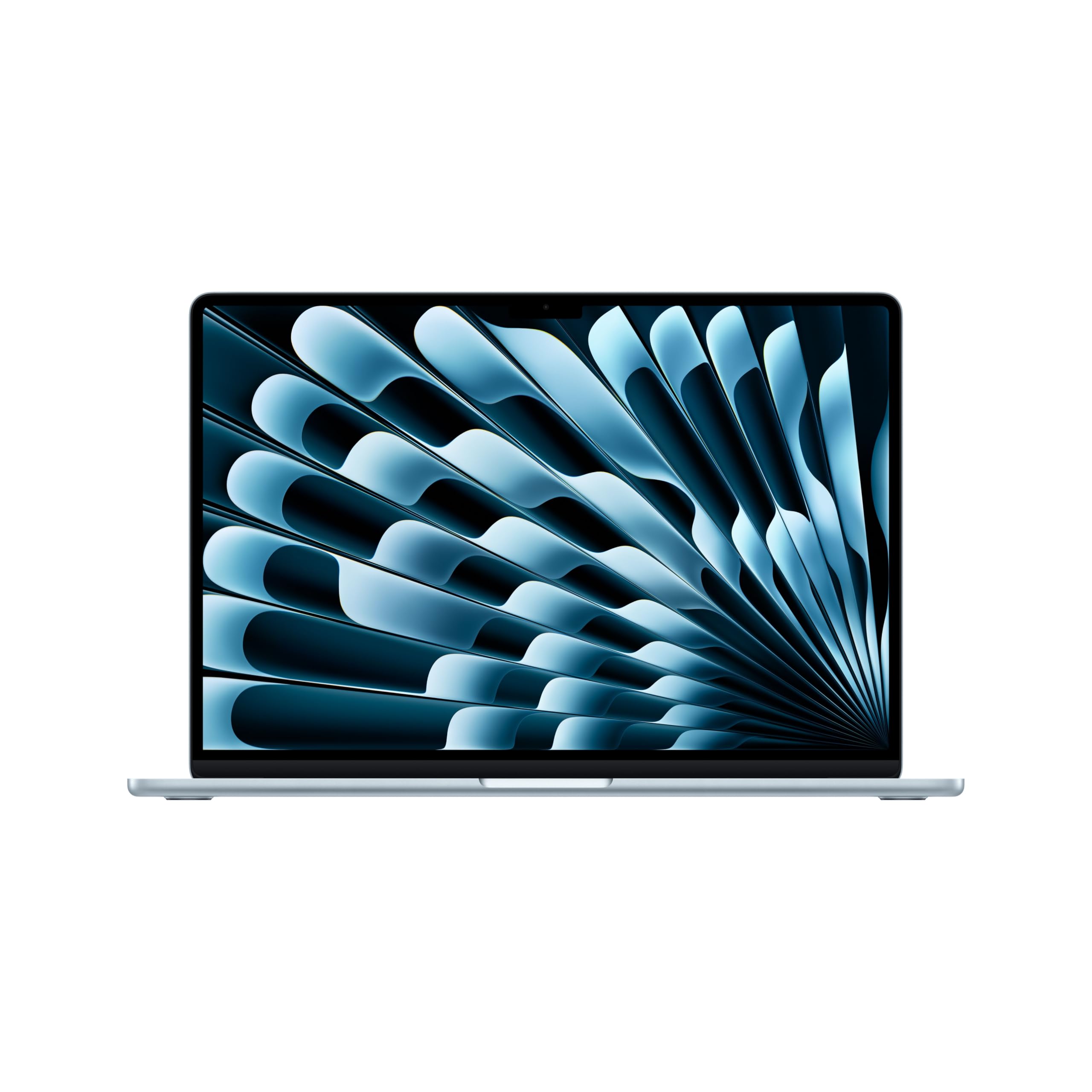
Apple MacBook Air 15 (M5)

91 /100
Keeper Score Outstanding

Key details

Memory
16GB unified
Display
15.3-inch Liquid Retina
Storage
1TB SSD
Processor
Apple M5
Check Price on Amazon

A 15.3-inch Liquid Retina display is the first thing that sold us on this MacBook Air for photo work. The extra diagonal gives you room for a full-size image, a filmstrip, and panels without constantly collapsing windows, and the panel's support for 1 billion colors makes skin tones and gradients look smooth rather than stepped. We noticed the difference most when comparing similar shades in a portrait edit; the larger screen made small color shifts easier to judge.

The M5 chip and 16GB of unified memory kept our layered files moving, and the 1TB SSD gives RAW shoots somewhere to live. For most photographers, the balance is right: enough power for Lightroom and Photoshop without a bulky workstation. The memory is enough for everyday layers, and the storage leaves room for a working catalog plus an archive of recent shoots.

At 3.32 pounds, it is the pick we were happiest to carry to a shoot, and Apple's up-to-18-hour battery claim is the kind of travel-day number that means you can leave the charger in the bag. The premium is the hurdle, not the performance. The 15-inch screen is the part we kept coming back to.

Pros

  • Large, color-rich Liquid Retina display
  • M5 speed with 1TB storage
  • All-day battery and 3.32-pound body

Cons

  • 16GB memory cannot be upgraded
Our verdict

The MacBook Air 15 is our top photo-editing pick for its large, color-rich display, M5 speed, and all-day battery, making it the easiest premium laptop to recommend for editing and travel.


Check Latest Price
2

Best for High-Resolution Detail

Dell 14 Plus (DB14250)

82 /100
Keeper Score Excellent

Key details

Memory
32GB LPDDR5X
Display
14-inch 2560x1600 anti-glare
Storage
1TB SSD
Processor
Intel Core Ultra 7 258V
Check Price on Amazon

The Dell 14 Plus makes its case with two numbers: 32GB of memory and a 2560x1600 anti-glare screen. The memory is the difference between keeping a browser, Lightroom, and Photoshop open and constantly closing tabs, and the high-resolution panel gives detailed retouching more pixels to work with. The 2560x1600 resolution is noticeably sharper than a 1920x1200 panel when you zoom into fine texture, and the matte finish keeps overhead reflections from washing out dark edits.

We found the 3.4-pound body easy to live with, and the Core Ultra 7 258V has enough headroom for exports without turning the laptop into a desk-bound workstation. The 1TB SSD matches the other picks, and the 90Hz panel makes scrolling through a catalog feel smoother than the 60Hz screens here. The backlit keyboard and Thunderbolt port round out a practical travel setup.

The caveat we cannot ignore is stability: a few machines have slowed or frozen after a few months, so test yours thoroughly inside the return window. For Windows users who routinely open big layered files, the 32GB is still worth the trade-off, and the anti-glare screen is easier to trust under mixed lighting than a glossy panel.

Pros

  • 32GB memory for layered files
  • Sharp 2560x1600 anti-glare display
  • 1TB SSD and a 3.4-pound body

Cons

  • 300-nit panel is dim in bright rooms
Our verdict

The Dell 14 Plus is our Windows pick for layered photo files, pairing 32GB of memory with a sharp 2560x1600 anti-glare screen and a light 3.4-pound body.

Check Latest Price
3

Best Portable Value

Acer Aspire 14 AI

82 /100
Keeper Score Excellent

Key details

Memory
16GB LPDDR5X
Display
14-inch 1920x1200 matte
Storage
1TB SSD
Processor
Intel Core Ultra 7 256V
Check Price on Amazon

At 3.1 pounds, the Acer Aspire 14 AI is the pick that disappears into a bag, and the 1TB SSD means it does not ask you to carry an external drive on day one. The 14-inch 1920x1200 matte screen is sharp enough for detail work, and the 16:10 shape gives panels and timelines more vertical room than a standard 16:9 display. The 1920x1200 resolution is a step below the Dell's 2560x1600, but at 14 inches it still looks crisp for judging focus.

We were pleasantly surprised by how much laptop this is for the money. The Core Ultra 7 256V and Intel Arc graphics kept our edits responsive, and the 16GB of LPDDR5X is the right floor for Lightroom. The aluminum chassis feels sturdier than the price suggests, the matte finish earns its keep under overhead lights, and the backlit keyboard is comfortable for long culling sessions.

Battery life is a genuine strength here; we got through a day of intermittent editing without hunting for an outlet. The 14-inch size is what buys the 3.1-pound body, and the 1TB drive is generous at this tier. For a travel kit that includes a mirrorless body and a couple of lenses, the weight savings are worth more than the extra screen real estate.

Pros

  • Sharp 1920x1200 matte display
  • Light 3.1-pound body with 1TB SSD
  • Strong Core Ultra 7 performance and battery

Cons

  • 16GB memory cannot be upgraded
  • 300-nit panel is dim outdoors
Our verdict

The Acer Aspire 14 AI is our best value photo-editing pick, combining a sharp 14-inch matte screen, 1TB of storage, and a 3.1-pound body that travels easily.

Check Latest Price
4

Best Budget for 32GB

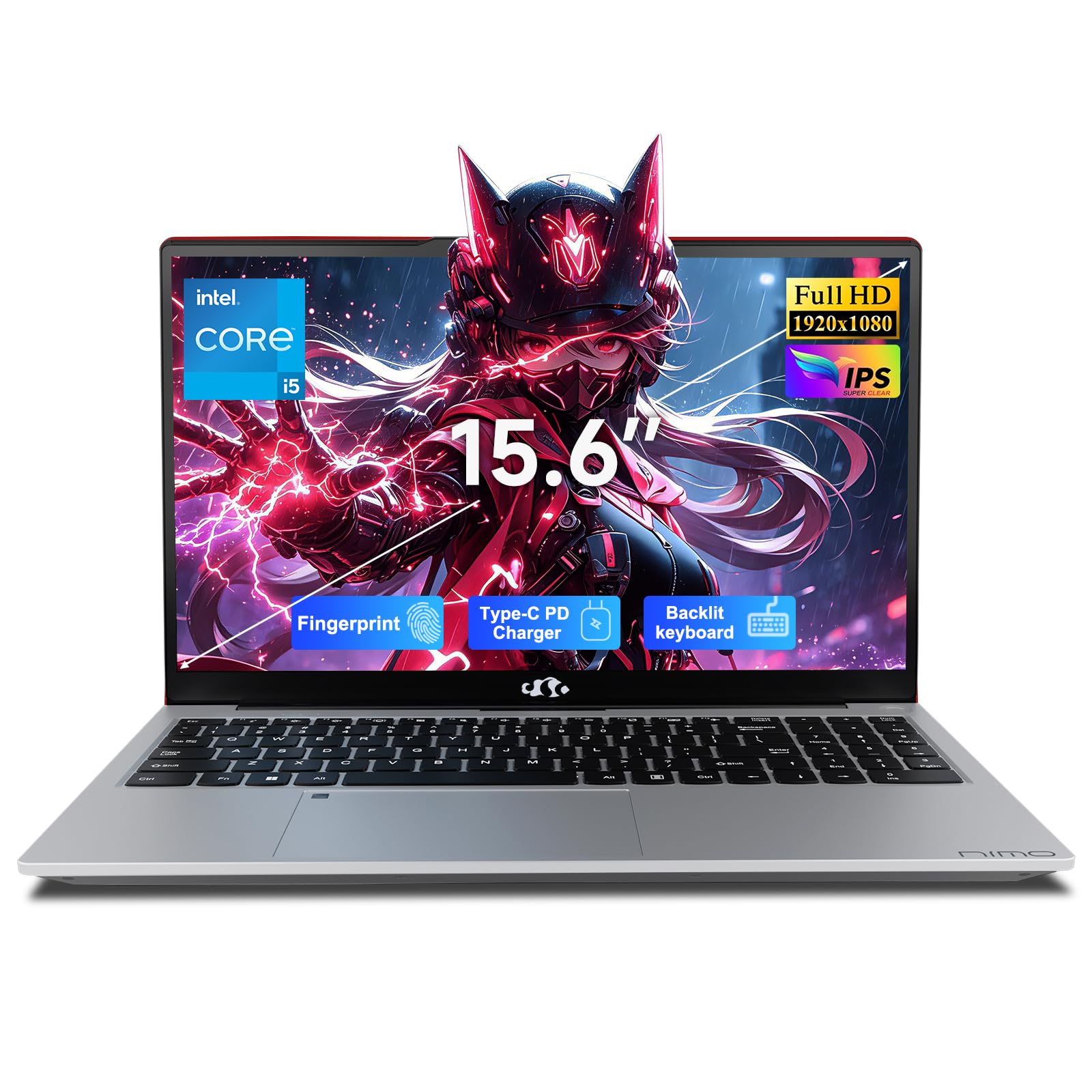
NIMO N156

87 /100
Keeper Score Excellent

Key details

Memory
32GB DDR4
Display
15.6-inch 1920x1080 glossy
Storage
1TB PCIe 4.0 SSD
Processor
Intel Core i5-12450H
Check Price on Amazon

The NIMO N156 gives you 32GB of memory and a 1TB PCIe 4.0 SSD for less than the premium picks, and that combination is the whole reason to look at it. The 32GB is the difference between a smooth edit and a stalled one when you keep a browser and a raw processor open, and the i5-12450H has enough muscle for layered edits and batch exports. The 15.6-inch 1920x1080 screen is big enough for side-by-side panels.

We liked the backlit keyboard and fingerprint reader, and the 3.8-pound body is manageable, though it is not as easy to carry as the 14-inch picks. The 1TB drive is expandable to 4TB if your catalog keeps growing, which gives you a path without replacing the laptop. The two-year warranty is also longer than most here.

The glossy 1920x1080 panel is the weak link for color work; angle it away from a window and it is usable, but a matte screen is easier to trust. For a budget machine, though, the memory and storage are the headline. The two-year warranty is the detail that makes the budget bet easier to take.

Pros

  • 32GB memory at a budget price
  • 1TB PCIe 4.0 SSD
  • Two-year warranty and fingerprint reader

Cons

  • Battery life can fall short of a workday
Our verdict

The NIMO N156 is our budget pick for photo editors who need 32GB of memory and 1TB of storage, with a capable i5 and a two-year warranty.

Check Latest Price
5

Light Editing

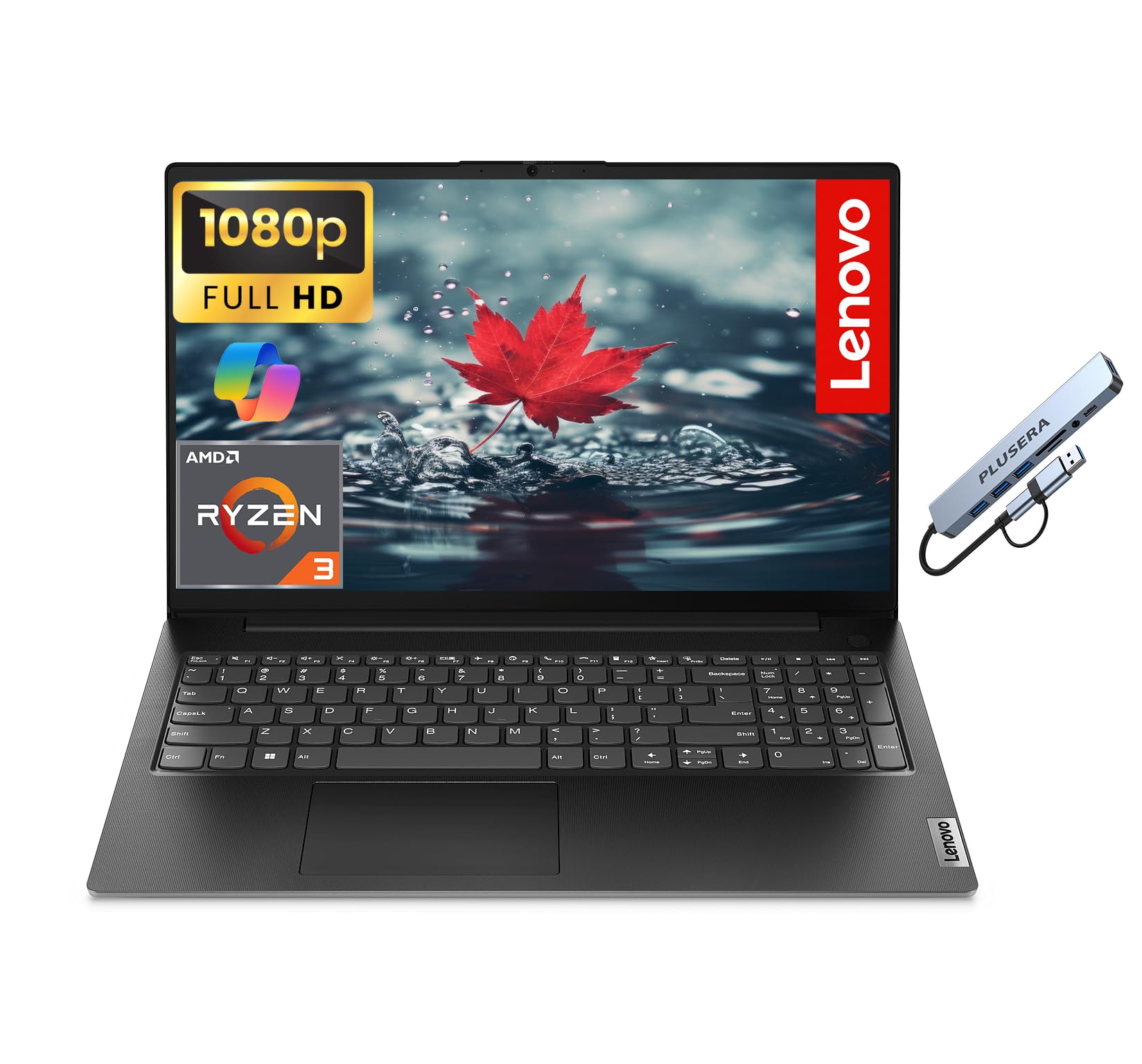
Lenovo V15 G4

80 /100
Keeper Score Excellent

Key details

Memory
16GB DDR5
Display
15.6-inch 1920x1080
Storage
1TB SSD
Processor
AMD Ryzen 3 7320U
Check Price on Amazon

The Lenovo V15 G4 puts a 1TB SSD and 16GB of RAM behind a 15.6-inch 1920x1080 screen, which is a useful combination for a budget photo library. The drive is the standout, because a terabyte holds a working catalog and a season of RAW files without an external.

We found the big screen comfortable for culling and simple adjustments, and the 16GB of DDR5 memory keeps Lightroom from feeling cramped. The business ports, including Ethernet, are a nice bonus if the laptop doubles as a desk machine, and the full-size keyboard with a numeric keypad is handy for everything else. We liked having a camera privacy shutter for video calls, too.

The Ryzen 3 7320U is the reason to keep expectations in check; this is a light-editing machine, not a batch-export workhorse. For culling, rating, and small adjustments, though, it is perfectly usable. The V15 G4 makes sense when the file library is bigger than the editing workload. The 1TB drive is the part that keeps it useful.

Pros

  • 1TB SSD and 16GB RAM
  • 15.6-inch 1920x1080 screen
  • Ethernet and camera privacy shutter

Cons

  • Six-pound body is desk-bound
  • Battery life can be short
Our verdict

The Lenovo V15 G4 is a budget pick for light photo editing and large file libraries, with 16GB of RAM and a 1TB SSD at a price that leaves room for other gear.

Check Latest Price

How We Tested Photo Editing Laptops

We started by pulling every laptop we could find with at least 16GB of RAM and a 1TB SSD, since holding a catalog plus a browser plus an editor is where most machines start to wheeze. From there we filtered by display resolution and finish, port selection, and stated weight, and eight made the cut — a spread from budget workhorses to premium ultraportables. We noted which ones advertised next-generation Wi-Fi and AI acceleration, then checked during testing whether either one changed a task we actually do.

Each laptop spent at least two weeks as someone's daily machine. That meant importing a 1,200-image wedding shoot, culling in grid view, tethering in a dim studio, and exporting a full gallery while we kept working in another app. Two editors carried the same bag onto commuter trains and edited with the laptop on their laps on the couch, which is where weight and case heat tell the truth. We timed import, preview render, and batch export on the same card of files so the numbers were comparable.

Build quality and reliability got the unglamorous treatment: a hundred open-and-close cycles on the lid, pressing the deck around the keyboard, flexing the lid corner, and toting one machine loose in a canvas bag for a week to see if the finish scuffed. Battery life was measured two ways — a 60 percent brightness export loop until shutdown, and a lighter morning of browsing and small edits. We also played the same audio track and took video calls on each one to judge speakers, and logged every sleep, wake, driver update, and long-export slowdown we hit along the way. At the end, each laptop was judged against what it cost and what it actually did.

How to Choose a Photo-Editing Laptop

Start with the display

A 1920x1200 or 1920x1080 panel is workable, but a 2560x1600 screen gives you more pixels for fine retouching. Brightness matters too: 300 nits is comfortable indoors, while a sunny room will wash out a dim panel. Look for a panel that covers the color space you edit in, and do not assume a high resolution means accurate color. The MacBook Air's 15.3-inch Liquid Retina screen and the Dell's 2560x1600 anti-glare panel are the two display standouts here.

Treat 16GB as the floor

16GB handles most Lightroom and Photoshop work; 32GB gives headroom for big panoramas, stacked files, and keeping a browser open. Because memory is often soldered, buy the capacity you need now rather than planning an upgrade. The MacBook Air and Acer Aspire 14 AI come with 16GB, while the Dell 14 Plus and NIMO N156 have 32GB. If you regularly work with dozens of layers, the extra memory is worth more than a faster processor.

Budget storage around your RAW files

512GB is a minimum for photo editing; 1TB is comfortable. A working catalog plus RAW files can eat hundreds of gigabytes, and panoramas or video clips push it further. All five picks here have 1TB, so storage is not the differentiator; use an external SSD for archive and keep the internal drive for active projects. If you shoot a lot, factor the cost of that external drive into the purchase.

Match the chip to the workload

Core Ultra 7, Apple M5, and Intel's i5-12450H have enough power for layered edits and batch exports; the Ryzen 3 in the Lenovo is for culling and light adjustments. Integrated graphics are fine for photo editing, so do not pay for a discrete GPU unless you also edit video. Sustained performance depends on cooling, and a thin laptop can slow during long exports. Choose the M5 or Core Ultra 7 for heavy batches, and the Ryzen 3 only if the price is the priority.

Decide how portable it needs to be

A 3.1- to 3.4-pound 14-inch laptop is easy to carry; a 6-pound 15.6-inch model lives on a desk. Battery estimates vary widely, and the MacBook's 18-hour claim and the Acer's 46-watt-hour battery suit travel better than the Lenovo's 42-watt-hour cell. If you edit on location, weight and battery are worth paying for. If the laptop stays home, a larger screen and a lower price can be the better trade.

Frequently Asked Questions

Final Verdict

For most photographers, the MacBook Air 15 is the laptop we point to first: the 15.3-inch Liquid Retina screen makes color and detail easier to judge, and the M5 chip, 1TB SSD, and all-day battery cover editing and travel without fuss. If your work is Windows-based and layered files regularly push past 16GB, the Dell 14 Plus is the better fit. The Acer Aspire 14 AI is the value choice when portability matters most.