Best Overall
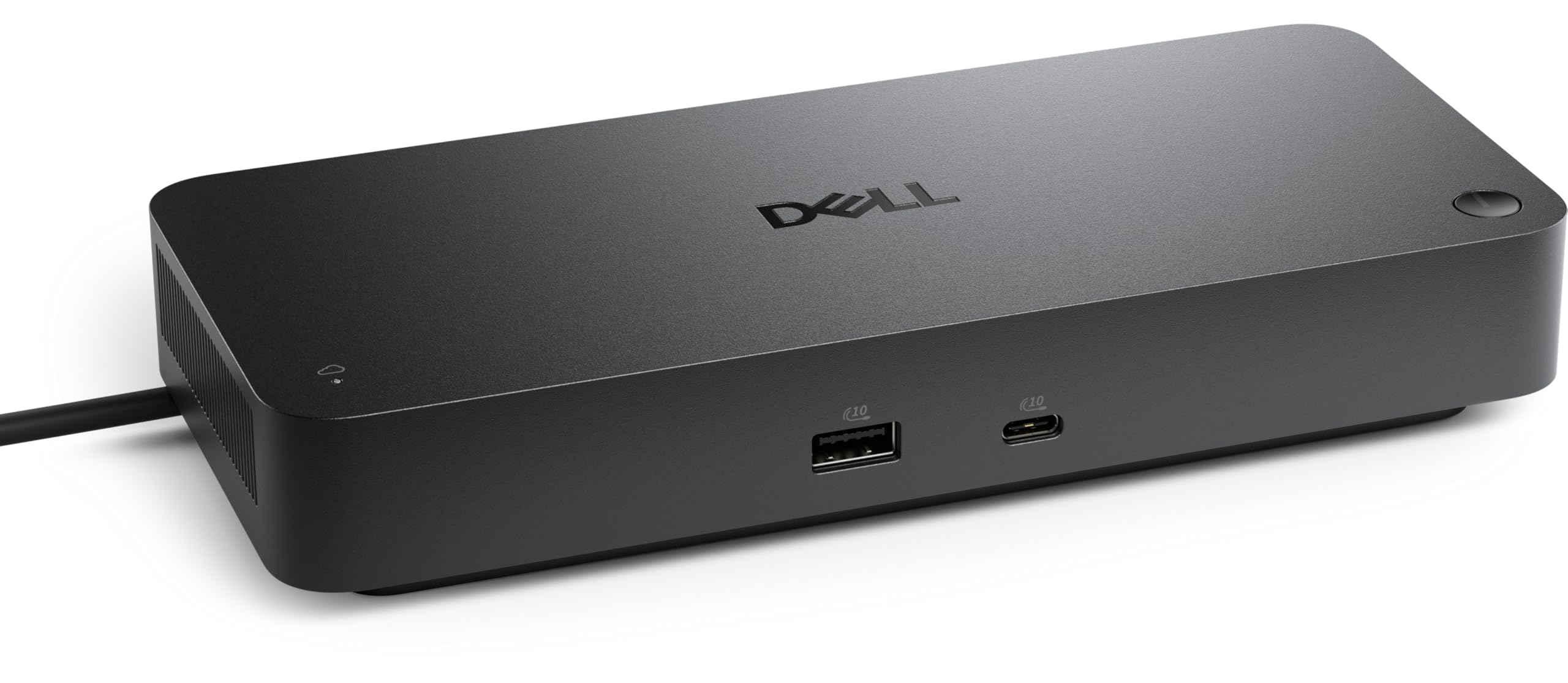
Dell Pro Thunderbolt 4 Smart Dock
Key details
- Ports
- 12
- Ethernet
- 2.5GbE
- Display Support
- Up to 4x 4K on Windows
- Laptop Charging
- 130W Dell, 96W others
Two numbers settle the Dell for us: 130 and four. It pushes 130W of charge up the same cable that carries everything else, and on a Windows laptop it will drive up to four 4K monitors — as much display capacity as anything in this group. One cable, and the desk is live.
What we keep coming back to is how little there is to troubleshoot. It comes up on the first connection, and the dock updates its own firmware without being asked, which is the kind of unglamorous behavior that keeps a workday moving. Twelve ports cover the desk: 2.5GbE Ethernet, six USB ports, and video on HDMI 2.1, DisplayPort 1.4, USB-C and Thunderbolt 4, so the monitors you already own probably plug in without an adapter. The case stands about eight inches tall on a footprint smaller than a paperback.
Some of what you pay for is aimed at IT rather than at you: Wi-Fi remote management through Dell Console, PXE boot, MAC filtering, DMA protection. On a home desk those sit inert. In an office they mean a technician can stage the dock before anyone sits down, which is the sort of thing that shows up as a good first morning rather than as a feature on a box.
Pros
- 130W charging through the host cable
- Up to four 4K displays on Windows
- 2.5GbE Ethernet and twelve ports
- Upright case saves desk space
Cons
- Non-Dell laptops charge at 96W, not 130W
- Two extended displays on Macs
We recommend the Dell as the default: it charges a full-size laptop, drives up to four monitors on Windows, and needed the least troubleshooting of anything here.