Best Overall
UGREEN Maxidok Thunderbolt 5 Dock
Key details
- Displays
- Triple on Windows, dual on Mac
- Drive Bay
- M.2 NVMe, up to 8TB
- Total Ports
- 17
- Laptop Charging
- Up to 140W
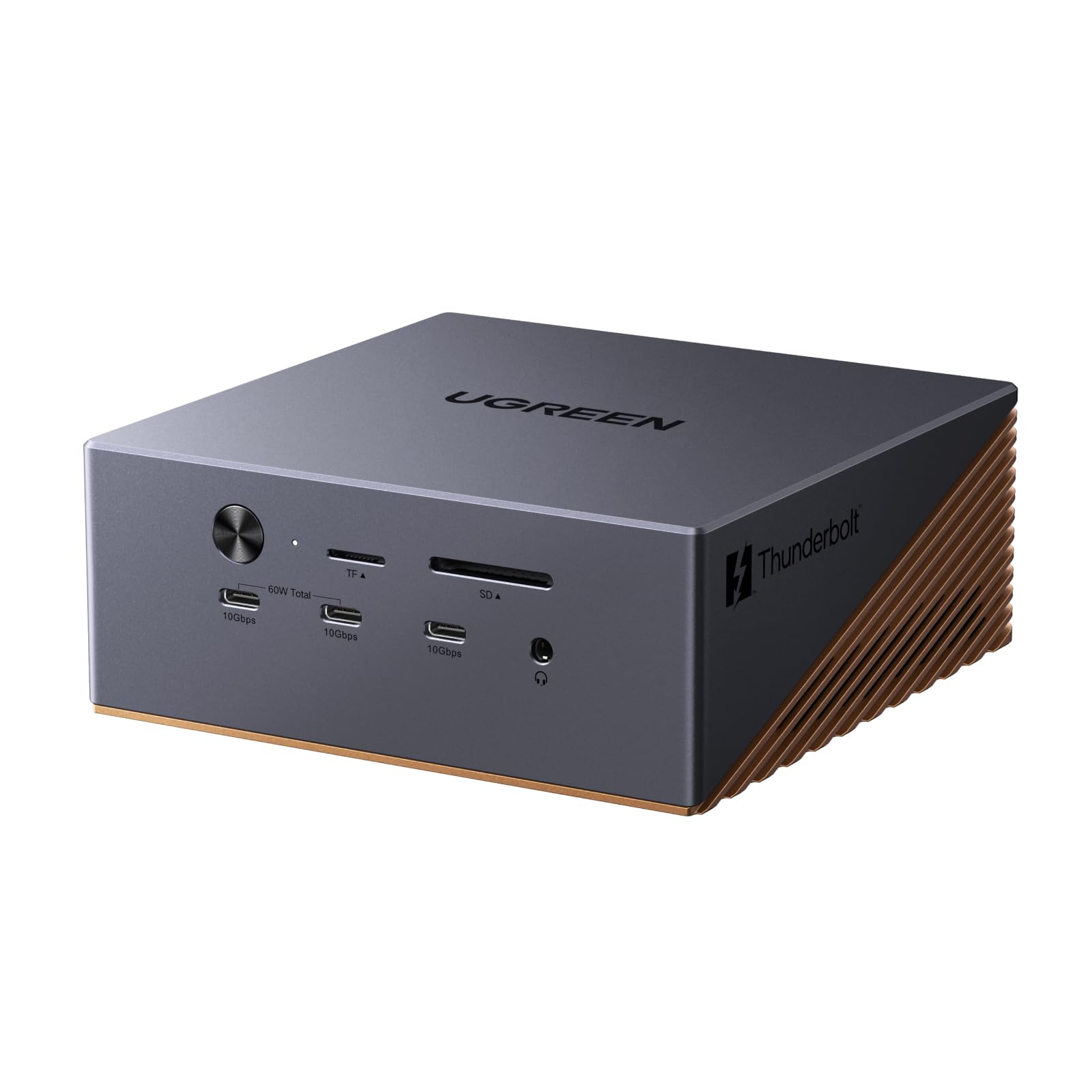
Seventeen ports is the headline, and the useful way to read it is as a list of things you stop plugging in separately. Three Thunderbolt 5 downstream ports, a DisplayPort output, three USB-A and three USB-C ports at 10Gbps, SD and TF 4.0 readers, three 3.5mm audio jacks and 2.5GbE all hang off one cable to the laptop. On a desk that had grown a hub, a card reader and a dongle for wired networking, this one box replaced all three.
Displays are where it pulls away from the cheaper picks. On a Thunderbolt 5 Windows machine it drives three independent screens from two Thunderbolt ports plus the DisplayPort output, at dual or single 8K60. On a Mac it is two displays, and only with macOS 15 or later. That Mac ceiling belongs to the platform rather than the dock, but it is worth knowing before you buy a third monitor for a MacBook Air.
The M.2 slot is the feature we kept coming back to. It takes 2230 to 2280 drives up to 8TB at PCIe Gen4x4 speed, so a photo library or a folder of footage lives on the dock and mounts as soon as you connect. We like what that does to a laptop with a small internal drive: the storage problem stops being a bag of cables and an enclosure.
Power is 140W to the host, 240W total for the system, and two of the USB-C ports push 60W out — enough to charge a phone or a second laptop from the front. The aluminium body is solid, and there is a 60mm fan inside, which is the cost of putting a drive in a dock. The caveat to carry into the purchase is wake-up behaviour: accessories can need a re-plug when the laptop comes back from sleep, so buy it somewhere with an easy return.
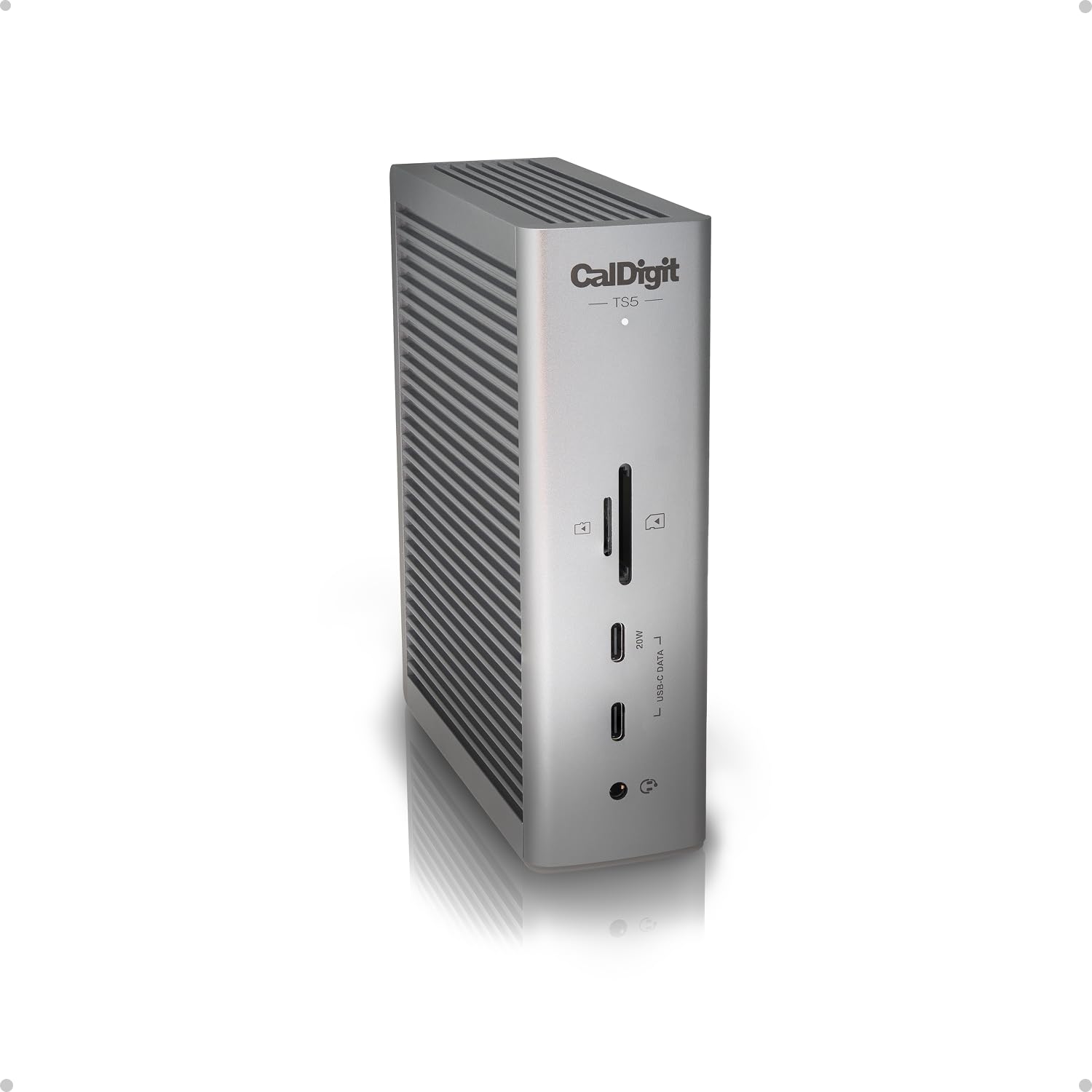
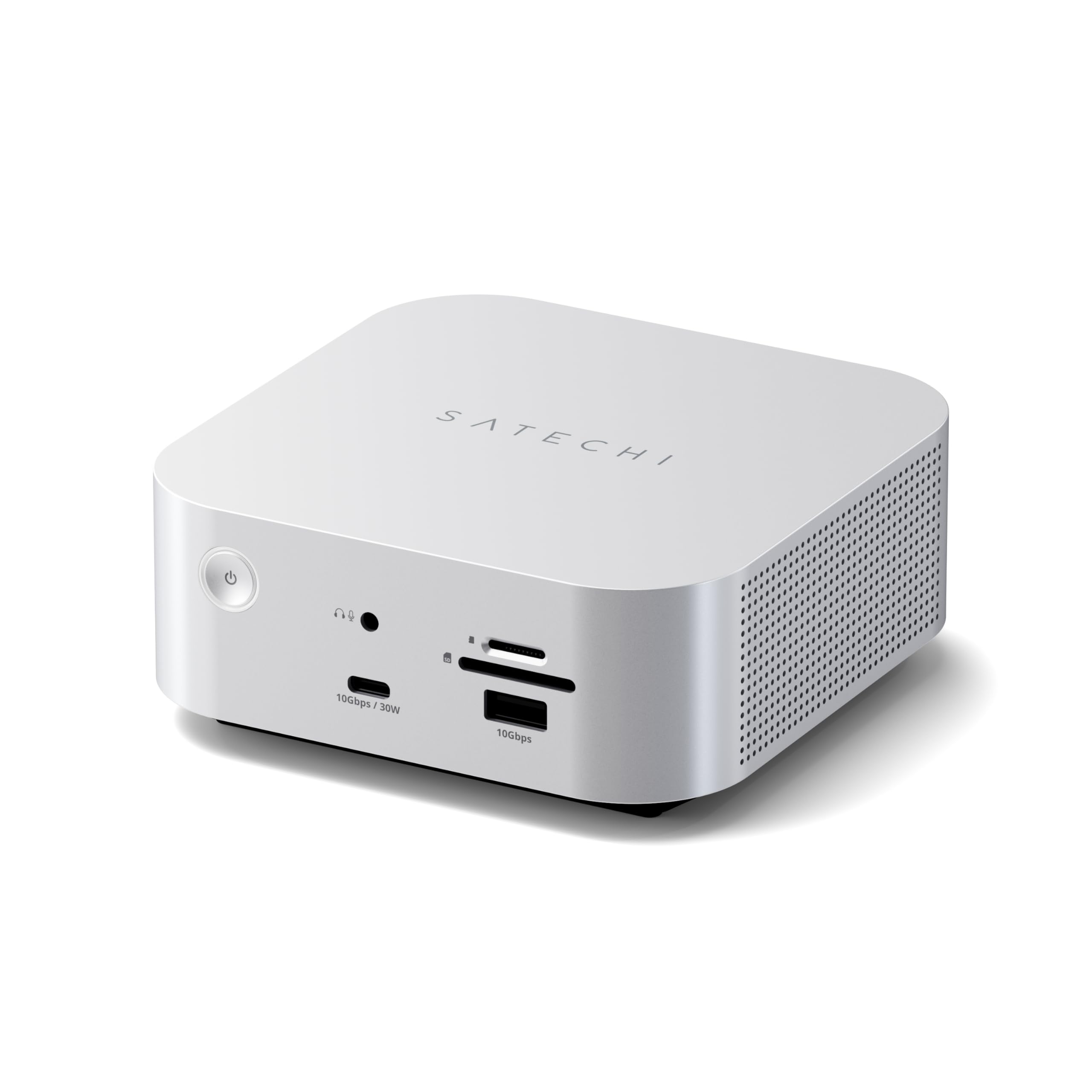
What settles it for us is coverage for the money. This is the dock here that does triple displays on Windows, an internal drive, 2.5GbE and 140W charging, and it costs less than the CalDigit and the Satechi. If your desk is Windows-first and you want one box to absorb everything, start here; if the box itself has to disappear behind a monitor, the CalDigit is the better answer.
Pros
- Seventeen ports on a single cable
- Three independent displays on Windows
- M.2 bay accepts drives up to 8TB
- 140W host charging plus 60W PD-out
Cons
- Fan is audible in a quiet room
We think this is the dock to start with in this group: seventeen ports, three screens on Windows, a drive bay and 140W charging, for less than the flagships here.