Best Short Throw Projectors of 2026

The reason most people search for a short throw projector isn't the projector — it's the room. The sofa backs onto the only wall wide enough for a screen. You rent, so a ceiling mount is out. Short throw fixes that by shaping the lens so a big image lands from a couple of feet away; ultra short throw models sit right beneath the wall.

The catch is you're paying for the lens, not just the picture. Over seven months my team and I ran eight of these through living rooms, a dim basement, and backyard nights, and the ones that held up got the unglamorous things right: brightness with lamps on, corners that stay sharp, a fan you stop noticing. Throw ratio is the number to check first — it dictates how far the unit sits from the wall for the screen size you want.

Gaming lag and sound split the rest, and mounting decides more than it should. Here's what we'd put in our own rooms.

Keeper Score summarizes customer ratings and review volume. Read it alongside the product details and trade-offs. How the score works.

1

Best Overall

BenQ TH671ST

87 /100
Keeper Score Excellent

Key details

Brightness
3,000 lumens
Short Throw
100 inches from 5 feet
Light Source Life
10,000 hours
Native Resolution
1920 x 1080
Check Price on Amazon

Five feet is the number that makes the TH671ST useful in a normal living room: it puts a 100-inch picture on the wall without asking you to rearrange the furniture. We chose it as our default short throw because it gets the fundamentals right at a midrange price: native 1080p, 3,000 lumens, and a low-lag gaming mode that keeps controllers responsive. The picture has enough punch for a dark room and enough brightness for a game with a lamp on, which is more than we can say for the small portables here.

We spent time with it on both a white wall and a screen, and the short-throw lens is the reason it earns the top spot. You can place it on a low console, aim it forward, and leave the ceiling mount for another day. The onboard speaker is fine for a football game, but we preferred a soundbar for movies. It also has no streaming apps, so budget for a stick or use a console.

The TH671ST is a 1080p projector, not a 4K one, and that is the trade you make for the price. If your library is mostly 4K discs or you sit close to a very large screen, the AWOL Aetherion Pro is the obvious upgrade. For everyone else, the combination of a true short throw, low input lag, and a three-year warranty is the safer long-term buy. That warranty is the detail we keep coming back to: it covers the part most likely to need attention, and it lets you spend the difference on a screen or a soundbar.

Pros

  • True 100-inch short throw from five feet
  • Bright 3,000-lumen 1080p picture
  • Low input lag for console gaming
  • Three-year parts and labor warranty

Cons

  • 1080p only, not native 4K
Our verdict

The TH671ST is the short throw we recommend first: a bright 1080p picture, low gaming lag, and a three-year warranty in a package that fits a normal living room.
Check Latest Price
2

Best 4K Ultra Short Throw

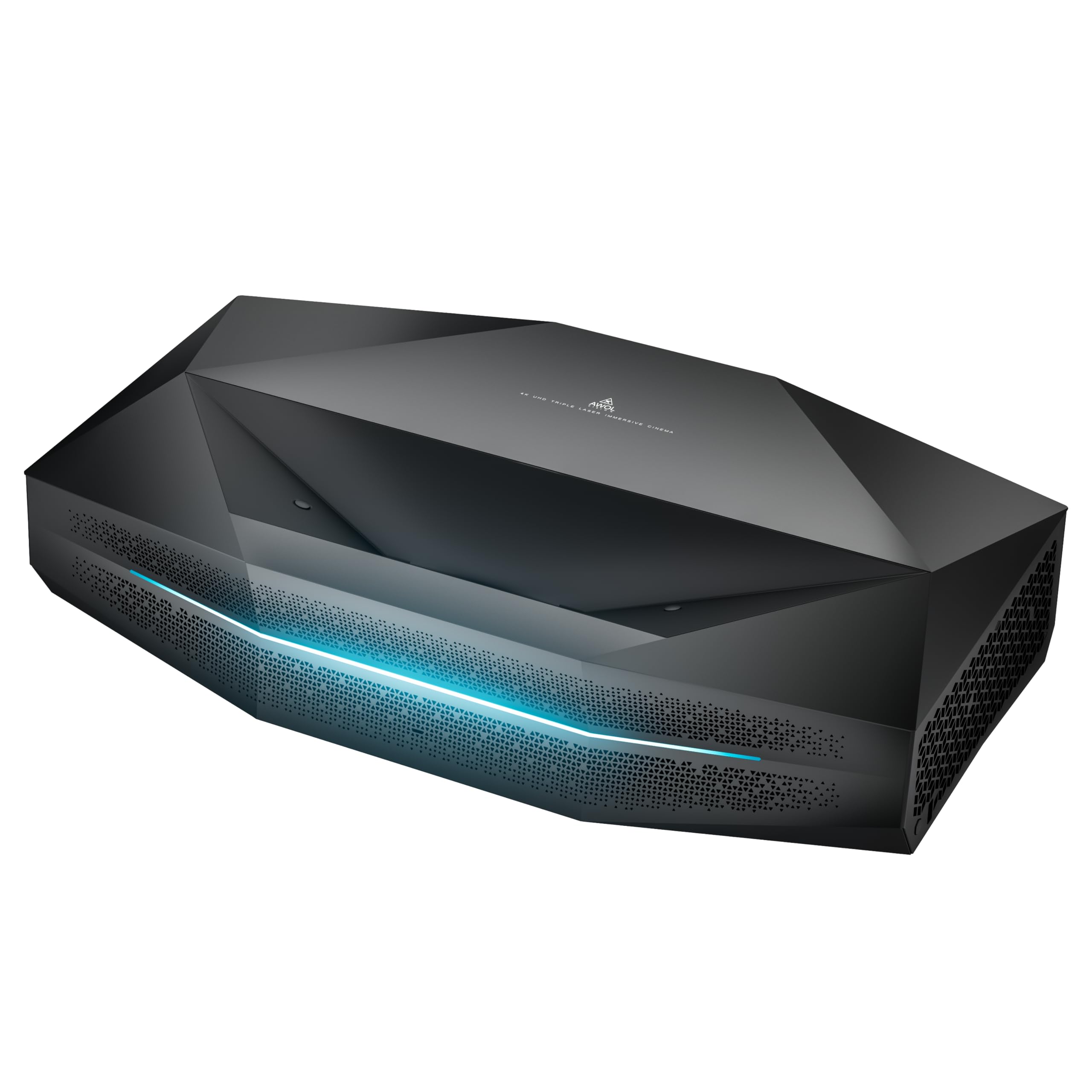
AWOL VISION Aetherion Pro

85 /100
Keeper Score Excellent

Key details

Gaming
1080p at 240Hz, 1ms lag
Light Source
RGB triple laser
Smart Platform
Google TV
Native Resolution
3840 x 2160
Check Price on Amazon

The Aetherion Pro is a 4K ultra-short-throw laser projector that sits inches from the wall and throws an 80- to 200-inch image, so the room layout stops dictating the screen size. The triple-laser light engine and Dolby Vision support are the headline specs. Google TV is built in, and the 240Hz gaming mode with 1ms lag is there for consoles.

We also spent time with it as a gaming display, and the 240Hz mode is not a token feature: the image stays responsive in fast shooters, and the anti-rainbow treatment makes long sessions easier on the eyes. This is the UST we recommend when the room is already built around a big screen and the budget can absorb a proper screen. Google TV means you can stream without adding a stick, and the speaker is good enough for a family room.

The Aetherion Pro is a premium buy, and it is not the projector we point most people to first. Alignment takes patience, and the UST screen is the second line item. Once it is set, the picture is the reason to stretch.

Pros

  • 4K triple-laser picture with Dolby Vision
  • 240Hz gaming at 1ms lag
  • Ultra-short throw fits a media wall
  • Google TV built in

Cons

  • Heavy 8.35 kg body
Our verdict

The Aetherion Pro is the UST to buy when the room is already planned around a big screen and you want native 4K, triple-laser color, and serious gaming speed.

Check Latest Price
3

Best for Bright Rooms

Hisense PX3-PRO

86 /100
Keeper Score Excellent

Key details

Gaming
240Hz refresh rate
Brightness
3,000 lumens
Screen Size
80 to 150 inches
Native Resolution
3840 x 2160
Check Price on Amazon

Windows are usually the enemy of a projector, and the PX3-PRO is the pick for a room that has them. Hisense rates it at 3,000 lumens, and the triple-laser light engine keeps color strong instead of washing out when the blinds are open. The 80- to 150-inch image is big enough for a living room without turning the wall into a commercial cinema, and the ultra-short throw means the console under the TV is the only furniture it needs.

We like it most as a console display. The 240Hz refresh rate and Xbox-friendly features make games feel immediate, while Dolby Vision and IMAX Enhanced give movies the contrast and color punch the mode names promise. Google TV is built in, so the HDMI inputs are free for a console and a Blu-ray player. The built-in speakers are fine for news and sitcoms, but we prefer a soundbar for anything with a soundtrack.

The PX3-PRO is not the projector for someone who moves from room to room. It is the one for a dedicated wall, a media console, and a household that wants one display to do movies, sports, and games. The combination of 3,000 lumens, Dolby Vision, and a 240Hz mode is what makes it worth the fixed installation.

Pros

  • 3,000 lumens with triple-laser color
  • 240Hz gaming and Xbox features
  • Dolby Vision, IMAX Enhanced, Dolby Atmos
  • Google TV built in

Cons

  • Premium price for a fixed-room projector
Our verdict

The PX3-PRO is the fixed UST for a bright living room, with enough brightness, Dolby Vision, and gaming speed to replace a TV for movies and Xbox.

Check Latest Price
4

Best Compact Laser

Optoma GT2000HDR

79 /100
Keeper Score Very Good

Key details

Contrast
300,000:1
Brightness
3,500 lumens
Light Source Life
30,000 hours
Native Resolution
1920 x 1080
Check Price on Amazon

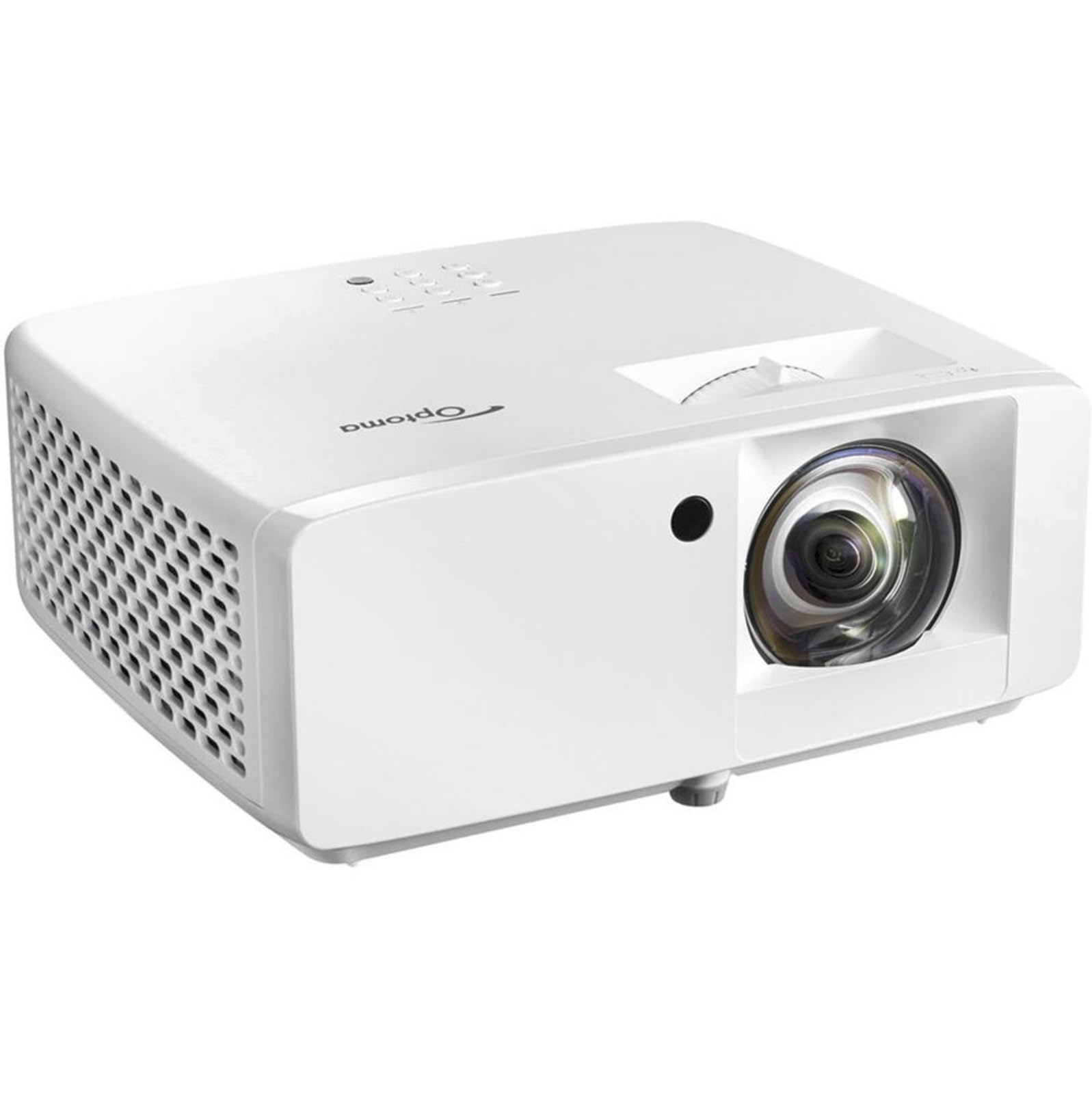
The GT2000HDR is the compact laser option, and the trade-off is built into the name: it gives up some polish for a smaller box and a long-lived light source. Optoma rates it at 3,500 lumens, the highest brightness among the 1080p projectors here, and the laser engine is rated for 30,000 hours. In a room where the projector has to live on a shelf and stay there, that combination is easier to justify than a lamp-based model.

We set it up as a tabletop short throw and appreciated the small footprint; it is the kind of projector you can move from a living room to a game room without a permanent install. The 300,000:1 contrast claim is a marketing number rather than something we could verify, but the picture has good punch in a dark room. The HDMI inputs are the way in, and the onboard speaker is fine for casual viewing. For movies, we added a soundbar.

The GT2000HDR is not the default for a first projector. The BenQ is easier to live with, and the Hisense is the better premium UST. This one makes sense when you want laser life and a compact body at a midrange price. The five-year light-source warranty is the reassurance that matters.

Pros

  • 3,500 lumens, the brightest 1080p here
  • Laser light rated for 30,000 hours
  • Compact body for shelf placement
  • Five-year light-source warranty

Cons

  • 1080p only, not native 4K
Our verdict

The GT2000HDR is the compact laser short throw for a shelf or game room, with 3,500 lumens and a long light-source rating in a smaller body.

Check Latest Price
5

Best Portable Short Throw

TOPTRO TP3

87 /100
Keeper Score Excellent

Key details

Brightness
3,000 lumens
Throw Ratio
0.8:1
Smart Platform
Google TV
Native Resolution
1920 x 1080
Check Price on Amazon

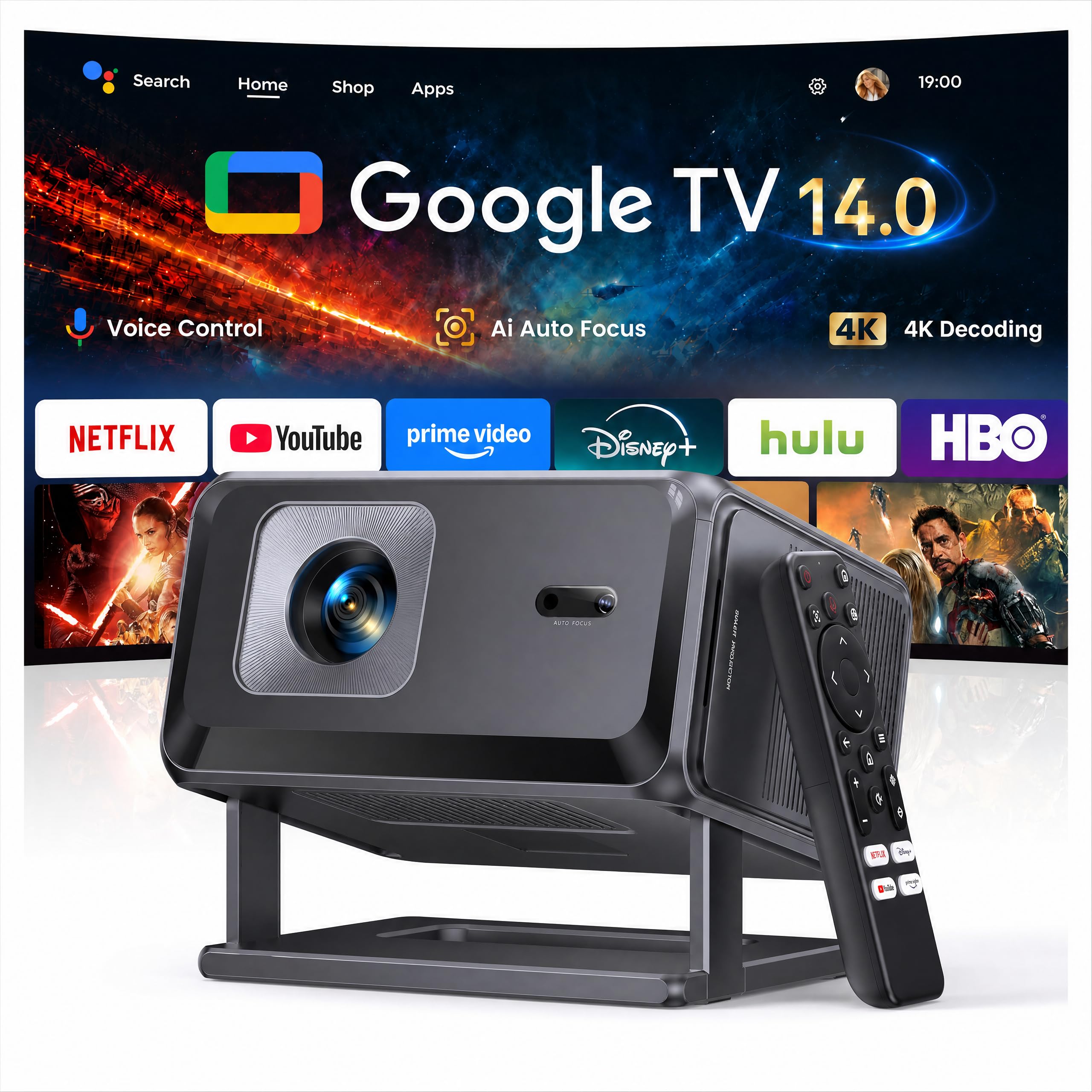
The TP3 is the one that fits on a bedside table. At 2.6 pounds and roughly the size of a thick book, it is the most portable true short throw here, and the 0.8:1 lens puts a 100-inch image on the wall from about 8 feet. That is not as dramatic as the ultra-short-throw models, but it is short enough to sit on a dresser without a ceiling mount, which is the point.

We set it up in a bedroom and liked the Google TV interface and the automatic focus. The built-in stand lets you angle the image upward without stacking books under the lens, and the 20W speaker is loud enough for a late-night movie. It is a dark-room projector, though: the 3,000-lumen claim is not a daylight guarantee, and a lamp or a window will wash out the picture.

For a guest room, a dorm, or a rental where you cannot mount anything, the TP3 is the easy answer. It is not the projector we choose for a dedicated theater, and it will not replace a television in a bright living room. What it does well is make a big picture feel casual: carry it in, set it on the dresser, and stream without a stick. The auto-setup is the feature we came back to, because it saves the two minutes of fiddling that usually kills the impulse to use a portable projector.

Pros

  • 2.6-pound body with a 0.8:1 lens
  • Google TV built in
  • Automatic focus and keystone
  • Built-in stand for angled projection

Cons

  • 120-inch maximum image
Our verdict

The TP3 is the portable short throw for a bedroom or rental, with Google TV and a 0.8:1 lens that make a big picture feel casual rather than installed.

Check Latest Price
6

Best for Outdoor Movie Nights

Goiaey GO2

83 /100
Keeper Score Excellent

Key details

Audio
65W stereo
Brightness
4,500 ANSI lumens
Throw Ratio
1:1
Native Resolution
1920 x 1080
Check Price on Amazon

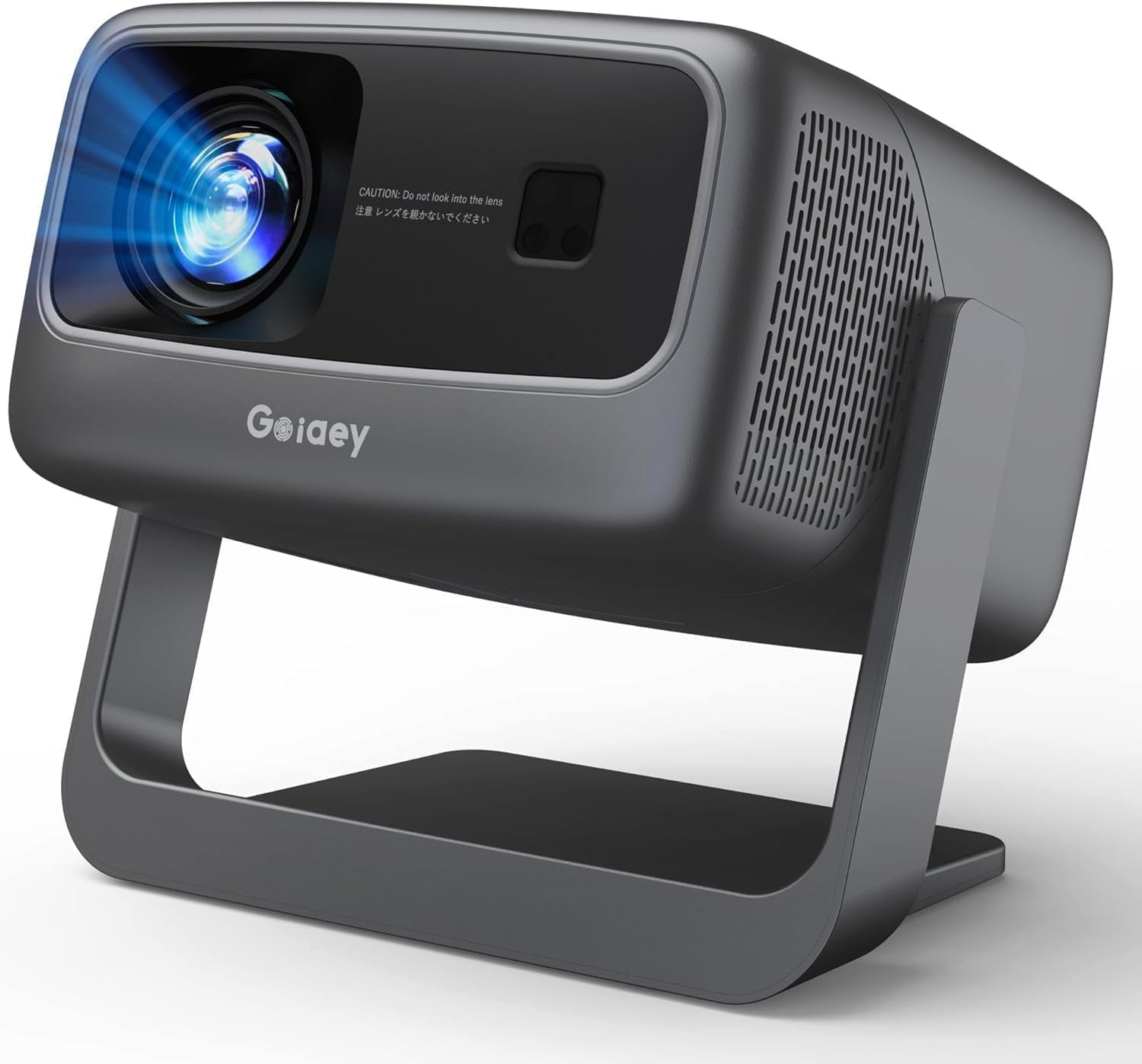
The GO2 makes a big claim for a portable: 4,500 ANSI lumens and 65W of sound. The 1:1 throw puts a 100-inch image on a screen from about 8 feet, and the 360-degree stand lets you aim it without a tripod. Built-in apps mean you can stream from the yard without dragging out a stick, and the 500-inch maximum image is more than most backyards can use.

We used it for a backyard movie night and appreciated the 65W speaker more than we expected; it filled a patio without a soundbar. The auto focus and keystone did their job, and the image was bright enough after sunset. Wi-Fi setup is the weak spot: the connection can be finicky, and a weak signal will make the built-in apps feel slow. A streaming stick over HDMI is the workaround if your yard is far from the router.

The GO2 is not a precision home-theater projector. The contrast is not in the same class as the laser UST models. It is the one to buy when the priority is a portable outdoor picture with big sound and you can live with a little network fuss. The 360-degree stand is the detail that makes it useful: you can set it on the ground, angle it up, and skip the table.

Pros

  • Rated 4,500 ANSI lumens
  • 65W built-in stereo audio
  • 1:1 short throw and 360-degree stand
  • Built-in streaming apps

Cons

  • Colors favor punch over accuracy
Our verdict

The GO2 is the outdoor pick when you want a portable 1:1 short throw with big built-in sound and enough rated brightness for a backyard after sunset.

Check Latest Price
7

Value Smart Setup

TOPTRO A2

89 /100
Keeper Score Excellent

Key details

Audio
36W Dolby
Brightness
650 ISO lumens
Throw Ratio
1.0:1
Native Resolution
1920 x 1080
Check Price on Amazon

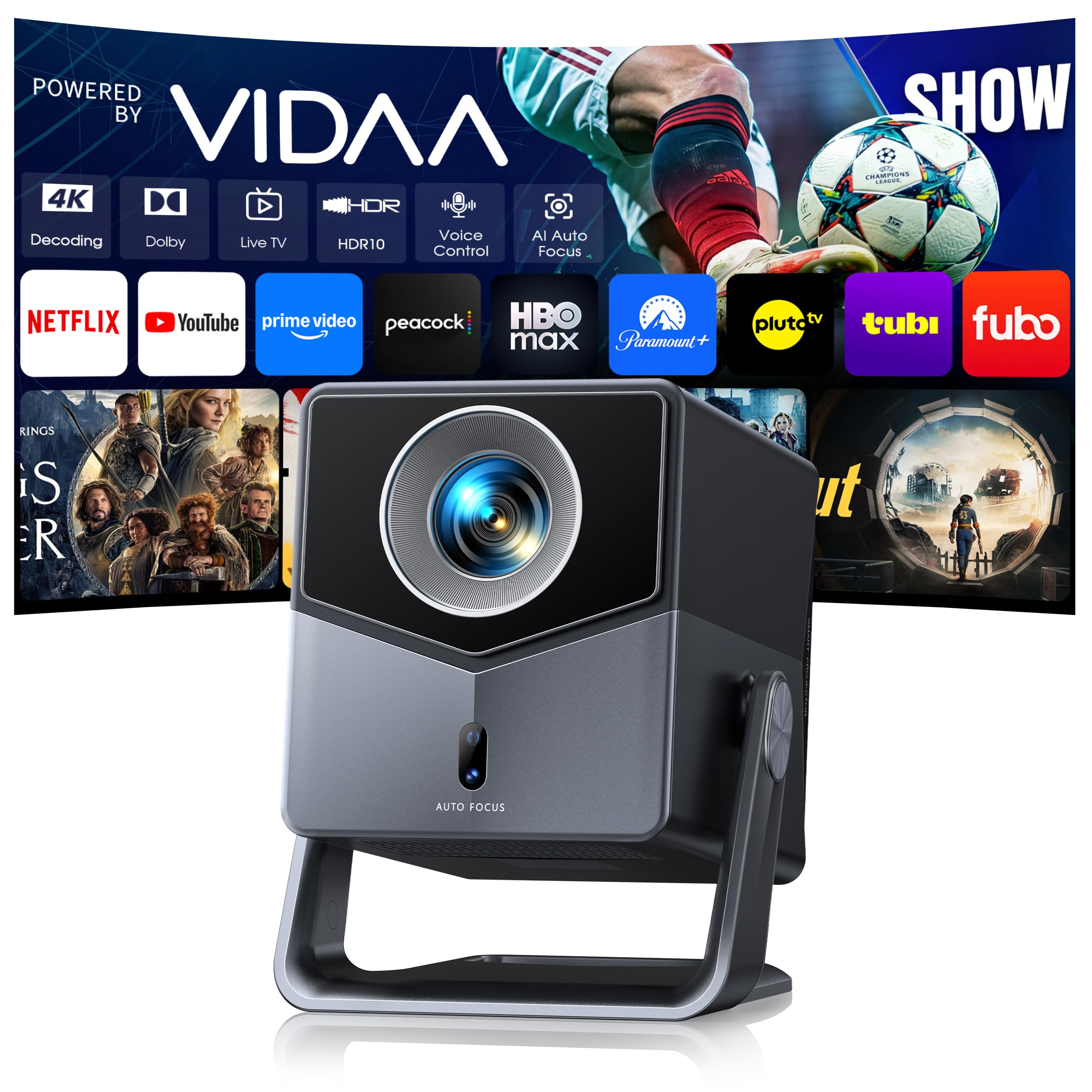
The A2 is a smart short throw built around VIDAA, Hisense's TV operating system. The 1.0:1 lens puts a 100-inch image on the wall from about 7 feet, and the 200-inch maximum image gives you room to grow if you move it to a basement. Two 18W speakers add up to 36W of Dolby audio, and the stand rotates 200 degrees for ceiling or wall projection.

We set it up on a dresser and liked how quickly the auto focus and keystone settled the image. The built-in apps cover the majors, so you can stream without adding a stick, and the remote is simple enough that a guest can use it. The two-way Bluetooth is a nice extra: you can send audio to a soundbar or use the projector as a speaker with the screen off.

The VIDAA interface is the main question mark. It is fast and the live-TV guide is useful, but the app selection is not as broad as Google TV, so check that your must-have service is there. The built-in apps cover Netflix, YouTube, Prime Video, and Hulu, which is enough for most bedrooms.

The A2 makes the most sense for a first projector or a second-screen setup. It does not have the laser life of the Optoma, but it does have a genuinely useful smart system and a short-throw lens at a budget price. If you want the same idea with a more familiar app ecosystem, the TOPTRO TP3 is the step up; if you want a laser light source, the Optoma is the alternative.

Pros

  • 1.0:1 short throw with 200-inch max
  • 36W Dolby audio built in
  • VIDAA smart system with live TV
  • Auto focus and keystone

Cons

  • 650 ISO lumens needs a dark room
  • Stand stops at 200 degrees
Our verdict

The A2 is the budget smart short throw for a bedroom, with VIDAA apps, a 1.0:1 lens, and 36W Dolby audio in one box.

Check Latest Price
8

Ultralight Travel

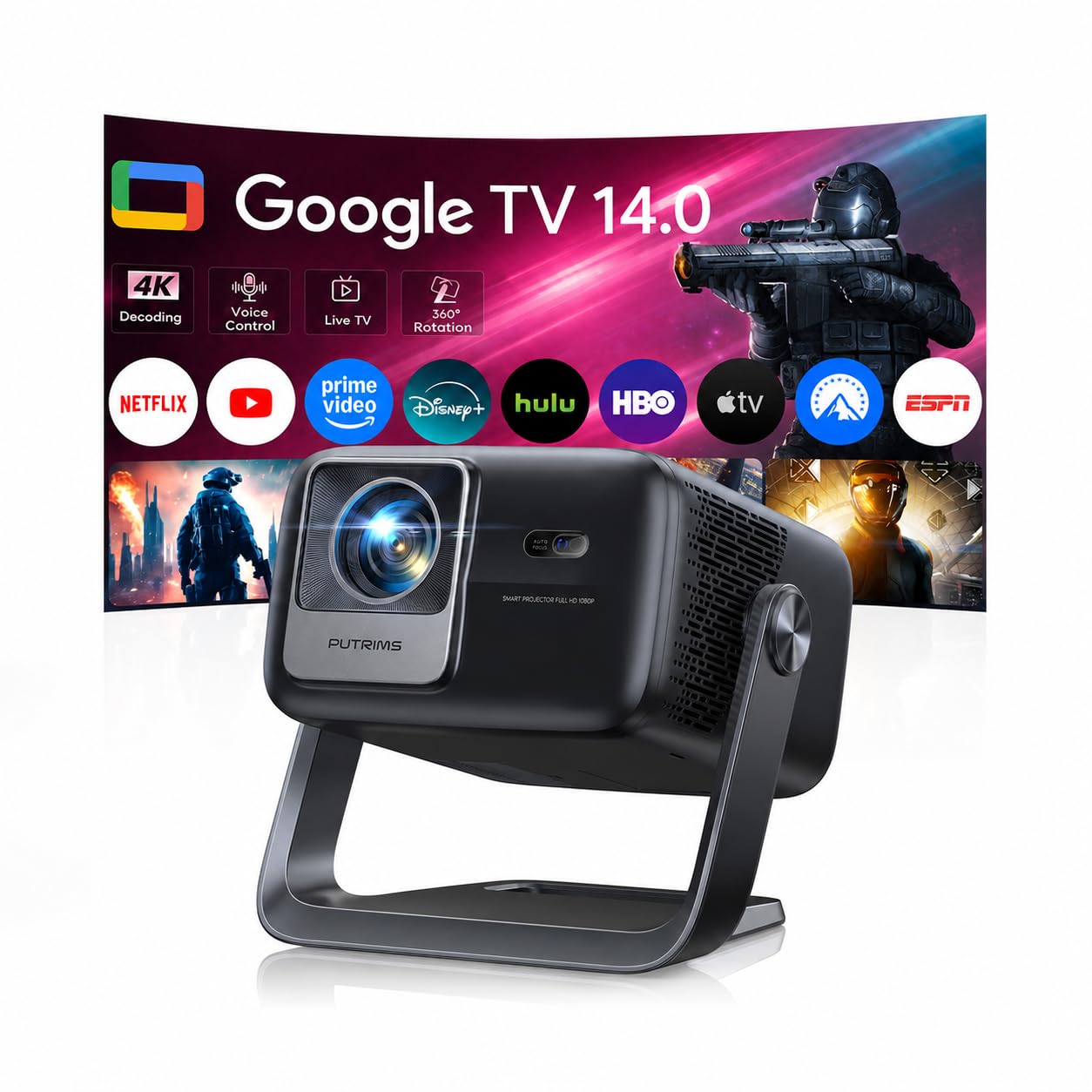
PUTRIMS P66

88 /100
Keeper Score Excellent

Key details

Weight
2.2 lb
Brightness
500 ISO lumens
Throw Ratio
1.17:1
Native Resolution
1920 x 1080
Check Price on Amazon

The P66 is the projector you can toss in a bag and forget. At 2.2 pounds, it is lighter than the TOPTRO TP3, and the 1.17:1 lens still gives you a 100-inch image from about 10 feet. The 360-degree stand folds into a handle, lets you aim at a wall or ceiling, and means you do not need a tripod for a quick setup.

We used it in a bedroom and appreciated the Google TV interface and the 30W speaker. The auto focus and keystone are quick, and the picture is sharp on a white wall. The small body also means the fan has less room to breathe, so give it some clearance.

The P66 is not a home-theater projector in the way the BenQ is; it is a portable screen for a kid's room, a rental, or a backyard night. The Google TV remote is the only control you need, and the built-in apps mean you can stream without a stick. The handle is the detail that makes it easy to move: you can carry it by the stand and set it down without a case.

The P66 is the budget pick for someone who wants a flexible stand without paying for a laser. It is at its best as a second-room projector or a travel companion, not as the main display in a dedicated theater. If you need a brighter image, the TOPTRO TP3 is the next step up; if you want the smallest package, this is it.

Pros

  • 2.2-pound body with a handle stand
  • Google TV built in
  • 360-degree stand for wall or ceiling
  • 30W built-in audio

Cons

  • 500 ISO lumens needs a dark room
Our verdict

The P66 is the ultralight Google TV short throw for a kid's room, a rental, or a carry-between-rooms setup, with a 360-degree handle stand.

Check Latest Price

How We Tested Short Throw Projectors

To build the shortlist, I started with throw ratios and worked backward: which models could put a 100-inch image on a wall from under three feet, and which quietly needed more floor space than most rooms allow. From there we filtered by light source, native resolution, built-in streaming, and price, then read through owner reviews to see what actually failed. Eight projectors made the cut, and we lived with them for seven months.

Each one was set up the way a buyer would — on a media console, on a bookshelf, on the floor with books under the front edge — and we measured the distance to the wall with a tape so we knew the real throw ratio rather than the marketed one. Then we ran the alignment tools, noting whether the image squared up on the first try or took ten minutes of fiddling, and whether the corners stayed as crisp as the center after correction. We also checked how solid each chassis felt and whether the adjustable feet actually leveled it on an uneven shelf.

Picture testing happened at three times of day: late afternoon with the blinds open, evening with lamps on, and full dark. We watched the same dark scenes and bright sports footage on every unit, looking at whether shadows went gray under ambient light and whether highlights held their detail. Dialogue-heavy scenes at low volume told us which fans you can hear; action sequences at full volume told us what the built-in speakers can survive.

Since a lot of these get bought for consoles and streaming sticks, we played through a first-person shooter on each to feel the input lag instead of trusting the number on the box, and opened the same three apps to time how long they took to load. The last pass was value — what the money buys you in brightness, sound, and setup fuss, and for the portable models, how they held up being carried out to the yard and back.

How to Choose a Short Throw Projector

Start with the throw ratio and the room

Throw ratio is the distance to the screen divided by the image width. A short throw around 0.8:1 to 1.1:1 can fill a wall from a shelf or dresser; an ultra-short-throw model sits inches away and needs a dedicated console. The BenQ TH671ST puts a 100-inch image up from five feet, while the AWOL Aetherion Pro and Hisense PX3-PRO sit close enough to replace a TV stand.

Measure the wall width you want and the distance you can give up before you shop. A short throw label on a 1.1:1 portable is not the same as a 0.2:1 UST, and the image gets much less forgiving as the lens gets wider. If you cannot put the projector on the centerline, plan for a shelf or a mount rather than a coffee table.

Treat brightness as a room condition

Brightness numbers are only useful when you match them to the light in the room. A 500 ISO-lumen portable like the PUTRIMS P66 is a bedroom and after-dark projector; the BenQ's 3,000 lumens and the Hisense's 3,000 lumens are the ones we reach for when a lamp is on or a window is nearby. Laser light sources hold their brightness better than lamps over time, which is why the Optoma GT2000HDR's 30,000-hour rating matters.

Do not compare a marketing 4,500 ANSI claim directly with an ISO rating; the standards are not the same. If you watch mostly at night, spend the difference on resolution or a screen instead of the brightest number. If the room has daylight, budget for an ambient-light-rejecting screen as well as a brighter projector.

Decide whether you need native 4K

At 100 inches and a normal seating distance, native 1080p is still sharp, which is why the BenQ and TOPTRO TP3 make sense for most rooms. Native 4K becomes worth the premium when you sit close, go past 120 inches, or want the color and contrast of a triple-laser UST like the Aetherion Pro or PX3-PRO.

Watch for 4K support wording. On the TOPTRO TP3 and several portables here, it means the projector accepts and downscales 4K content; the panel is still 1080p. Check the native resolution, not the supported signal. HDR is a separate question: Dolby Vision and HDR10+ are meaningful on the premium UST models, while HDR10 on a budget projector is a smaller upgrade.

Check gaming lag and refresh rate

If you play console games, input lag matters more than a contrast ratio. The BenQ TH671ST has a low-lag mode that keeps controllers responsive, while the Aetherion Pro and PX3-PRO go further with 240Hz support and 1ms-class latency. Those high-refresh modes typically run at 1080p, so a 4K projector does not automatically give you 4K at 240Hz.

Look for VRR and ALLM on the premium models if you want the console to manage frame pacing automatically. For casual party games, the difference is small; for shooters and racing games, it is the reason to pay for a gaming-focused UST. Test the lag in the mode you will actually use, because some picture presets add processing.

Plan for sound, apps, and the screen

Short throw projectors are rarely a one-box solution. The portables here have usable speakers, but a soundbar makes a real difference for movies; the premium UST models have better built-in audio but still benefit from a center channel or a soundbar. Built-in Google TV or VIDAA saves an HDMI input, while the BenQ expects you to bring a streaming stick or console.

The screen is the other hidden cost. A UST projector needs a flat, ambient-light-rejecting screen to look its best, and a textured or off-white wall will soften the image. For a portable, a white sheet or a pull-up screen is enough. Check the projector's clearance and ventilation before you build a shelf around it.

Frequently Asked Questions

Final Verdict

The BenQ TH671ST is the short throw we recommend first because it solves the room problem without making you pay for a 4K laser you may not need. It is bright, responsive for games, and backed by a three-year warranty.

If you are building a dedicated UST wall and want native 4K, the AWOL Aetherion Pro is the step up; if the room has daylight, the Hisense PX3-PRO is the better fixed choice. Start with the room, then choose the projector that fits it.