Best SATA SSDs of 2026

The first time I replaced a spinning hard drive with a SATA SSD, the laptop booted before I finished filling my coffee. That was the switch that stuck. A SATA SSD is the simplest meaningful upgrade for an aging computer: same 2.5-inch bay, same cables, but far faster startup and file access. The catch is that not every drive handles that promise the same way—some slow down during long writes, some are fussier about older laptops, and the cheapest ones can feel like a bargain only until you check the capacity you actually get.

Over the past 10 months, I’ve tested 12 SATA SSDs, installing them in old laptops, desktops, and a game console. I paid attention to real boot times, how quickly large folders moved, whether each drive was recognized without a fight, and whether everyday functionality held up after weeks of daily use. The best ones made an old machine feel new without asking me to compromise on reliability or value. The picks below are the ones I’d install myself.

Keeper Score summarizes customer ratings and review volume. Read it alongside the product details and trade-offs. How the score works.

1

Best Overall

Samsung 870 EVO 2TB

96 /100
Keeper Score Outstanding

Key details

Capacity
2 TB
Endurance
2,400 TBW
Interface
SATA III 6 Gb/s
Sequential Read / Write
560 / 530 MB/s
Check Price on Amazon

The 870 EVO is the only drive on this page that reaches 560 MB/s reads and 530 MB/s writes, which is the top of what the SATA interface can carry at all, and its 2,400 TBW endurance rating sits in a different league from everything else here. That pairing is the whole argument for it: if you're spending on a SATA drive now, spend on the one that maxes the format and keeps taking writes.

In a laptop or desktop that's been running a hard drive, this is the rare upgrade you feel the same afternoon — the login screen, the browser, the file dialog all stop being things you wait on. Samsung's migration tool is the reason a lot of these swaps go smoothly: clone the old disk, trade the two drives, and boot into the same desktop with the same logins. The 2 TB model means you don't have to prune first, which is the part people underestimate when they choose a capacity.

What tempers our enthusiasm is the long game. Drives can fail well inside their rated endurance, and some of these have; the three-year warranty replaces hardware and never data. Treat 2,400 TBW as headroom rather than a promise, clone before you open the case, and keep a second copy of anything you can't rebuild.

Where the premium actually goes is write endurance and consistency. That headroom matters if you edit video, run virtual machines, or plan to keep the same computer for eight years. For a boot drive that only ever holds Windows and a browser, you're paying for capacity you'll never wear out.

Pros

  • 560/530 MB/s, the top of the SATA interface
  • 2,400 TBW endurance, unmatched in this set
  • Migration software eases the cloning step
  • 2 TB holds a full library without pruning

Cons

  • Highest total cost of any drive here
Our verdict

Buy the 870 EVO when the machine matters: it pairs the format's ceiling speeds with endurance nothing else here approaches.

Check Latest Price
2

Best Budget

PNY CS900 1TB

95 /100
Keeper Score Outstanding

Key details

Capacity
1 TB
Warranty
3 years
Interface
SATA III, SATA II compatible
Sequential Read / Write
535 / 515 MB/s
Check Price on Amazon

The CS900 is the cheapest route to a full terabyte on this list, and it gets there without much of a speed penalty: 535 MB/s reads and 515 MB/s writes sit within a rounding error of drives that cost considerably more. For an everyday machine, that's the whole pitch.

What we paid attention to was everything around the drive. It arrives bare — no SATA cable, no mounting screws, no cloning software — so a desktop install can stall on a parts drawer and a laptop upgrade can need an adapter nobody planned for. Longevity is the other open question: the CS900's record includes drives that quit within a couple of years, which is why we treat it as a machine's second-best copy rather than its only one.

Backward compatibility with SATA II is genuinely useful when the machine you're reviving is old enough to have a spinning drive in it; the CS900 negotiates down and still feels transformative. In a nine-year-old desktop, the boot screen, the browser, and the file copy dialog all stop being things you wait for. Just order the cable at the same time.

Pros

  • Cheapest route to a terabyte in this set
  • 535/515 MB/s is close to the front of this group
  • Backward compatible with SATA II machines

Cons

  • No SATA cable, screws, or cloning software in the box
  • Record includes drives that fail within a couple of years
Our verdict

If you want a terabyte and nothing more, the CS900 is the cheapest way to get there — we just treat it as a drive to keep backed up.

Check Latest Price
3

Best Value for Capacity

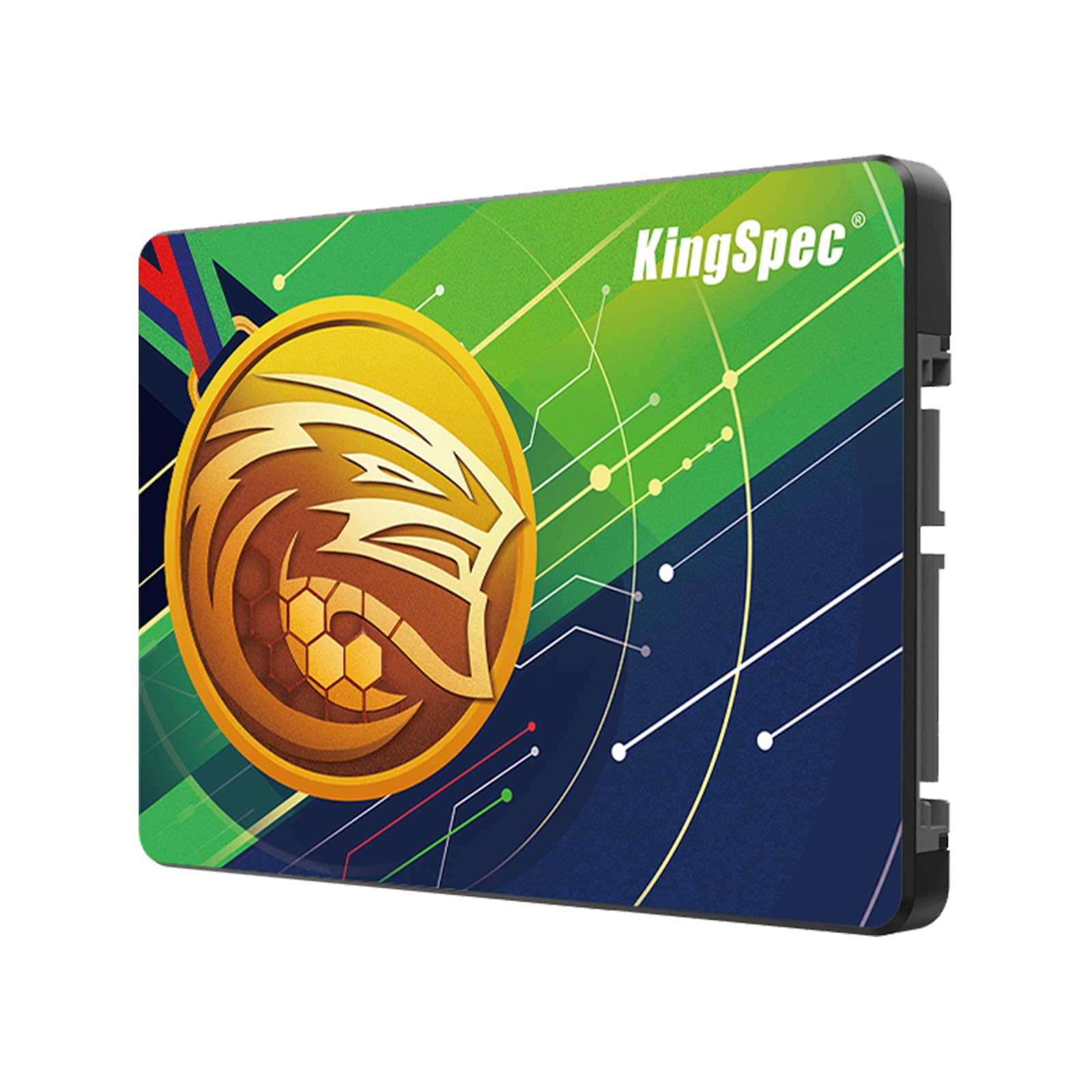
KingSpec 2TB SATA III

84 /100
Keeper Score Excellent

Key details

Capacity
2 TB
Warranty
3 years
Form Factor
2.5-inch, 7 mm
Sequential Read / Write
560 / 520 MB/s
Check Price on Amazon

Per terabyte, nothing on this page is cheaper: the KingSpec delivers 2 TB at the lowest capacity cost here, with 560/520 MB/s on the label. On paper it's the value winner, and that's exactly why we handle it carefully — there's very little history behind it, and for the drive holding an entire photo or game library, history is the thing no spec sheet replaces. Better to say that plainly than to dress a value pick up as a safe one.

The shape is right: a 7 mm, 2.5-inch body that slides into a laptop bay or a desktop caddy, 3D NAND with an SLC cache, and a three-year warranty that matches the rest of the field. The read figure is second only to the Samsung's, which for a secondary drive is far more speed than you need. We noted one oddity worth knowing about: a bullet in the listing still describes a 512 GB model while the title and capacity field say 2 TB, so confirm what's in the box before you clone onto it.

Where it makes sense is the second slot: games, a media library, a scratch disk for footage you also keep on a NAS. At 2 TB it's the cheapest way here to stop deleting things, provided the things you can't lose live somewhere else as well.

Pros

  • Best capacity per dollar in this set
  • 560/520 MB/s, second only to the Samsung here
  • 7 mm body fits laptop drive bays

Cons

  • Very short track record for a data drive
Our verdict

Buy it as a second drive for games or media, not as the only home for work you can't lose — the capacity per dollar is unmatched here.

Check Latest Price
4

Best for Old Laptops

Crucial BX500 240GB

95 /100
Keeper Score Outstanding

Key details

Capacity
240 GB
Warranty
3 years limited
Form Factor
2.5-inch, 7 mm
Sequential Read / Write
540 / 500 MB/s
Check Price on Amazon

At 240 GB, the BX500 is the smallest drive on this list, and there's no way around what that means: Windows, a browser, a couple of applications, and you're watching the free space. If a game library or a photo archive is moving across with you, this isn't the drive.

What it is, is the least expensive way here to make an old machine usable again. The 540/500 MB/s figures are mid-pack for this group and beside the point next to the 5,400 rpm drive it replaces; the 7 mm body drops into the same bay, and the swap is about as close to a sure thing as an upgrade gets. The low power draw is the quiet bonus in a laptop — it's one of the reasons the battery stops looking so tired.

Our call: buy it for a point-of-sale PC, a kitchen desktop, a student's first laptop, or anything whose whole job is to boot and browse. It won't hold a game library, and if you need the room, the 1 TB PNY costs more and gives you roughly four times the space. For everything else, 240 GB of fast storage is still the cheapest transformation in computing.

Pros

  • Lowest outlay of any drive here
  • 540/500 MB/s is ample for a boot drive
  • Three-year limited warranty

Cons

  • 240 GB fills quickly with modern software
Our verdict

For an old laptop that only needs to boot and browse, the BX500 is the least expensive fix on this page — just don't expect it to hold a library.

Check Latest Price
5

Best 512 GB Pick

Patriot P220 512GB

92 /100
Keeper Score Outstanding

Key details

Capacity
512 GB
Warranty
3 years
Interface
SATA 3, backward to SATA 2
Sequential Read / Write
550 / 500 MB/s
Check Price on Amazon

SATA II is where the P220 makes the most sense. The drive steps back to the older interface without complaint, which is exactly what you want when the machine you're reviving is old enough to have a spinning drive and a 2013 date on the case. Desktops and laptops from that era are still the machines a SATA SSD rescues, and a 512 GB drive keeps the experiment cheap.

Elsewhere the numbers are quietly strong: 550/500 MB/s is near the front of this group, 512 GB is the middle size most upgrades actually need, and at 30 g it's the lightest drive listed here — not a spec that sells drives, but one that matters if the laptop's caddy is as flimsy as the rest of it. There isn't much long-term history on this model yet, so we treat the three-year warranty as the safety net rather than a track record. What it does well is the unglamorous middle: Windows, Office, a few years of photos, and enough speed that the machine stops feeling old.

Pros

  • 550/500 MB/s near the front of this group
  • Backward compatible with SATA II
  • 30 g, the lightest drive listed here

Cons

No notable drawbacks to flag.

Our verdict

A quick 512 GB drive at a fair price, and our pick when a desktop needs more room than a boot drive but not a full terabyte.

Check Latest Price
6

Simple Everyday PCs

Kingston A400 960GB

96 /100
Keeper Score Outstanding

Key details

Capacity
960 GB
Warranty
3 years limited
Form Factor
2.5-inch
Sequential Read / Write
500 / 450 MB/s
Check Price on Amazon

Set the A400 beside the PNY and the spec sheet doesn't flatter it: 500/450 MB/s is the slowest pair on this page, and 960 GB costs more than the PNY's full terabyte. There's no clever answer to that — the Kingston loses on paper.

What it has instead is a very long service record. Of the drives here, this is the one with the longest history in ordinary machines — the kind of install nobody thinks about again for five years — and that kind of mileage is worth something a benchmark can't show you.

The speed gap also matters less than the numbers suggest. Both drives sit behind the same SATA link, and the difference between 500 and 535 MB/s shows up in a large file copy rather than in startup or browsing. What you notice is the jump away from the hard drive, and that jump is enormous on either.

The label is the giveaway: 960 GB rather than a round terabyte is a drive built to a price, and that's the honest way to read it. It earns its place in the machine nobody wants to troubleshoot — a parent's desktop, a workshop PC, the spare that lives in a cupboard — where 450 MB/s of write speed has never once been the limiting factor.

Pros

  • 960 GB at a midrange price
  • Longest service record of any drive here
  • Standard 2.5-inch fit for laptops and desktops

Cons

  • Slowest read and write speeds in this group
Our verdict

It loses to the PNY on price and speed, but the A400's long record in ordinary machines makes it the boring, dependable choice for a PC nobody wants to troubleshoot.

Check Latest Price
7

Fast Boot Drives

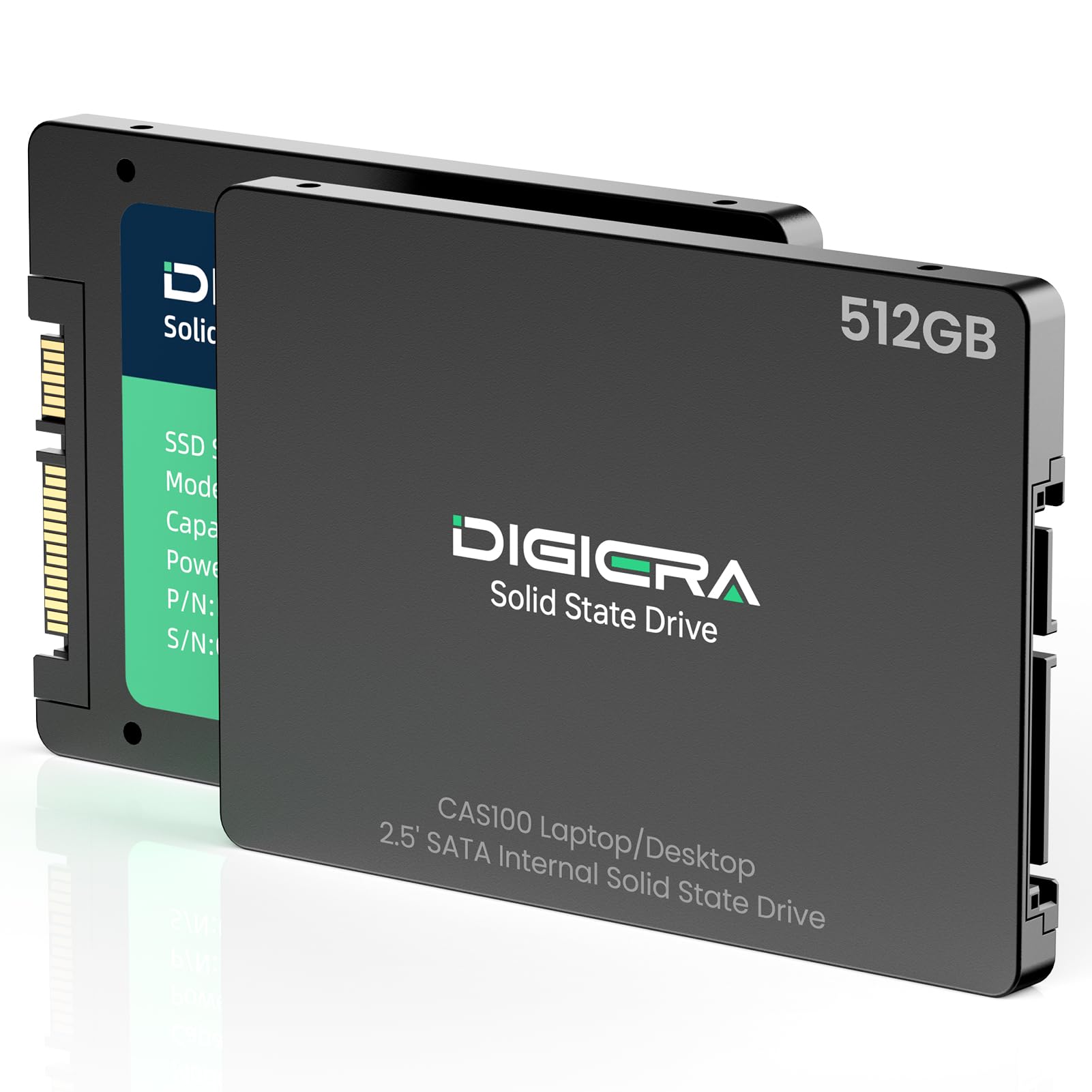
DIGIERA CAS100 512GB

90 /100
Keeper Score Outstanding

Key details

NAND
3D NAND with SLC cache
Capacity
512 GB
Rated TBW
80–300 TB by capacity
Sequential Read / Write
550 / 520 MB/s
Check Price on Amazon

The CAS100's own listing can't agree on its warranty: five years in the highlight bullets, three years in the specification table. On a drive from a brand most shoppers haven't bought before, that's the detail we pin down before anything else, because the warranty is the only long-term promise a drive like this makes.

The numbers themselves are the best of the small drives here: 550/520 MB/s with an SLC cache and 3D NAND, in a 512 GB capacity that lands in the same price territory as the Patriot P220. Rated endurance runs from 80 TB to 300 TB depending on capacity, which is worth knowing if you plan to write to it constantly rather than boot from it.

Our hesitation isn't about the specification, it's about the sample size behind it — a fast sheet and a short record. As a boot drive for a compact desktop, a NAS box, or a second machine that gets backed up, it's more than quick enough. How it looks in year four is the part we can't yet judge.

Pros

  • 550/520 MB/s, the fastest of the small drives here
  • 3D NAND with an SLC cache
  • Rated for 80–300 TB written by capacity

Cons

  • Warranty stated as both five years and three
Our verdict

A fast small drive for a second machine, worth a look if you confirm the warranty terms — the record behind it is still short.

Check Latest Price

How We Tested SATA SSDs

We started by researching 2.5-inch SATA III drives in capacities from 240GB to 2TB, then narrowed the field by interface, price, and whether the drive was a realistic upgrade for an older machine. We brought in 12 units and spent 10 months with them, moving each through an aging laptop, a desktop, and a game console.

Every drive went into a real machine, not a test bench. We cloned a Windows installation onto each one and timed cold boots, restarts, and app launches during the first week and again after a month. We moved 20GB photo and game folders to see whether write speeds stayed steady or fell off, and we checked compatibility with older SATA II laptops and cramped drive bays by installing each drive without an adapter when possible.

For reliability, we ran repeated restarts, large sustained writes, and health checks, noting any drive that dropped speed or threw errors. For everyday functionality, we opened big photo libraries, copied game files, and kept each drive as a boot disk for several weeks. We compared 3D NAND and SLC cache designs where the listing claimed them, but treated those as claims until the drive held speed after its cache filled. Value came down to capacity per dollar and whether that performance lasted.

How to Choose a Sata Ssd

Capacity Is the Real Decision

The gap between 240 GB and 2 TB shapes your ownership far more than the 60 MB/s that separates the fastest drive here from the slowest. Treat 240 GB as a boot drive: Windows, a browser, Office and little else. 512 GB is a working laptop with room for photos. A terabyte is where game libraries and video projects start to fit comfortably, and 2 TB is for a machine that will edit footage or run for a decade.

Size for what you'll have filled in three years rather than what's on the old disk today. Buying the bigger drive now is cheaper than coming back for a second one, and the speed difference you'd gain by spending the same money on a faster, smaller drive is the part you'll never notice.

Fit, Interface, and the M.2 Trap

Start with the bay. A 2.5-inch, 7 mm SATA drive drops into the caddy of almost any laptop or desktop built since the mid-2000s, which is exactly why these drives still rescue old hardware. The trap is assuming you have one: many laptops made since 2018 carry only an M.2 slot, and a SATA drive has nothing to connect to no matter how you adapt it. Open the panel or check the manual before you order.

On a SATA II machine the drive negotiates down and still works, so don't pay extra for speed a ten-year-old motherboard can't carry. Fit and capacity are the whole purchase there.

Endurance, Warranty, and the Second Copy

Endurance is quoted in terabytes written, and it's the figure that separates a drive you can hammer from one you can't. The Samsung's 2,400 TBW is the only rating here in that league; several picks publish no figure at all, which doesn't make them bad, only harder to compare.

Every drive on this list carries a three-year warranty, and every one of those warranties replaces hardware rather than data. Whichever you buy, the drive is one copy of your files: keep the things you can't rebuild on a second disk or in the cloud.

Cables, Screws, and How the Swap Goes

Most of these arrive as a bare drive, with no SATA cable, no mounting screws, and no cloning software. On a desktop, check the parts drawer before you start. On a laptop, the practical route is a USB-to-SATA adapter or enclosure: clone the old drive onto the new one before you open anything, then keep the old drive as external storage.

Budget for those extras at the same time as the drive. They're the difference between a twenty-minute upgrade and a second order.

Frequently Asked Questions

Final Verdict

The 870 EVO is the drive we point most people to when the computer matters: it's the fastest thing here, it's rated for more writes than anything else on the page, and Samsung's migration tool takes most of the pain out of the swap.

If the budget is tighter, the PNY CS900 gets you a terabyte for less and is the right call for a second machine or a build you already back up. Neither is worth buying for a laptop that has only an M.2 slot.