Best Portable Monitors of 2026

A second screen should earn its place in your bag, not become the thing you leave at home because it is heavy or fussy to connect. Portable monitors promise a real desktop away from your desk, but the gap between a good one and a merely portable one shows up fast: dim panels, floppy kickstands, and cable setups that need an adapter you don't have. I spent six months with eight portable monitors at kitchen tables, hotel desks, and on the couch, and the difference came down to picture quality, setup, connectivity, and reliability after being packed and unpacked.

The best models get the basics right: a bright, sharp screen; a stand or cover that holds its angle; and USB-C or HDMI connections that work without a dongle relay. Missing HDMI cables and flimsy USB-C cords can quietly erase the value of a lower-priced monitor. Portability is not just weight; it is whether the monitor survives a commute and whether the cover protects the panel in a backpack. The picks below are the ones I would carry.

Keeper Score summarizes customer ratings and review volume. Read it alongside the product details and trade-offs. How the score works.

1

Best Overall

cocopar Y156FH7S

96 /100
Keeper Score Outstanding

Key details

Screen
15.6 in, 1920 x 1080
Mounting
VESA holes
Brightness
280 nits, matte
Color Coverage
85% sRGB
Check Price on Amazon

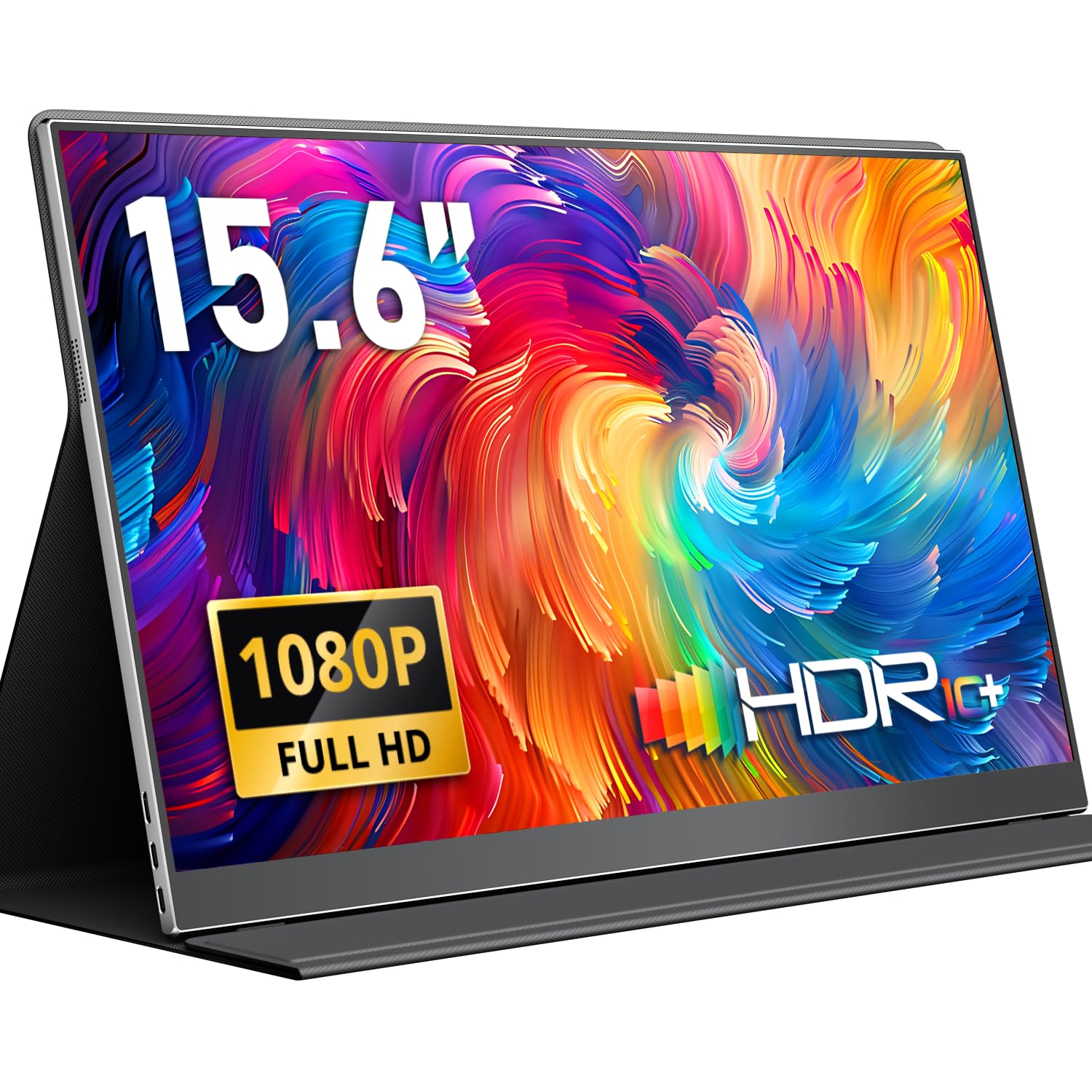
Most portable monitors here stand on the same folded cover, and most of those covers are a compromise: one fixed angle and a panel that shifts the moment you tap it. cocopar's magnetic cover is the one in this group we trust with a finger on the screen. It holds its angle, folds flat against the panel for the trip, and it doesn't ask for a second hand to keep it steady.

The panel earns the rest. At 15.6 inches and 1920 x 1080 it matches most of the field on paper, but the figures that affect what you actually see are better than most: 85% sRGB coverage on a 280-nit matte screen. Text looks clean at this pixel density, and retouching a photo on the road is realistic rather than hopeful. It's a 60Hz panel with FreeSync, so it's a work screen rather than the gaming pick.

Two full-function USB-C ports and a mini-HDMI cover the connection question, and the box includes USB-C to USB-C, USB-A to USB-C, and an HDMI cable, so a laptop without DisplayPort Alt Mode still works. There's a headphone jack, a two-year warranty, and threaded holes on the back for a VESA mount.

What the extra mass buys is a screen that doesn't flex when you pick it up by a corner; this is the panel here that feels least like a spare part. And the VESA holes are the detail we keep coming back to. Bolt it to an arm at home and it stops being a travel accessory and starts being a monitor.

Pros

  • Cover stand holds its angle
  • 85% sRGB suits photo and video review
  • VESA holes for an arm or wall
  • Three cables and a two-year warranty

Cons

  • Heavier than the 1.5 lb budget panels at 2.4 lb
Our verdict

The screen we recommend to most people: a cover that holds still, color you can edit photos on, and two years of cover.
Check Latest Price
2

Best Budget

MNN 15.6 Portable Monitor

88 /100
Keeper Score Excellent

Key details

Ports
2 x USB-C, mini-HDMI
Screen
15.6 in, 1920 x 1080
Weight
1.5 lb
Brightness
300 nits
Check Price on Amazon

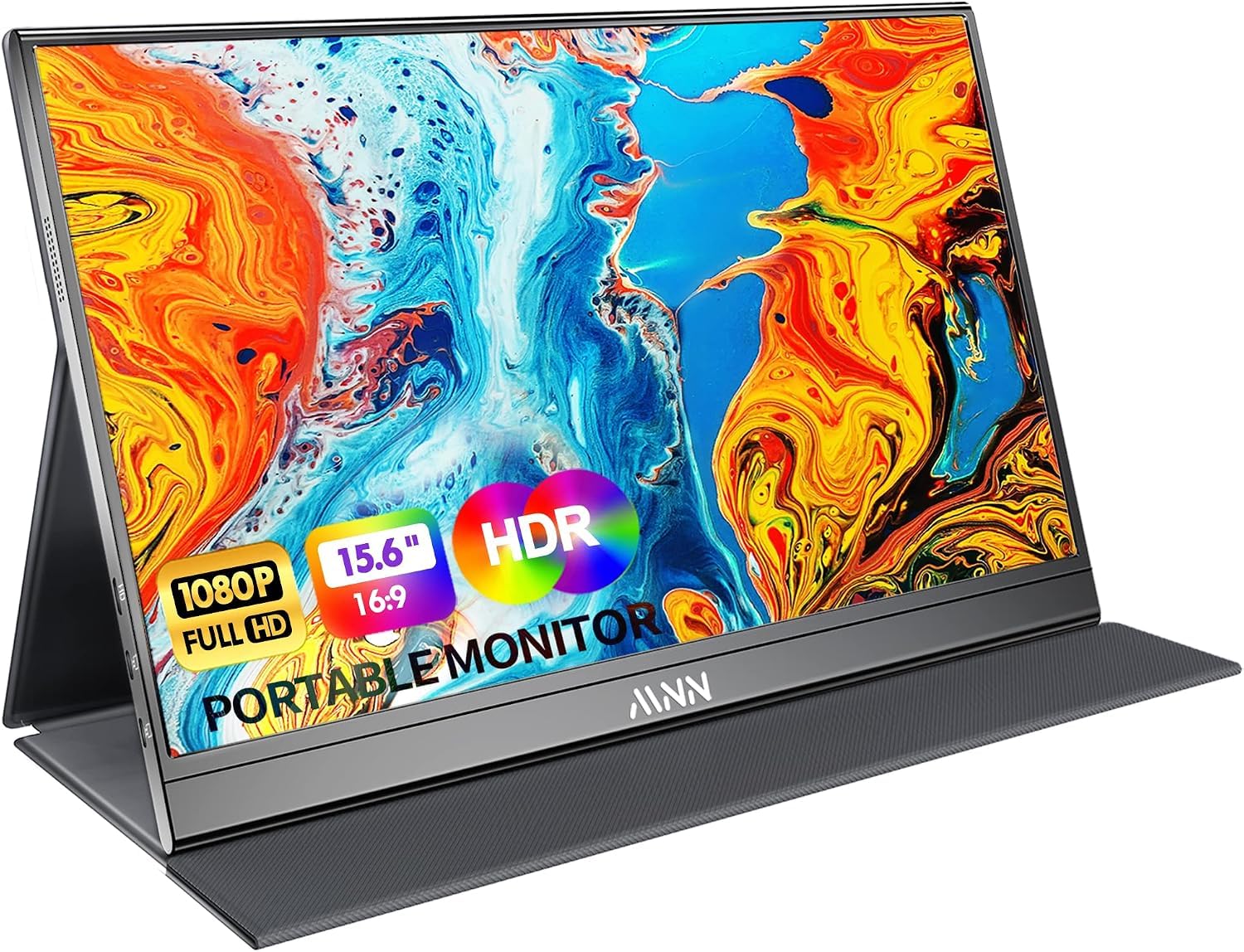
Two numbers explain the MNN: 300 nits and 1.5 pounds. Both sit at or near the front of this group, and neither is what the lowest price here would lead you to expect. Put it next to a laptop and the brightness gap is the first thing you notice; this panel holds its own beside a bright screen instead of looking like a dim afterthought.

The cover is where the savings land. It props the panel at a fixed angle and slides when you push the top edge, so we leaned it against the laptop or dropped a small folding stand behind it. At this price that's a fair place to have spent less: the money went into the panel and the ports rather than the hinge.

Those ports are two full-function USB-C connections plus mini-HDMI, with a one-meter cable for each in the box, and the warranty runs two years, longer than several pricier screens here. Low blue light and FreeSync are along for the ride. For a display that lives in a bag and gets used in whatever light the room offers, that's more than the price suggests.

Pros

  • 300-nit panel for the money
  • 1.5 lb and slim enough for a laptop sleeve
  • Two full-function USB-C ports plus mini-HDMI
  • Two-year warranty

Cons

  • Speakers are thin and quiet
Our verdict

The budget answer: 300 nits and 1.5 pounds at the lowest price tier here, with a two-year warranty behind it.

Check Latest Price
3

Best for Gaming

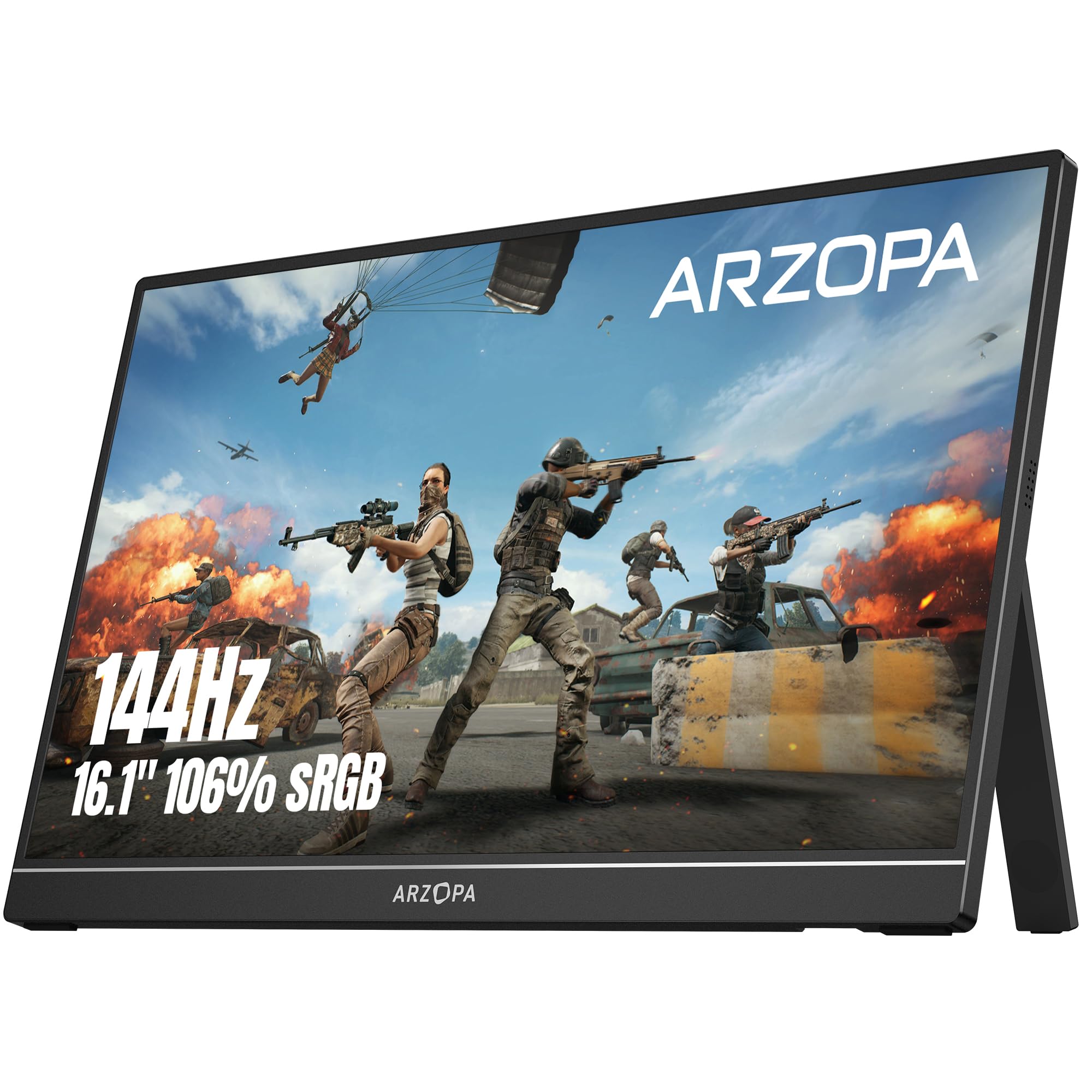
ARZOPA Z1FC

88 /100
Keeper Score Excellent

Key details

Screen
16.1 in, 1920 x 1080
Weight
3.13 lb
Refresh Rate
144Hz
Color Coverage
106% sRGB
Check Price on Amazon

144Hz is the headline, and on a 16.1-inch panel it isn't a marketing number: scrolling text, a racing game, or a handheld pushing high frame rates all look smoother here than on anything else in this group. The 106% sRGB coverage is the more surprising figure. This is a gaming panel that also has room for color work.

The built-in kickstand beats a folded cover on a desk or a hotel table, because it adjusts in steps and doesn't slide. What it costs is weight: at 1.42 kg the ARZOPA is the heaviest screen here, and it's the one you feel at the bottom of a backpack next to a laptop.

Two full-function USB-C ports and mini-HDMI cover a laptop, a Steam Deck, a Switch dock, and a console without adapters, and the two-year warranty is longer than most here. Treat it as a panel that travels in its sleeve rather than loose in a bag. A thin 16-inch screen doesn't enjoy being flexed, and the glass is the part that gives when a bag gets overpacked.

Pros

  • 144Hz refresh with 106% sRGB
  • Kickstand adjusts without a cover
  • Two-year warranty

Cons

  • Heaviest panel here at 1.42 kg
  • Panel needs its sleeve in transit
Our verdict

For gaming and high-frame-rate handhelds, the 144Hz panel and 106% sRGB coverage make this the most capable screen in this group.

Check Latest Price
4

Best for Tripod Mounting

MSI Pro MP165 E6

88 /100
Keeper Score Excellent

Key details

Weight
1.72 lb
Mounting
1/4-inch tripod socket
Warranty
3 years
Thickness
1.38 cm
Check Price on Amazon

A quarter-inch tripod socket on the back of a monitor sounds like a niche detail until you've tried to get a second screen to eye level on a hotel desk. Screw the MSI onto a travel tripod or a clamp arm and it sits where you want it, at whatever height, with nothing to prop or wedge.

That's both the appeal and the boundary. For anyone who already owns a tripod, an arm, or a 75 x 75 VESA mount, this is the most flexible screen in the group and the lightest at 0.78 kg. It disappears into a bag and reappears wherever you can clamp it.

The rest is quietly sensible: TÜV Rheinland low blue light and flicker-free certification, a 2000:1 contrast ratio that makes dark interfaces easier to read, L-shaped right-angle cables that sit flat against the side, and a three-year warranty. The panel is 60Hz and color coverage isn't its selling point, so buy it as a work screen rather than an editing or gaming one.

Pros

  • 1/4-inch tripod socket plus VESA 75
  • 0.78 kg, the lightest screen here
  • L-shaped cables and a pouch included
  • Three-year warranty

Cons

  • No stand in the box
Our verdict

Buy it if you mount your screens: a tripod socket, 0.78 kg, and three years of cover make this the most adaptable panel here.

Check Latest Price
5

Best Built-In Stand

Lenovo L15

82 /100
Keeper Score Excellent

Key details

Stand
Height-adjustable hinge
Finish
Glossy
Warranty
1 year
Brightness
250 nits
Check Price on Amazon

Every other screen here stands on a folded cover or a kickstand. The Lenovo has a hinged stand with height adjustment, which reads like a small upgrade until you've spent a day looking down at a panel propped at one angle. Set it at eye level and the end of the day feels different.

The 15.6-inch panel is the compromise. At 250 nits with a glossy finish it's dim and reflective enough that a window seat sends you hunting for another table, though in a hotel room or on a desk it's perfectly pleasant, and the 178-degree viewing angle means two people can watch without arguing over the sweet spot.

Two USB-C ports carry power and video, the panel is flicker-free, and the warranty runs a single year. It's also the priciest screen here, and the premium buys you a hinge rather than a brighter panel. For a setup that stays put, that's an easy trade to defend.

Pros

  • Hinged stand adjusts for height
  • Flicker-free panel
  • Two USB-C ports

Cons

  • Glossy 250-nit panel in bright rooms
  • One-year warranty
Our verdict

For a screen that stays on a desk or a hotel table, the height-adjustable stand earns its premium over the folding-cover competition.

Check Latest Price
6

Basic Second Screen

Yodoit PTM15

91 /100
Keeper Score Outstanding

Key details

Thickness
0.43 in
Brightness
300 nits
Color Gamut
45
Cables Included
USB-C and mini-HDMI
Check Price on Amazon

The number to look at on the Yodoit is 45, the color gamut figure, and it's narrow enough that a photo looks slightly off beside the same file on a laptop. That rules this panel out for retouching or grading video. For text, code, email, and a reference window it makes no difference at all, and that's what most second screens are asked to do.

Everything else is right for the money. The 15.6-inch IPS panel is matte and rated at 300 nits, the same brightness as screens further up this list, in a body 0.43 inches thick. A USB-C to USB-C cable and a mini-HDMI to HDMI cable both come in the box with a smart cover, and there are dual speakers for the occasional call.

It's the cheapest panel here, and the one we point at when the job is a spreadsheet and a browser rather than a photograph. The cover props it at a fixed angle like most budget options, and the brightness is the real reason to pick it over the other inexpensive screens in this group.

Pros

  • 300-nit matte panel
  • USB-C and mini-HDMI cables included
  • Dual built-in speakers

Cons

  • Narrow color coverage
Our verdict

A bright, cheap second window for text and email, with color coverage too narrow for photo work.

Check Latest Price
7

Long Warranty Cover

AOC 16T20

90 /100
Keeper Score Outstanding

Key details

Finish
Glossy, 250 nits
Screen
15.6 in, 1920 x 1080
Weight
1.5 lb
Warranty
3 years
Check Price on Amazon

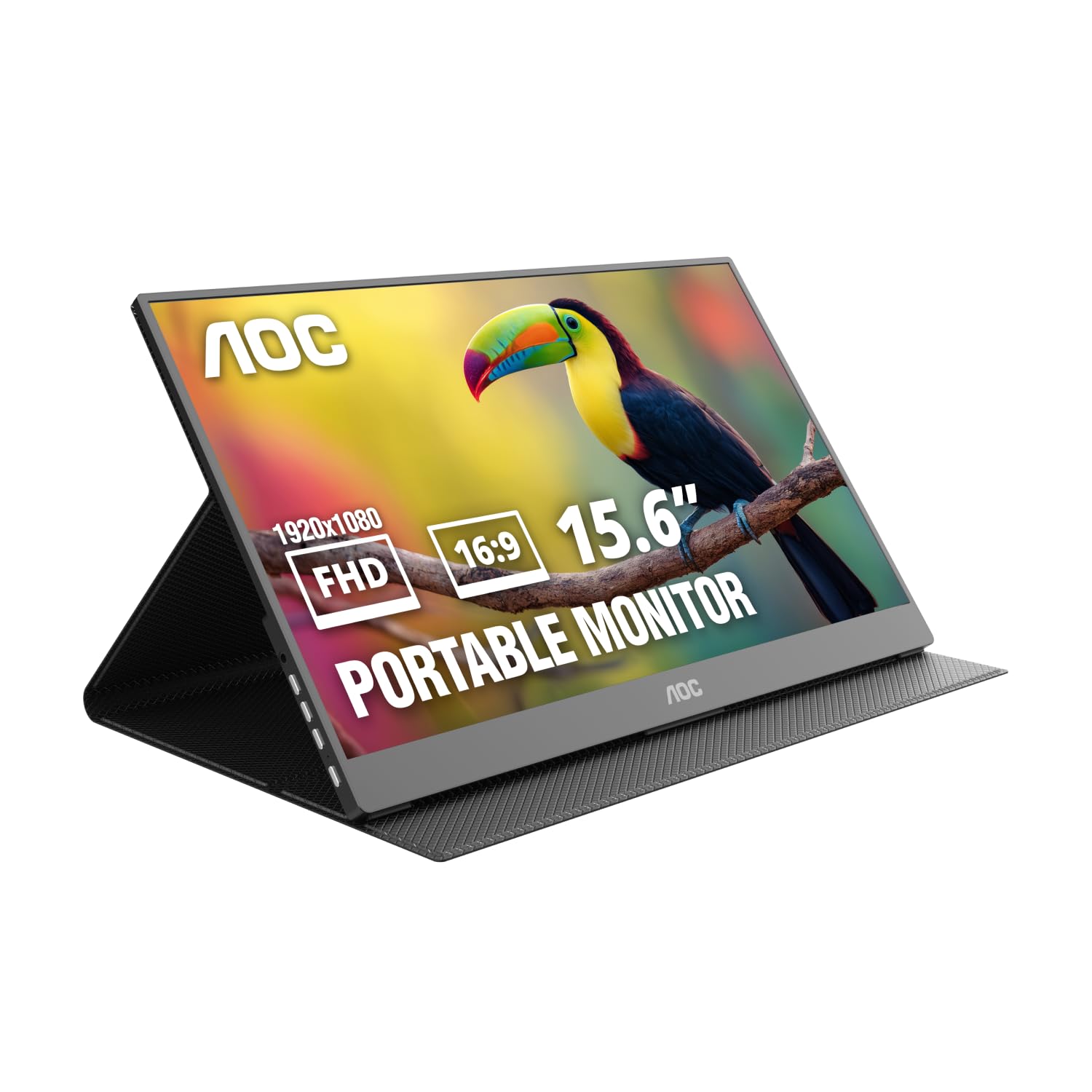
Twenty milliseconds is the response time, and it's the first figure a shopper sees and the last that matters: for documents, spreadsheets, and video calls it's invisible. What does matter is the three-year warranty, the longest cover in this group alongside the ViewSonic, and the reason the AOC earns a place here.

The rest is conventional in a reassuring way: a 15.6-inch 1080p IPS panel at 250 nits, dual USB-C and mini-HDMI, VESA holes for an arm, and 1.5 lb that vanishes into a laptop bag. It's a monitor from a display maker and it behaves like one, with nothing to configure beyond brightness and input.

Pros

  • Three-year warranty
  • 1.5 lb and VESA mountable
  • Dual USB-C plus mini-HDMI

Cons

  • Glossy screen shows reflections
Our verdict

The pick when warranty matters more than the panel: three years of cover on a competent, unfussy second screen.

Check Latest Price
8

Worry-Free Travel

ViewSonic VA1653

83 /100
Keeper Score Excellent

Key details

Stand
Fold-out, built in
Warranty
3 years
Brightness
250 nits, matte
Cables Included
USB-C only
Check Price on Amazon

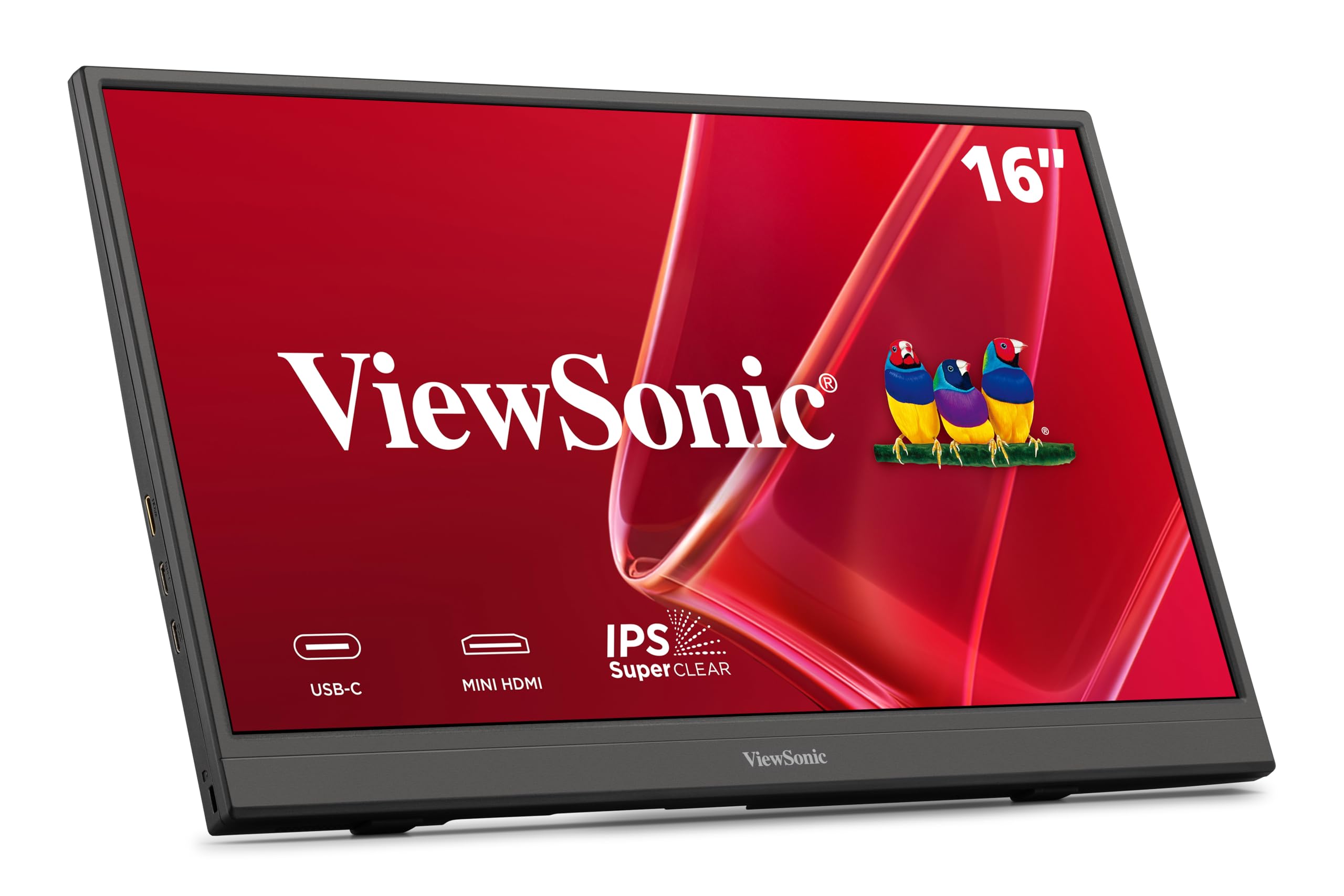
The stand on the ViewSonic folds out of the back of the panel. Nothing to detach, nothing to lose, nothing left on a hotel bed: a small design decision that removes the most common failure of the folding covers in this group.

The panel is a 15.6-inch 1080p IPS unit with a matte, anti-glare finish at 250 nits. That's a work screen, fine for documents, browser windows, and video, and dim enough that direct sun will wash it out. The 7ms response time is irrelevant at 60Hz, which is rather the point.

One USB-C cable carries video and power, and the port supports two-way power delivery, so a laptop with a strong enough port drives the screen without a second cable. A mini-HDMI port covers older machines. The sleeve it ships with is genuinely useful, and the 1.5 lb body slides into a laptop bag beside the machine.

What earns it a place is three years of limited warranty and US-based support, matching the AOC for the longest cover here. Nothing about it is exciting and everything about it is sensible, which is a fair description of what most people want from a second screen they'll knock around in a bag.

Pros

  • Fold-out stand built into the panel
  • Three-year limited warranty
  • Matte anti-glare finish
  • Ships with a protective sleeve

Cons

  • USB-C cable only in the box
Our verdict

Three years of cover and a stand that can't get lost make this the low-drama choice for travel.

Check Latest Price

How We Tested These Portable Monitors

To build the shortlist, we started with the portable monitors shoppers actually compare: 15- to 16-inch 1080p models with USB-C and HDMI inputs, built-in speakers or a smart cover, and enough brightness for work away from a window. We filtered out listings with vague port specs, missing accessory details, and stands that looked too flimsy to survive a bag, then bought eight units to test for six months.

Each monitor moved between a kitchen-table work setup, a hotel desk, a backpack commute, and a couch gaming session. I timed how long the first connection took, noted whether USB-C carried video and power in one cable, and checked whether HDMI or mini HDMI required an adapter. I also kept every included cable in a pouch, tracked which monitors needed extras to match the boxed experience, and listened to the built-in speakers on a video call.

On screen, we looked at text sharpness in documents and spreadsheets, brightness and glare in a bright room, color in photos and video, and motion in games. We adjusted each stand or cover through its full range and noted whether it held its angle on a lap or an uneven table. At the end of each week, I packed the monitor back into a backpack and checked the panel, corners, and cover for scuffs or flex. Value came down to what shipped in the box and whether a lower price still meant a reliable screen after six months.

How to Choose a Portable Monitor

Start With the Connection, Not the Panel

The one-cable promise depends on your laptop's USB-C port carrying DisplayPort Alt Mode and enough power to run the panel. Most recent laptops do; a charging-only port does not, and the symptom is a screen that flickers, drops out, or never wakes. If that describes your machine, plan on mini-HDMI for video plus a USB-A or wall connection for power.

Check the box carefully as well. Several panels here ship with a USB-C cable only, and a missing mini-HDMI cable is an easy thing to discover you need at a hotel desk with no spare. The cocopar and MSI packages include the cables; the ViewSonic makes you supply your own.

Brightness and Finish Decide Where You Can Work

Everything here sits between 250 and 300 nits, which is laptop territory rather than living-room territory. The 300-nit panels, like the MNN, the Yodoit, and the ARZOPA, hold their own beside a bright laptop screen. A 250-nit glossy panel, like the Lenovo or the AOC, shows you the window behind you.

Matte finishes scatter reflections and are the safer choice for a cafe or a train, while gloss looks better in a dim room. If you work near a window, brightness and a matte coat are worth more than any other line on the spec sheet.

The Stand Is the Part You'll Fight With

A folding cover is the default: free, protective, and stable only at the angle it was designed for. If you tap and scroll on the second screen, budget for something better, whether that's a hinged stand like the Lenovo's, a fold-out leg like the ViewSonic's, or VESA holes and a small arm.

The MSI skips the stand altogether and gives you a quarter-inch tripod socket, which is ideal if you already own a tripod and wrong if you don't. Decide how the screen will stand before you compare panels, because it's the part that decides whether the monitor actually gets used.

Match the Panel to the Work, Not the Marketing

Color coverage separates a general-purpose screen from an editing one. The Yodoit's 45 figure is fine for email and rough for photographs, while the cocopar at 85% and the ARZOPA at 106% sRGB can be trusted for review work. Refresh rate works the same way in reverse: 144Hz on the ARZOPA changes how a game feels and does nothing at all for a spreadsheet.

Buy the panel that matches the task you do most and don't pay for the other one. A gamer who only reads documents is paying for a refresh rate they'll never see.

Warranty and Support Are Part of the Price

Cover runs from one year to three across this group, and it's the cheapest insurance you'll get on a thin panel that lives in a bag. The AOC and the ViewSonic both cover three years; the Lenovo covers one. The MSI and the cocopar sit in between at two.

Longer cover doesn't make a panel better, but it changes what a failure costs you, and on a device this exposed to knocks that's worth weighing against a slightly brighter screen or a nicer stand.

Frequently Asked Questions

Final Verdict

cocopar's 15.6-inch takes the top spot because nothing else here puts a steady stand, honest color, and a two-year warranty into one package. If you want the screen you stop thinking about, that's the one to order.

Two requirements change the answer. If the lowest price decides, the MNN gives you 300 nits and 1.5 pounds in the same size. If you mount rather than prop, on a tripod, a clamp arm, or a VESA plate, the MSI's tripod socket and 0.78 kg body beat everything here for that job.