Best Overall
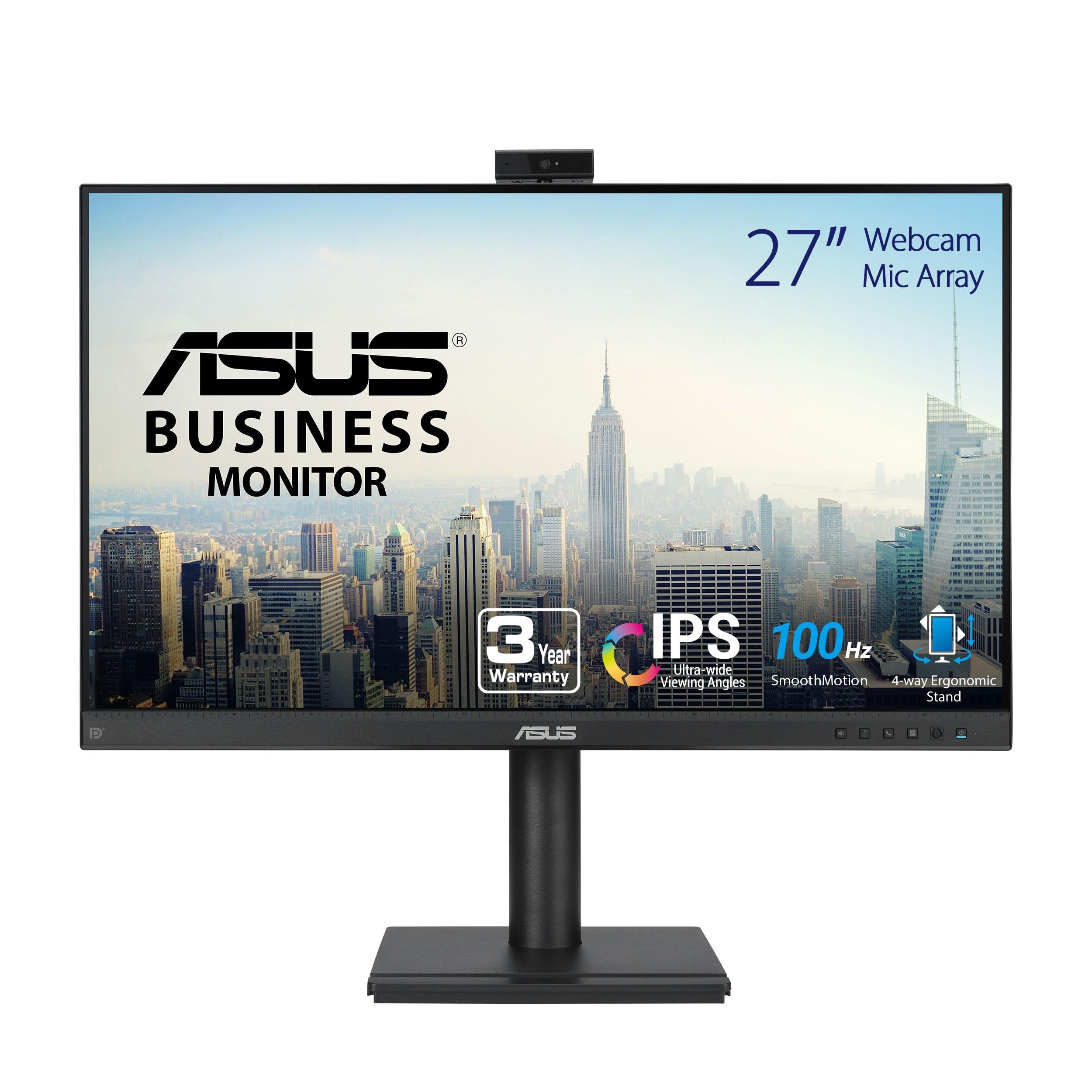
ASUS BE27ACSBK
Key details
- Panel
- 27-inch 2560 x 1440 IPS
- USB-C
- 80W power delivery, DisplayPort daisy-chain
- Webcam
- 1080p built-in with mic array
- Refresh Rate
- 165Hz
A 27-inch 1440p panel, an 80-watt USB-C connection, and a webcam in the same frame: that combination is why this is the monitor we point people to first. One cable from a laptop carries the picture, tops up the battery, and runs the camera and microphone, which means the dock you were budgeting for separately is already inside the screen.
Resolution is what settles it for us. At 27 inches, 2560 x 1440 keeps a spreadsheet, a chat window, and a call gallery legible side by side; 1080p stretched to the same size starts to look soft around the letters. It also carries the fastest panel in this group at 165Hz, and scrolling a long document on it is noticeably calmer than on a 60Hz screen.
The camera is a plain 1080p unit — no pop-up mechanism, no 5MP sensor — and that's the right trade at this level. It's sharp enough for a meeting, and it's paired with an AI noise-canceling mic array that does more for how you sound than another megapixel would. Four USB 3.0 ports and DisplayPort daisy-chaining are the quiet luxuries: the screen can sit at the center of the desk instead of at the end of a cable snake.
One setup note that applies to every monitor here: the camera lives in the bezel, so raising the panel raises the shot. Set the top third of the screen at eye level and this one frames you properly without a stack of books underneath. If you dock a laptop at a desk most days, that's the whole argument for buying it.
Pros
- One USB-C cable carries video, USB, and 80W charging
- 2560 x 1440 keeps a 27-inch panel crisp
- Fastest panel in this group at 165Hz
- Four USB 3.0 ports plus DisplayPort daisy-chaining
Cons
- Glossy screen reflects windows and lamps
- 23.6 pounds needs a sturdy arm
Our pick for most desks: a crisp 1440p panel, a workable camera, and laptop charging, all over a single USB-C cable.