Best Webcams for Mac of 2026

The built-in camera on a MacBook is fine for a blurry Friday happy hour and not much else. The morning I spent a client call as a backlit silhouette — window behind me, face the color of a boiled egg — I ordered an external webcam before the meeting ended. A good one fixes two things: it lets in more light, and it sits where you can actually angle it.

Resolution is the least interesting number on the box. A 4K camera with a small sensor still smears you at 8 p.m., and a 1080p model with honest light correction can beat it at 9 a.m. Over four months, my team and I tested 12 webcams on MacBook lids, desktop monitors, and one teetering stack of books, and the differences showed up in low light and autofocus long before they showed up in megapixels.

Compatibility is the other quiet trap: most of these are plug-and-play over USB-C with nothing to install, but a few want an adapter or a software download before color and autofocus settle down. The picks below cleared that bar.

Keeper Score summarizes customer ratings and review volume. Read it alongside the product details and trade-offs. How the score works.

1

Best Overall

Logitech C920x

93 /100
Keeper Score Outstanding

Key details

Focus
Autofocus
Video
1080p at 30 fps
Connection
USB-A
Field Of View
78 degrees
Check Price on Amazon

Seventy-eight degrees is the number that makes the C920x the camera we hand to most people. At a normal desk distance from a 24- or 27-inch screen it frames head and shoulders with a little of the room around you, which is the difference between looking like you sat down for a meeting and looking like a passport photo. Autofocus holds that frame when you lean back or hold something up to the lens.

Nothing needs installing before your first call. macOS sees it, Zoom, Teams and Meet all list it, and the dual mics carry a normal speaking voice without a headset. We keep coming back to it because it asks nothing of you: no app to open, no profile to select, no settings to remember at nine in the morning.

The connector is the part to check before ordering. It is a USB-A camera with a fixed cable, which is fine on an iMac, a Mac mini or a Mac Studio and mildly annoying on a MacBook Air, where it means a hub or an adapter. On a USB-C-only laptop, plan on an adapter that stays attached to the cable.

Longevity is the one place to keep the receipt. A share of these cameras go dark around the six-month mark, and the failure looks like the Mac losing the camera rather than the camera dying. The one-year warranty covers it, and the record across more than twenty thousand buyers is strong enough that we still treat it as the safe default.

Pros

  • 78-degree view frames head and shoulders at desk distance
  • Autofocus keeps the picture sharp when you move
  • Dual mics with stereo audio for meetings
  • Nothing to install before a call

Cons

  • No built-in privacy shutter
Our verdict

For a Mac on a desk, this is the webcam we point people to: a proper head-and-shoulders frame, autofocus that holds it, and nothing to configure before a call.

Check Latest Price
2

Best for Framing Control

Anker PowerConf C200

89 /100
Keeper Score Excellent

Key details

Focus
Autofocus
Video
2K
Connection
USB-C
Field Of View
65°, 78°, or 95°
Check Price on Amazon

The reason to look at the C200 is the field of view, and it is also the catch: the 65, 78 and 95 degree settings live in Anker's AnkerWork app rather than on a switch. Once you pick one, it stays. We think that is worth the extra step, because 95 degrees takes in a second person or the whiteboard behind you, and 65 degrees gives a tight head shot in a small room where a wider lens shows the whole kitchen.

Resolution is the second draw. 2K is a real step up from 1080p when your face fills a large screen, and it leaves room to crop when you record. The privacy cover slides across the lens, the USB-C cable detaches so a longer one can go in its place, and the mic array's noise handling is the sort of thing you notice when nobody on the call asks you to repeat yourself.

On a Mac it behaves the way a good USB camera should: it appears in the camera list, the app stays optional, and setup is one cable. The 18-month warranty sits between Logitech's single year and Acer's two, which is roughly where the camera sits as well, a step above the budget picks without going to 4K money.

Pros

  • Three selectable fields of view from one camera
  • 2K detail gives room to crop recordings
  • Sliding privacy cover built into the body
  • Detachable USB-C cable, so length is your choice

Cons

  • Autofocus can hunt before it settles
  • Colours can skew in mixed lighting
Our verdict

The pick for anyone who wants to decide how much of the room is in the shot: three fields of view, 2K detail, and a detachable USB-C cable.

Check Latest Price
3

Best Premium 4K

Logitech MX Brio

88 /100
Keeper Score Excellent

Key details

Focus
Autofocus
Video
4K at 30 fps or 1080p at 60 fps
Connection
USB-C to USB-C cable
Microphone
Dual beamforming mics
Check Price on Amazon

This is the most expensive camera here, by a margin wide enough that it has to justify itself, and it does if you record or stream rather than simply attend meetings. It shoots 4K at 30 frames per second and 1080p at 60, so a capture keeps its detail when you punch in, and fast movement stays smooth at the higher frame rate.

The controls are what won us over. Logi Options+ exposes ISO, shutter speed, tint and vibrance, and those settings save to the camera rather than to the Mac, so they travel with it to another machine. Mixed light, a window on one side and a lamp on the other, is where the sensor earns its keep, and the dual beamforming mics are there to hold steady background noise down.

The mount is the weak point. At just over 13 ounces it is a substantial thing to hang on a lid, and the clip can let it nose forward after a few weeks of nudging. Seat it once on a screen with a flat top edge and it stays put. That is the shape of the whole camera: it rewards a fixed desk that produces video, and it is more than a laptop needs.

Pros

  • 4K at 30fps and 1080p at 60fps
  • Manual ISO, shutter, tint and vibrance controls
  • Settings save to the camera, not to the Mac
  • USB-C to USB-C cable suits modern Macs

Cons

  • Heavy body can tip forward on a thin lid
  • Premium price is hard to justify for meetings alone
Our verdict

Worth it if you record or stream from a fixed desk: 4K detail, 60 frames per second at 1080p, and manual image controls that travel with the camera.

Check Latest Price
4

Best Budget 4K

AOC AC310

87 /100
Keeper Score Excellent

Key details

Mount
360° swivel, 180° tilt
Video
4K
Connection
USB-C with USB-A adapter
Privacy Cover
Sliding cover
Check Price on Amazon

Two cameras here cost about the same and both promise 4K, and the choice between them comes down to what you point them at. The AOC AC310 has the more useful body: the head swivels a full turn and tilts, so it can sit on a monitor, angle down at a keyboard, or face a chair across the room without a shim under the clip.

4K is the headline at this price, and it does its best work when you are recording: a screen capture or a demo keeps its detail when you crop in later. In meetings the compression costs you more than the pixel count gives, so the wide lens matters more than the resolution, fitting a second person in without rearranging the furniture. The sliding cover and the three-year warranty are what make a cheap 4K camera feel less like a gamble.

Pros

  • 4K capture for the price of a 1080p camera
  • Head swivels 360 degrees and tilts 180
  • Three-year manufacturer warranty
  • Sliding privacy cover built in

Cons

  • Fixed wide view cannot be narrowed for a close-up
Our verdict

A 4K camera with a swiveling head and a three-year warranty for budget money: the value pick if you record or shoot across a room.

Check Latest Price
5

Sharp Autofocus

Acer A640

87 /100
Keeper Score Excellent

Key details

Focus
Phase-detection autofocus
Video
4K
Sensor
Sony 1/2.8-inch CMOS
Connection
USB-A with USB-C adapter
Check Price on Amazon

Phase-detection autofocus is the sort of thing that turns up on a camera, not on a webcam at this price, and it is why the A640 is interesting. Contrast-based autofocus hunts, and you watch the picture breathe in and out while the lens decides; phase detection locks in one move. We think that matters more than the resolution on a call where you lean in and out of frame.

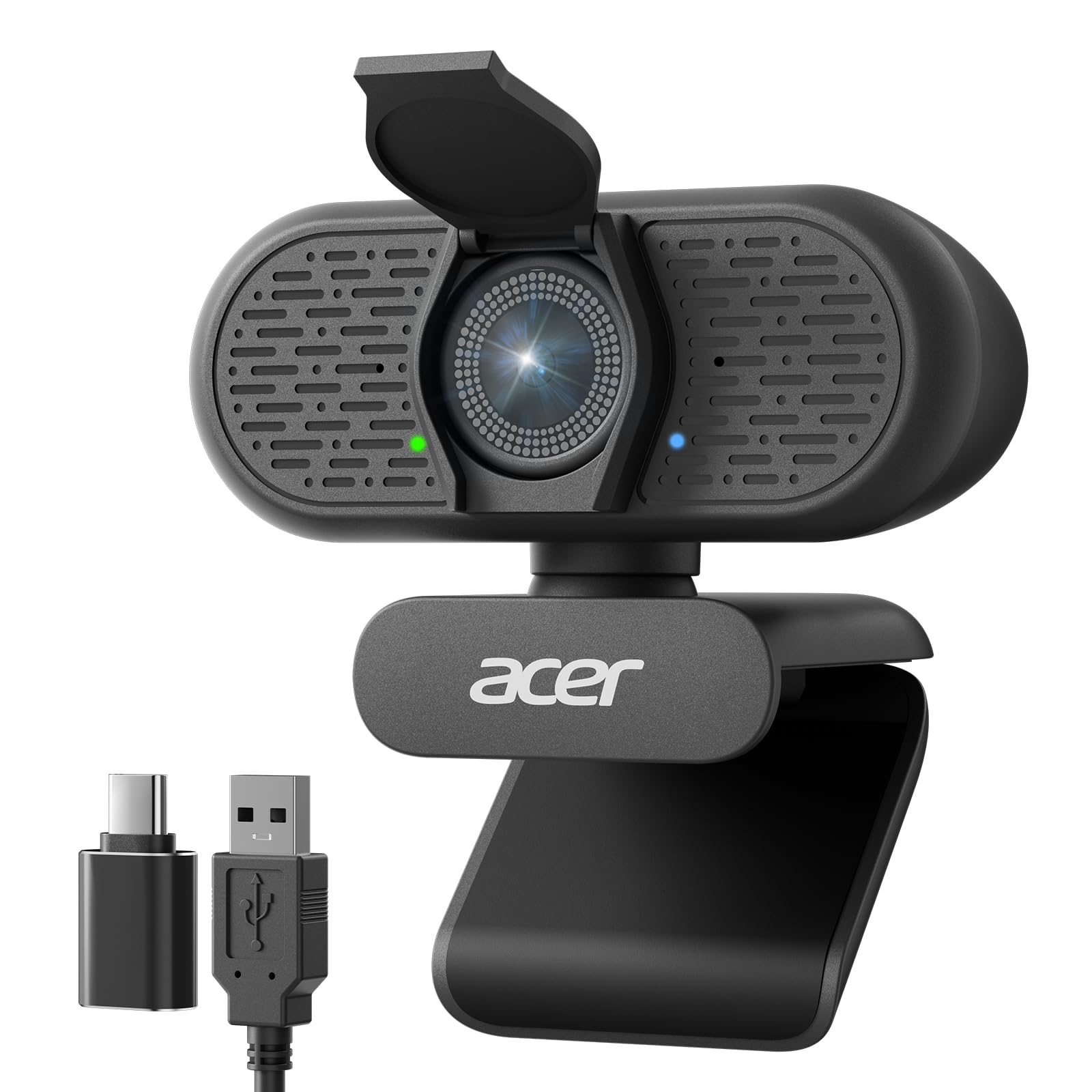
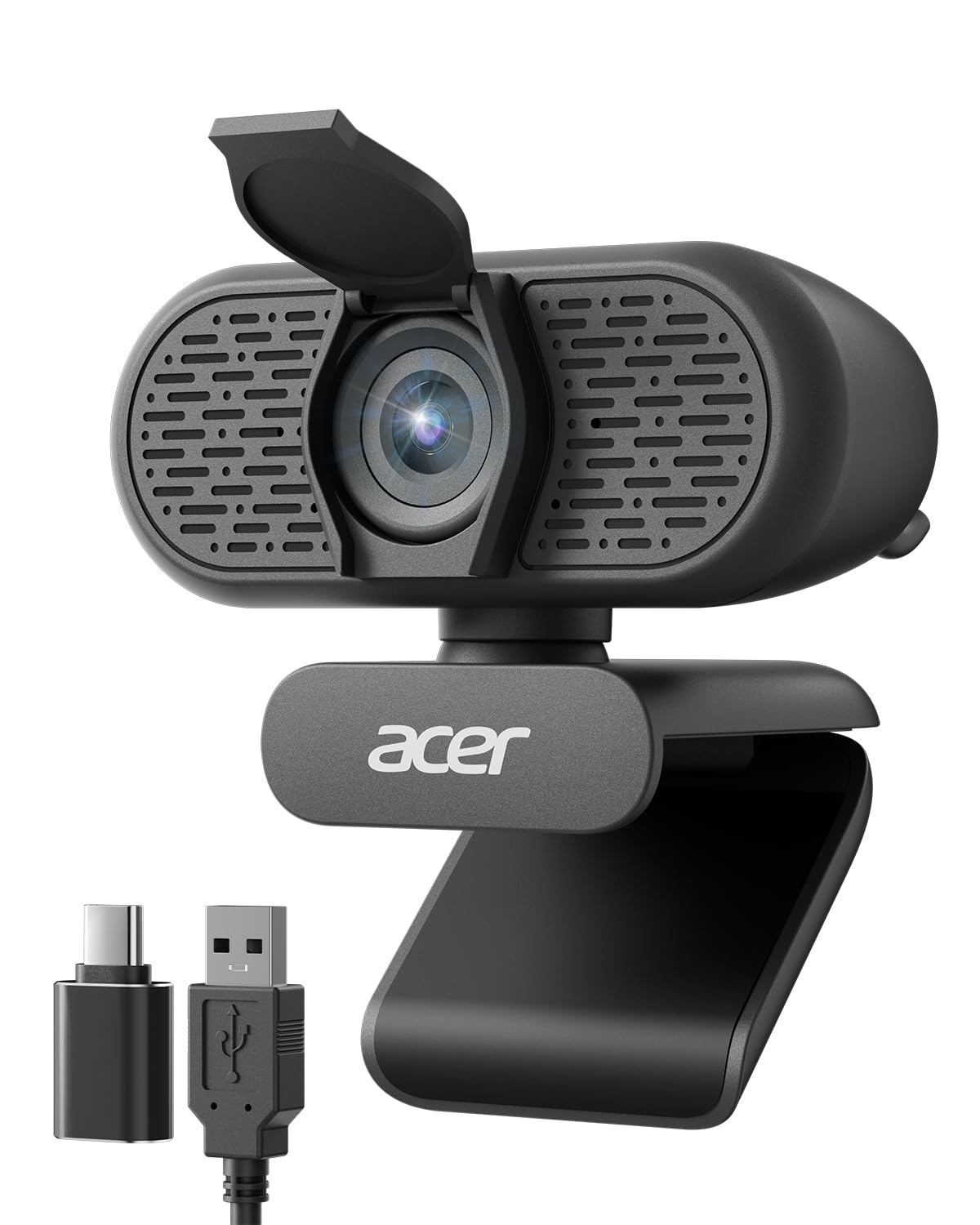
Behind the lens is a Sony 1/2.8-inch sensor doing 4K, with 60 frames per second at 1080p and 2K for smoother motion. There is a physical shutter over the lens, the USB-A plug comes with an A-to-C adapter so a USB-C Mac does not need one of yours, and Acer covers it for two years.

What we appreciated most is how little ceremony there is: no app, no profile, no focus to wait on before you speak. Focus is where it separates itself from the other budget picks, and that is a more useful difference on a work call than another few hundred lines of resolution.

Pros

  • Phase-detection autofocus locks instead of hunting
  • Sony 1/2.8-inch sensor with 4K capture
  • 60fps at 1080p and 2K for smooth motion
  • Two-year warranty and an A-to-C adapter in the box

Cons

  • Digital zoom only, so pushing in softens the picture
Our verdict

Phase-detection autofocus, a Sony sensor and 4K for budget money, worth a look if a hunting focus is what annoys you most on calls.

Check Latest Price
6

Small Desks

Acer A610

85 /100
Keeper Score Excellent

Key details

Mount
360° rotation
Video
1080p
Connection
USB-A with USB-C adapter
Field Of View
83 degrees
Check Price on Amazon

The head rotates a full 360 degrees, which reads like a spec-sheet line until you have tried to aim a fixed camera at your face from a monitor that sits off to one side. Twist the A610 and the lens points where you actually are.

At 83 degrees it takes in a little more than a head-and-shoulders frame at desk distance, so a second person can lean in without leaving the picture. The dual mics have noise reduction, a sliding cover sits over the lens, and the whole thing weighs under five ounces.

It is a driver-free USB camera, and Acer includes an A-to-C adapter for a USB-C Mac. Two years of warranty on a camera this cheap is the part that surprised us: it matches the A640 and beats what Logitech offers on cameras that cost more.

Placement is where it earns its keep. A monitor pushed to one side of a Mac mini, or a screen up on a riser, is where a fixed-angle camera stops working and this one keeps going. For a still desk it is the least fussy camera here: no app to open and no 4K files to store.

Pros

  • 360-degree rotating head aims at where you sit
  • 83-degree view fits a second person in
  • Two-year warranty and an A-to-C adapter
  • Dual noise-reduction mics and a sliding cover

Cons

  • Fixed focus, so close-up shots go soft
Our verdict

A cheap 1080p camera whose rotating head fixes the aiming problem on an off-centre monitor, backed by a two-year warranty.

Check Latest Price
7

Spare Setups

Shcngqio TWC29

87 /100
Keeper Score Excellent

Key details

Video
1080p
Connection
5 ft USB cable
Microphone
Noise-canceling mic
Privacy Cover
Slide-on cover included
Check Price on Amazon

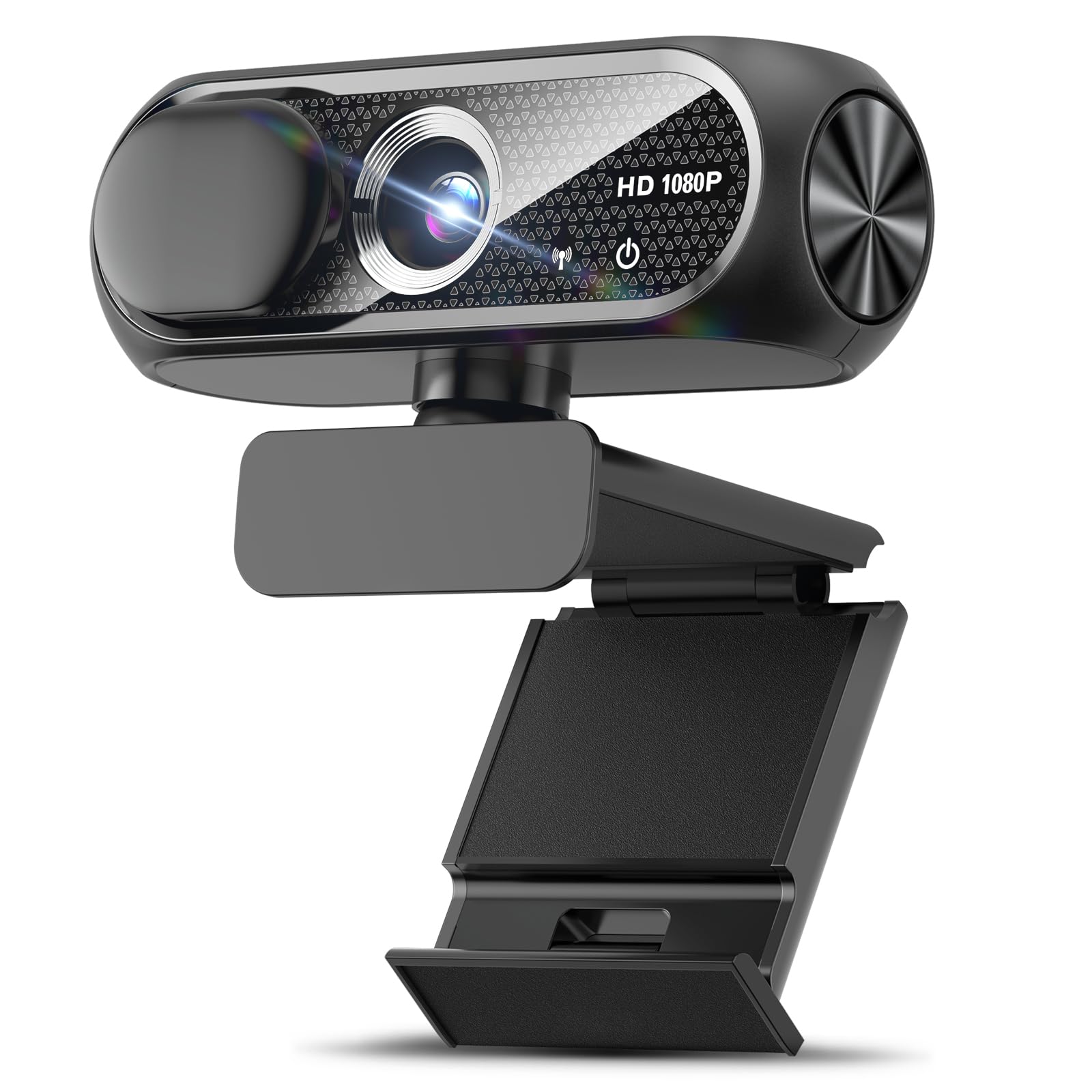
What arrives in the box is the argument here: the camera, a slide-on cover for the lens, and five feet of USB cable. The cover is a separate piece rather than a built-in shutter, so it is the first thing to lose, but it comes with every unit and it does the job.

The sensor is a 1/2.9-inch CMOS, the same size class as several cameras that cost more, and it records 1080p at 30 frames per second with automatic light correction. There is noise reduction in the mic, and the fixed focus means nothing drifts in and out while you talk.

We have been surprised by how little goes wrong with a camera this basic: plug it in, pick it in the app, and it behaves. Where it earns a place is as a second camera, on a spare Mac mini in a study, a desktop that only joins the occasional call, or a setup where you would rather not unplug the good camera every time.

Pros

  • 1080p with automatic light correction
  • Privacy cover and five-foot cable included
  • Noise-reducing built-in microphone

Cons

  • 90-day warranty is the shortest of any pick
Our verdict

The cheapest camera here that still delivers a usable 1080p picture, a privacy cover, and a cable long enough to reach a desktop tower.

Check Latest Price

How We Tested Webcams on a Mac

We started by gathering every webcam we could find that lists macOS support and doesn't require extra hardware to work, from budget 1080p models to 4K units with larger sensors, then narrowed it to 12 that covered a spread of mounting styles, autofocus systems, and prices. Each one lived on a desk for four months rather than an afternoon: clipped to a MacBook Air lid, perched on an external monitor, and once balanced on a stack of books during a trip. We used them for the same calls everyone else takes — morning standups with a window behind us, evening check-ins lit by a single lamp, recorded walkthroughs, and FaceTime with relatives who will absolutely comment on how you look.

Picture quality was judged on faces, not charts. I sat in the same chair at 9 a.m. and again at 9 p.m. with only a desk lamp on, and compared how each camera handled skin tone, the red of a sweatshirt, and the blown-out glow of a bright window. To test autofocus, I waved a hand in front of the lens, held up a coffee mug, and leaned in and out to see how fast it locked back on and whether it hunted. Audio got the same treatment: I read the same paragraph into each mic and listened back on headphones for room echo, keyboard clatter, and that hollow, underwater sound.

Mounting and adjustability mattered more than I expected. We checked whether the clip actually gripped a thin laptop lid, whether the hinge held its tilt through a two-hour call, and whether the camera had to come off before the laptop could close. We left each one plugged in for weeks to catch dropouts on wake from sleep, and we noted which ones needed an adapter in the box or a software install before color and autofocus behaved on macOS. Cheap cameras that got the basics right scored better than expensive ones that didn't.

How to Choose a Webcam for a Mac

Start With the Port, Not the Resolution

An iMac, a Mac mini or a Mac Studio has USB-A ports sitting there unused, so a camera with a fixed USB-A cable is the simplest thing to own. A MacBook Air or a USB-C-only MacBook Pro is the opposite: every USB-A camera means a hub or an adapter that lives on your desk whether you like it or not. Cameras with a detachable cable let you swap in a longer or different connector; a fixed cable does not.

The trap is the phrase plug and play, which usually describes the software rather than your machine. Before you buy, look for the listing to name macOS or to state that no drivers are needed, and check whether an A-to-C adapter is in the box rather than sold separately.

Field of View Is the Setting You Notice Most

A narrow lens is the most common reason people feel their webcam looks wrong. Around 60 degrees fills the frame with your face at arm's length, so you end up pushing your chair back. Roughly 78 degrees gives the familiar head-and-shoulders shot with a bit of room, and 90 to 95 degrees takes in a second person or the wall behind you — useful in a meeting room, unflattering at a small desk where it makes you small in the frame.

Fixed lenses mean you choose once and live with it, so pick the angle that matches your desk rather than the biggest number on the page. Software control, as on the Anker C200, is the flexibility to change your mind later, and it is worth paying for if you move between a close call and a room shot.

Resolution and Frame Rate: What Your Call Actually Uses

Zoom, Teams and Meet compress what you send, so 1080p at 30 frames per second is still the honest baseline for meetings, and it is what most of these cameras do well. Higher resolution earns its keep when you record, stream, or appear full-screen on a large display, because it leaves detail to crop into later. Sixty frames per second matters if you move a lot or show things with your hands.

Do not buy pixels instead of light. A dim room at 4K looks worse than a lit room at 1080p, and 4K recordings eat storage quickly. If your desk is dark, automatic light correction is the specification that will change your picture more than the resolution will.

Focus, Light, and Sound

Fixed focus is set for a sitting distance and is perfectly adequate if you stay in your chair; autofocus is what keeps you sharp when you lean back, hold up a document, or move around. Contrast-based autofocus can hunt before it settles, which is why the phase-detection system in the Acer A640 is worth noticing at its price.

On sound, dual microphones with noise reduction handle a quiet room well; they are less effective against a conversation two desks away, and no webcam mic replaces a headset for recording. If you take calls in a shared space, budget for the headset before you budget for the camera.

Mounts, Cables, and Privacy

Most cameras grip the top of a screen with a sprung clip, and most clips work on a monitor or an iMac. Thin laptop lids and rounded bezels are where they slip, and a heavy camera tips forward more readily than a light one, so check the weight if the camera will live on a lid you open and close. A head that swivels or tilts also lets you aim the lens instead of propping the clip up with something.

Finally, decide whether you want a shutter built into the body or a separate cover. Built-in is the one you will still have in a year; a separate slide-on cover works fine until it goes missing in a drawer.

Frequently Asked Questions

Final Verdict

The Logitech C920x is the webcam we point most Mac owners to, because it gets the two things that decide how you look on a call right: a 78-degree frame that leaves room around your head, and autofocus that holds it when you move. Dual mics and nothing to install make the decision easy for a desk that is not producing video.

If you record or stream, or you want to choose between a tight and a wide frame, the Anker C200 gives you both for the same money and adds 2K. And if your Mac only has USB-C ports, weigh that connector seriously before defaulting to our top pick — its USB-A cable means an adapter living on the desk.