Best Vinyl Cutters of 2026

The night before a school fundraiser, I watched a friend hand-cut forty vinyl name decals with scissors. A cutter does that in ten minutes and then does the next forty while you're doing something else. What it fixes is the gap between the idea in your head and a clean, repeatable edge you can stick to a tumbler, a T-shirt, or a laptop lid.

The catch is that these machines are unforgiving: a blade set a hair too deep slices through the backing paper, and a mat that's slightly off ruins a whole sheet. We spent six months with 12 cutters on adhesive vinyl, heat-transfer vinyl, and cardstock, and the good ones cut cleanly at speed without shredding a mat. What's in the box matters as much as the machine: one that ships without a blade, a mat, or any vinyl is a second purchase in disguise.

Bluetooth isn't a nicety — it's the difference between dragging a laptop to the table and sending a design from your phone. If your workspace is a bookshelf rather than a spare room, a compact machine earns its keep. The picks below cover both.

Keeper Score summarizes customer ratings and review volume. Read it alongside the product details and trade-offs. How the score works.

1

Best Overall

Silhouette Cameo 5 Alpha Plus

90 /100
Keeper Score Outstanding

Key details

Blade
AutoBlade
Weight
12.7 lb
Cutting Width
15 inches
Max Cutting Speed
Up to 400mm/s
Check Price on Amazon

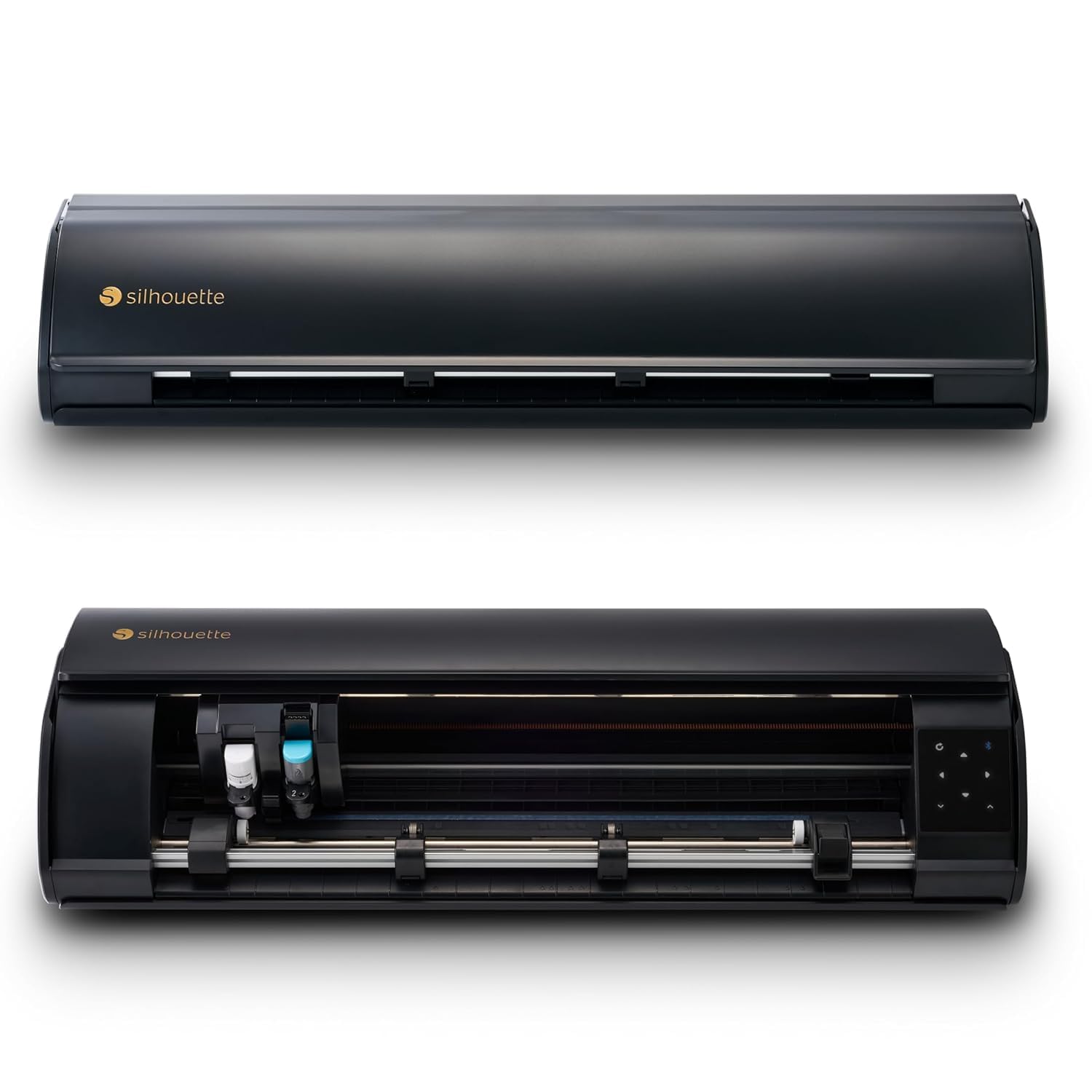
A 15-inch cutting width is the first thing that separates the Cameo 5 Alpha Plus from the compact machines here. A standard 12-inch vinyl roll fits with room to spare, so you aren't trimming down every sheet before a project. That matters most for signage, larger decals, and heat-transfer designs that need to be cut in one piece. The AutoBlade sets blade depth for you, and the Power Slide Lid opens and closes on its own, which makes the machine feel more automated than the compact cutters.

We put it at the top because that width changes the workflow, not because the feature list is longest. The Cameo also lists cutting speeds up to 400mm/s and a 4-point registration system for print-then-cut work, and the electrostatic mat holds material up to 0.5 mm thick. In practice, the wide bed and auto blade are what save time: fewer re-feeds, fewer trims, and fewer ruined sheets when a design runs close to the edge.

The Cameo is the one we reach for when a project needs full-width material or a long, clean run. If your work stays under 9 inches wide and you want a smaller machine, the Portrait 4 is the better fit. For anyone cutting full rolls or selling finished vinyl, the extra width is worth the space.

Pros

  • Cuts full 15-inch-wide vinyl and HTV
  • AutoBlade sets depth automatically
  • Fast 400mm/s cutting for batch work
  • 4-point registration for print-then-cut

Cons

  • Large 25-inch footprint needs a dedicated table
  • Premium price compared with compact picks
Our verdict

We recommend the Cameo 5 Alpha Plus for anyone who cuts full vinyl rolls or sells finished work—its 15-inch width and auto blade remove the trimming step that slows smaller machines.
Check Latest Price
2

Best Value

Silhouette Portrait 4

89 /100
Keeper Score Excellent

Key details

Weight
16 oz
Noise Level
50 dB
Cutting Width
9 inches
Active Surface Area
81 square inches
Check Price on Amazon

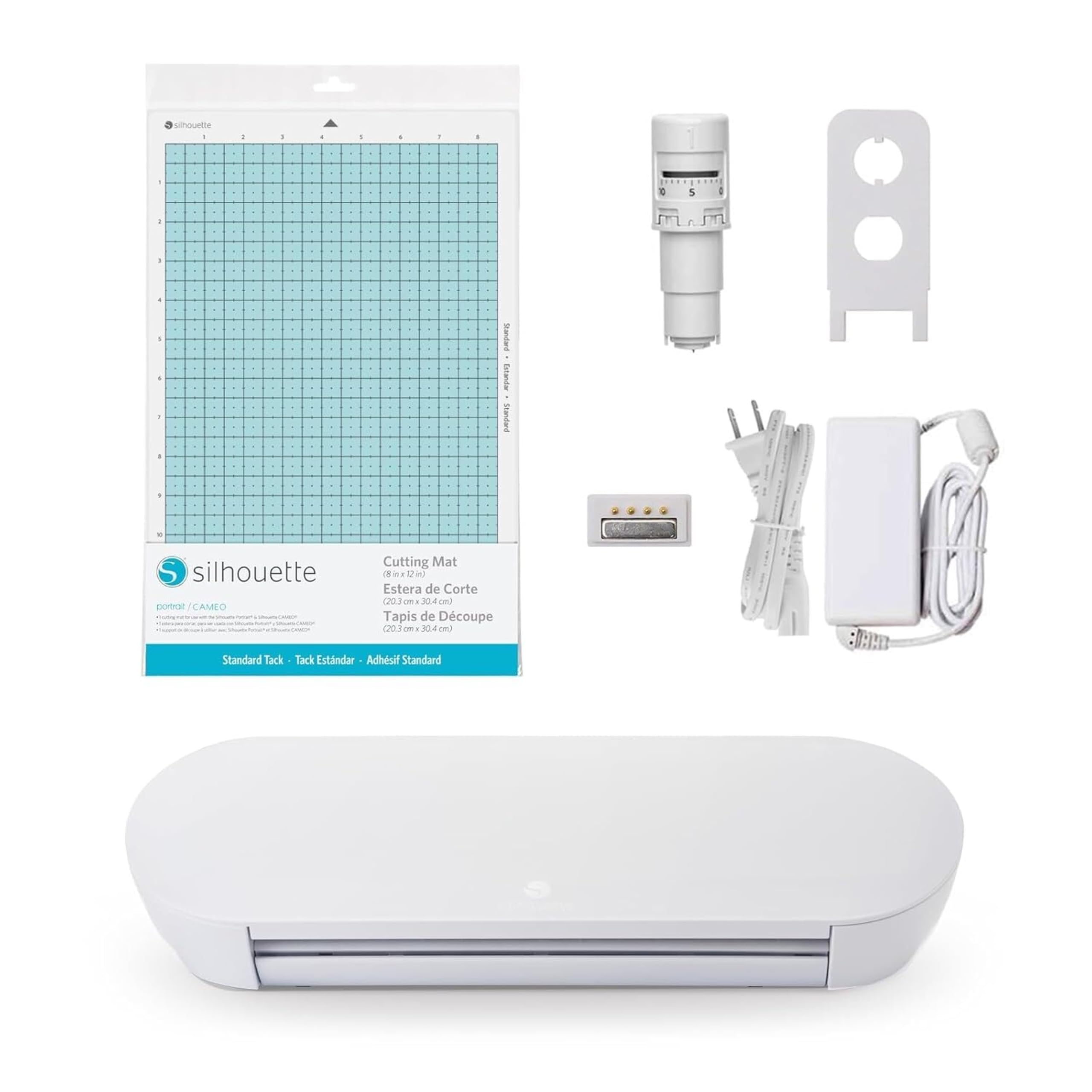
The Portrait 4 is the machine we recommend to anyone who wants a real vinyl cutter without giving up the kitchen table. Its 9-inch cutting width handles decals, labels, cards, and small HTV designs, and the footprint is small enough to move from a shelf to a work surface when a project starts. At 50 dB, it's also quiet enough to run while someone else is in the room.

What we appreciate most is the value. The Portrait 4 lists a 9-inch cutting width, a belt-driven chassis, and Silhouette's IPT cut-order technology, which is a lot of capability for the money. It also works with PixScan and the ES Mat, so you can grow into photo scanning and different material handling without replacing the machine. For crafters who mostly cut vinyl and cardstock, that's a better use of space and budget than a 15-inch machine.

The caveat is cut consistency. The Portrait 4 can produce detailed work, but intricate designs sometimes need a test cut and a pressure adjustment before a full sheet goes through. We treat the first cut on any new material as a sample, not a finished piece. If you cut simple shapes and lettering, that's a small habit; if you cut fine, dense patterns every day, the wider Cameo is the safer bet.

Pros

  • Compact 9-inch footprint fits small spaces
  • Quiet 50 dB operation
  • Includes Studio software and PixScan support

Cons

  • 9-inch width requires trimming 12-inch vinyl
Our verdict

For crafters who want capable vinyl cutting without a dedicated craft room, we think the Portrait 4 is the value choice—just test-cut intricate designs before committing a full sheet.

Check Latest Price
3

Best for Mixed Materials

Cricut Maker 4

88 /100
Keeper Score Excellent

Key details

Materials
300+
Machine Width
22.1 inches
Print Then Cut
Inkjet compatible
Active Surface Area
270.25 sq in
Check Price on Amazon

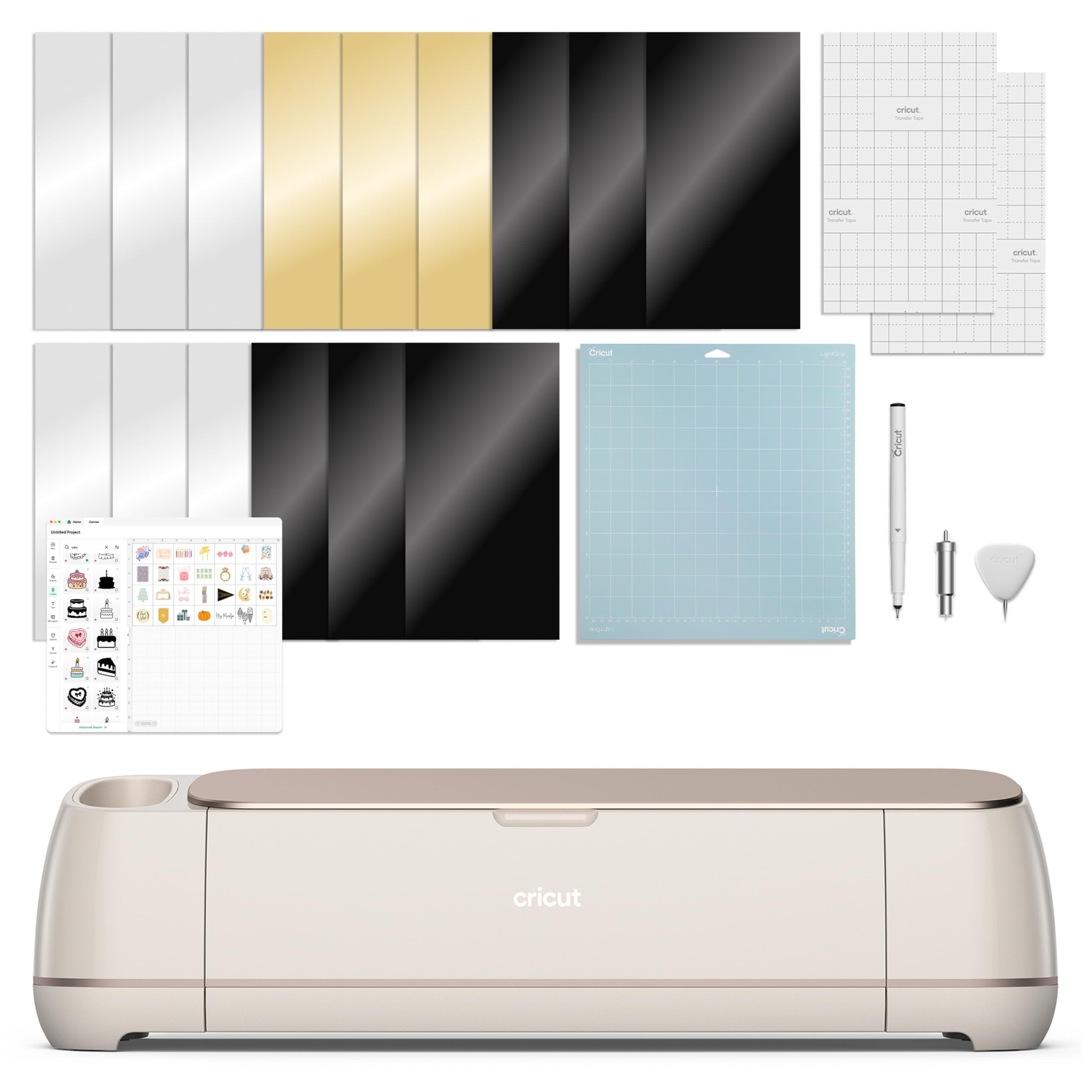
The Maker 4's 300-plus material list is the reason it costs more than the Joy machines, and it's the reason to consider it if your craft room already has a stack of leather, wood, vinyl, and cardstock. It cuts all of those, plus iron-on and sticker materials, and the Print Then Cut feature works with most inkjet printers for full-color stickers and labels. The bundle includes a fine-point blade, a materials sampler, and 30 digital images.

Where the Maker 4 earns its keep is variety. The Cricut Joy Xtra and Joy can handle vinyl, HTV, and cardstock, but the Maker 4 is the one that lets you move from a vinyl decal to a leather bookmark to a wood-veneer accent without switching machines. The active surface area is listed at 270.25 square inches, which gives you room for larger layouts.

We recommend it for the crafter who wants one machine to do several kinds of making, not for someone who only cuts vinyl. Design Space is the gatekeeper for every project, and the free library is smaller than the subscription content, so the software can feel like a second purchase. If your work is mostly vinyl and HTV, the Portrait 4 or Cameo 5 Alpha Plus is the cleaner fit. If you need leather, wood, and print-then-cut in one place, the Maker 4 is the strongest match here.

Pros

  • Cuts 300+ materials including leather and wood
  • Print Then Cut works with inkjet printers
  • Bundle includes blade, sampler, and 30 images
  • Fast, accurate cutting for detailed designs

Cons

  • Large 22-inch footprint needs a dedicated table
  • Starter materials are small samples
Our verdict

We recommend the Maker 4 for crafters who need one machine to cut leather, wood, vinyl, and cardstock—the 300+ material list is why it earns the extra space.

Check Latest Price
4

Best Compact

Cricut Joy Xtra

87 /100
Keeper Score Excellent

Key details

Weight
8.82 oz
Materials
50+
Print Then Cut
Inkjet compatible
Active Surface Area
95.94 sq in
Check Price on Amazon

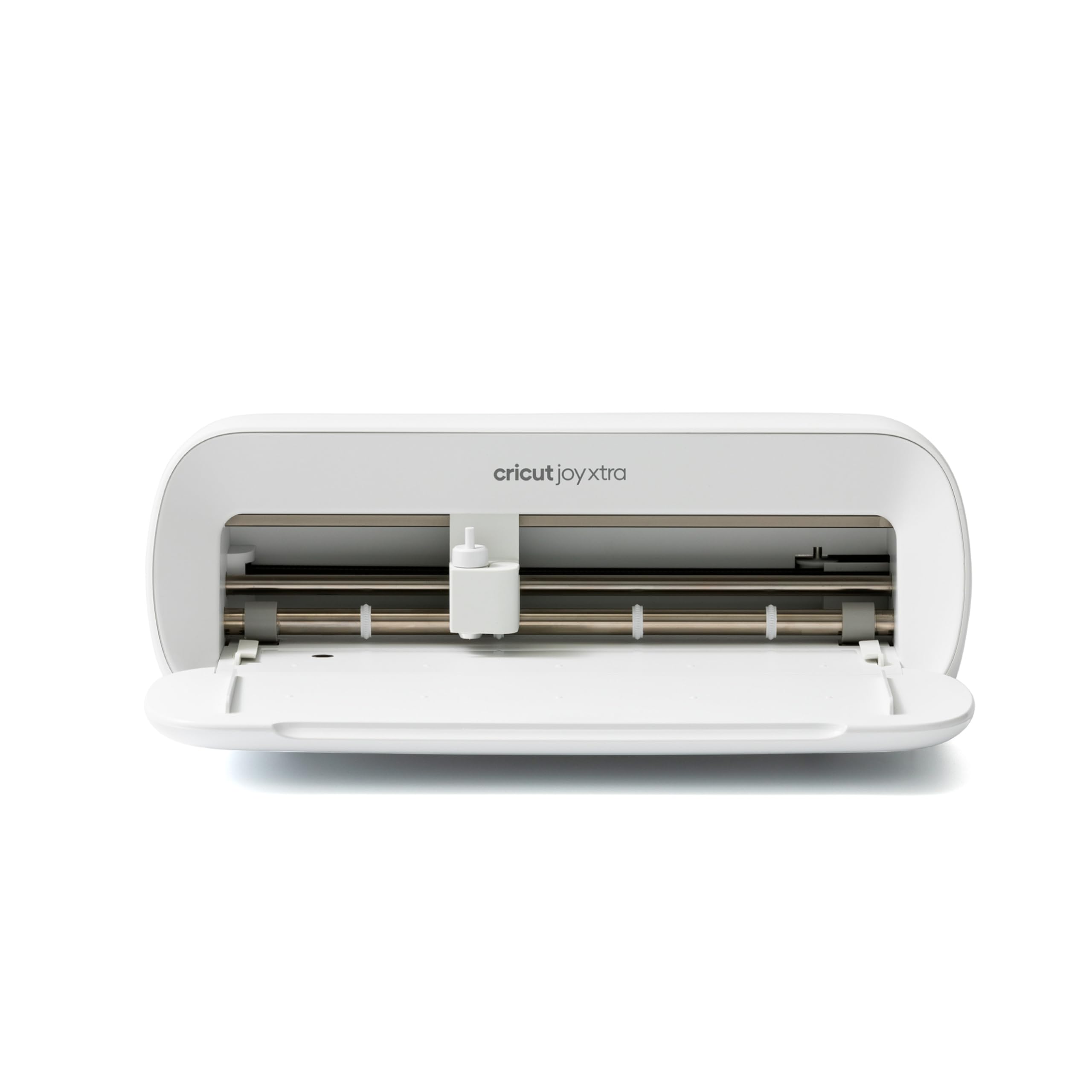
If your craft space is a shelf in a closet or a corner of a shared apartment, the Joy Xtra is the machine that disappears when you're done. It's a compact Cricut that handles 50-plus materials, including vinyl, iron-on HTV, cardstock, and sticker paper, and it adds Print Then Cut for full-color stickers and labels using an inkjet printer. The bundle includes a fine-point blade, a pen, a mini weeder, and a trial subscription.

We like it for small studios because it keeps the setup light. The Joy Xtra is a compact machine, so it is not the one for full vinyl rolls or large signage. But for cards, stickers, labels, and small decals, it's the one that fits on the shelf and comes out for a quick project. The Print Then Cut feature is the standout: it turns a sheet of sticker paper into something that looks professionally printed, without a second machine.

The Joy Xtra is the one we set up on the kitchen counter or pack for a craft session. It won't replace a 15-inch machine for full rolls, but that's not the job. If your projects are cards, stickers, and small decals, the small size is the feature, not the compromise.

Pros

  • Compact enough for a shelf or shared table
  • Print Then Cut for full-color stickers
  • Handles 50+ materials including vinyl and HTV

Cons

  • Bluetooth connection can drop mid-project
Our verdict

We like the Joy Xtra for small studios and apartment crafters who need compact vinyl and sticker projects without giving up a whole table.

Check Latest Price
5

Cards and Labels

Cricut Joy

92 /100
Keeper Score Outstanding

Key details

Weight
3.9 lb
Materials
50+
Connectivity
Bluetooth
Active Surface Area
12 inches x 48 inches
Check Price on Amazon

The Cricut Joy is the smallest machine here, and at 3.9 pounds it's the one that can live on a shelf and come out for a quick card or label. It cuts 50-plus materials, including vinyl, iron-on, and cardstock, and the 12-by-48-inch active surface gives you room for long, narrow cuts like labels and shelf strips. It's app-based, so you'll do the design work in Design Space and send it over Bluetooth.

For cards, labels, and small decals, the size is the point. The Joy is not the machine for full vinyl rolls or large signage; it's for the crafter who wants to personalize a birthday card, cut a name for a water bottle, or make a set of pantry labels without clearing a table. The bundle includes 30 digital images, which helps you start without designing from scratch.

We recommend it as a first machine for someone who mostly makes small projects and wants the lowest entry point into Cricut's ecosystem. The catch is the ongoing cost: Design Space nudges you toward a monthly content subscription, and the free content is limited compared with the subscription library. If you already know you'll cut full rolls or lots of HTV, spend more on the Portrait 4 or Cameo. If your projects fit on a card, the Joy is the one that earns its shelf space.

Pros

  • Light 3.9-pound body fits on a shelf
  • Cuts 50+ materials including vinyl and iron-on
  • Long 12 x 48-inch active surface for labels

Cons

  • Bluetooth connection can drop
Our verdict

We recommend the Joy as a first machine for cards, labels, and small decals—it's the least expensive Cricut here and the easiest to tuck away.

Check Latest Price

How We Chose and Tested 12 Vinyl Cutters

We started by pulling every cutter under a few hundred dollars we could get our hands on and reading the one-star reviews first, since that's where the real failure modes show up: cuts that drift halfway through a sheet, blades that dull after a dozen projects, apps that stall on export. From there we filtered by cut width, blade and housing type, wireless connectivity, and what ships in the box, then bought 12 machines at retail.

Testing ran six months, in the pattern these machines actually get used: short weeknight jobs — a name decal, a set of pantry labels — and weekend batches cutting full sheets of adhesive vinyl, heat-transfer vinyl, cardstock, and sticker paper. We cut the same 2-inch monogram ten times on each machine and stacked the results against a light to see how far the blade drifted. We timed an intricate 12x12 sheet at default and at each machine's fastest setting, noting where the faster pass tore corners or left uncut bridges.

Software and setup got equal weight, because that's where most of the frustration lives. We built one identical design in each companion app and timed it, then sent it over Bluetooth from a phone in another room to see whether the connection held or dropped mid-job. We kept a running inventory of each box — blade, mat, vinyl, bundled design files — and noted what we had to buy before a first project was finished. Durability came down to sheet count: how many full cuts before a blade started skipping and a mat stopped holding tack.

Value ran through all of it — a cheaper machine that needs a blade, a mat, and a stack of designs before your first cut isn't the cheaper one.

How to Choose a Vinyl Cutter

Start With Cutting Width and Material

Vinyl comes in standard roll widths, and the machine's cutting width decides whether you trim before every project. A 9-inch cutter like the Portrait 4 handles decals, labels, and small HTV designs, but a 12-inch roll needs cutting down first. The 15-inch Cameo 5 Alpha Plus takes full-width vinyl and wider heat-transfer material, which is why it earns the top spot for signage and production work. If your projects are cards and stickers, the Cricut Joy Xtra and Joy keep the footprint small. Match the machine to the widest material you use regularly, not the widest roll you might buy once.

Cut Precision and Test Cuts

Cutting performance is not a single number. Blade depth, mat grip, and material thickness all change whether a detailed design peels cleanly or tears. The Cameo's AutoBlade adjusts depth automatically, while the Portrait 4 and Cricut machines rely on tool and setting choices. We run a small test cut on scrap before sending a full sheet through, especially with intricate lettering and thin vinyl. If you cut mostly simple shapes, a less expensive machine is fine; if you cut fine detail or small text, prioritize a machine with reliable registration and a blade system you can adjust.

Software, Connectivity, and Ongoing Costs

Software is where vinyl cutters become either a hobby or a chore. Cricut's Design Space is required for the Maker 4, Joy Xtra, and Joy, and the free library is smaller than the subscription content, so factor in whether you'll pay for a monthly content plan. Silhouette Studio comes with the Cameo and Portrait 4. Bluetooth-only machines can drop a connection mid-project, so keep the cutter near your computer and reconnect before a long cut. If you want to work offline or use your own files without uploading them, check the workflow before buying.

Footprint, Portability, and Speed

Where the machine lives matters as much as what it cuts. The Cameo is 12.7 pounds and about 25 inches wide, so it wants a dedicated table; the Portrait 4 is small enough to move, and the Joy is the one you can put on a shelf. Speed matters for batch work—the Cameo lists up to 400mm/s, and faster machines save time when you're cutting multiples. But a slow machine that cuts cleanly beats a fast one that misaligns. If you cut once a week, prioritize footprint and setup; if you cut daily, prioritize speed and material handling.

Frequently Asked Questions

Final Verdict

The Silhouette Cameo 5 Alpha Plus is the cutter we recommend first because its 15-inch width and auto blade remove the trimming step that makes smaller machines feel slow. It is the best choice here for full vinyl rolls, signage, and production runs.

If your space or budget is tighter, the Portrait 4 is the better fit for decals and cards; if you need leather and wood as well as vinyl, the Maker 4 earns its footprint. The Joy Xtra is the compact compromise.