Best Motorized Projector Screens of 2026

A motorized screen has to do two jobs: disappear when it's up, and look like a movie theater when it's down. Most of what goes wrong happens between those two moments — fabric that sags, a motor that gets louder, a remote that only works from directly underneath.

I've set up projectors in living rooms with one free wall and bedrooms where the screen had to be gone before anyone woke up, and the screen is usually the last thing people buy and the first thing they regret. Over the past eight months, my team and I hung, dropped, and lived with 12 motorized screens, and the ones that held up won on fabric tension, motor noise, and remote range — not on the spec sheet.

The sizing mistake catches almost everyone: buyers chase the biggest diagonal the wall allows without checking whether their projector can fill it. Case color matters more than photos suggest, too. Every pick below earned its spot the same way — it dropped when we asked, hung flat, and left the room looking normal again.

Keeper Score summarizes customer ratings and review volume. Read it alongside the product details and trade-offs. How the score works.

1

Best Overall

ZUEDA 100-Inch Motorized Screen

88 /100
Keeper Score Excellent

Key details

Gain
1.1
Screen Size
100 inches (16:9)
Viewing Angle
180 degrees
Upper Black Drop
9.8 inches
Check Price on Amazon

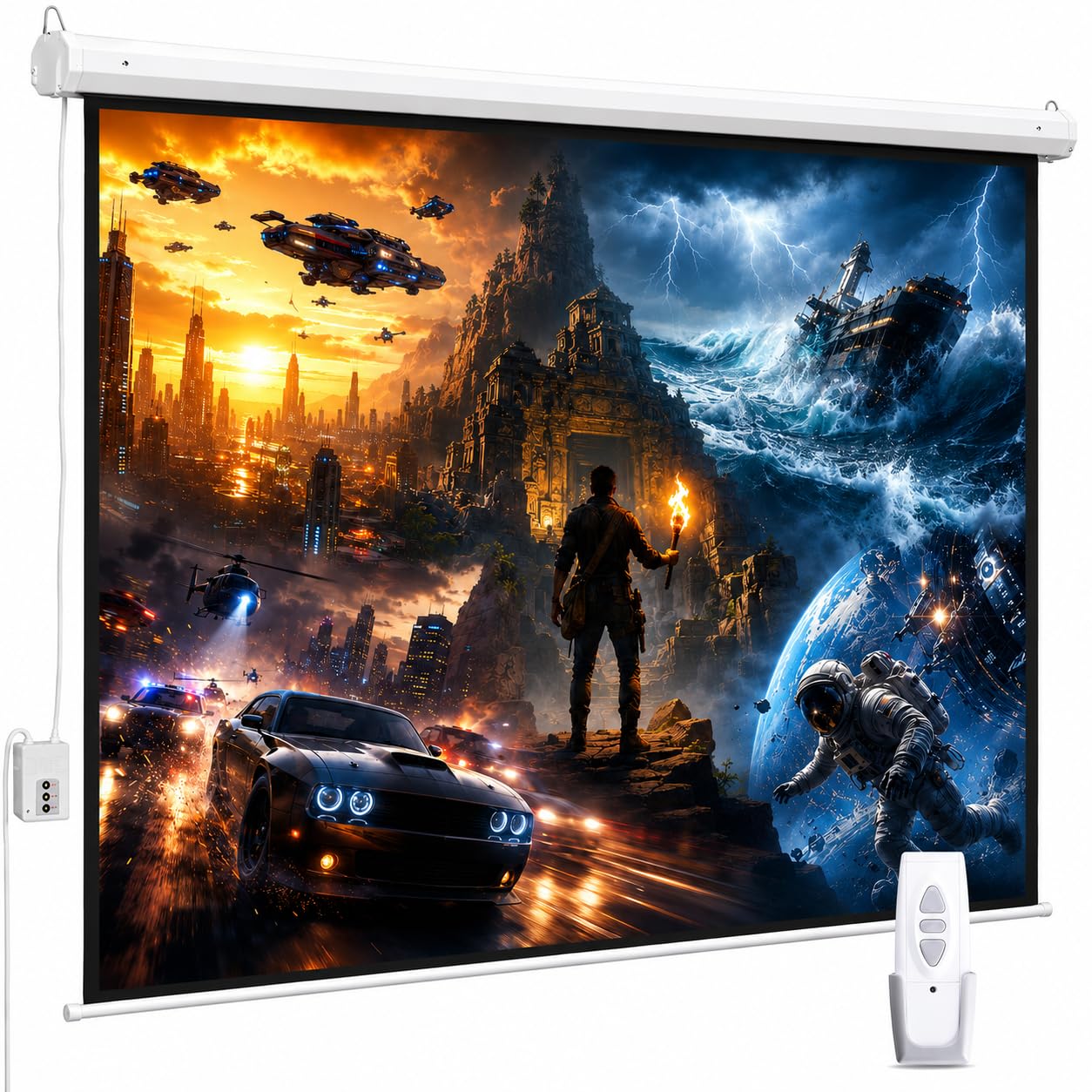
A 9.8-inch black drop is the detail that sold us on the ZUEDA. On a ceiling mount, that extra band of black lets you drop the picture below a light fixture or a projector housing without eating into the viewing area. The rest of the screen is just as sensible: 100 inches diagonal in 16:9, a 1.1-gain matte surface, and a 180-degree viewing angle. That makes it the easiest screen here to recommend for a normal living room.

The 100-inch size is the sweet spot for most rooms: big enough to feel cinematic, small enough that a standard wall can carry it. The 1.1 gain is neutral rather than hot, so colors stay even and off-axis seats still get a usable image. We also appreciate the RF remote because it works without pointing, and the metal case looks tidy against a ceiling. The motor is quiet enough that we stopped noticing it after the first few drops.

The one-year warranty is the main compromise; a ceiling-mounted motor is not easy to swap out, and a longer term suits a fixture at this level. Setup is straightforward for two people, and the screen arrives assembled. What we like most is that it does not call attention to itself between movies.

Pros

  • 100-inch 16:9 size suits most living rooms
  • 9.8-inch black drop helps ceiling placement
  • 1.1-gain matte surface with 180-degree viewing
  • RF remote works without line of sight

Cons

  • 100-inch image may be small in a large room
Our verdict

For most living rooms, this is the motorized screen we recommend first: 100 inches in 16:9, a 9.8-inch black drop, and an RF remote that works without aiming.
Check Latest Price
2

Best for Automated Theaters

Elite Screens Spectrum 125-Inch

83 /100
Keeper Score Excellent

Key details

Control
IR/RF remotes, 12-volt trigger
Material
MaxWhite 2, 1.1 gain
Screen Size
125 inches (16:9)
Projector Compatibility
Not short-throw
Check Price on Amazon

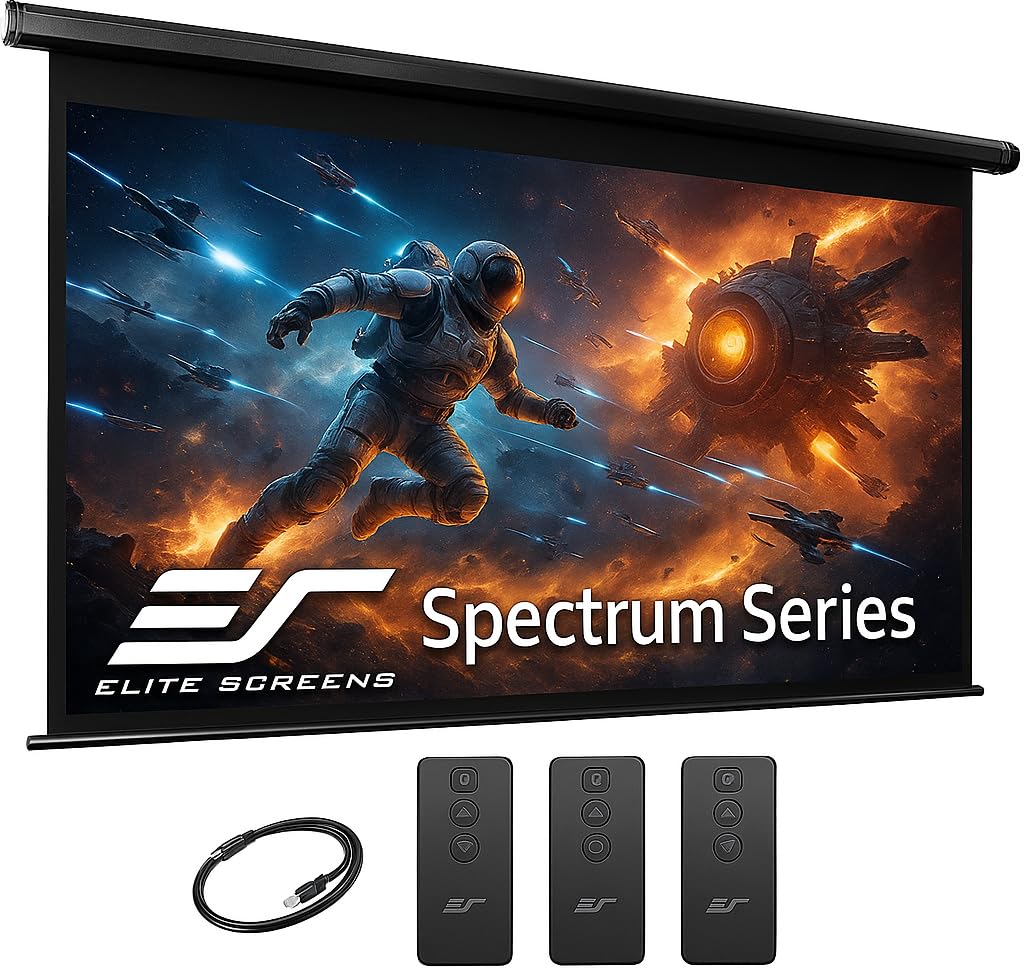
The feature that separates the Elite Screens Spectrum from the rest of this group is the control stack. You get IR and RF remotes, a wall box with a built-in IR sensor, and an RJ50 port for a wired 12-volt trigger. That trigger is the detail a dedicated theater owner will care about: the projector can drop the screen automatically when it powers on.

We think that makes the Spectrum the best choice here for a scripted, automated theater. The 125-inch 16:9 surface uses Elite's MaxWhite 2 material with 1.1 gain and a 180-degree viewing angle, and the black backing keeps light from bleeding through. The picture has the neutral, even look we want from a matte screen rather than a hot spot.

The two-to-three-year warranty suits a screen that is meant to stay on the ceiling. We also like that the 125-inch size is genuinely theater-scale without going to 150 inches and overwhelming a normal room. The wall box is the part we keep coming back to: it makes the screen feel like part of the room's lighting rather than a separate gadget.

Pros

  • 12-volt trigger integrates with projector automation
  • IR and RF remotes plus a wall box
  • 125-inch MaxWhite 2 surface with 180-degree viewing
  • Two-to-three-year manufacturer warranty

Cons

  • Not compatible with short-throw projectors
  • Heavy 25.2-pound case needs two installers
Our verdict

The Spectrum earns our pick for a dedicated theater, where its 12-volt trigger, wall box, and 125-inch MaxWhite 2 surface justify the premium.

Check Latest Price
3

Best 120-Inch Value

Kayle 120-Inch Motorized Screen

87 /100
Keeper Score Excellent

Key details

Gain
1.2
Control
RF remote and wall control
Material
3-layer black-backed
Screen Size
120 inches (16:9)
Check Price on Amazon

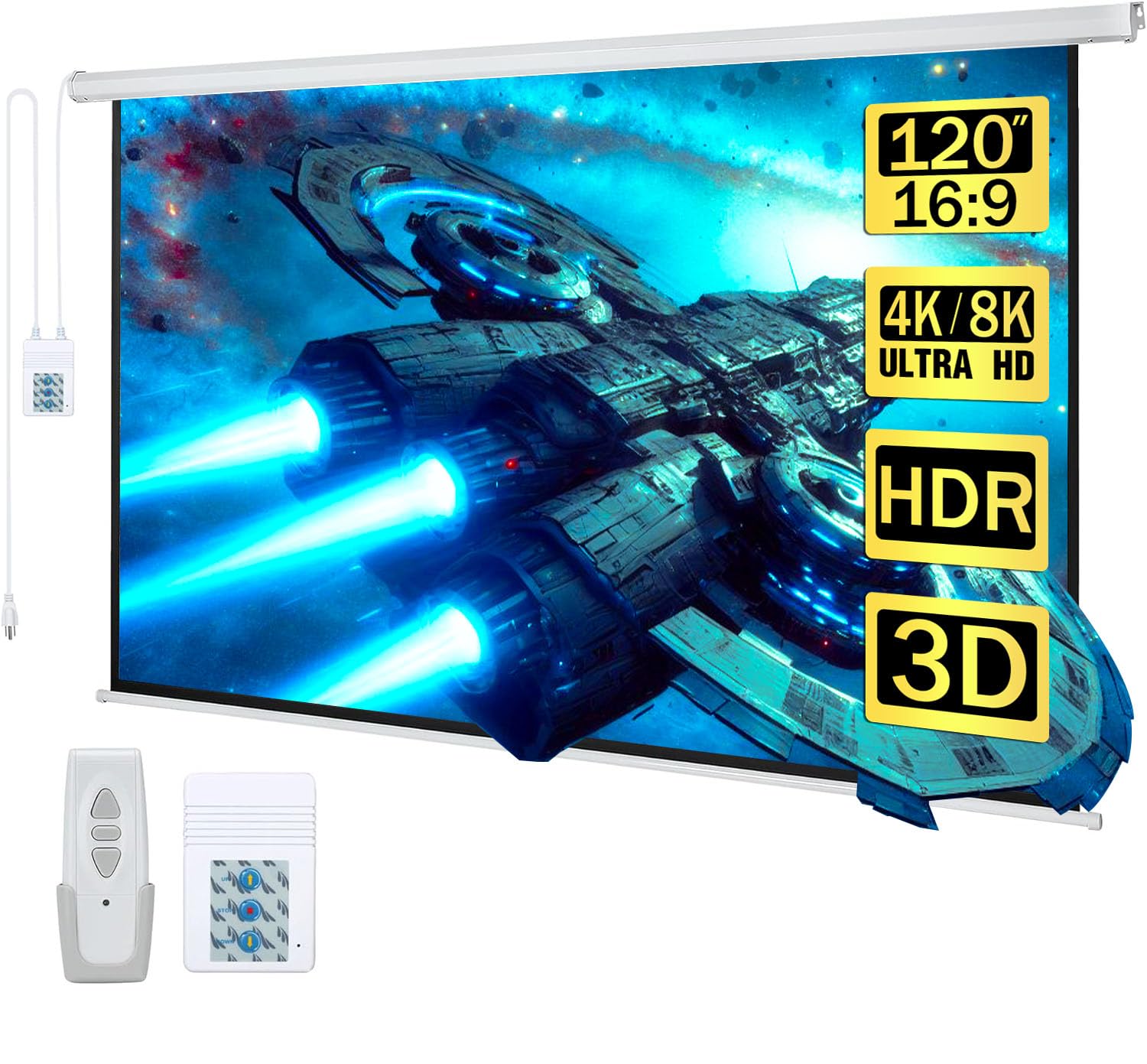
A 120-inch 16:9 screen is the size most movie rooms can actually use: it fills a wall without demanding the ceiling space of a 150-inch model. The Kayle pairs that size with a 1.2-gain, three-layer black-backed surface. That extra gain gives a little more brightness than the 1.1-gain screens here, which helps if your projector is modest or the room is not fully dark.

The control setup is more complete than a basic screen. You get RF remotes and a detachable wall control, so you can lower the screen from the couch or at the wall. The case is metal and arrives assembled. We also like the black backing: it keeps light from passing through and makes the screen feel more substantial than a thin pull-down.

The 120-inch screen needs a wall wide enough for a 116.5-inch case, so measure before you commit. For the right room, it delivers the most image for the money in this group. We rank the ZUEDA ahead for a normal room because its motor is the safer bet, but the Kayle is the better choice when 120 inches is the goal.

Pros

  • 120-inch 16:9 image for large rooms
  • 1.2 gain and black-backed surface
  • RF remote plus detachable wall control

Cons

  • Retraction can stop short or fail
Our verdict

Getting a 120-inch 16:9 image without a premium price is the Kayle's strength, and it is the large-screen value we choose when the wall can take the case.

Check Latest Price
4

Best for Big Backyards

FRAYSCENT 150-Inch Motorized Screen

84 /100
Keeper Score Excellent

Key details

Gain
1.2
Control
Wireless and wired
Material
4-layer polyester
Screen Size
150 inches (16:9)
Check Price on Amazon

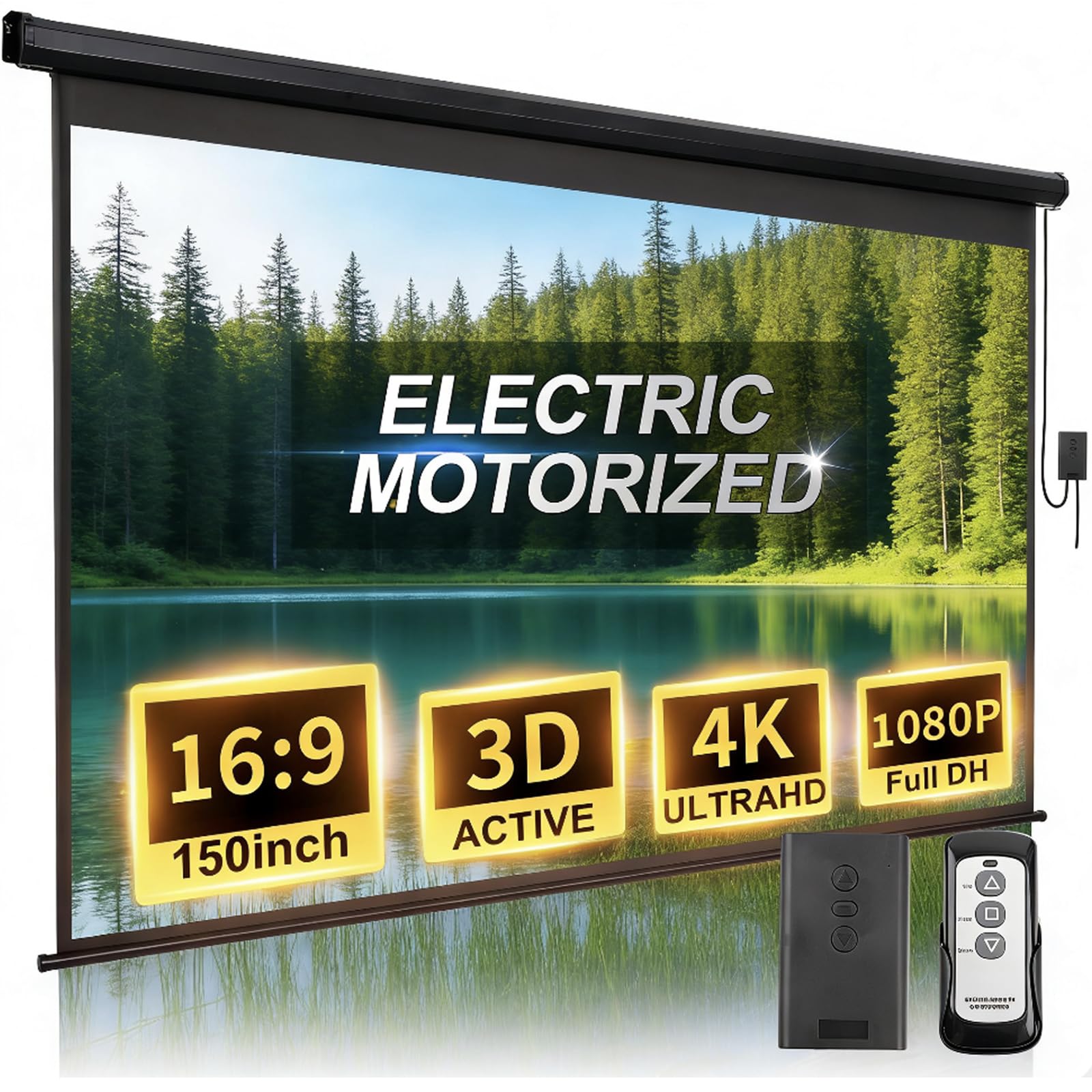
A 150-inch screen is not a subtle upgrade. It turns a patio wall or a big media room into something closer to a small cinema, and the FRAYSCENT is the 150-inch pick we keep coming back to. The 16:9 surface uses a four-layer polyester fabric with 1.2 gain, which is a better combination for outdoor movie nights than a thin single-layer screen.

We like that FRAYSCENT gives you both wireless and wired control. The remote handles the everyday up-and-down, while the wired option is useful if the remote goes missing or the battery dies. The motor is quiet enough that it does not interrupt the start of a movie, and the fabric has enough body to avoid the flimsiest pull-down feel. For a big backyard or a barn wall, this is the one we reach for first.

The 150-inch size is the main constraint: it needs a long, clear wall and a case span to match. The bottom edge can also show a slight wrinkle, which is more visible on a bright outdoor image than in a dark room. For a big backyard or a barn wall, the size is worth the commitment.

Pros

  • 150-inch 16:9 image for big spaces
  • Four-layer polyester surface with 1.2 gain
  • Wireless and wired control options
  • Quiet motor for outdoor movie nights

Cons

  • Remote control can be inconsistent
Our verdict

For a big patio or media wall, the FRAYSCENT is the 150-inch screen we reach for, provided you have the span to carry it.

Check Latest Price
5

Best for Small Rooms

VIVOHOME 72-Inch Motorized Screen

83 /100
Keeper Score Excellent

Key details

View Size
63"W x 35.4"H
Power Cord
3.28 feet
Screen Size
72 inches (16:9)
Remote Range
82 feet
Check Price on Amazon

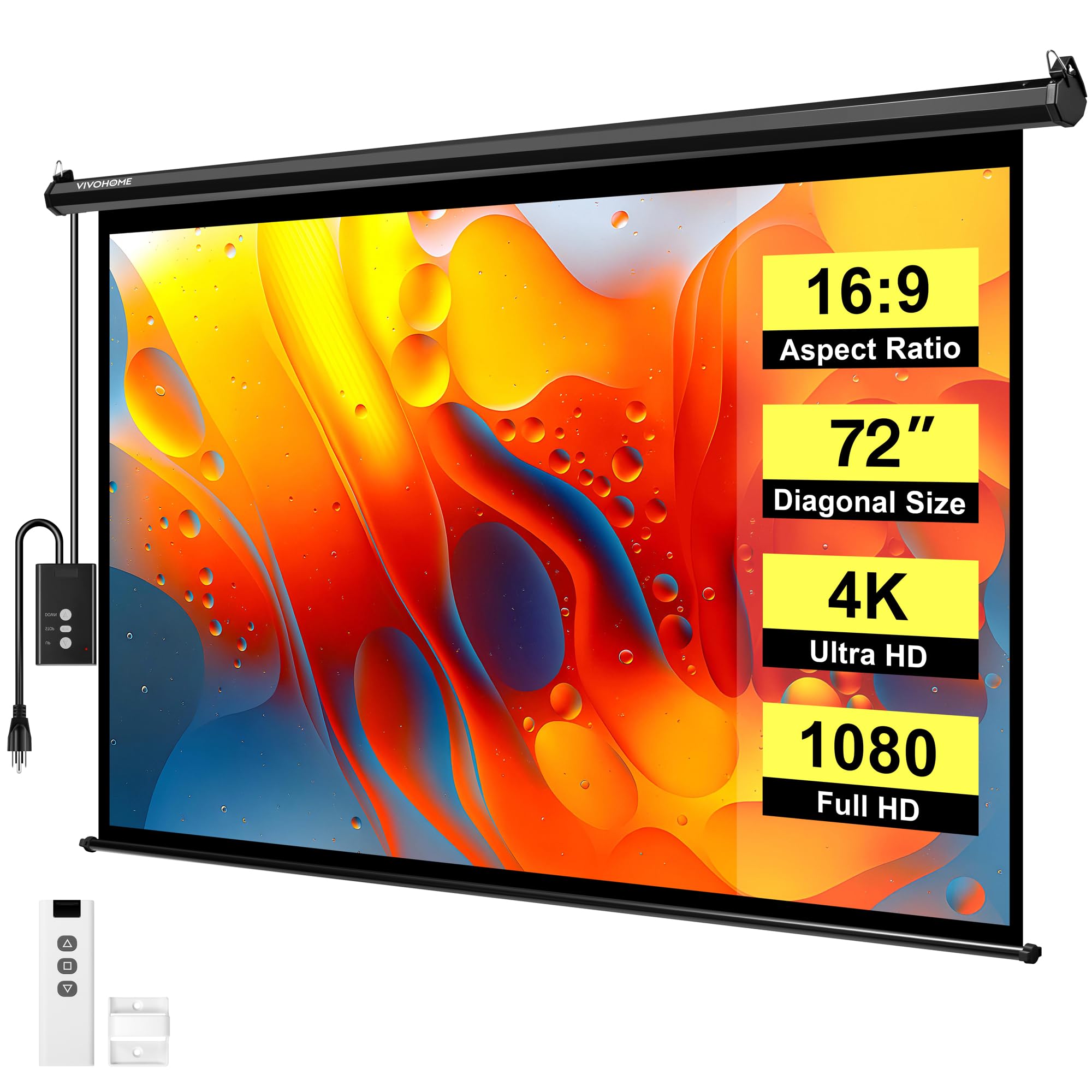
Most motorized screens here start at 92 inches, so the VIVOHOME's 72-inch size is the reason to look at it. It fits a bedroom, a small apartment wall, or a game room where a 100-inch screen would dominate. The 16:9 viewing area is 63 by 35.4 inches, and the 12-pound case is light enough for one person to handle during install. We think it is the right screen for a compact room, provided you are not trying to recreate a cinema.

The 82-foot remote range is generous for a compact screen, and the three-layer PVC surface is bright enough for a dim room or a dark patio. The black backing helps with a low-lumen projector, and the matte finish keeps the image even. The screen rolls up into an 8mm metal case that looks neat when it is not in use, which matters in a bedroom. We also like the option of wall or ceiling mounting, since a small room may not have a good ceiling spot.

Pros

  • 72-inch size fits bedrooms and small walls
  • 82-foot remote range
  • Light 12-pound case is easy to handle

Cons

  • 3.28-foot power cord limits outlet placement
Our verdict

A bedroom or small apartment makes better use of the VIVOHOME than a giant screen does, and its 72-inch image and 82-foot remote are why we keep it in the compact slot.

Check Latest Price
6

Best Budget

SUPER DEAL 92-Inch Motorized Screen

93 /100
Keeper Score Outstanding

Key details

Weight
14.6 lb
Control
Remote control
View Size
79.5"W x 44.9"H
Screen Size
92 inches (16:9)
Check Price on Amazon

The SUPER DEAL is the budget outlier in this group, and it is not trying to hide it. You get a 92-inch 16:9 screen, a remote, and a 14.6-pound case for less than the larger picks. That combination makes it the first screen we point to when the goal is a movie night without turning the purchase into a project.

The picture is the surprise. The matte white surface produces a bright, clean image, and the 160-degree viewing angle keeps the corners usable from a couch that is not dead center. The case is light enough to mount without a second pair of hands, and the remote handles the basic drop and rise. For a spare room, a garage, or a first projector setup, it covers the essentials.

We rank it behind the better-built screens because the plastic components do not feel as substantial as the metal cases on the ZUEDA or Elite. That is the trade-off for the low entry point. If you want a first screen for a spare room and can accept the build trade-offs, it earns a place.

Pros

  • 92-inch 16:9 screen at a budget price
  • Light 14.6-pound case is simple to mount
  • Bright, clean picture for the money

Cons

  • Retraction can fail or leave the screen slack
Our verdict

As a first or spare-room screen, the SUPER DEAL is our budget pick; it is not the long-term centerpiece for a dedicated theater.

Check Latest Price
7

100-Inch Value

SiliBamb 100-Inch Motorized Screen

87 /100
Keeper Score Excellent

Key details

Gain
1.1
Control
RF remote and inline switch
Warranty
Lifetime
Screen Size
100 inches (16:9)
Check Price on Amazon

A lifetime warranty is the headline on the SiliBamb, and it is not a small claim for a motorized screen. The rest of the package is familiar: a 100-inch 16:9 surface, 1.1 gain, a 160-degree viewing angle, and a matte white finish that is meant to stay neutral rather than add brightness. It is a straightforward screen, and that is part of the appeal.

The control setup is practical. You get an RF remote plus an inline switch on the prewired power cord, so you can operate the screen from across the room or at the case. The metal housing is designed for wall or ceiling mounting, and the 87 by 48.8-inch viewing area is the same size class as our top pick. If you already know 100 inches is right for your room, this is a credible alternative.

The 1.1-gain matte surface is the right choice for a dark room because it keeps colors even and avoids the hotspot a higher-gain screen can create. The 160-degree viewing angle is wide enough for a normal seating spread, and the case is slim enough to disappear against a wall. We also like the inline switch for the times when the remote is on the other side of the room.

The SiliBamb is a good screen, but it does not displace our top pick. The ZUEDA has the same 100-inch size and a cleaner overall ownership case, and the difference in price is small enough that we do not see the SiliBamb as a budget alternative. It is worth a look if the lifetime warranty is the feature that tips your decision, but we choose the ZUEDA over it for picture and controls.

Pros

  • 100-inch 16:9 surface with 1.1 gain
  • RF remote plus inline power switch
  • Lifetime warranty from the manufacturer

Cons

  • 100-inch size may be small in a large room
Our verdict

The SiliBamb is a reasonable 100-inch alternative for buyers who value its lifetime warranty, but we still choose the ZUEDA for its stronger all-around control and picture package.

Check Latest Price

How We Tested Motorized Projector Screens

We started with specs on more than 40 motorized screens and narrowed to 12, spanning 72 to 150 inches diagonal, in wall and ceiling mount versions. Two of us hung every one — one holding the case, one on the drill — timing each install, checking whether the included hardware matched standard stud spacing, and adjusting brackets until the screen hung level. Testing ran eight months.

Then we used them like screens: movie nights, weekend sports with the projector running in daylight, and one stretch where a screen stayed down for a full week to see if the fabric held its tension. We cycled each motor 50 times, raked a flashlight across the surface at a low angle to catch wrinkles and edge curl, and noted whether the weighted bar came back level or drifted to one side. One projector moved from screen to screen so we could compare center brightness against the corners and spot hot spots.

Remotes and motors got their own pass: range from across the house and through a doorway, motor volume during a quiet scene, whether the drop stopped where we set it, and what happened when we cut the breaker mid-drop. A few spent a weekend on a patio to see how the case handled sun and light rain, and we judged each one mounted — case, brackets, the seam against the ceiling — since that's what you look at when it's up. At the end we set what came in the box against what each one cost, because two screens that perform alike can differ plenty once you price the hardware they left out.

How to Choose a Motorized Projector Screen

Start With the Viewable Image

Screen size is measured diagonally, but the number that matters is the viewable width and height. A 100-inch 16:9 screen gives you about 87 by 49 inches of image; a 120-inch model adds roughly a foot of width and is a better fit for a wall that can take it. For movies and TV, choose 16:9. A 4:3 screen suits older projectors and presentations, but widescreen content will show side bars. Measure the case span too, not just the fabric, and leave room for the black drop above the image.

Prioritize the Motor and Controls

Retraction is the part you cannot work around. Look for a motor with adjustable limit stops so the screen can stop at the same height every time, and a remote that works without line of sight; RF is more forgiving than IR. A wall switch is useful when the remote is not at hand. If you are building an automated theater, a 12-volt trigger lets the projector lower the screen when it powers on. That is a niche feature, but it is the difference between a remote-controlled screen and a truly integrated one.

Match the Surface to the Room

Gain is a measure of how much light the screen reflects. A 1.1-gain matte surface is neutral and works well in a dark room; 1.2 gain gives a little more brightness if your projector is modest. A black-backed layer stops light from passing through and keeps the image from looking washed out. Viewing angle matters if people sit off to the sides: 160 degrees is fine for a normal room, while 180 degrees is more forgiving. Matte finishes are the safer choice; glossy surfaces can hot-spot.

Plan the Mount and Power Run

Mounting is a two-person job at the larger sizes, and the included hardware may not suit every wall or ceiling. Check the case width, the weight, and the distance to an outlet before you commit. A short power cord can turn a simple install into an electrical project, so measure the run from the header to the nearest outlet. Clean the screen with a soft, dry cloth and retract it fully between uses; leaving it down for weeks invites dust and edge curl.

Frequently Asked Questions

Final Verdict

For most rooms, we recommend the ZUEDA 100-inch. It pairs a neutral 1.1-gain surface and 180-degree viewing with a 9.8-inch black drop that makes ceiling placement easier, and its RF remote works without line of sight. If you are building a dedicated theater, the Elite Screens Spectrum adds the 12-volt trigger and wall-box control that make automation worthwhile. For a 120-inch image, the Kayle is the better fit; for a 150-inch backyard wall, choose the FRAYSCENT.