Best Overall
KAMRUI Pinova P2
Key details
- Memory
- 16GB LPDDR4
- Storage
- 256GB M.2 SSD
- Processor
- Ryzen 3 5425U, 4C/8T
- Display Outputs
- Three 4K via HDMI, DisplayPort, USB-C
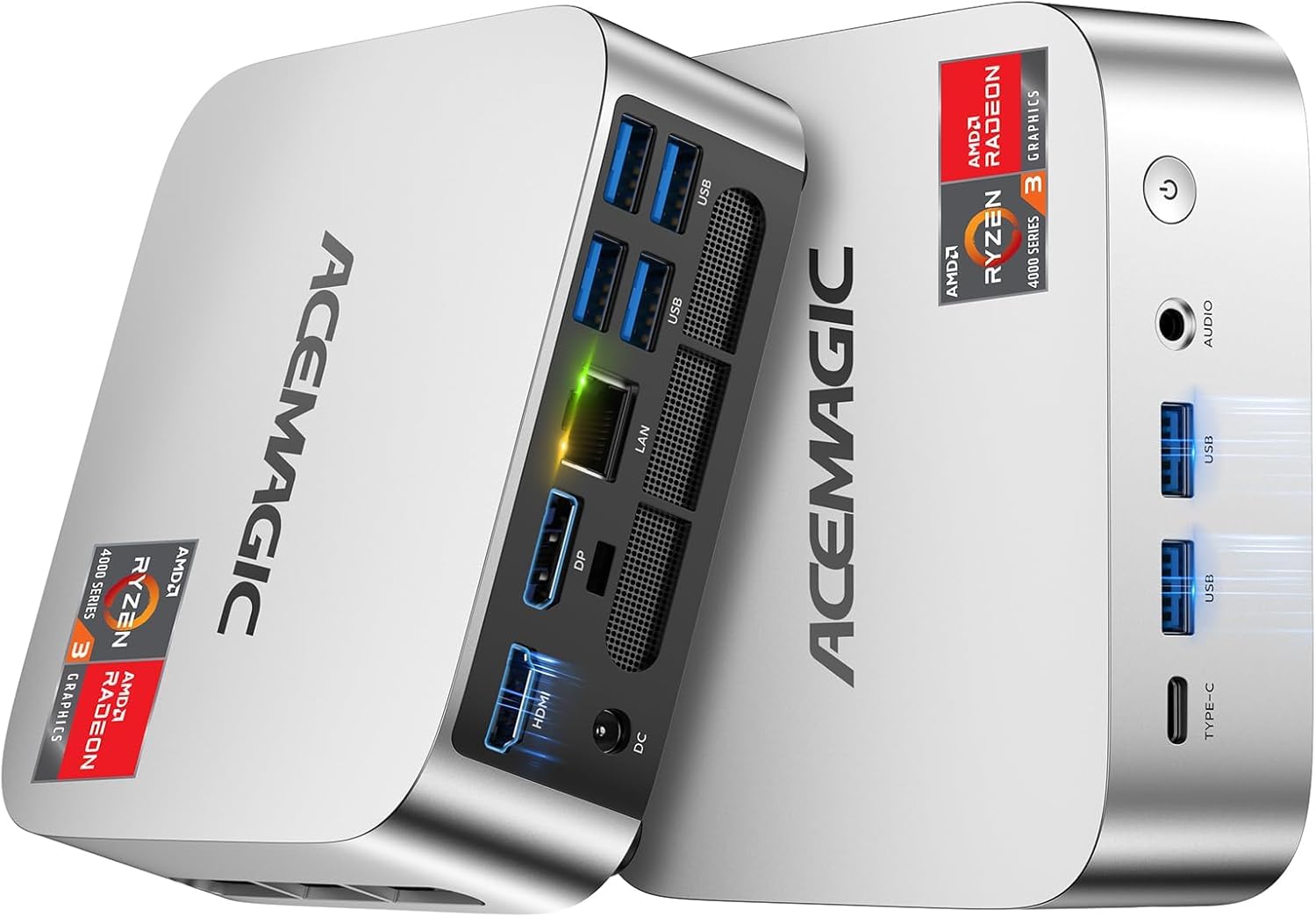
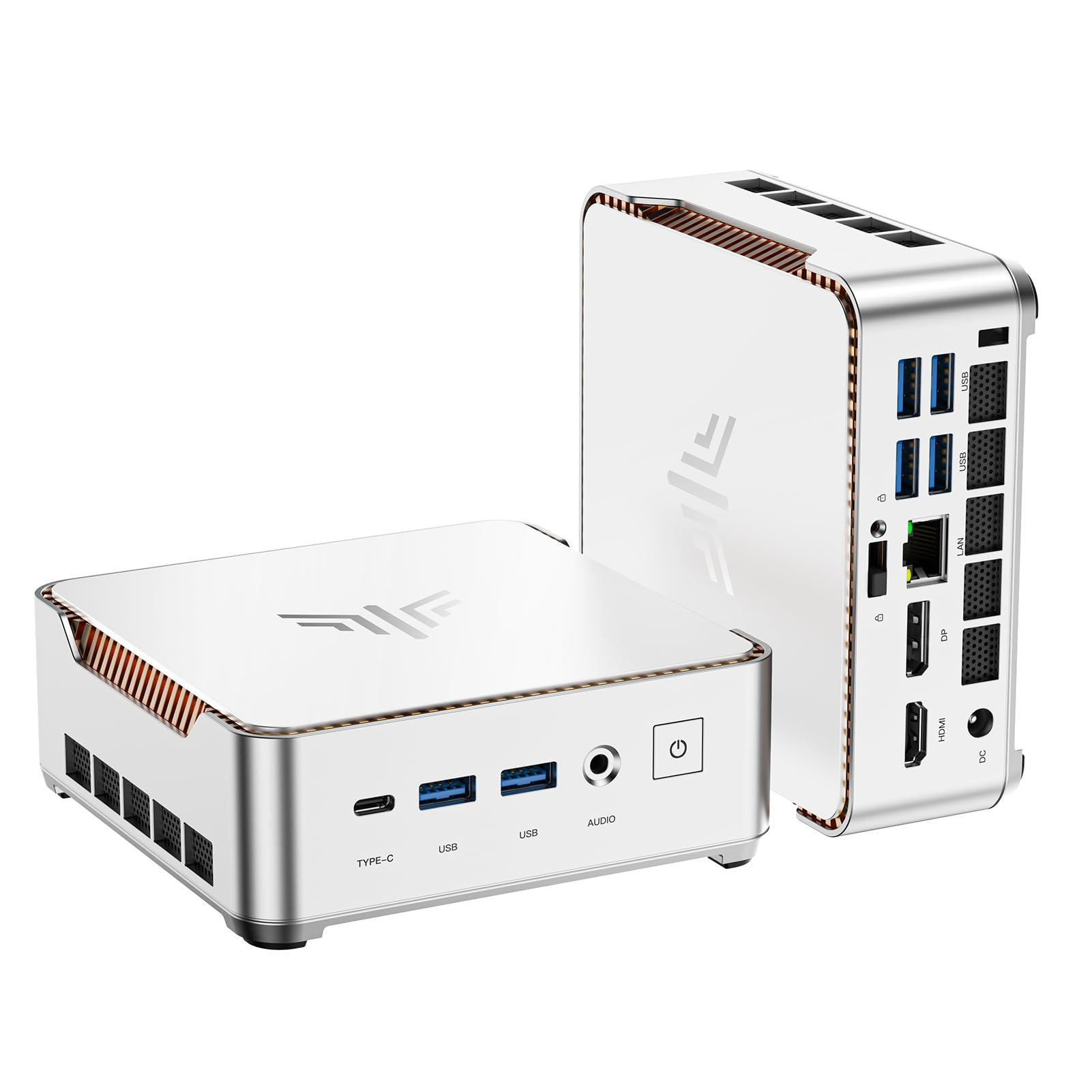
Three 4K outputs, 16GB of memory, and a compact silver case make the KAMRUI Pinova P2 look like more desktop than its footprint suggests. It runs AMD's Ryzen 3 5425U, a four-core/eight-thread processor with Radeon graphics, and the port stack covers HDMI 2.0, DisplayPort 1.4, and USB-C video. That's a useful trio for a desk with two monitors and a projector or TV.
That mix is why the P2 is our top pick for most desks. The 16GB of memory is enough to keep a browser with a dozen tabs, a spreadsheet, and a video call from feeling cramped, and the Ryzen has more headroom than the budget Celerons. We also appreciated the three video outputs: two monitors plus a wall display is realistic without adding a dock. The case is small enough to tuck under a monitor, and the included VESA mount makes a behind-the-screen install straightforward.
Wireless is the part to test early. If the connection drops in your room, the Gigabit Ethernet port is the dependable fallback, and a desktop doesn't lose much by staying wired. The P2 also runs cool and quiet in normal office use, which matters if it sits within arm's reach. A VESA mount is included, so the little case can disappear behind a monitor and leave the desk to the keyboard and a coffee cup.
Pros
- Strong everyday speed from a 4C/8T Ryzen
- 16GB memory handles browser and office work
- Three 4K outputs without a dock
- Compact case with included VESA mount
Cons
- Memory is fixed at 16GB
- 256GB drive is tight for media libraries
For most desks, this is the mini PC we reach for first: 16GB of memory, a capable Ryzen, and three 4K outputs in a compact case.