Best Overall

Apricorn Aegis Padlock 2TB
Key details
- Access
- PIN keypad
- Capacity
- 2 TB
- Interface
- USB 3.0
- Encryption
- 256-bit AES XTS hardware encryption
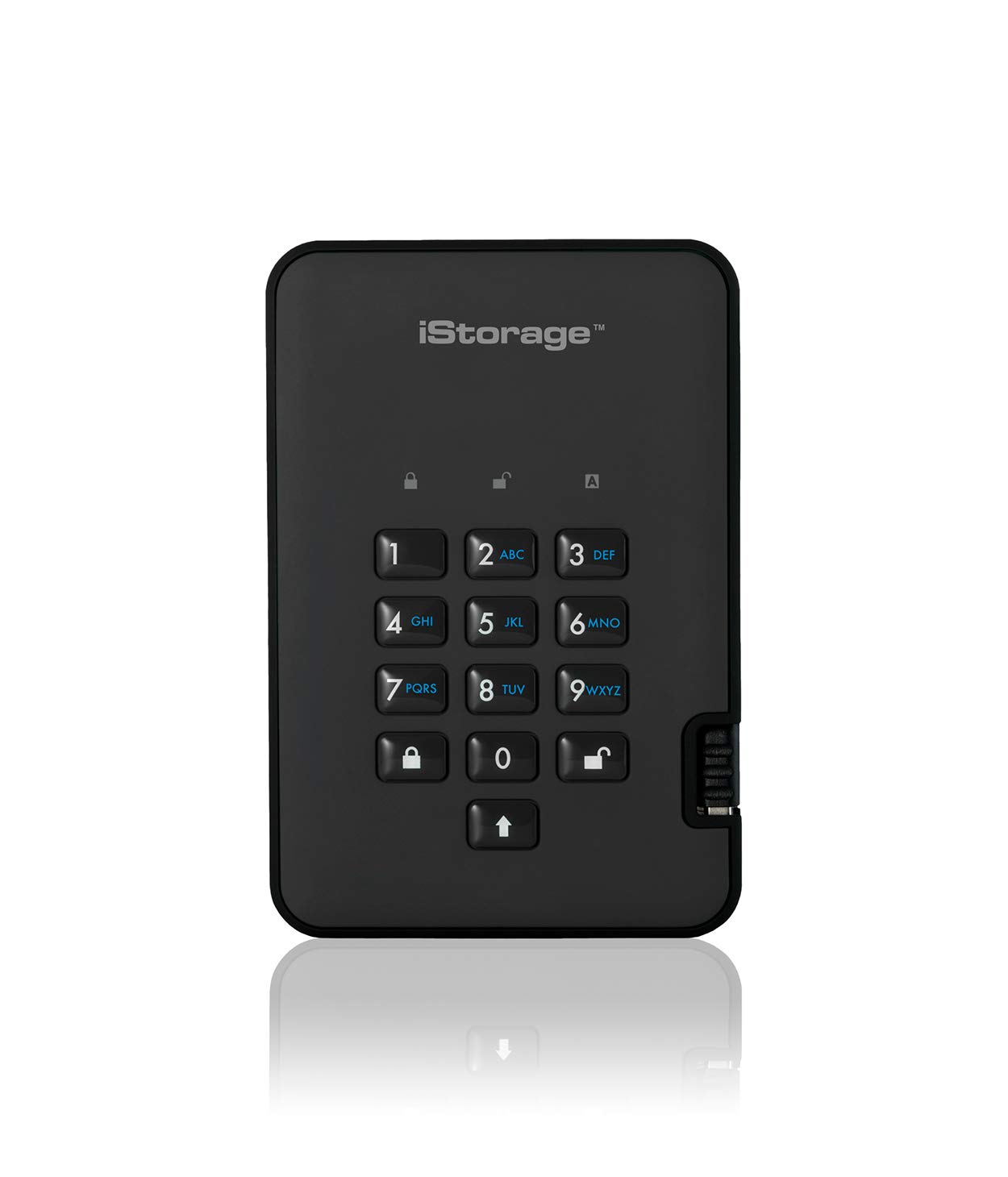
There's no app to install, no password screen to trust, and no admin dashboard to learn. The Aegis Padlock asks for a PIN on its own keypad and then mounts like any other USB drive. That's the version of encryption we recommend to most people, because it moves between Windows and Mac machines without dragging software along. The 2TB capacity is enough for a serious photo library or a year of project backups.
The PIN is set on the drive itself, so there's no helper app to install and no password screen that depends on the operating system. We also appreciate that the drive is bus-powered; there's no power brick to pack, and the 8-ounce body disappears into a laptop bag. The keypad is the kind of control that sounds fussy until you're on a borrowed computer and realize you don't have to install anything just to copy a folder.
The Padlock is the one we reach for when the priority is secure access without software friction. It's a backup workhorse, and the keypad means you can hand it to someone with a one-line instruction: enter the PIN, then use it like a normal drive. That simplicity is the reason it stays at the top of this list.
Pros
- PIN access without installing software
- 2TB capacity for backups and archives
- Bus-powered and 8 ounces
Cons
- Hard-drive speed trails the SSDs here
For most people, this is the encrypted drive we recommend: 2TB, a PIN keypad, and no software to install before you can get at your files.