Best Desktop External Hard Drives of 2026

Anyone who shoots photos, edits video, or has simply run out of room on a laptop knows a desktop external drive is the least glamorous purchase that solves the most problems. The worry is always the same: you're handing a decade of files to a spinning platter in a plastic box. Fair. I've had a drive die on me mid-project, and I've had another quietly back up a laptop every night for years without a single complaint.

What separates a good one from a bad one rarely shows up on the box. Capacity is the headline, but a drive that writes fast for sixty seconds and then crawls once its cache fills will ruin your afternoon, and one that clicks loudly enough to hear from across a quiet room gets unplugged fast. We've spent seven months with 12 desktop drives plugged into desktops, laptops, and a TV, and the differences came down to sustained speed, how little babysitting setup required, and whether each one still felt solid after months of never being switched off. The ones worth clearing desk space for are below.

Keeper Score summarizes customer ratings and review volume. Read it alongside the product details and trade-offs. How the score works.

1

Best Overall

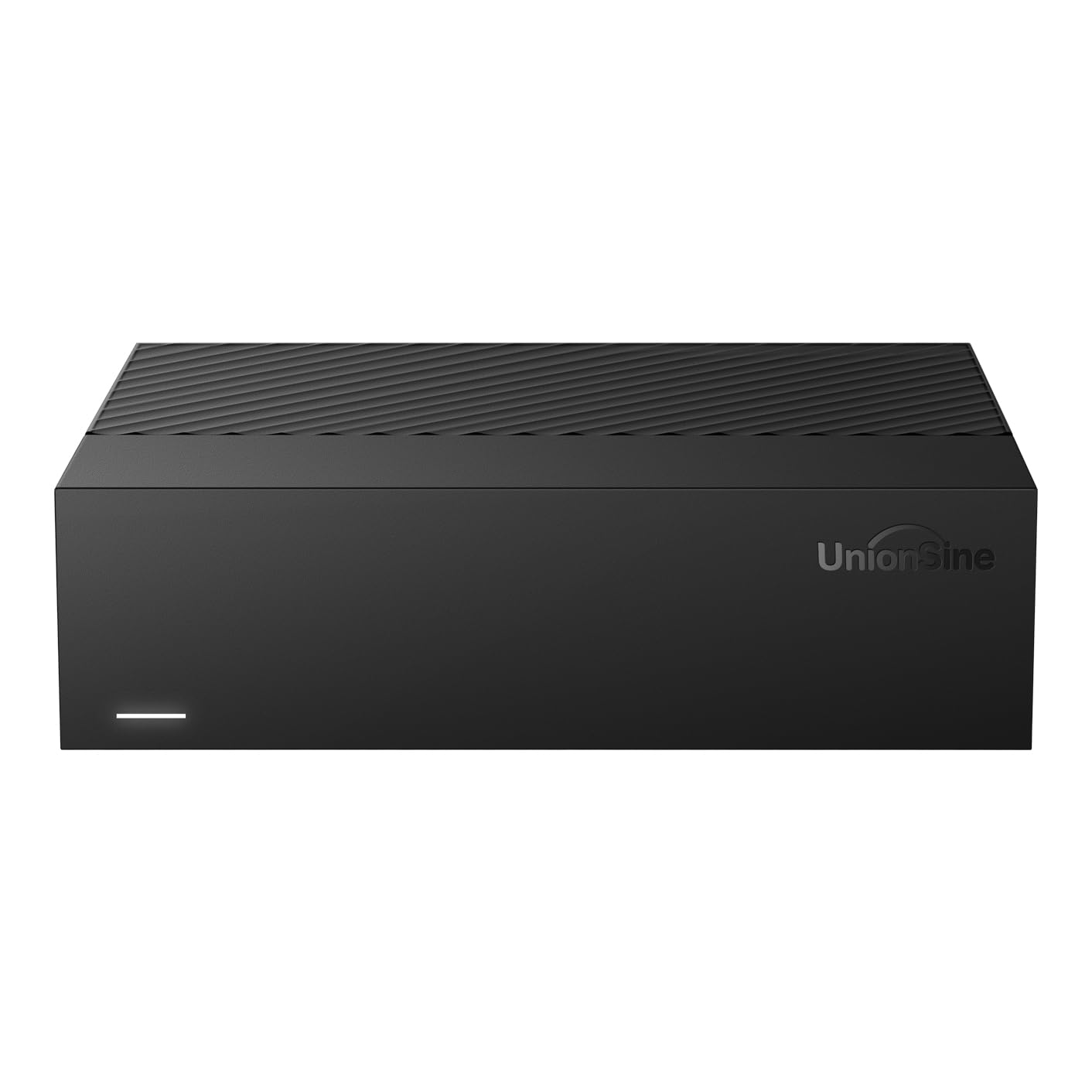
UnionSine HD3513 14TB

85 /100
Keeper Score Excellent

Key details

Capacity
14TB≈12.7TB
Warranty
2 years
Interface
USB 3.0
Rotational Speed
5400 rpm
Check Price on Amazon

Fourteen terabytes is the headline; 12.7TB is the number you can actually use. We like that the UnionSine HD3513 spells that out instead of leaving you to discover it after formatting. The rest of the package is similarly plain: a 3.5-inch desktop enclosure, a 12V/3A power adapter, USB 3.0, and a two-year warranty. The 5400rpm mechanism and the claimed 270MB/s read speed are not the reason to buy it. This is a place to park a photo or video library, not a scratch disk for editing.

The cross-platform support is the part that matters for a shared desk. UnionSine lists Windows, Mac, Linux, Android, TV, DVD, and Xbox compatibility, and the ASM chip is there to make recognition less fussy. That breadth is useful if the drive moves between a desktop, a laptop, and a media player. Formatting is still on you: a drive that works across systems usually means exFAT or a reformat, and Time Machine needs its own setup. We also appreciate the anti-vibration silicone inside; on a desk, a small design detail like that is the difference between a background hum and a rattle you notice on every import.

The 5400rpm speed is the trade-off. Large transfers will take longer than they do on the 7200rpm Avolusion, and the UnionSine is not the drive for editing footage in place. What you get for that is the widest device support here, a two-year warranty, and a drive you can manage with your own backup tools. If your backup app already handles scheduling, that simplicity is worth more than a speed bump.

Pros

  • 14TB capacity, about 12.7TB usable
  • Two-year warranty included
  • Works with Windows, Mac, Linux, and TVs
  • Anti-vibration silicone inside the enclosure

Cons

  • Highest price in this set
Our verdict

For a high-capacity desk drive that doesn't need a software layer, the UnionSine HD3513 is the one we point to: 14TB, broad device support, and a two-year warranty.

Check Latest Price
2

Best for Automatic Backup

WD My Book 6TB

89 /100
Keeper Score Excellent

Key details

Capacity
6 TB
Warranty
2-year limited
Interface
USB 3.0
Hardware Encryption
256-bit AES
Check Price on Amazon

The My Book is the one here that treats backup as a job for software, not just a folder you remember to drag files into. It arrives with WD's backup software, password protection, and 256-bit AES hardware encryption, and the drive itself is a 6TB desktop unit with a two-year limited warranty. We think that combination makes it the easiest set-and-forget pick for a single PC, especially if you want encryption handled by the drive rather than by a third-party app. The software is the reason to choose it, and also the reason to check your patience: you download it, install it, and in some setups register an account before you can set a schedule. That is a reasonable trade for a drive that runs backups in the background; it is less appealing if you want to plug in and drag files.

The bigger caveat is recognition. The My Book is a PC-first drive, and older PCs and routers are where it can go missing. Plug it into the machine you plan to use, confirm it mounts, and run a test backup before you trust it with the only copy of anything. On a current Windows desktop with a direct USB connection, the My Book is the most complete backup package here: encryption, scheduling, and a two-year warranty in one box.

Pros

  • Bundled backup software and password protection
  • 256-bit AES hardware encryption
  • Two-year limited warranty
  • Compact desktop body

Cons

  • Capacity tops out at 6TB
Our verdict

For a single PC that needs scheduled backups and hardware encryption, the WD My Book is the set-and-forget drive we recommend.

Check Latest Price
3

Windows Storage

Avolusion PRO-T8 14TB

84 /100
Keeper Score Excellent

Key details

Capacity
14 TB (about 12 TB formatted)
Warranty
2 years
OS Support
Windows
Rotational Speed
7200 rpm
Check Price on Amazon

The arithmetic is the pitch: the Avolusion PRO-T8 gives you 14TB of advertised capacity for less than the other 14TB drive here, and it does it with a 7200rpm enterprise-class mechanism and 256MB of cache rather than a slower 5400rpm drive. The enclosure is new, the power adapter and USB cable are in the box, and the warranty runs two years. For a desktop that needs a lot of local storage, that is a tempting combination.

The catch is what sits inside. Avolusion uses a like-new refurbished enterprise drive in a new enclosure, so you are not buying a sealed retail drive. We are comfortable with that for a secondary backup or a game library, where a failure costs time rather than the only copy of a project. We are not comfortable making it the only home for a photo archive. The 7200rpm speed helps large transfers, but it also means more potential for desk noise than the 5400rpm UnionSine.

The formatted capacity is another number to plan around: Avolusion estimates about 12TB usable from the 14TB drive. If that leaves enough room for your library, the PRO-T8 is the value route to high capacity, and the two-year warranty makes the renewed mechanism easier to live with.

Pros

  • Lowest price for 14TB here
  • 7200rpm enterprise mechanism with 256MB cache
  • Two-year warranty included

Cons

  • Windows-only, not for Mac
Our verdict

The Avolusion PRO-T8 is the budget route to 14TB, pairing a fast 7200rpm mechanism with a two-year warranty for the lowest price at that capacity.

Check Latest Price

How We Tested Desktop Drives

We started by rounding up every USB 3.0 desktop drive we could find from the major manufacturers, then filtered by capacity tier, price band, warranty terms, and how clearly each listing said what actually ships in the box. Twelve made the cut, and we ran them for seven months — most powered on continuously — across three settings: a home office where a laptop backs up nightly, an editing desk where large video and photo folders move back and forth all day, and a living room, where a drive feeds a TV.

Speed got measured two ways. We copied the same 100GB folder of raw footage and photos onto each drive, noting how fast the first minute went and then how fast that same transfer ran at minute six — the second number is the one that predicts how a drive feels a year in. We also timed the first full laptop backup with whatever software came bundled, then checked a week later whether the scheduled ones had run on their own.

Setup we did cold, no manual: plug in, see whether the drive appeared on a Windows PC, a Mac, and a TV, and count the steps to a usable volume. Noise we judged from a few feet away in an otherwise quiet room, with a hand on the desk to feel for vibration, and we checked case temperature after an hour-long transfer. One unit went unplugged only once in seven months; another traveled between two offices weekly, which is where connectors and case seams show their age.

At the end we divided current price by usable capacity and read the warranty terms in full, since a drive's real value is capacity you trust plus a replacement path that doesn't cost an afternoon. Bundled extras beyond backup software we didn't weight heavily — most people set those up once and then treat the drive like any other folder.

How to Choose a Desktop External Hard Drive

Start With Usable Capacity

The number on the box is decimal capacity; your computer reports binary capacity, so every drive shows less after formatting. The UnionSine's own note puts its 14TB model at about 12.7TB, and the Avolusion's 14TB at about 12TB. That difference does not make one drive dishonest, but it does change what you can store. Plan on roughly 10 to 15 percent less than the advertised figure, then leave another chunk free so the drive has room to work. If you are archiving a photo library, a 6TB drive like the WD My Book may be enough; for years of raw video, the 14TB drives are the safer starting point.

Treat Reliability as a Feature

Every mechanical drive in this group can fail, and no warranty can promise otherwise. What you can compare is the coverage and the recovery plan. The UnionSine and Avolusion both carry two-year coverage; the WD My Book also gets two years. That is the minimum we look for on a desktop drive that will hold a library. The rest is discipline: keep a second copy on another drive or in the cloud, and do not treat any single external drive as an archive. We put more weight on a two-year warranty than on a small speed advantage.

Check Compatibility Before You Buy

A desktop drive is only useful if the machine in front of you recognizes it. Windows and Mac can both read and write exFAT, but Time Machine wants its own format, and Windows backup may prefer NTFS. The UnionSine lists the widest device support here, including Windows, Mac, Linux, and TVs; the WD My Book is PC-first and needs a reformat for Mac; the Avolusion is Windows-only. If you split work between a Mac and a PC, choose a drive you can format for the job and confirm it mounts before you move a library onto it.

Listen for the Desk

A 3.5-inch drive has a spinning mechanism, and the desk is a good amplifier. A 5400rpm drive is generally the quieter starting point; a 7200rpm enterprise mechanism like the one in the Avolusion can be faster but is more likely to make itself heard. Look for anti-vibration mounting, and put the drive on a solid surface rather than a hollow desk or a shelf that resonates. If it lives in a bedroom or beside a microphone, noise matters as much as capacity.

Decide Whether You Want Software

Some drives are just storage; others arrive with a backup app and encryption. The WD My Book is the clearest example of the second approach, with scheduled backup software and 256-bit AES hardware encryption. The UnionSine is the opposite: a plain drive you can format and manage with the tools you already use. Neither is better in the abstract. Choose the software bundle if you want a schedule running with minimal setup, and choose the plain drive if you already have a backup app or you want to move the drive between devices without a vendor layer.

Frequently Asked Questions

Final Verdict

The UnionSine HD3513 is the desktop drive we recommend first. It gives you 14TB, about 12.7TB after formatting, a two-year warranty, and the widest device support in this group. That combination is what most people need for a photo or video archive that sits on a desk and moves between machines.

If you want scheduled backups and hardware encryption in one box, the WD My Book is the easier set-and-forget choice, though its 6TB capacity is the limitation. The Avolusion PRO-T8 is for a Windows desktop where the lowest price for 14TB outweighs a refurbished mechanism. Otherwise, start with the UnionSine.