Best VR Link Cables for Quest and Pico of 2026

The cheapest way into PC VR is a cable, and it's also where things usually go wrong. A link cable has to do two jobs at once: push a full-resolution video feed to the headset without a stutter, and keep the headset from dying mid-session. Get it wrong and you'll spend more time re-seating the plug than playing.

I play standing up in a living room with a coffee table I keep forgetting to move, and my first link cable lasted about three weeks before the connector started cutting out whenever I turned my head. My team has since put 14 cables through four months of real sessions — at a desk, spinning around in a headset, and stuffed into a bag for travel.

One thing shoppers miss: a cable that isn't genuinely USB 3.0 will still connect, but the software quietly drops to a slower link and the picture softens. A separate charging port is the other quiet hero — it's what lets a wall charger top the headset up while the PC handles data. The picks below are the ones I'd happily leave plugged in for good.

Keeper Score summarizes customer ratings and review volume. Read it alongside the product details and trade-offs. How the score works.

1

Best Overall

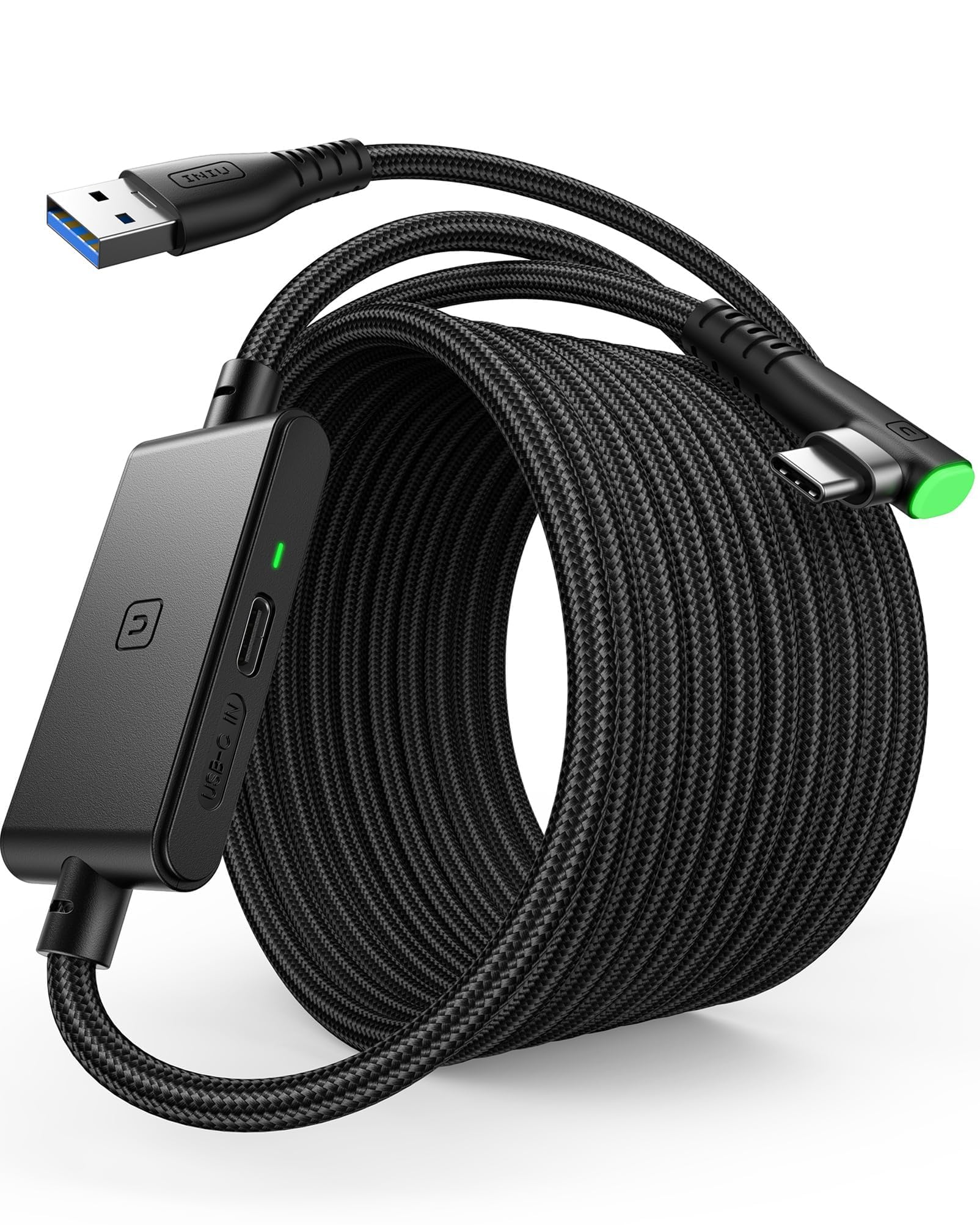
INIU 16ft Link Cable

87 /100
Keeper Score Excellent

Key details

Length
16 feet
Warranty
3 years
Data Rate
2.5 Gbps
Charging Input
Separate USB-C, 3.1A
Check Price on Amazon

The 16-foot INIU earns its place with a second USB-C socket. You run the USB-A end to the PC for the link, then feed that extra socket from a PD or QC charger; the cable is rated for 3.1A and 18W, and the built-in SmartProtect chip is designed to hold the headset in a safer battery range rather than chase a full charge. That is the difference between a cable that merely connects and one that makes a long session feel less like a countdown.

We like the 90-degree USB-C plug because it keeps the cable close to the headset instead of levering against the port, and the sticky buckle takes the pull off the connector when you turn. The 16-foot run gives you room to step and swing without dragging the PC off the desk. The data side is USB 3.0, and the round white jacket is flexible enough to route around a chair without fighting back.

The separate power feed is the feature we value most, but it is not magic: a weak charger leaves you with the same slow drain. We also noticed that the extra socket adds a second cable to manage, which is the price of the longer playtime. For a PC at the edge of the room and sessions that run past the headset's battery, this is the cable we pack first.

Pros

  • Separate USB-C power input
  • 16-foot room-scale reach
  • 90-degree plug and sticky buckle
  • 3-year product care

Cons

  • Listed 2.5Gbps link trails 5Gbps rivals
Our verdict

For long PC VR sessions, this is the one we reach for: the separate USB-C charging port and 16-foot run give it the best balance of reach and charging support here.

Check Latest Price
2

Best Official Option

Meta Quest Link Cable

89 /100
Keeper Score Excellent

Key details

Length
16 feet
Charging
Active powered
Data Rate
5 Gbps
Cable Core
Fiber optic
Check Price on Amazon

The official cable is the one we hand to someone who wants zero guesswork. It is a single USB-C run, 16 feet long, with a fiber-optic core that keeps the cable light and flexible relative to copper, and it is actively powered so it can charge the headset while you play. There is no second socket to feed and no separate brick to remember.

The 5Gbps rating is the same ceiling as the better third-party cables here, and the fiber core is the detail we appreciate most: a long cable that does not feel like a garden hose behind your head makes room-scale play easier to live with. The PC end is USB-C, so a desktop with only USB-A needs an adapter or a different cable. We treat that as the main setup question, not a reason to overlook the cable.

What you pay for is the badge and the lack of fiddling. We treat it as the premium default for a USB-C-equipped PC, not the value pick. If your machine has a blue USB-A port and you want to spend the difference on games, the INIU or Maxonar make more sense.

Pros

  • Official Quest and Pico compatibility
  • Fiber-optic core keeps it light
  • Active charging while you play

Cons

  • Premium price versus third-party picks
Our verdict

The no-guess choice we hand to anyone who wants official compatibility and active charging without a second adapter; the 16-foot fiber-optic build is a premium fit for a USB-C PC.

Check Latest Price
3

Best Value with Charging

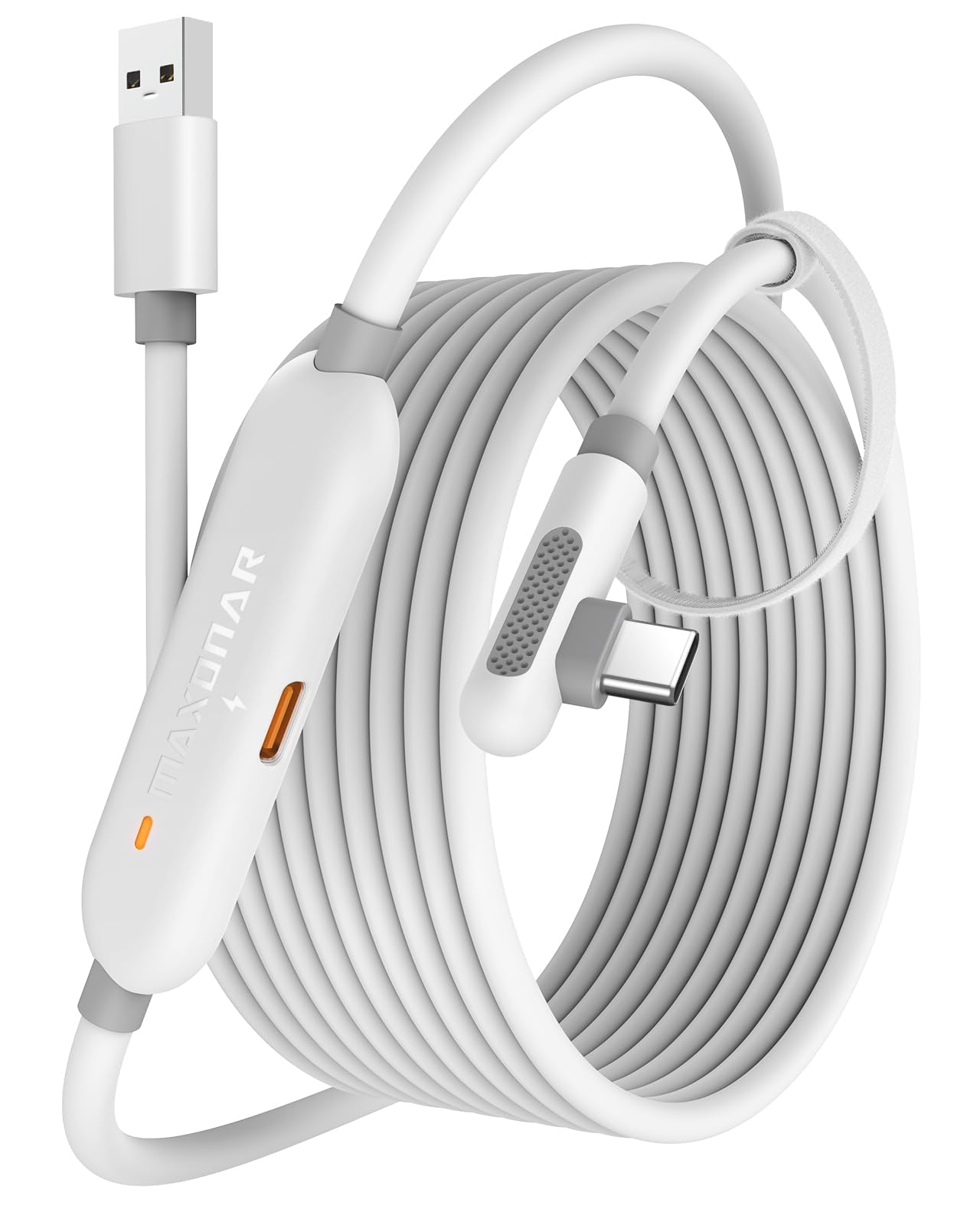
Maxonar 16ft Link Cable

86 /100
Keeper Score Excellent

Key details

Length
16 feet
Charging
18W separate port
Warranty
2 years
Data Rate
5 Gbps
Check Price on Amazon

Maxonar takes the same separate-power idea as our top pick and shaves the price. The 16-foot cable carries USB 3.2 Gen1 data at a 5Gbps rating, and its extra charging port is rated for 18W and up to 3.6A; the listing is honest that Quest link lands closer to 2.5–3.2Gbps in practice.

We like the L-shaped plug and the velcro strap for the same reason as the others: a long cable pulls, and the right angle keeps that pull off the headset's port. The 2-year warranty is a useful backstop for a cable that lives on the floor. What we do not like is that the fast charging depends on the adapter you supply; the box has the cable, a guide, and no charger.

Connection stability is the part to manage: use a native USB 3.0 port, not a hub, and the cable has a better chance of holding the link. If you already own a good PD charger, this is the value route to the same long-session setup. It is the one we point to when the INIU's extra warranty matters less than the lower price.

Pros

  • Separate 18W charging port
  • 5Gbps USB 3.2 Gen1 link
  • 16-foot length
  • 2-year warranty

Cons

  • No PD/QC charger included
Our verdict

We see it as a close value alternative: the separate 18W charging port and 5Gbps link cover the same long-session job for less than our top pick.

Check Latest Price
4

Best for Data-Only PC VR

Syntech 16ft Link Cable

89 /100
Keeper Score Excellent

Key details

Length
16 feet
Warranty
18 months
Connector
90° USB-C
Data Rate
5 Gbps
Check Price on Amazon

Syntech's 16-footer is the cable we point to when the job is PC VR, not battery life. The USB 3.0 link is rated up to 5Gbps, the L-shaped connector and velcro strap keep the headset end tidy, and the 16-foot run is long enough to move around a room without unplugging.

The build is flexible and the connector sits close to the headset, which we prefer to a straight plug that levers against the port. Compatibility covers Quest 3S, 3, 2, Pro, and Pico 4, so it is an easy swap if you move between headsets. The 18-month warranty is a sensible floor for a cable that gets stepped on.

Charging is where we draw the line: this is a data-first cable, and long sessions can outrun the headset's battery. We treat it as the pick for seated play or sessions that fit inside a charge, not as an all-day power solution. Durability is the other question, and we route the cable carefully rather than relying on the jacket to survive a tug.

That makes it the cable we keep for seated sessions and short room-scale bursts, not the one we hand to someone planning a four-hour run. If you already own a headset battery pack or play in short stretches, the long reach and low cost are the right trade.

Pros

  • 16-foot reach
  • L-shaped connector and velcro strap
  • Quest and Pico compatibility

Cons

  • Durability varies between units
Our verdict

We keep this data-first pick for flexible 16-foot runs and broad Quest and Pico compatibility, not for keeping the headset topped up.

Check Latest Price
5

Best for Fast Charging

AMVR 16ft Link Cable

85 /100
Keeper Score Excellent

Key details

Length
16 feet
Charging
36W max
Connector
90° USB-C
Data Rate
5 Gbps
Check Price on Amazon

AMVR is the cable we look at when charging headroom is the priority. It is rated for up to 36W while carrying a 5Gbps USB 3.0 link, which is the highest charging figure in this group, and the 16-foot length gives you room to move. The reinforced L-shaped plug and double PVC jacket are built for the kind of handling a floor cable gets.

We like that the safety chip is there to manage voltage and current rather than just push power; a headset battery does not need the full 36W all the time. The velcro strap is simple but useful. What we cannot tell you is that every adapter will hit the ceiling: the 36W figure depends on the charger, the headset, and the state of the battery, and the box does not include a charger.

Connection stability is the caveat. The cable has the right specs for PC VR, but dropouts can happen, so we treat a native USB 3.0 port and a secure connector as part of the setup. If you want the most charging headroom here and can supply the right adapter, it earns the spot; if you want the most settled link, the INIU or Meta are safer bets.

Pros

  • 36W charging ceiling
  • 16-foot length
  • 5Gbps USB 3.0 link
  • Reinforced L-shaped plug

Cons

  • No charger included
  • Connection dropouts can occur
Our verdict

We reach for this charging specialist when 36W matters: it has the highest charging rating here, and the 16-foot build suits long PC VR sessions if your adapter can feed it.

Check Latest Price
6

Small Play Spaces

YRXVW 10ft Link Cable

82 /100
Keeper Score Excellent

Key details

Length
10 feet
Weight
3.17 oz
Charging
15W max
Data Rate
5 Gbps
Check Price on Amazon

Ten feet is the whole story with the YRXVW. In a seated setup or a small room, the shorter run keeps the cable off the floor and out of your feet, and the 5Gbps USB 3.0 link is enough for PC VR. It also carries 3.1A/15W charging, which is modest but useful for shorter sessions.

We like the L-shaped connector and the velcro patch because they stop the cable from tugging on the headset port when you turn your head. At 0.09kg it is light enough to forget about, and the 10-foot length is easier to manage than a 16-foot cable in a tight space. The shorter run also makes it less likely that someone crosses the cable on the way to the kitchen.

The trade-off is obvious: room-scale play will outrun 10 feet, and the cable can feel stiff when new. We see it as the small-space pick, not the one for a garage-scale play area. If you mostly sit or stand in one spot, the shorter run is a feature rather than a compromise.

Pros

  • 10-foot length for small spaces
  • 5Gbps USB 3.0 link
  • 15W charging support

Cons

  • Too short for room-scale play
  • Can feel stiff when new
Our verdict

We like this short, light cable for seated PC VR or a small play space; the 10-foot run keeps things tidy, and 15W charging is enough for shorter sessions.

Check Latest Price
7

Simple 16ft Setups

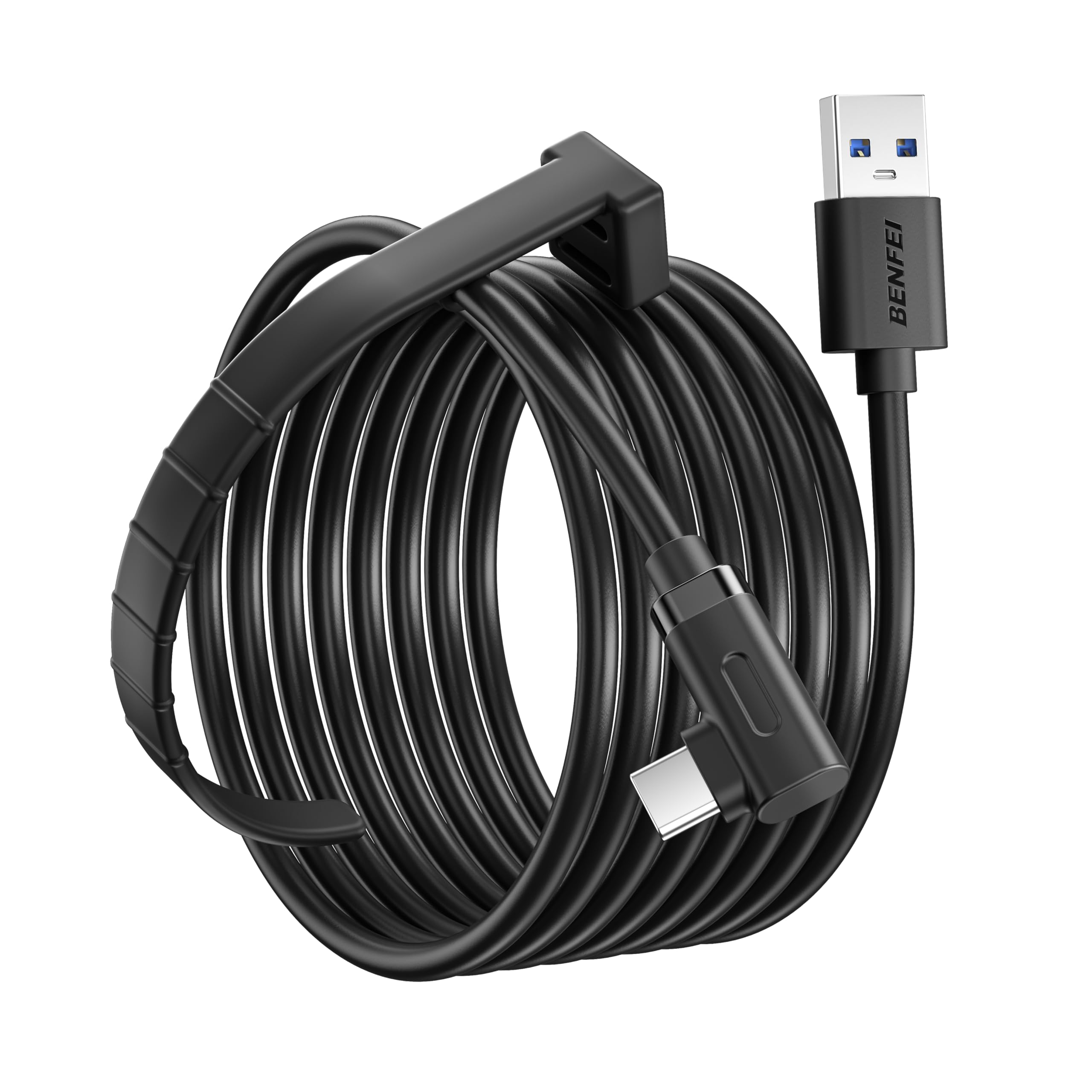
BENFEI 16ft Link Cable

82 /100
Keeper Score Excellent

Key details

Length
16 feet
Charging
18W QC
Warranty
18 months
Data Rate
5 Gbps
Check Price on Amazon

BENFEI's 16-footer is the plainest version of the formula: a 5Gbps USB 3.0 link, 18W QC charging, and an 18-month warranty. It keeps the setup to one cable, with the charging built into the run.

We like the 16-foot length and the 18-month warranty at this price; those are the two things that make it worth a look. The 5Gbps rating is standard for the group, and the listing calls out a 5V 3A cable to hold charging current over the long run. It is a sensible cable for a PCVR setup that does not need the fastest charging.

The 18W ceiling is the limitation. If your headset drains faster than that under load, the separate-port cables in this guide are the better fit. For shorter sessions or a headset that starts full, BENFEI keeps the cost down without asking you to manage a second cable. That is the version of this purchase we recommend when charging is a nice-to-have.

Pros

  • 16-foot length
  • 18W QC charging
  • 18-month warranty

Cons

  • 18W charging is modest for long sessions
Our verdict

We recommend this straightforward 16-foot, 18W link cable with an 18-month warranty when you want the long run without paying for the fastest charging.

Check Latest Price
8

Either PC Port

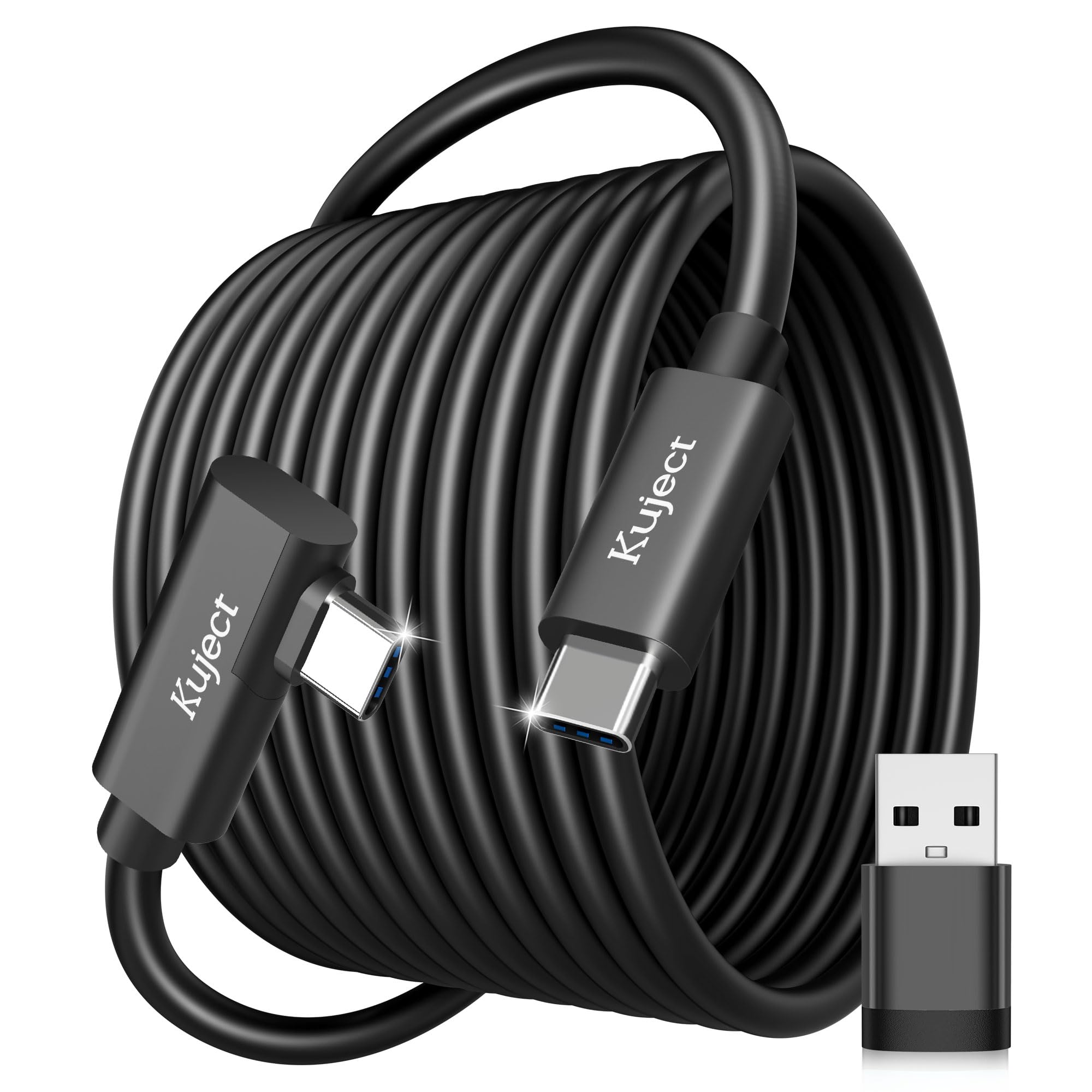
Kuject 16ft Link Cable

86 /100
Keeper Score Excellent

Key details

Length
16 feet
Warranty
18 months
Data Rate
5 Gbps
PC Adapter
USB-A included
Check Price on Amazon

The Kuject cable is the one we reach for when the PC end is the question. It is a 16-foot USB 3.0 link rated up to 5Gbps, and it includes a USB-A adapter so it can work with either a USB-C or USB-A port on your computer. That is a small thing that saves a return.

We like the L-shaped connector and the retaining strap; they keep the headset end seated during active play. The alloy connector and TPU jacket are described as bend-resistant, and the 18-month warranty covers a cable that will spend time on the floor. The 5Gbps rating is the usual ceiling, with Quest link running lower in practice.

Durability is the part we watch. The connector is the wear point on any link cable, and this one asks for careful routing rather than a hard yank. If you need the USB-A adapter and want a long run, it is a practical choice; if you want the most settled long-term build, the INIU or Meta are stronger bets.

The adapter is the practical reason to pick it, not a performance upgrade. We see it as the cable for a mixed house of PCs, where one machine has USB-C and another only has USB-A. Keep the connector straight when you pack it, and the rest of the cable does its job.

Pros

  • Included USB-A adapter
  • 16-foot length
  • 5Gbps USB 3.0 link

Cons

  • Connector durability is the weak point
Our verdict

We pick this flexible-port cable for its 16-foot USB 3.0 link and included USB-A adapter for either PC port, though connector durability is the trade-off.

Check Latest Price

How We Tested the Best VR Link Cables

We gathered every USB 3.0-rated link cable we could find between 10 and 16 feet, then cut anything whose listing didn't state a data rate or that used a plain straight plug with no strain relief at the headset end. That left 14 cables, tested over four months.

Each one went into a desktop PC in a home office, and the shorter ones came along with a laptop for a few weeks on the road. After every connection we opened the headset software's device panel to see whether the cable registered as a USB 3.0 link or quietly fell back to 2.0, then played the same two PC VR titles long enough to catch stutter, blackouts, or a picture that went soft at the edges of the field of view.

For playtime, we ran each cable from a full charge down to the low-battery warning with the headset in active use, logged the percentage left after two hours, then repeated the run on the split-port models with a wall charger connected to see how much of that drain it cancelled.

Build quality got the least gentle treatment: we coiled each cable around a hand the way you actually coil one, let the connector end swing against a desk leg, and unplugged and re-plugged the headset side fifty times to see if anything loosened. Compatibility we checked the boring way, connecting to two headsets and a PC and confirming the right-angle plug stayed seated through a session spent standing and turning. Value showed up in odd places — a couple of the least expensive cables in the batch outlasted mid-priced ones with thicker braiding.

How to Choose a Vr Link Cable

Start with the length your play space can use

We start with length because it decides how the cable lives in your room. A 10-foot cable is often enough for seated sims, cockpit games, or a small standing area, and the shorter run is easier to keep off the floor. Once you step and turn through a room, 16 feet gives you a useful margin without turning the cable into a trip hazard. Measure the distance from the PC to the center of your play area and add a few feet for routing around furniture; a cable that is taut at the edge of your boundary will pull on the headset.

Decide whether charging is part of the job

Some link cables are data-first: they connect the headset to the PC, but the headset can still drain during a long session. Others add a separate USB-C power input, which lets you feed the headset from a PD or QC charger while the data goes to the PC. We treat that second input as the feature worth paying for only if you also have a charger that can supply the current; a basic phone brick may not. The official Meta cable takes a different route with active charging built into the cable, but it still depends on the PC's USB-C port.

Treat 5Gbps as a ceiling, not a guarantee

USB 3.0, USB 3.2 Gen 1, and USB 3.2 Gen 2 all get used loosely in listings. For Quest link, the practical bandwidth often lands around 2.5–3.2Gbps even on a 5Gbps cable, and that is generally enough for compressed PC VR. The more useful question is whether the cable holds that link without dropping. We look for a native USB 3.0 port on the PC, not a hub or a front-panel port of unknown speed, and we check that the PC software sees the headset before blaming the cable.

Look at the headset connector and strain relief

A right-angle USB-C plug sits closer to the headset and puts less leverage on the port when you turn your head. A velcro strap or buckle takes the pull off the connector, and a reinforced joint is worth having on a cable that gets stepped on. We pay attention to sharp bends right at the plug, because that is where most long cables fail. If you share the headset or move between rooms, a cable that is easy to coil and route matters as much as its data rating.

Check the PC port before you buy

Most cables here are USB-A to USB-C, which suits a desktop with a blue USB 3.0 port. If your PC only has USB-C, the official Meta cable is the straightforward fit, while an adapter can make a USB-A cable work. On a laptop, confirm the port carries data and enough power; a charging-only USB-C port will not run PC VR. We check the port first because the cable cannot make up for a USB 2.0 connection or an underpowered hub.

Frequently Asked Questions

Final Verdict

The INIU 16-foot link cable is the one we recommend for most Quest and Pico owners. It gives you room-scale length, a separate USB-C charging input for long sessions, and a three-year warranty, and it does that without the official cable's premium.

If your PC has USB-C and you want the simplest single-cable setup, the Meta cable is the better fit. If you play seated or in a small room, the 10-foot YRXVW is the tidier choice.