Best TVs to Use as a Monitor of 2026

A TV is the cheapest way to buy a big panel, which is why so many of us end up staring at one for work. The catch shows up fast: color fringing on small text, a backlight that won't dim past a certain floor, a screen that quits on you mid-sentence. I've worked off a 4K set for years, and the gap between a good one and a frustrating one usually lives in the settings menu, not the spec sheet.

We spent seven months with 11 sets between 32 and 43 inches, used the way people actually use them: a second screen at a desk, a bedroom TV with a keyboard attached, a set on the kitchen counter. We looked at resolution at sizes where 1080p looks soft, whether scrolling held up at 100Hz and up, how many devices each accepted, and whether the speakers were enough without a soundbar.

Small sets hide their compromises well: wobbly stands, four-button remotes, panels that look fine in a store and grainy on a white document at midnight. The picks below deal with them differently.

Keeper Score summarizes customer ratings and review volume. Read it alongside the product details and trade-offs. How the score works.

1

Best Overall

Samsung 43-Inch M70H 4K TV

86 /100
Keeper Score Excellent

Key details

Resolution
4K UHD
HDMI Inputs
3
Screen Size
43 inches
Refresh Rate
60 Hz
Check Price on Amazon

A 43-inch 4K panel is the sweet spot for a TV that has to do desk duty: at that size the pixels are dense enough that two windows side by side stay readable, while the screen still feels like a television from across the room. The Mini LED backlight gives this Samsung real punch — the 1,000-nit peak is far brighter than the budget sets here, and the glossy finish makes colors pop. We did find the gloss worth planning around; a window behind your chair will show up in dark scenes, so a matte monitor or a curtain is the better answer.

We think it's the best default here because it balances the two jobs better than the dedicated monitors. The three HDMI inputs leave room for a PC, a console, and a streaming stick without a switcher, and the tuner means it still works as a plain TV when the computer is off.

The 60Hz refresh is fine for spreadsheets and streaming, and Samsung's Tizen platform is quick enough for apps. Label the PC input and turn off motion smoothing, and desktop text settles down nicely. The picture presets are worth a few minutes of adjustment; the default is tuned for video, not documents.

The 200 x 200 mm VESA pattern gives you a wall-mount option later, and the 14.8-pound weight is manageable for one person. It is not the sharpest text of the group — the 32-inch 4K Movingstyle wins that — but it is the one we choose for a room that has to be both office and den.

Pros

  • 43-inch 4K panel stays sharp at desk distance
  • Mini LED brightness stands up to a lit room
  • Three HDMI inputs simplify a PC and console setup
  • Tizen apps and a tuner make it a real TV

Cons

  • 60Hz refresh limits competitive gaming
  • Remote is fiddly to navigate
Our verdict

The Samsung M70H is the set we point to first: a 43-inch 4K panel that is sharp at a desk and bright enough for a living room.

Check Latest Price
2

Best for Multitasking

LG 34SR60QC-W Ultrawide

88 /100
Keeper Score Excellent

Key details

Resolution
3440 x 1440
Screen Size
34 inches
Aspect Ratio
21:9
Refresh Rate
100 Hz
Check Price on Amazon

The 21:9 curve is the whole argument for this LG. At 3440 x 1440, we could keep a document, a browser, and a chat window open without overlapping them, which is the thing a 16:9 TV cannot do at this size. The 100Hz refresh is the detail that makes it feel more monitor than TV; scrolling and window drags are smoother than on the 60Hz sets here. We think it is the best pick for someone whose day is mostly desk work and whose evening is streaming.

Streaming is built in through webOS, and the matte panel keeps reflections down in a room with a window. The 21:9 shape is a work tool first: movies fill it, but most TV shows leave side bars, which is the price of the extra width. Color coverage is strong at 99% sRGB, and the 3,000:1 contrast gives dark scenes more depth than the budget TVs here.

The 34-inch size fits a small desk better than a 43-inch TV, and the built-in speakers are good enough for a call or a show. The two HDMI inputs cover a desktop and a streaming stick, but a USB-C-only laptop needs an adapter or a dock. That is the port we miss, and it is why we call this a desk-first monitor rather than a one-cable laptop hub.

Pros

  • 21:9 panel fits three windows side by side
  • 100Hz refresh feels smoother than 60Hz
  • Matte screen and 99% sRGB color

Cons

  • 300 nits is modest in a bright room
Our verdict

The LG 34SR60QC-W is the pick for a desk-first setup: its 21:9 panel gives you room for three windows, and the 100Hz refresh makes everyday work feel smoother than a 60Hz TV.

Check Latest Price
3

Best Room-To-Room

Samsung Movingstyle Essential 32

81 /100
Keeper Score Excellent

Key details

Stand
Height-adjustable rolling stand
Resolution
4K UHD
Screen Size
32 inches
Refresh Rate
60 Hz
Check Price on Amazon

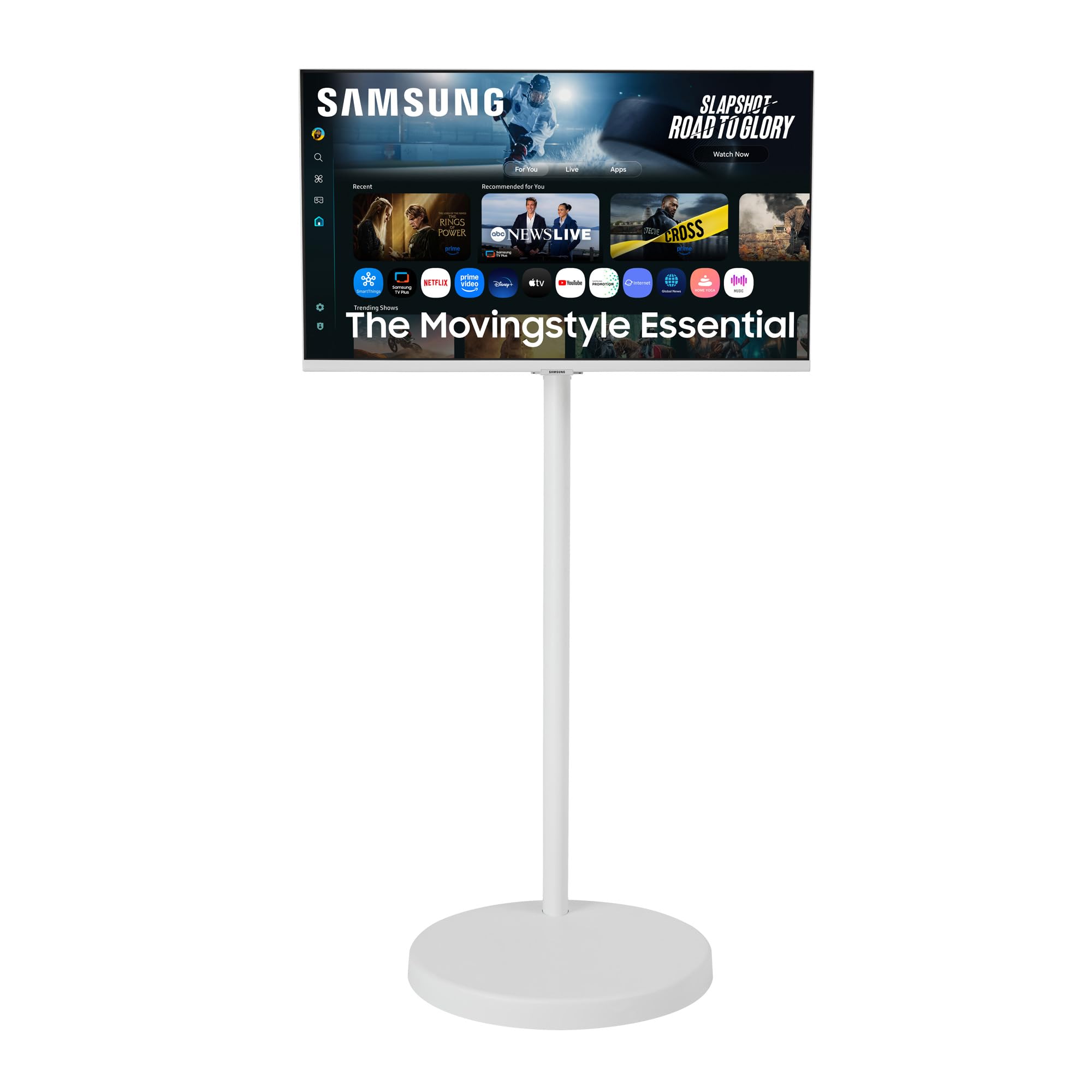
The rolling stand is the feature that justifies this Samsung. The screen sits on a height-adjustable column with casters, so it can move from a desk to a kitchen counter or a patio door without rearranging the desktop. The 32-inch 4K panel is the sharpest text of the 16:9 picks here, and the matte finish keeps it readable in a room with windows on more than one wall.

We think it earns its price for a small home where the same screen has to serve work and dinner. The 4K resolution at 32 inches gives you crisp documents without the desk-hogging width of a 43-inch TV, and the stand tilts, swivels, and pivots so you can angle it away from glare. The base is wide and stable, which is what you want when the screen is going to be pushed across a floor.

The built-in speakers are serviceable for a call or a show, and the smart TV apps mean you do not need a streaming stick. The 60Hz refresh is the compromise for fast games, but this is not a gaming monitor first. What sells it is the roll: a fixed TV cannot follow the conversation from the office to the kitchen.

Pros

  • Rolling height-adjustable stand moves between rooms
  • 32-inch 4K panel keeps text crisp
  • Matte screen handles a bright room
  • USB-C input and built-in smart apps

Cons

  • Only two HDMI inputs
  • 55.6-pound unit is heavy to lift
Our verdict

The Movingstyle is for the person who wants one 4K screen to follow them from office to kitchen; the rolling stand is the reason to pay, and the weight is the trade.

Check Latest Price
4

Budget Small Spaces

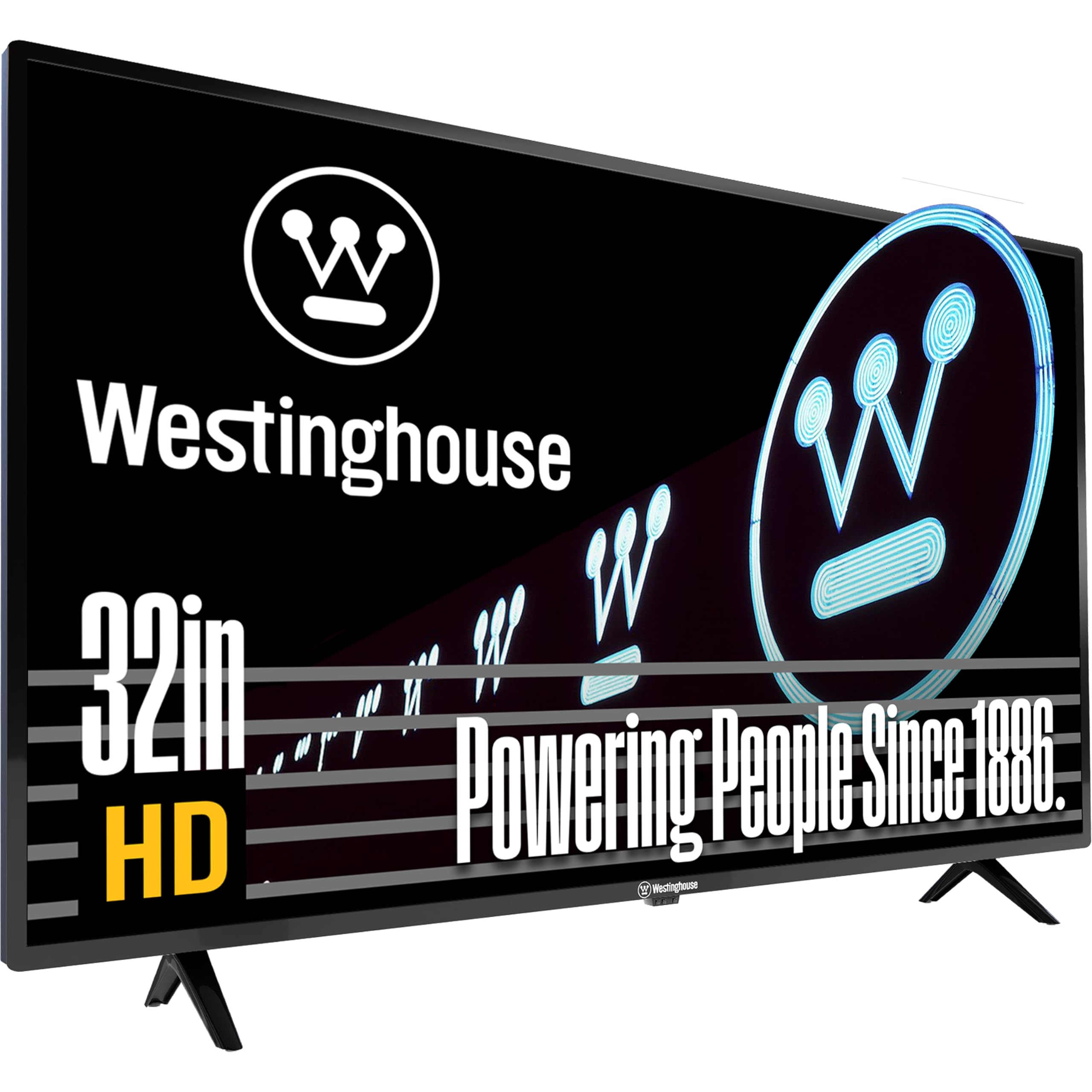
Westinghouse 32-Inch HD TV

80 /100
Keeper Score Excellent

Key details

PC Inputs
HDMI, VGA
Brightness
180 nit
Resolution
720p
Screen Size
31.5 inches
Check Price on Amazon

The 720p panel sets the terms of this TV. At 32 inches it is fine for a newscast, a game console, or a security feed, but it is not the screen for reading documents all day; text looks soft and the 180-nit brightness wants a dimmer corner rather than a sunlit wall. For a guest room or a kitchen counter, that trade-off is easy to live with.

What we appreciated is the input flexibility. You get three HDMI ports and a VGA input, which is rare on a TV this cheap and useful if you have an older desktop or a piece of equipment that still uses VGA. The set is light at 7.5 pounds without the stand, so moving it between a shelf and a table is a one-person job.

We think the non-smart design is the underrated part. It makes this a display first: no home screen to navigate, no app grid to wait for, no account to sign into. The remote is basic and the menu is plain, which suits the job. The VGA port is the detail we did not expect to use as often as the HDMI inputs.

Pros

  • VGA and three HDMI inputs cover older PCs
  • Light 7.5-pound panel is easy to move
  • Non-smart design skips apps and accounts

Cons

  • Built-in sound is thin and volume-limited
Our verdict

The Westinghouse is a sensible cheap second screen for a kitchen, garage, or guest room; buy it for video and light PC use, not for all-day document work.

Check Latest Price

How We Tested TVs Used as Monitors

We started by pulling every set between 32 and 43 inches that owners had plausibly used as a desktop display, then filtered for resolution at each size, refresh rate, port count, and whether the set accepts a full-resolution PC signal. That left 11 that we bought and lived with for seven months, spread across a home-office desk, a bedroom dresser, a kitchen counter, and the back of a camper. Every one spent most of its life showing documents, video calls, and browser tabs rather than movies.

Text came first. At each desk we opened the same spreadsheet and PDF at 100 percent zoom and looked for color fringing on small type, then confirmed the set held full chroma at 60Hz rather than quietly dropping to a compressed signal. We scrolled long documents to compare how 60Hz and 100Hz-plus panels felt after eight hours, and sat with each screen in a dark room to see how low the backlight would go — several refused to dim past a floor that was fine for movies and miserable at 11 p.m. We also timed how quickly each woke from sleep and whether a power-saving timer would blank the screen mid-task.

The unglamorous things got counted. We assembled each stand solo, noted how much desk depth it ate, lifted the whole unit to judge whether one person could move it, and ran setup from box to usable desktop on a stopwatch. We counted HDMI and USB-C ports, cast from a phone and a laptop to see what connected without fuss, and plugged a streaming stick into the set with no apps of its own. Speakers got a volume test in a small room — was dialogue clear without a soundbar, did it distort near the top — and each remote got a week of real use. Prices were tracked the whole way through, since value is most of the reason to do this at all.

How to Choose a Tv for Monitor Use

Start with pixel density, then choose the size

A 43-inch 4K TV puts enough pixels behind each letter to keep two windows crisp at arm's length; the same size at 1080p looks coarse for text. That is why we treat 4K as the baseline for a desk-first set and 1080p as a compromise for a TV that only occasionally takes a PC signal. If your desk is shallow, a 32-inch 4K screen such as the Movingstyle is sharper than a larger 1080p TV, while the 34-inch LG ultrawide trades height for extra width. A 32-inch 720p set like the Westinghouse is a video screen first. Measure from your eyes to the screen before you choose; at around an arm's length, pixel density matters more than the diagonal.

Check the ports before you fall for the picture

Most TVs give you HDMI and nothing else, which is fine for a desktop but awkward for a USB-C laptop. If you want one cable for video and charging, a smart monitor with USB-C is the easier buy; the Movingstyle adds USB-C, while the LG here is HDMI-only. A VGA input, like the one on the Westinghouse, is worth having if you keep an older office PC. Whichever set you choose, label the PC input in the menu and turn off motion smoothing; those two steps do more for desktop text than most picture presets.

Match brightness, finish, and refresh to your room

A 180-nit panel is fine in a dim guest room but struggles beside a sunny window; 300 nits is more flexible, and a 1,000-nit Mini LED set can be turned down when the room is dark. A matte finish is the safer choice for a desk that faces a window, while a glossy screen gives richer contrast if you can control reflections. Refresh rate matters most for gaming: 60Hz is fine for spreadsheets and streaming, while 100Hz makes scrolling and fast games feel smoother. Do not pay for a high refresh rate if you only watch video.

Leave room for sound, stand, and software

TV speakers are usually the first thing you want to upgrade at a desk, so check for an audio output before you buy. A rolling stand, like the Movingstyle's, is worth the extra weight if the screen has to move between rooms; otherwise a standard stand or a VESA arm is simpler. Smart TV software is convenient for streaming, but it can also put a home screen between you and your PC. If you want the shortest path from computer to picture, a non-smart set or a monitor-first design is less distracting.

Frequently Asked Questions

Final Verdict

The Samsung M70H is the set we recommend first because it gets the balance right: a 43-inch 4K Mini LED picture that is sharp at a desk, bright in a living room, and backed by three HDMI inputs. If your work is mostly side-by-side windows, the LG ultrawide is the better desk tool. If the screen has to move from room to room, the Movingstyle earns its heavier stand and higher price.