Best QLED TVs of 2026

QLED gets tossed around like it settles the question, but it's a fairly simple idea: a layer of quantum dots sits in front of the backlight and widens the range of color the panel can hit. What that layer doesn't tell you is everything else — whether the backlight is mini-LED or plain edge-lit, whether the set handles Dolby Vision, whether a 144Hz panel actually smooths a fast ball down the line.

I bought my last TV on specs alone, and the picture was fine while the remote and the built-in speakers made me regret it nightly. So over six months, my team and I lived with eight QLED sets, from 43 inches up to 85, through movie nights, Sunday football, two game consoles, and a west-facing window that turns into a mirror at 4 p.m. We timed setup from unboxing, watched the same scenes on all of them, and kept notes on the unglamorous parts: app load times, whether Wi-Fi holds at the far end of the house, and whether dialogue is intelligible without a soundbar. What's below is what held up.

Keeper Score summarizes customer ratings and review volume. Read it alongside the product details and trade-offs. How the score works.

1

Best Overall

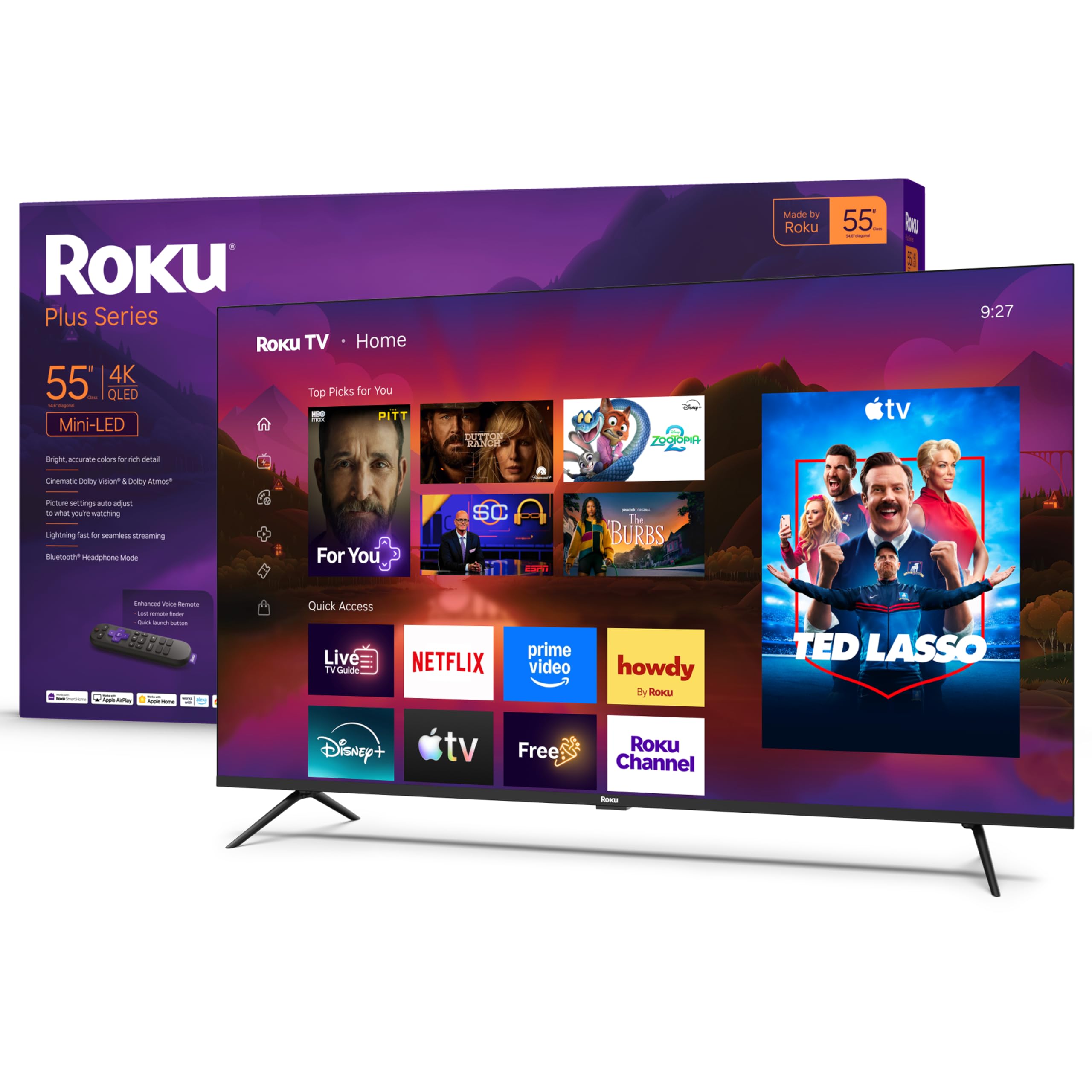
Roku Plus Series 55-inch

88 /100
Keeper Score Excellent

Key details

Backlight
Mini-LED, full array local dimming
HDR Formats
Dolby Vision, HDR10+, HLG
Screen Size
55 inches
Refresh Rate
60 Hz
Check Price on Amazon

The Roku Plus Series wins this group because of what sits behind the glass: a Mini-LED backlight with full-array local dimming, the arrangement we check for first on any QLED. Instead of one sheet of light glowing behind the whole picture, the set dims the zones behind dark parts of a scene, so letterboxed movies stay black at the edges and night scenes keep their detail. Dolby Vision, still not a given at this money, handles the rest. It's the one set here that looks genuinely good in a dim room and a bright one.

Sound is the second surprise. Roku fits a 4.1-channel, 50-watt Dolby Atmos system in here, and it's the set in this roundup we were happiest to watch a whole film on without adding a soundbar. Four HDMI inputs also mean a console, a streaming stick, a soundbar and a disc player can all stay plugged in at once, which stops mattering right up until the moment you're crouched behind a wall-mounted TV with a flashlight.

Two things to know before you commit. The panel is 60Hz, so a PS5 or a gaming PC can't show the frames it produces — the TCL T7 further down is the better buy on that count. And in some units these sets have stopped powering on within the first weeks, so buy where the return process is painless and run it hard early.

Pros

  • Mini-LED backlight with full-array local dimming
  • Dolby Vision, HDR10+ and HLG support
  • 50-watt, 4.1-channel Dolby Atmos sound
  • Four HDMI inputs

Cons

  • 60Hz panel caps console gaming at 60fps
  • Glossy screen shows window reflections
Our verdict

This is the set we point most people to: Mini-LED dimming, Dolby Vision and real Atmos sound at a midrange price, in the size most living rooms actually need.

Check Latest Price
2

Best Big Screen

Samsung Q7F 75-inch

87 /100
Keeper Score Excellent

Key details

Backlight
Edge LED
HDR Formats
HDR10+
Screen Size
75 inches
Peak Brightness
1,000 nits
Check Price on Amazon

Where our top pick is a 55-inch set chosen for its backlight, this Samsung is chosen for its footprint: 75 inches of screen, which is where most people land once they decide they want a big TV in the living room. From the sofa, the jump from a mid-size set is obvious — a wide landscape or a football game fills your view in a way a smaller panel simply can't.

It's the best set here for a bright room, and that's the reason to buy it. Samsung rates the panel at 1,000 nits, and the Quantum HDR tone mapping earns the number: daytime sport and bright studio shows hold their color instead of washing into gray. The lighting behind the panel is the compromise — edge-lit rather than zone-dimmed, so a starfield or a set of end credits shows a soft halo around bright objects against black. With lamps on and blinds open you won't see it. In a basement, you will.

Tizen is quick to load and generous with free channels, and setup is genuinely a twenty-minute job with two people. The speakers are the place this set asks for help — 20 watts across two channels is fine for dialogue and thin for anything with a soundtrack, so plan on a bar. The remote is the other weak spot: it's slim to the point that the volume rocker takes aim, and it's the piece we most want Samsung to rethink.

Pros

  • 1,000-nit panel holds color in daylight
  • Quantum HDR with HDR10+ tone mapping
  • Fast Tizen setup and free channels

Cons

  • No Dolby Vision support
  • Slim remote with cramped volume buttons
Our verdict

Buy this when the wall is big and the room is bright: 75 inches at 1,000 nits, with the caveat that Samsung's format list stops short of Dolby Vision.

Check Latest Price
3

Best for Gaming

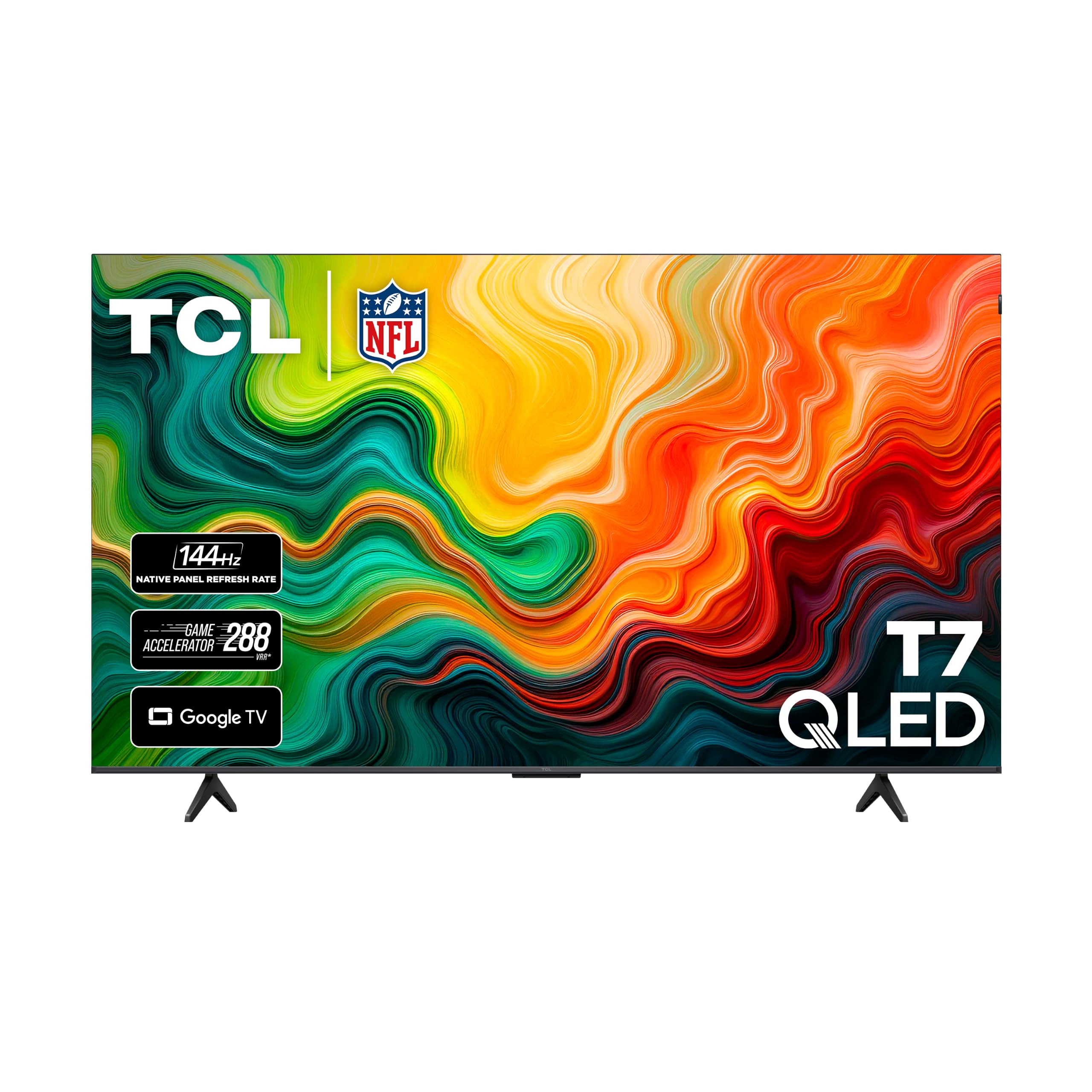
TCL T7 65-inch

85 /100
Keeper Score Excellent

Key details

HDMI Inputs
4
HDR Formats
Dolby Vision, HDR10, HDR10+, HLG, Open HDR
Screen Size
65 inches
Refresh Rate
144 Hz
Check Price on Amazon

The number to start with on the T7 is 144 — the native refresh rate of the panel, not a processed motion figure. That's what makes it our pick for anyone splitting their time between a console and live sport. Feed it a 120Hz signal from a PS5 or a gaming PC and the panel can actually show the extra frames, so a camera pan across a pitch stays readable instead of smearing into mush.

TCL gets the format list right too. Dolby Vision, HDR10+, HDR10 and HLG all pass through, and both Dolby Atmos and DTS:X are supported, which widens the field of soundbars that will talk to it. Four HDMI inputs is one more than most sets here, and Google TV moves quickly on this hardware — apps open without the pause we expect from cheaper smart TVs, and the settings menu keeps up with the remote.

What it isn't is a dark-room set. The backlight is direct-lit without zone-by-zone dimming, so black levels are good rather than deep. The 20-watt speakers are ordinary, and this is a TV that wants a soundbar on the same shopping trip. The one thing to watch is stability: this model can shut itself off at random, so update the firmware before you settle in and lean on the return window if it happens in the first month. What you're really paying for is the smoothest motion in this group.

Pros

  • Native 144Hz panel with VRR for consoles
  • Dolby Vision plus Atmos and DTS:X
  • Four HDMI inputs

Cons

  • Direct-lit backlight with no local dimming
  • Glossy screen picks up reflections
Our verdict

The console and sports pick: a real 144Hz panel with every HDR format on board, as long as you accept direct-lit blacks and add a soundbar.

Check Latest Price
4

Best for Home Theater

Samsung QN70F 85-inch

86 /100
Keeper Score Excellent

Key details

Screen Size
85 inches
Refresh Rate
120 Hz
Contrast Ratio
4000:1
Peak Brightness
2,000 nits
Check Price on Amazon

Eighty-five inches changes a room, not just a TV. At this size the screen becomes the wall: you plan furniture around it, and you need a surface that can take 92 pounds of television plus a mount rated for the load. What you get for the trouble is the most cinematic picture in this group.

Samsung rates this panel at 2,000 nits with a 4,000:1 contrast ratio, and it's the set that walks into a sunlit room without flinching. HDR10+ tone mapping keeps highlights from clipping, and the 120Hz panel with Motion Xcelerator holds a broadcast together when the camera sweeps. Four HDMI inputs cover a console, a soundbar, a streaming box and a disc player without a switcher.

Sound is better than a big TV usually manages, with a 2.2-channel system most people will be content with for everyday viewing. Setup is straightforward, with on-screen steps that walk through pairing and apps, and the slim cabinet sits close to the wall. Alexa pairing is the fussy part, so sort it on day one rather than week three.

Our read: this is the set for a room where the screen is the point — a basement theater, a big open wall, a house where movie night is a ritual. If your room is ordinary-sized, the 75-inch Q7F costs a good deal less and gives you most of the brightness. The extra ten inches and the 120Hz panel are what the money buys.

Pros

  • 2,000-nit panel with 4,000:1 contrast
  • 120Hz motion with four HDMI inputs
  • 2.2-channel sound stands in for a bar

Cons

  • HDR10+ only, with no Dolby Vision
  • 91.9 pounds needs two people to mount
Our verdict

For a room built around the screen, this 85-inch Samsung delivers the most cinema here — 2,000 nits, 120Hz and sound you can live with.

Check Latest Price
5

Budget 65-Inch

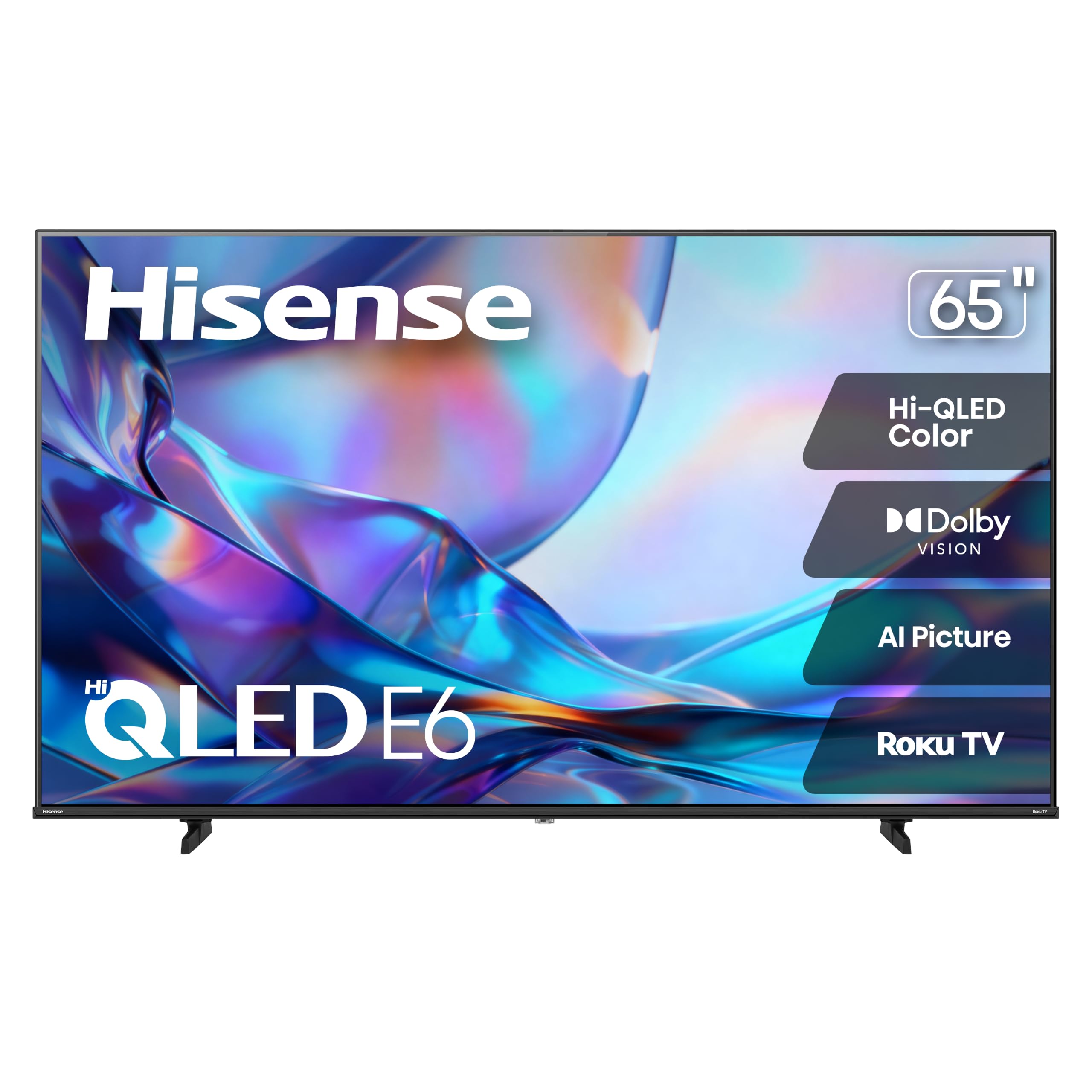
Hisense E6SR 65-inch

83 /100
Keeper Score Excellent

Key details

Weight
29.1 lb
HDMI Inputs
3
HDR Formats
Dolby Vision, HDR10, HLG
Screen Size
65 inches
Check Price on Amazon

If you want Dolby Vision on a 65-inch screen without paying Samsung or TCL money for it, this is the set that answers. Hi-QLED color, Dolby Vision, HDR10 and HLG, DTS Virtual:X processing and Roku's interface in one package — and the Roku part matters more than the badge, because it's the platform a whole household already knows how to use.

At 29.1 pounds it's light for a 65-inch set, which makes a two-person wall mount far less nerve-racking than the 85-inch Samsung. Sound is 20 watts across two channels with DTS Virtual:X processing: serviceable for news and sitcoms, thin for anything with a score, so a soundbar belongs on the list if you watch films at volume.

Where we slow down: the picture comes from a standard direct-lit LCD behind the quantum-dot layer, so it won't match our top pick in a dark room, and this is the newest set here with the least history behind it. Treat the first month as the audition — keep the box and the receipt until you've run it through a few long evenings.

Pros

  • Dolby Vision, HDR10 and HLG support
  • Roku OS with AirPlay and voice control
  • 29.1 pounds makes wall-mounting manageable

Cons

  • 60Hz panel with only three HDMI inputs
  • No local dimming for deep blacks
Our verdict

A sensible way to get Dolby Vision and Roku at 65 inches for less, provided you skip the dark-room comparison and accept three inputs.

Check Latest Price
6

Bedrooms and Dorms

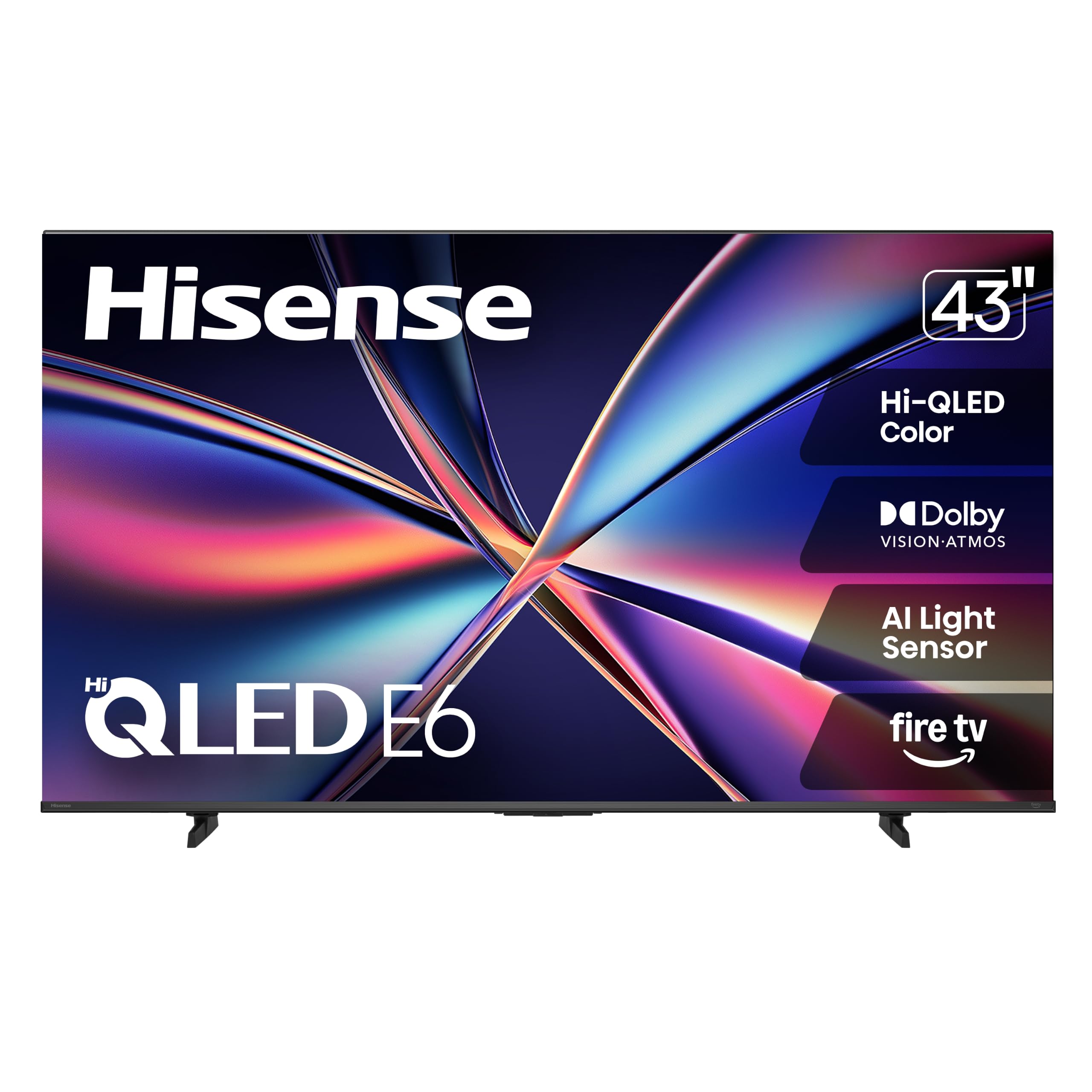
Hisense E6QF 43-inch

81 /100
Keeper Score Excellent

Key details

Weight
14.9 lb
HDMI Inputs
3
HDR Formats
Dolby Vision, HDR10, HDR10+, HDR10+ Adaptive, HLG
Screen Size
43 inches
Check Price on Amazon

This is the least expensive route into a 4K QLED in this group, and for a spare room, a dorm or a first apartment it's the one we reach for. Forty-three inches, Dolby Vision and Dolby Atmos, a Fire TV interface with Alexa in the remote, and a cabinet 37.9 inches wide that weighs under 15 pounds — small enough for a dresser and light enough to move alone.

The picture is the pleasant part. Hi-QLED color with Dolby Vision gives it contrast and punch that doesn't read as budget on a 43-inch screen, and the AI light sensor adjusts brightness to the room, which is exactly the feature a bedroom TV needs at 11pm. The Fire TV side asks for patience: the interface can lag behind the remote, apps take a beat to open, and voice search is more dependable than clicking through menus. A wired connection helps if your Wi-Fi is marginal.

We take it over the TCL below for a bedroom, because the light sensor and the color processing suit dim rooms and casual viewing; we take the TCL when a console is involved. Neither is a set to build a living room around. Both are very good second televisions, and this one leaves the most money in your pocket.

Pros

  • Dolby Vision and Atmos at the smallest size here
  • AI light sensor suits dark bedrooms
  • 14.9 pounds and 37.9 inches wide

Cons

  • Fire TV interface lags behind the remote
  • Only three HDMI inputs
Our verdict

The cheapest route to a 4K QLED with Dolby Vision here, and a genuinely good bedroom set as long as you can tolerate a sluggish Fire TV interface.

Check Latest Price
7

Small Gaming Setups

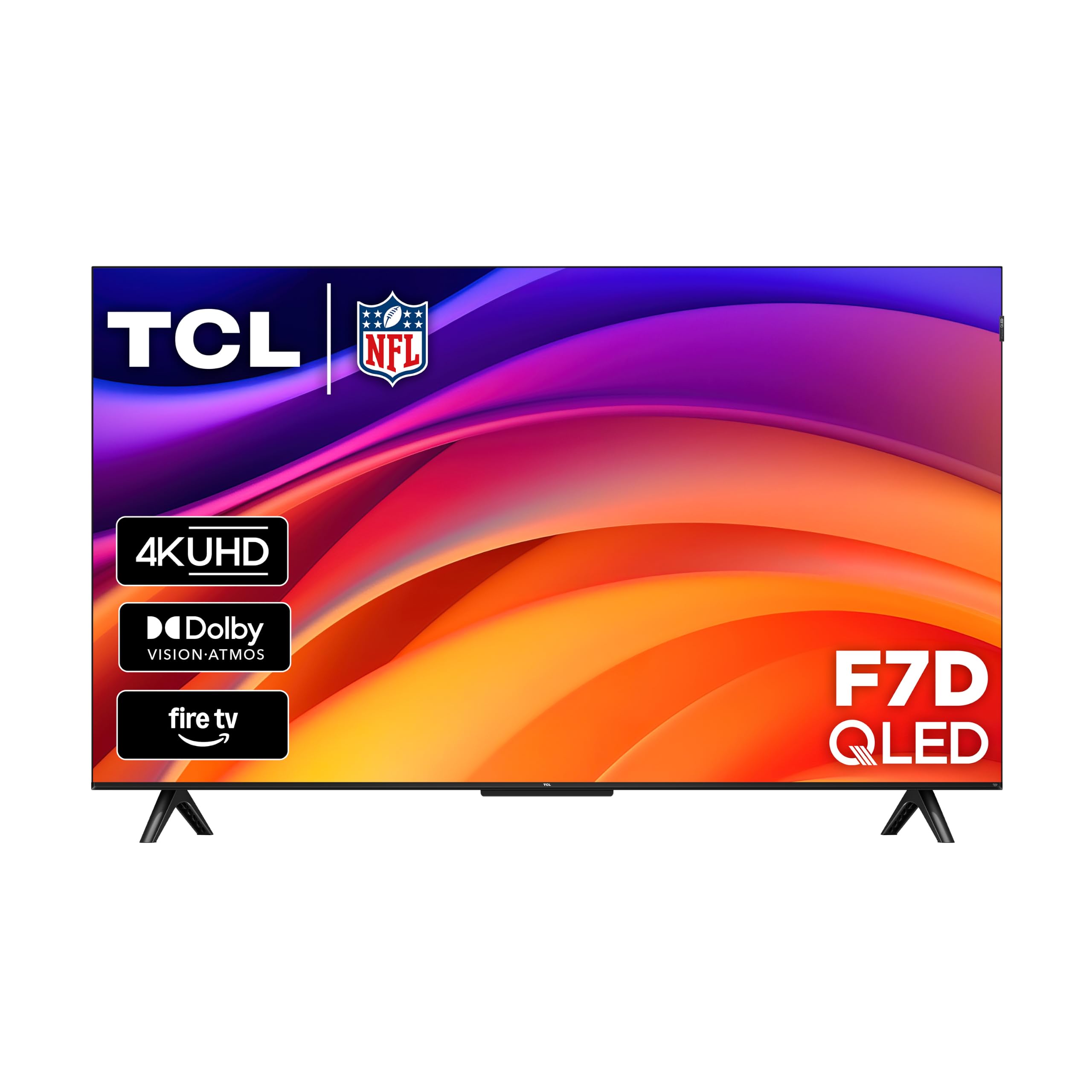
TCL F7D 43-inch

78 /100
Keeper Score Very Good

Key details

Weight
12.3 lb
HDR Formats
Dolby Vision, HDR10+, HDR10, HLG
Motion Rate
Motion Rate 240
Screen Size
43 inches
Check Price on Amazon

Forty-three inches is the compromise here, and TCL doesn't pretend otherwise — the F7D is the small set that kept the format list. Dolby Vision, HDR10+, HDR10 and HLG on the picture side; Dolby Atmos and DTS:X on the sound side; Motion Rate 240 processing and an auto game mode that drops into low latency when a console wakes up.

For a desk-side or guest-room set, the reasons to pick it over the Hisense 43 come down to formats and motion: a console gets automatic low-latency switching and an on-screen game bar, and Dolby Vision material is handled properly rather than approximated. The reason to think twice is the sound — the built-in speakers are the thinnest of any set here, and this is the one where we plug in a soundbar without a second thought.

There's a speed caveat as well. The interface can feel sluggish out of the box, and the first half hour — while apps download and update — is the wrong moment to judge it; once everything settled, navigation kept up. If you want a small QLED for a room that mostly streams, this is more television than the money suggests. If it's going into a bright sunroom, buy on brightness instead.

Pros

  • Dolby Vision plus Atmos and DTS:X at 43 inches
  • Auto game mode with low latency and game bar
  • 12.3 pounds, easy to move and mount

Cons

  • Thin built-in speakers
  • 60Hz panel limits console frame rates
Our verdict

The small set that kept the full format list: Dolby Vision, Atmos and DTS:X at 43 inches, with low-latency game mode for a desk or guest room.

Check Latest Price

How We Tested QLED TVs

We started with a spreadsheet of roughly 40 sets from brands people actually comparison-shop, then filtered for the features that kept appearing across listings: mini-LED backlights, Dolby Vision and Atmos support, a 120Hz-or-higher refresh with variable refresh for consoles, and a voice remote that can genuinely drive the smart platform. Spread mattered as much as specs — we wanted a 43-inch bedroom set and an 85-inch living-room anchor in the same batch. That left eight.

Each set was unboxed and set up cold at one of three homes with a stopwatch running, and we noted how long it took, whether the legs fit an existing console, and how much of the picture menu we had to change before it looked right. Then we watched the same demo footage, a handful of dark films, and live sports on every screen, checking how color held up in shadow, whether bright highlights blew out, and how badly the picture washed out when afternoon sun hit the panel.

Since almost nobody buys the soundbar the same day, we spent a week on each set's built-in speakers, listening for muddy dialogue in quiet dramas and distortion during action scenes. We counted button presses to reach an input or an app, how fast the remote woke the TV, whether voice search returned the right show, and how the interface behaved with the router two rooms away. Reliability got the longest look of all — we kept living with these sets for months, because a TV that reboots mid-episode doesn't show that in a day.

How to Choose a Qled Tv

Look at the backlight before the badge

QLED describes the color layer, not the lighting behind it. An edge-lit set runs LEDs around the frame and spreads that light across the screen: bright and thin, but bright objects bloom against dark backgrounds. Direct-lit sets put the LEDs behind the panel, and Mini-LED sets divide them into many small dimming zones, which is what produces genuinely dark blacks.

In a dark room, prioritize local dimming. In a sunlit family room, brightness matters at least as much, and a bright edge-lit set like the Samsung Q7F can be the smarter buy. Ask what the room looks like at 8pm before you pay for dimming zones you'll never see.

Measure the wall before the diagonal

Screen size gets the attention; width, stand footprint and weight decide whether the set actually fits. A 75-inch model runs about 66 inches wide, and an 85-inch runs about 75 inches and weighs 92 pounds — a two-person lift onto a mount rated for it.

Tape the dimensions to the wall, check that the stand's depth clears your console, then sit where you'll sit. The tape looks absurd for a week and then feels normal; most people regret buying smaller, not larger.

Decide how much Dolby Vision is worth to you

Dolby Vision carries scene-by-scene metadata, and most premium streaming libraries use it. HDR10+ does much the same job, but Samsung supports only HDR10+, so its sets fall back to plain HDR10 on Dolby Vision titles. If movies are the point of the purchase, that's a reason to look at the Roku, TCL or Hisense picks.

If you mostly watch sport and broadcast, the format list matters far less than brightness and motion. A dim panel with a long format list still looks dim.

Read the panel refresh rate, not the motion number

Motion Rate 240, Motion Rate 480 and Motion Xcelerator are processing figures, and any of them can sit on top of a 60Hz panel. What matters for a console is the native panel refresh rate: 120Hz or 144Hz lets a PS5 or a gaming PC show more than 60 frames a second, and variable refresh rate keeps the pacing steady when a game dips.

For films and broadcast TV, 60Hz is fine, and the smoothing that fakes higher rates is usually the first setting to turn off.

Plan for sound and for the platform

Two things you'll deal with daily. Speakers first: 20 watts across two channels is the norm in this group — fine for dialogue, thin for a score — so budget for a soundbar unless you buy the Roku Plus Series, which carries a 50-watt, 4.1-channel Atmos system.

Then the platform. Roku is the least cluttered and quickest to learn, Google TV pushes recommendations hardest, and Tizen and Fire TV are capable but busier. Pick the one your household already knows how to navigate; you'll use it more than any picture setting.

Frequently Asked Questions

Final Verdict

The Roku Plus Series 55-inch is our pick for an ordinary living room. Mini-LED dimming and Dolby Vision give it the best picture in this group for the money, and the 50-watt Atmos speakers mean you can live without a soundbar for a while. If size is the constraint, the Samsung Q7F 75-inch is the bright-room answer, and if a console shares the TV, the TCL T7's 144Hz panel is worth the switch.

And if the wall can take 85 inches and the room is built around the screen, the Samsung QN70F is the set that makes the case for going big.