Best Photo Printers of 2026

My phone holds something like nine thousand photos and, until recently, exactly none of them were on paper. That's the quiet failure of the camera roll: the pictures get taken, get admired once, and sink. A photo printer is the obvious fix, and the wrong one is a special kind of annoying — it dries up between birthdays, turns skin tones faintly magenta, or asks for a firmware update when all you want is a single 4x6.

I've spent the past six months printing from my kitchen counter, and we've run 12 printers through it, from palm-size units that ride in a tote bag to wide-format machines that take a 13-inch sheet. Here's what nobody tells a first-time buyer: the printer is the cheap part and the ink is the subscription, and whether you're buying cartridges, a refillable tank, or a dye-sublimation pack matters more to your cost per print than the sticker price does. The ones below are the machines that survived all of it, from instant 4x6s to a studio-grade wide-format.

Keeper Score summarizes customer ratings and review volume. Read it alongside the product details and trade-offs. How the score works.

1

Best Overall

Canon Selphy CP1500

88 /100
Keeper Score Excellent

Key details

Battery
Optional pack
Paper Sizes
2.1 x 2.1 in to 4 x 6 in, plus mini labels
Max Print Size
4 x 6 in
Print Technology
Dye sublimation
Check Price on Amazon

Seven inches wide, a little over five inches deep and barely two inches tall: the Selphy CP1500 takes up less counter than a stack of bowls. Add Canon's optional battery pack and it stops being furniture at all, because it goes in a bag and prints at the party. That flexibility is why it's our top pick. It's the one printer here that's equally good on a shelf and on a picnic table.

The output holds up its end. Dye sublimation lays each color down as its own pass and seals the print under a clear laminate, so a 4x6 comes out dry, water-resistant and ready for a marker. Nothing curls, nothing smudges on the way into the album. Canon rates the prints at up to 100 years, and whatever you make of that figure, they feel like a lab's output rather than a desktop printer's. At about 40 seconds each, a dozen doesn't eat an afternoon.

The paper cassette is the quiet win. One printer covers 4x6 postcards, card-size 2.1 x 3.4 sheets, 2.1-inch squares and mini label stickers, so the fridge, the wallet and the journal all come out of the same box. Wi-Fi gets you there from a phone, and when the app is being tiresome there's USB and a memory-card slot as a way in, which is more escape hatches than most compact printers here offer.

Dye-sub supplies arrive as matched ink-cassette and paper packs, which makes cost per print predictable and keeps you off third-party paper. Our Selphy has become the machine we reach for when someone asks for a copy of a photo, which is about the highest compliment a small printer can earn.

Pros

  • Optional battery makes it genuinely portable
  • Sealed prints land dry and water-resistant
  • Four paper sizes including squares
  • USB and memory card back up the app

Cons

  • Nothing larger than 4 x 6
  • Queue handles only a handful of images at a time
Our verdict

Our top pick: the most complete small photo printer we tested, with sealed 4x6 prints, four paper sizes and an optional battery for printing away from a desk.
Check Latest Price
2

Best for Printing in Volume

Liene M100

89 /100
Keeper Score Excellent

Key details

Connections
Wi-Fi hotspot, 5 devices
Max Print Size
4 x 6 in
Print Technology
Dye sublimation
Included Supplies
100 sheets, 3 cartridges
Check Price on Amazon

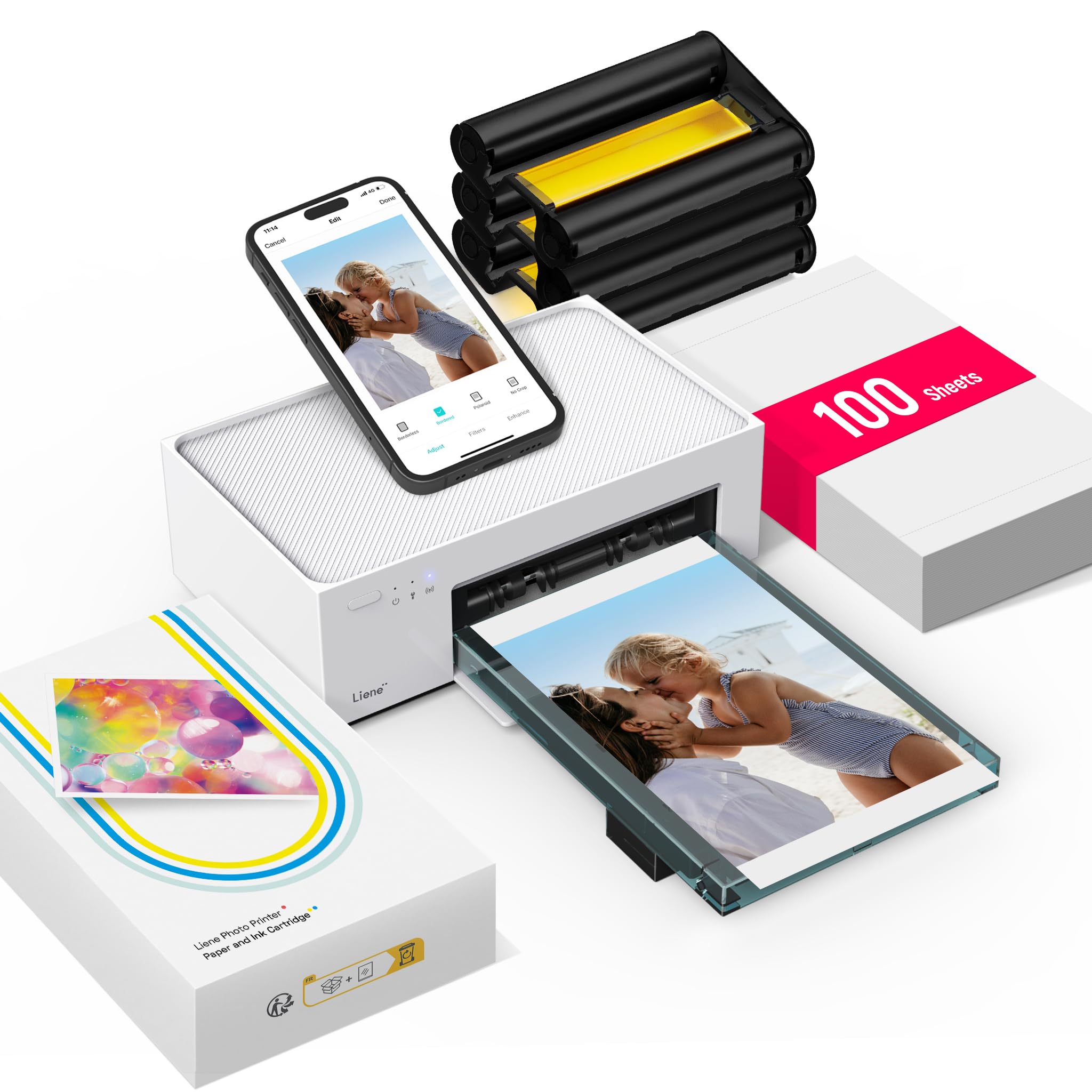
Open the Liene M100 and there's a season of printing inside: three dye-sub cartridges and 100 sheets of 4x6 paper, enough to fill an album before you reorder anything. It also runs its own Wi-Fi hotspot rather than leaning on your router, and it holds five devices at once, which is the difference between one person printing and a whole table printing.

The prints are why it sits near the top of this set. The dye-sub engine lays down color that reads true to what's on the phone screen, skin tones especially, and the finish has the sealed, faintly glossy feel of a print-shop 4x6. Setting it up from an iPhone took us minutes, and the app's editing is basic without being annoying. On output alone it gets closest to the top pick of anything here.

Where it gets murky is the running cost, because the cartridges are proprietary and sold in bundles, and how many prints you get from one swings with how much color is on the page. Wi-Fi is the other soft spot; when it drops, connecting to the printer's own hotspot instead of your network is the fix. Buy it for the bundle and the group printing, and keep a spare cartridge on the shelf.

Pros

  • 100 sheets and three cartridges included
  • Own hotspot connects five devices
  • Color reads true to the phone screen
  • About a minute per 4 x 6

Cons

  • Proprietary cartridges are the running cost to watch
Our verdict

Buy it if you're printing for a crowd: 100 sheets and three cartridges come in the box, plus its own Wi-Fi hotspot for five phones at once.

Check Latest Price
3

Best for Large Prints

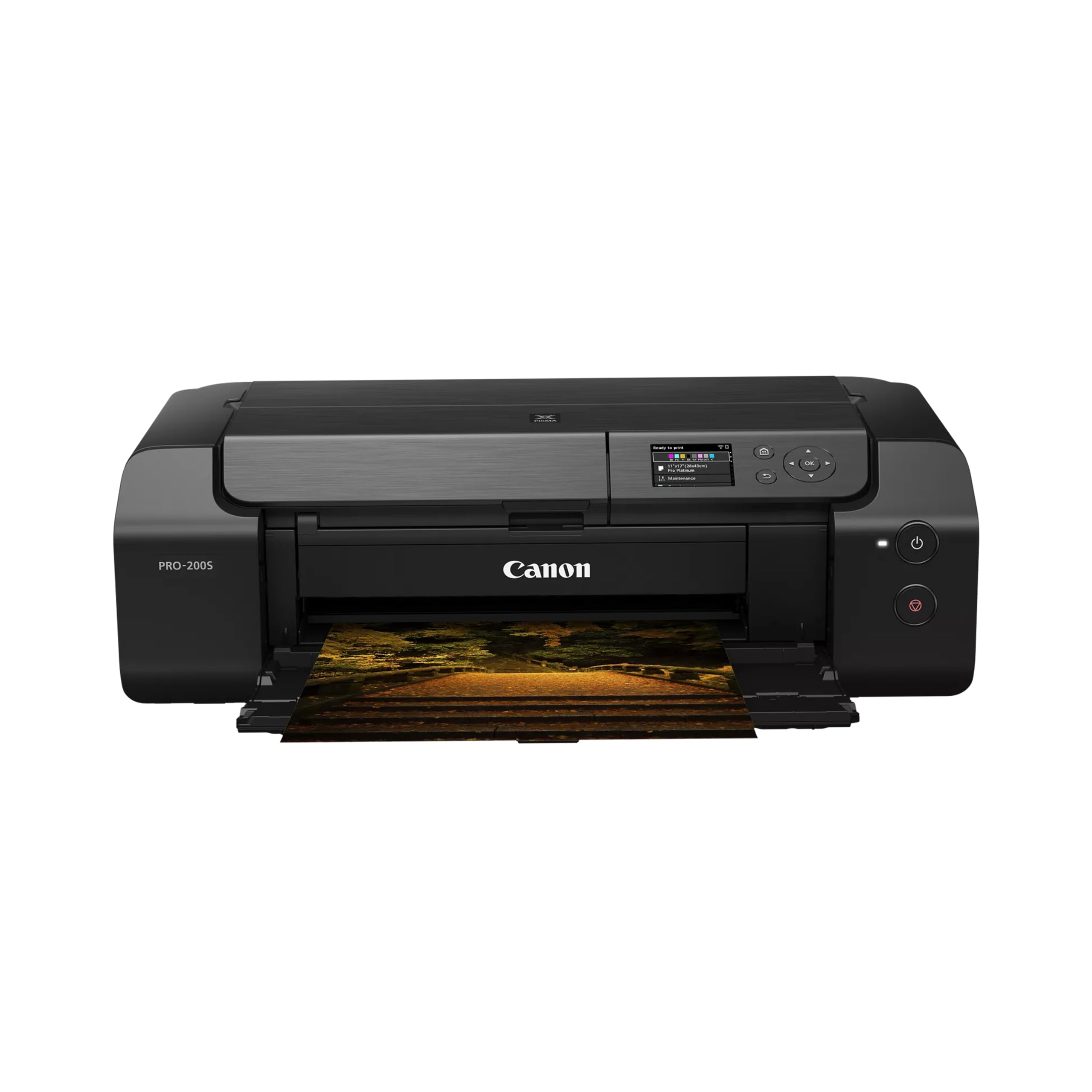
Canon PIXMA PRO-200S

80 /100
Keeper Score Excellent

Key details

Weight
32 lb
Ink System
8-color dye
Max Print Size
13 x 19 in borderless
Max Resolution
4800 x 2400 dpi
Check Price on Amazon

Twenty-eight inches deep, 32 pounds, and happiest on a table you don't plan to move: the PIXMA PRO-200S is furniture. It is also the least expensive way in this group to a borderless 13 x 19, which is the size a framed print actually is. If your photographs end up on walls rather than on the fridge, this is the pick.

Eight dye inks do the heavy lifting, and the difference shows in glossy color work: deep blacks, saturated reds and gradients that don't band across a big sky. Canon quotes 90 seconds for an A3+ print and 53 seconds for an 8 x 10, which is quick enough that a print session stays an errand rather than an evening. Two trays mean photo paper stays loaded while plain paper waits its turn.

Practical notes from living with it: the network side is the fussy part, so Ethernet or a USB cable is worth running if the Wi-Fi acts up, and it is a photo machine first, so documents crawl out at a couple of pages a minute. The custom size setting runs out to 13 x 39 inches and it will happily take canvas paper. Nobody needs that. Some people need exactly that.

Pros

  • Borderless prints to 13 x 19
  • Eight dye inks for rich glossy color
  • Two trays keep photo paper loaded
  • Custom sizes out to 13 x 39 inches

Cons

  • Wants a deep, solid table
  • Document printing is an afterthought
Our verdict

We point anyone who frames their photos here: borderless 13 x 19 from eight dye inks, and a table depth worth planning around before it arrives.

Check Latest Price
4

Best for Low-Cost Ink

Epson EcoTank Photo ET-8550

81 /100
Keeper Score Excellent

Key details

Functions
Print, scan, copy
Ink System
6-color refillable bottles
Max Print Size
13 x 19 in
Paper Capacity
100 sheets
Check Price on Amazon

Six bottles, 70 mL each, tipped in by hand and then forgotten about. The ET-8550 replaces cartridges with a refillable tank system, and on Epson's own figures a 4x6 costs a fraction of what a cartridge printer charges, so you stop rationing prints. Filling the tanks is a five-minute job the first time and a two-minute one after that, and the levels are visible through the front of the machine.

It's also the most versatile unit in this set. Six Claria inks, including a dedicated photo black and a gray, print up to 13 x 19, and there's a flatbed scanner and copier on top, so the drawing you print can be scanned back in and the school form gets copied while you're standing there. A 100-sheet tray and 16-page-per-minute documents make it a working printer rather than a photo novelty.

That combination is why it's our low-cost-ink pick. If you print a mix of photographs and paperwork and resent doing cartridge math, this is the machine that ends the math. Buy it somewhere with an easy return policy, though: a printer this expensive that arrives dead is a bad afternoon, and early failures are the recurring risk here. Run it hard in the first week.

Color is good rather than spectacular. The six-ink set beats any four-ink office printer, but glossy work from the eight-ink Canon has more punch. Where the Epson wins is volume: when the hundredth print costs about what the first did, you print the whole album instead of picking twelve.

Pros

  • Refillable bottles cut the cost of every print
  • Prints, scans and copies to 13 x 19
  • Six inks including photo black and gray
  • 100-sheet tray and automatic duplex

Cons

  • Deep footprint needs its own surface
Our verdict

The machine for a household that prints everything: six refillable inks, 13 x 19 capability and a scanner, as long as you test it hard in week one.

Check Latest Price
5

Best All-In-One

HP Envy Photo 7975

79 /100
Keeper Score Very Good

Key details

Ink
HP 64 cartridges
Functions
Print, scan, copy, duplex
Max Print Size
8.5 x 11.7 in
Paper Handling
Photo tray, 35-sheet ADF
Check Price on Amazon

Two trays is the detail that makes the Envy Photo 7975 liveable. Letter paper stays in the main tray, 4x6 photo stock stays in the photo tray, and nobody has to unload the printer to print a picture. Add a 35-sheet document feeder, automatic two-sided printing and a 2.7-inch touchscreen, and it's a family machine that happens to print photographs well.

That's the honest description. This is the best all-in-one in the group for a house that prints homework far more often than photographs and wants the photographs to look good when they happen. Borderless prints go up to letter size, which covers a birthday-party print or a school project. It's a four-ink machine, so expect clean, believable color rather than dye-sub depth.

Ink is the part to think through. It runs on HP 64 cartridges, and the three-month Instant Ink trial is the opening of a subscription rather than a freebie, fine if you print steadily and less so if the printer idles for weeks. Setup is the other wrinkle: the app walks you through it, but the wireless link is the weak part, and a USB cable solves it.

Pros

  • Dedicated photo tray stays loaded
  • Prints, scans, copies and duplexes
  • 35-sheet document feeder
  • Borderless photos up to letter size

Cons

  • Photo output stops at letter size
  • Best ink pricing depends on a subscription
Our verdict

For a family where photos are the side job, this is our pick: a photo tray that stays loaded alongside the scanning and duplexing you actually use.

Check Latest Price
6

Bundled Starter Kit

HPRT CP4100

86 /100
Keeper Score Excellent

Key details

Connections
Bluetooth, Wi-Fi hotspot
Max Print Size
4 x 6 in
Print Technology
Dye sublimation
Included Supplies
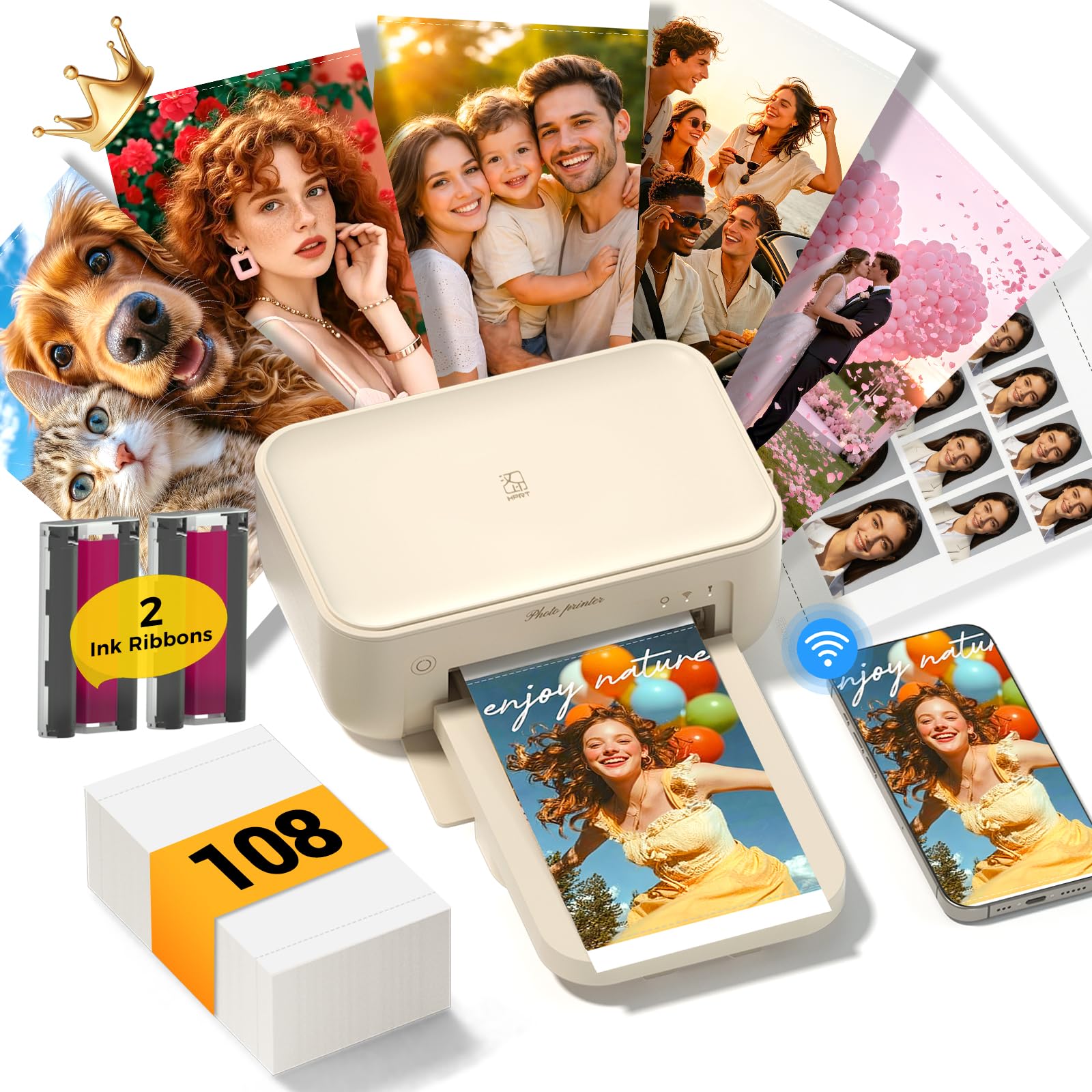
108 sheets, 2 ribbons
Check Price on Amazon

Print a frame from a video, then scan the finished print with the app and the video plays on your phone. The CP4100's AR feature is a party trick, and a genuinely good one for a birthday card or a grandparent's fridge door.

Underneath the trick is a competent 4x6 dye-sub with the largest starter kit here: 108 sheets and two ribbons in the box. It connects over Bluetooth or its own Wi-Fi hotspot, takes standard 4x6 paper, and delivers the sealed, dry-to-the-touch finish that dye sublimation gives you. The body is small enough to sit on a bookshelf between uses.

Where it lands for us: a solid first photo printer, and the one to pick if you want a long runway before buying supplies. The app is plain and the AR trick has a short shelf life, but the prints themselves are the equal of anything else here at 4x6, and the bundle means you're printing within minutes of opening the box.

Pros

  • 108 sheets and two ribbons included
  • AR video printing from a still
  • Bluetooth and its own Wi-Fi hotspot
  • Sealed dye-sub prints

Cons

  • Reliability is the uneven part
Our verdict

Buy it for the biggest paper bundle here and the AR video trick; it's a sound 4x6 dye-sub for a first photo printer.

Check Latest Price
7

Phone-Dock Printing

Kodak Dock Plus

86 /100
Keeper Score Excellent

Key details

Connection
Bluetooth, USB-C dock
Max Print Size
4 x 6 in
Sheet Capacity
20 sheets
Print Technology
4PASS dye sublimation
Check Price on Amazon

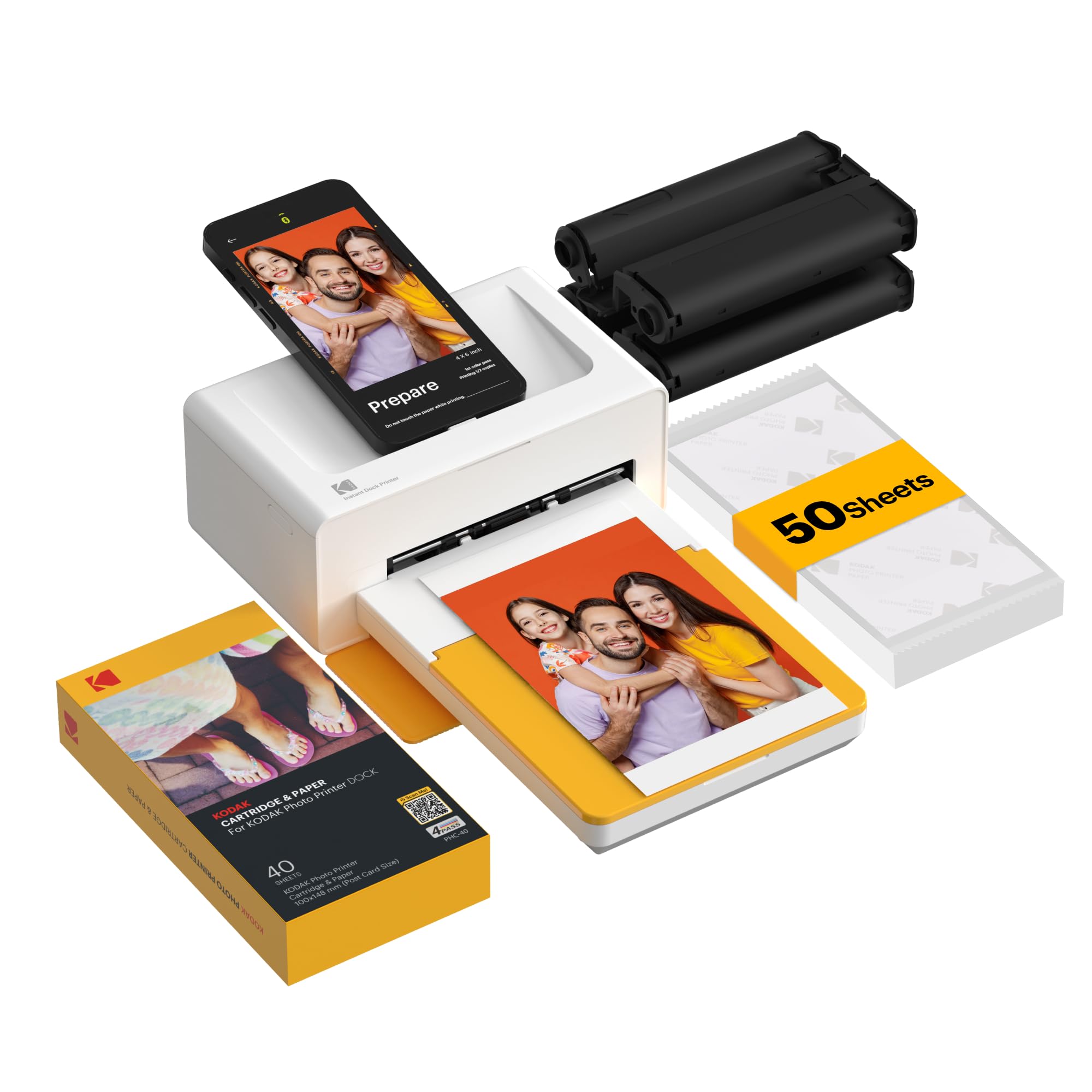
The phone drops into the dock, charges while the printer works, and comes out with a 4x6 in hand. That's the whole idea, and it's a better one than it sounds: at a gathering where every phone is nearly dead, a printer with a charging dock is the only one anyone can use without hunting for a cable.

Output is 4PASS dye sublimation, three color passes plus a protective laminate, roughly 55 seconds a print, sealed and fingerprint-resistant when it lands. The dock is also the limit: it's built for phones, the tray takes 20 sheets, and it lives on a desk near an outlet rather than travelling.

Printing is the easy part, which is why it stays worth a look. Connect over Bluetooth or USB-C, pick a photo in the Kodak app, and the machine spits out a print while your phone tops up. Of everything here, this is the one we hand to a guest at a wedding.

It's an also-consider rather than a runner-up because of consistency. This is the printer in the group with the widest gap between how easy it is to use and how reliably it keeps printing, so buy it knowing that and run a full pack through it in the first week. The dock still makes a strong case for itself.

Pros

  • Dock charges your phone while printing
  • Sealed, fingerprint-resistant 4PASS prints
  • Bluetooth or USB-C connection
  • Prints in about a minute

Cons

  • Tray takes only 20 sheets at a time
Our verdict

A clever desk machine: the dock charges your phone while a sealed 4x6 prints in about a minute, which is exactly what a party needs.

Check Latest Price
8

Pocket Sticker Prints

Nelko PP01

84 /100
Keeper Score Excellent

Key details

Paper
Sticky-back, 52 x 90 mm
Resolution
600 dpi
Max Print Size
2 x 3 in
Print Technology
Inkjet
Check Price on Amazon

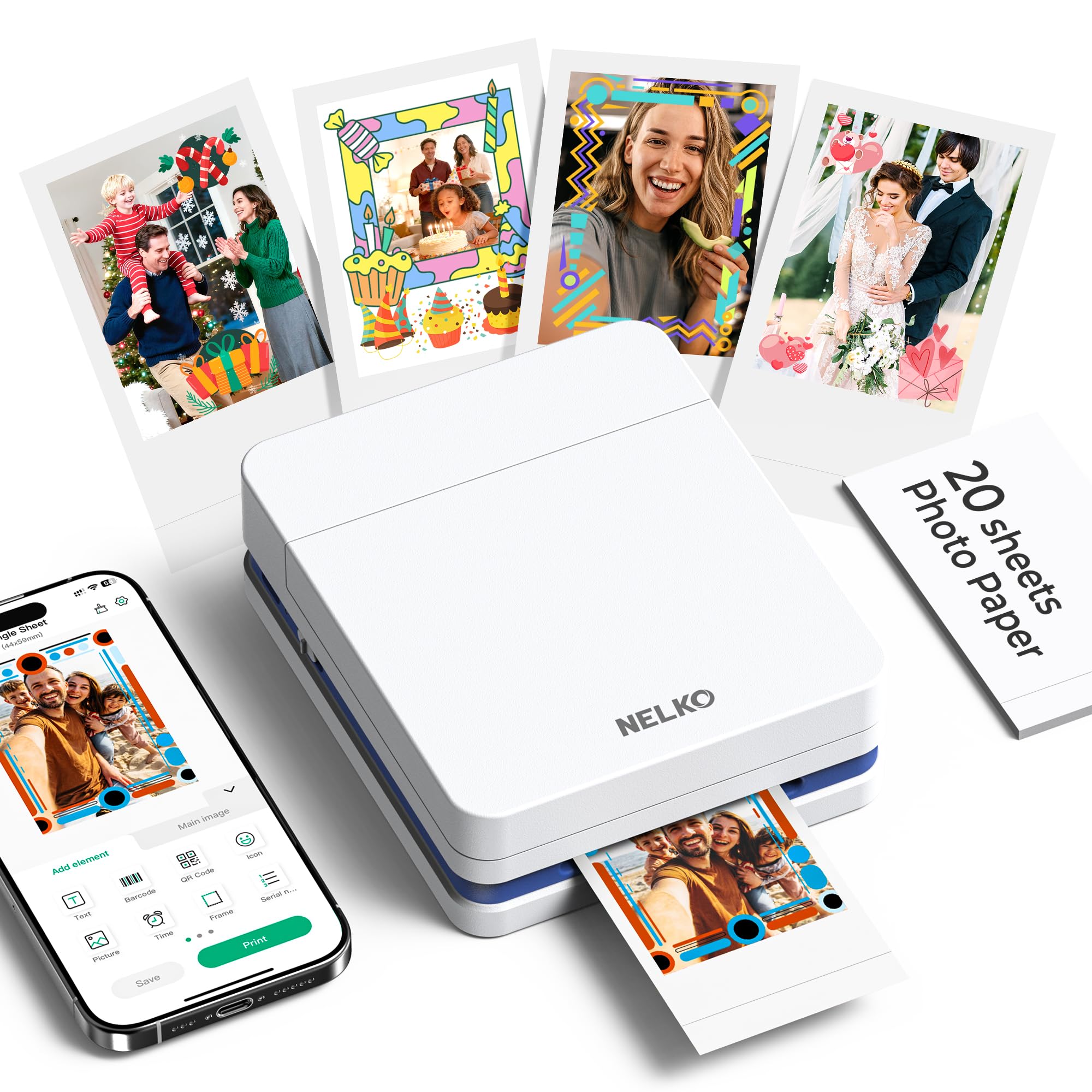
Two inches by three, sticky on the back: the PP01 prints the size that ends up in a journal, on a laptop lid or in a planner, and nothing else. That's the trade. It's the least expensive printer here by a wide margin, and what it buys you is small.

It also isn't the washed-out rectangle you might brace for at this size. Nelko uses an inkjet cartridge rather than dye crystals, and 600 dpi is high for a printer this small, so detail holds up better than the format suggests. Paper loads in a cassette and comes out with a peel-off backing, which means a print can go straight onto a page.

Living with it is easy. Bluetooth pairing from an iPhone or Android takes seconds, the app handles borders, filters and a bit of AI-assisted cleanup, and the body is about the size of a paperback. Twenty sheets and a cartridge come in the box, and the tray takes 30, which is more than one journal's worth. It has travelled in a tote bag without complaint.

The honest summary: it's the cheapest way here to get physical prints off a phone, and it's genuinely fun to use. Buy it for journals, planners and party favors; buy something else if you want a print to frame.

Pros

  • 600 dpi output from an inkjet cartridge
  • Sticky-back paper peels and sticks
  • Pairs in seconds over Bluetooth
  • Palm-sized and easy to carry

Cons

  • Reliability is the uneven part
Our verdict

The low-commitment way in: sticky 2 x 3 prints from a 600 dpi inkjet cartridge, sharp enough for journals and planners.

Check Latest Price

How We Tested These Photo Printers

We started with the spec sheets — print format, ink system, and whether a machine could print from a phone without a computer in the chain — and cut anything that couldn't clear the basics at its price. That left 12 printers, which we ran for six months on a kitchen counter, a home-office desk, and, for the small ones, in a tote bag on weekend trips.

Setup was timed: stopwatch on, sealed box open, until the first print came out, working alone with nothing but the quick-start card. We paired every machine with both an iPhone and an Android phone, then walked to the far end of the house to see whether the connection survived — several didn't. Apps were judged on how many taps and retries it took to get from camera roll to print.

Picture quality was compared using the same four files on every machine: a portrait with difficult skin tones, a landscape with fine grass detail, a low-light indoor shot, and a screenshot of small text. We held each print next to the phone's screen in daylight and under a warm lamp, then looked at whether shadows blocked up or highlights went chalky.

For reliability, each printer sat idle for three weeks, then made a test print to see if the heads had clogged. We ran 40 prints back-to-back to catch jams and check how hot the units got, counted sheets per cartridge or tank to work out cost per print, and weighed and carried the portables to judge whether they were actually packable.

How to Choose a Photo Printer

Start With the Largest Print You'll Actually Make

Almost everyone who prints at home prints 4x6: album pages, cards, the fridge door. A compact dye-sub like the Canon Selphy handles that in about 40 seconds and never asks you to choose a paper type. Step up to 13 x 19 only if you frame or sell. Those printers are roughly 30 inches deep and 25 to 32 pounds, which makes them furniture rather than an appliance.

The trap is a printer whose headline says 13 x 19 while its own paper list stops at letter width. The Epson ET-8500 is listed that way: the spec line promises wide format, the media list tops out at 8.5 inches. Read the paper list, not the headline.

Dye Sublimation, Inkjet, or Pocket Inkjet

Dye sublimation, which covers most of the compact printers here, lays color down in three passes and seals it with a laminate. Prints land dry, shrug off water and fingerprints, and look identical every time; the restriction is that the format stops at 4x6 and smaller. Inkjet, as in the Canon PRO-200S and the Epson ET-8550, goes bigger and renders finer gradations, at the cost of paper choices and a longer setup.

Pocket printers trade size for quality, but not all of them badly: the Nelko PP01 uses an inkjet cartridge at 600 dpi rather than dye crystals, and detail holds up better than the 2 x 3 format suggests. Choose by size first, then by finish.

Budget for the Ink, Not the Printer

The hardware is the cheap part. Over a couple of years cartridges cost more than the machine, which is why refillable tanks change the arithmetic: the ET-8550 takes 70 mL bottles, so the hundredth print costs about what the first one did. Compact dye-subs sit in the middle, with matched paper-and-cassette packs that make the per-print cost predictable but non-negotiable.

Count how many prints you'd make in a month before deciding. If it's a handful, buy the least expensive printer that makes a good 4x6 and don't overthink it; if it's an album a month, the ink system matters more than the printer's price.

Connection Is Where These Printers Live or Die

Every compact printer here is app-first, and the app is where the frustration collects: pairing that works one week and sulks the next. Wi-Fi hotspots, as on the Liene M100 and the HPRT CP4100, sidestep your home network entirely, which is steadier but takes your phone off the internet while it's connected.

Keep a USB cable or a memory card in the drawer as a fallback, and check for a desktop driver if you print from a laptop rather than a phone. Not every one of these machines offers a way in that doesn't go through an app.

Portable Means a Battery, Not a Handle

Only one printer here takes an optional battery: the Canon Selphy. Everything else needs an outlet, so compact describes the footprint rather than the freedom to print on a picnic bench. If printing away from the house is the actual plan, budget for the battery pack and treat the printer as a two-piece kit.

If it isn't, buy on footprint and ignore the portability language. A light printer with a power brick is still tied to a wall.

Frequently Asked Questions

Final Verdict

Buy the Canon Selphy CP1500 unless something specific pulls you elsewhere. It turns out a sealed 4x6 in about 40 seconds, takes four paper sizes, and can run from an optional battery pack, which makes it the most complete small photo printer in this group and the one we'd hand to almost anyone.

Two requirements change that. If your prints go on a wall, the Canon PIXMA PRO-200S is the machine to plan a corner around. If you want large prints and ink that costs almost nothing, the Epson ET-8550 does both and asks only that you test it hard while the return window is open.