Best On-Camera Monitors of 2026

Every outdoor shoot has that moment: the sun swings around, lands on the back of your camera, and the shot you were sure about turns into a grey smear on the LCD. A field monitor is the fix — a screen big enough and bright enough to actually focus on, with peaking, waveforms, and LUTs showing what the sensor is recording rather than what the glare is letting you see.

Brightness is the spec everyone shops by and the one that misleads most, since the nits rating is measured dead center; a panel can still fall apart at the corners. After eight months with a dozen of these mounted on our own rigs — midday exteriors, dim interview rooms, walking shots on a gimbal — the differences came down to how they behaved in real light, not on paper. One thing nobody tells a first-time buyer: the box price is rarely the whole cost, because plenty of monitors ship with no battery at all.

The picks below suit different rigs and budgets, but each one earned its spot on a real shooting day rather than a spec sheet.

Keeper Score summarizes customer ratings and review volume. Read it alongside the product details and trade-offs. How the score works.

1

Best Overall

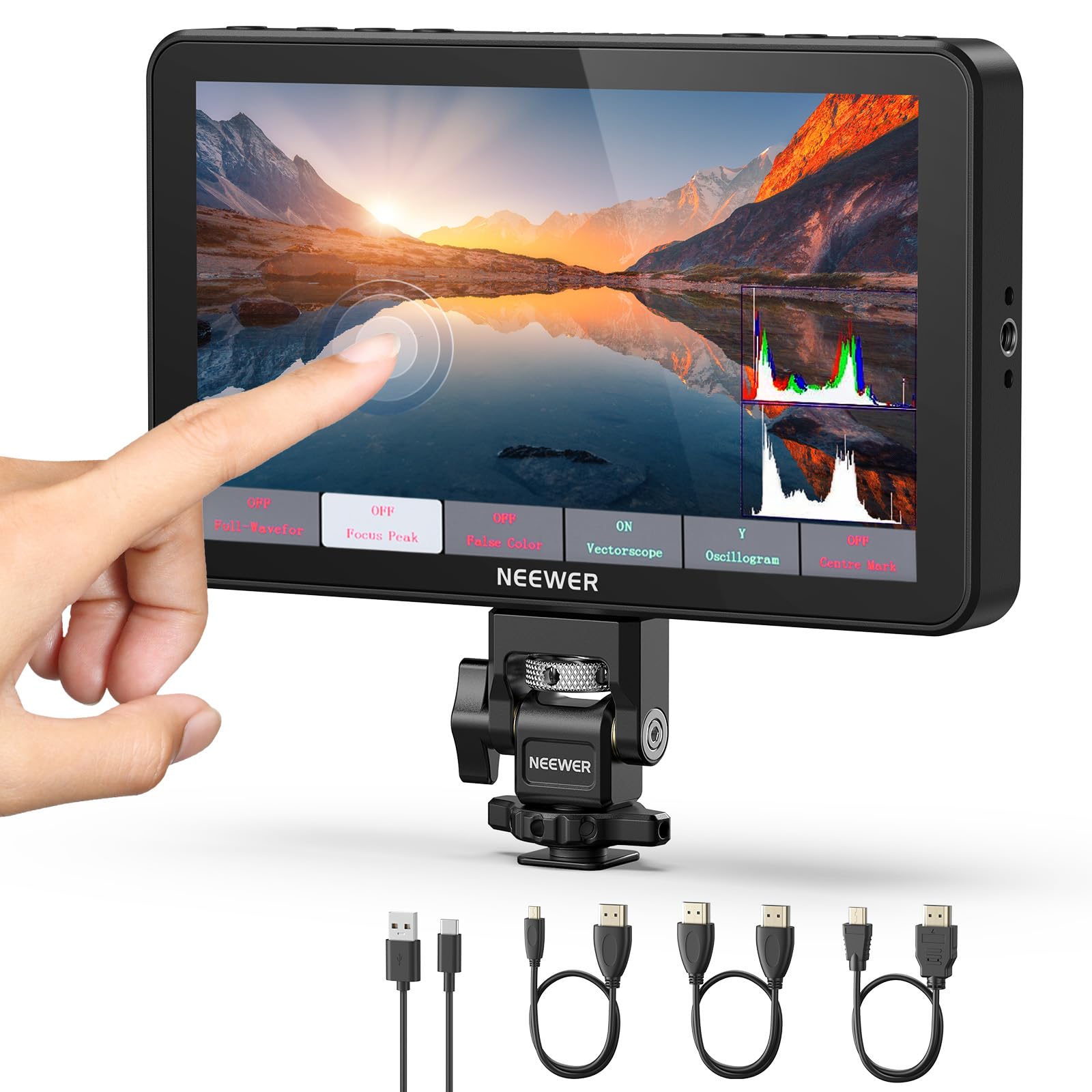
NEEWER F700

86 /100
Keeper Score Excellent

Key details

Power
NP-F, DC, or USB-C
Screen
7-inch 1920x1080 IPS touchscreen
Weight
1.6 lb
Brightness
2000 nits
Check Price on Amazon

Seven inches at 2000 nits is the combination that stopped us squinting. The F700's 1920x1080 IPS panel is big enough to frame on and bright enough that direct sun doesn't turn it into a mirror, and the touch layer makes the waveform and false-color tools something you reach for rather than dig through a menu for. Feed it 4K over HDMI and it loops the signal back out to a recorder or a director's screen, which is what turns a monitor into part of a rig instead of a gadget bolted on top. Of everything here, this is the one we recommend first.

Weight is where we keep landing with it. At 1.6 pounds the F700 will droop a cheap cold-shoe ball head, so it belongs on a cage, a magic arm, or a tripod-mounted rig rather than perched on a small mirrorless body. On a compact setup the panel is also a lot of glass — wonderful for pulling focus by eye, less wonderful when the whole point is to stay light.

Power comes three ways: an NP-F plate, a DC input, and USB-C, so a handheld setup can run off a power bank while a studio rig stays on mains. The touchscreen was responsive enough that we stopped reaching for buttons after a day of use. Set against the 5.5-inch FEELWORLD below, it's the difference between a monitor you check and a monitor you watch.

Pros

  • 2000 nits stays readable in direct sun
  • Seven-inch 1080p touchscreen for framing and focus
  • 4K HDMI loop-through feeds a recorder
  • NP-F, DC, and USB-C power options

Cons

  • Battery and charger are extra
Our verdict

If you want one monitor that handles outdoor shooting and big-rig framing, start here: 2000 nits, a seven-inch 1080p touchscreen, and 4K loop-through.
Check Latest Price
2

Best With Battery Included

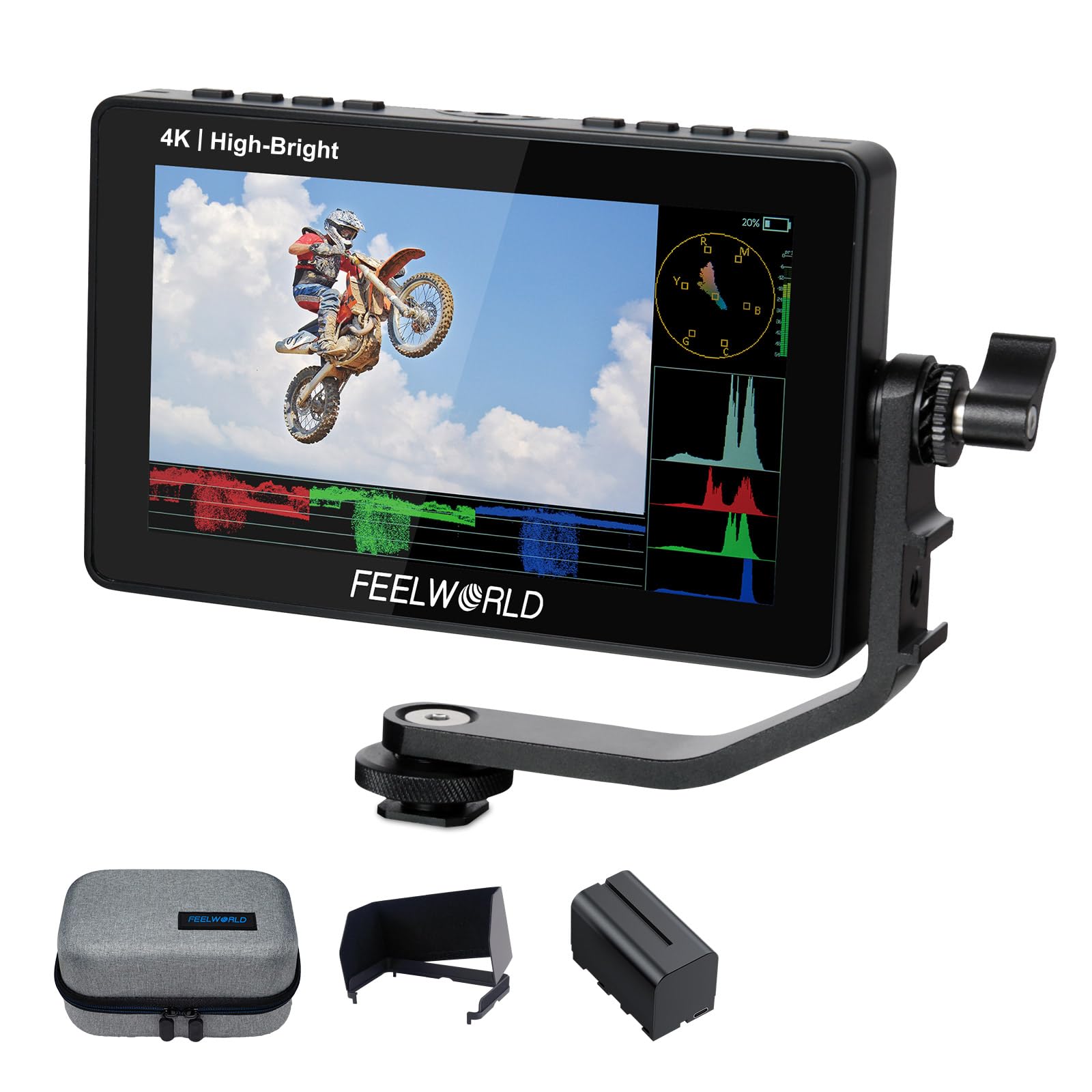
FEELWORLD F5 Prox

85 /100
Keeper Score Excellent

Key details

HDMI
4K in and out
Screen
5.5-inch touchscreen
Brightness
1600 nits
In The Box
F750 battery and bag
Check Price on Amazon

Open the box and you can shoot: FEELWORLD ships the F5 Prox with an F750 battery and a bag, which is the detail that makes it our pick for a first serious monitor. The 5.5-inch touchscreen runs at 1600 nits — bright enough that an outdoor interview stops being guesswork — and the menu carries waveform, false color, focus peaking, and 3D LUTs, the same working set you get on the bigger picks here.

We like where it sits in this group: brighter than the VILTROX DC-550 for about the same money, and far easier to carry than the seven-inch NEEWER. On a gimbal or a small mirrorless rig that's the whole point — a proper view of the frame without a screen that overhangs the camera. Anamorphic desqueeze is built in too, a small feature that matters a lot if you shoot with a 1.33x or 2x adapter.

4K HDMI goes in and back out, so the feed can carry on to a recorder, and the monitor runs from the F-series plate or USB-C when the battery gives up. The touchscreen keeps the scopes within a tap or two, which is more than we expected from a kit at this price.

Pros

  • Battery and bag included in the box
  • 1600 nits on a compact 5.5-inch touchscreen
  • Built-in anamorphic desqueeze

Cons

  • 5.5-inch screen is small for critical focus
Our verdict

We hand this to anyone who wants to shoot the day it arrives: a 1600-nit 5.5-inch touchscreen, a battery, and a bag in one box.

Check Latest Price
3

Best for a First Monitor

VILTROX DC-550

87 /100
Keeper Score Excellent

Key details

HDMI
4K 30Hz in and out
Power
NP-F550 battery, DC 12-18V
Screen
5.5-inch 1920x1080 IPS touchscreen
Brightness
1200 nits
Check Price on Amazon

Sunshade, NP-F550 battery, cold-shoe adapter, HDMI and USB-C cables: VILTROX packs the DC-550 with everything needed to mount and power it, and at 1200 nits the 5.5-inch touchscreen holds up in daylight that would wash out a camera LCD. The tool menu is deep — parade waveform, vectorscope, histogram, false color, peaking, and 3D LUT loading — and the 1920x1080 panel is crisp enough that the scopes read cleanly instead of smearing.

It takes 4K at 30Hz in and out, so a recorder can hang off the loop-through, and power comes from the NP-F plate, a 12-18V DC input, or USB, which covers handheld, mains, and power-bank setups on the same shoot. The touchscreen wakes the menu with a tap rather than a five-button climb.

Against the FEELWORLD F5 Prox it gives up brightness — 1200 nits versus 1600 — and adds a sunshade and a menu that is quicker to learn in exchange. For a first monitor bought on a strict budget, this is the one we point people toward, because nothing else here arrives this complete for the money. The 5.5-inch size keeps it a solo-operator screen, which is exactly the job.

Pros

  • Sunshade, battery, and cold-shoe adapter included
  • 1200-nit 1080p touchscreen with a deep tool set
  • Three power paths including 12-18V DC

Cons

  • 1200 nits trails the brightest picks in sun
Our verdict

The most complete kit among the bright touch monitors here, and the one we suggest for a first monitor bought on a fixed budget.

Check Latest Price
4

Best Built-In Battery

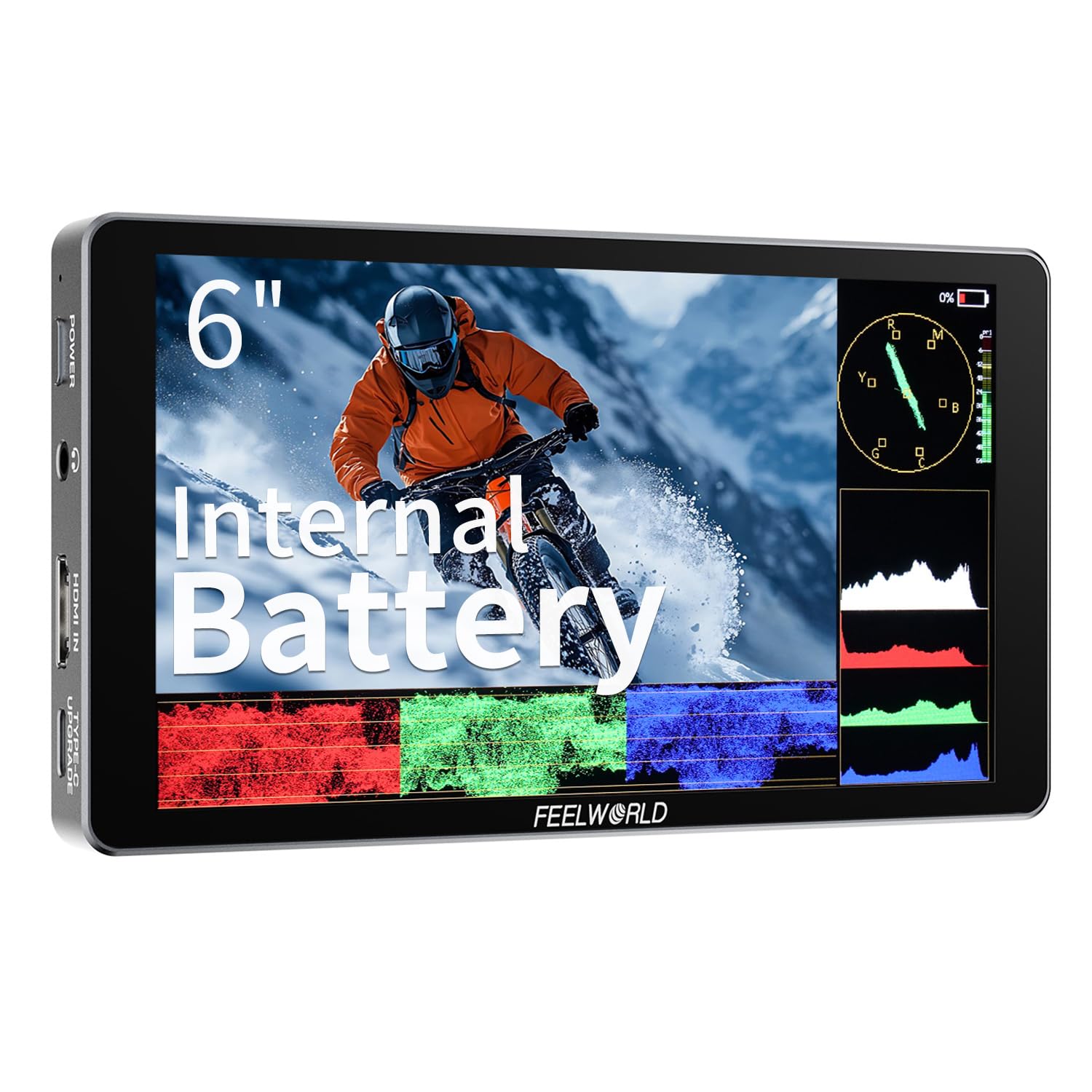
FEELWORLD P6XL

81 /100
Keeper Score Excellent

Key details

HDMI
4K input
Screen
6-inch IPS touchscreen
Battery
Built-in 3300mAh
Brightness
1200 nits
Check Price on Amazon

Nothing bolted to the back: the P6XL runs on a built-in 3300mAh cell, so there's no NP-F plate, no charger bag, and no spare battery taking up space in a camera bag. The six-inch 1200-nit touchscreen does real outdoor work rather than pretending, and the tool set — waveform, false color, 3D LUTs, focus peaking — is all present.

We've ended up preferring it for travel and run-and-gun for the unglamorous reason that it's one less thing to pack and charge. Six inches is a useful middle ground: noticeably more screen than the 5.5-inch panels here without the overhang of a seven-inch, and the touch interface keeps the menu close to hand.

The cell is the trade-off, since you can't swap in a fresh battery at hour six; a USB-C power bank that runs it while it charges is the sensible kit. The percentage readout can also drop sharply under load, so treat it as a guide rather than a countdown. HDMI input takes 4K, and the body stays light enough to hang off a small rig without rebalancing everything.

Pros

  • Built-in battery keeps a travel rig small
  • Six-inch 1200-nit touchscreen
  • Full monitoring tool set on a light body

Cons

No notable drawbacks to flag.

Our verdict

For a stripped-down travel rig, the built-in battery is the whole argument: 1200 nits of six-inch screen with nothing bolted to the back.

Check Latest Price
5

Best Budget

Portkeys HD7H

78 /100
Keeper Score Very Good

Key details

Power
NP-F or 7.4-24V DC
Screen
7-inch 1280x720 IPS
Weight
9.81 oz
Brightness
1,000 nits
Check Price on Amazon

Seven inches and 1,000 nits for less money than any other big-screen pick here, at 278 grams: the HD7H is what we point people toward when the budget is fixed and the camera's own screen is the problem. Daylight viewing is the headline — the matte panel cuts glare and stays legible on a bright shoot — and three 1/4-inch mounting threads mean it hangs off almost any arm, cage, or tripod you already own.

Resolution is the catch. 1280x720 spread across seven inches looks soft beside the 1080p panels here, so you work from focus peaking rather than your eye on anything critical. There's also a 3.5mm headphone jack for checking audio and an AV input for older gear, both unusual at this end of the price range.

It powers from an NP-F battery or a 7.4-24V DC input, and neither a battery nor a power supply comes in the box, so price those in before calling it the cheap option. What you're buying is the panel, the light body, and the mounting flexibility; everything else you supply.

Pros

  • 1,000 nits on a seven-inch panel for the least money
  • 278 g body with three 1/4-inch mounts
  • Headphone jack and AV input

Cons

  • 1280x720 panel looks soft next to 1080p picks
  • HDMI input only, no loop-through
Our verdict

The least expensive way here to get a seven-inch screen you can see outdoors, and at 278 grams it barely registers on a rig.

Check Latest Price
6

HDR Color Work

Atomos Shinobi II

78 /100
Keeper Score Very Good

Key details

Mount
Hot shoe, 360° ball head
Cables
USB-C and locking adapter
Screen
5.2-inch HDR touchscreen
Battery
4900mAh with charger
Check Price on Amazon

Atomos made its name on monitors that cost more than the cameras they hang off, and the Shinobi II is the entry point: a 5.2-inch HDR touchscreen with the company's processing behind it, bundled here with a 4900mAh battery, a charger, and a hot-shoe mount on a 360° ball head.

What the premium buys is HDR handling and a body small enough to sit on a compact rig without dominating it. The bundle matters more than it sounds: the included locking HDMI/USB-C adapter is the sort of small part that stops a cable being pulled out mid-take, and the ball head means you don't have to buy a mount separately.

The bezel is what we noticed first. A 5.2-inch image inside a housing that feels closer to a six-inch monitor means less picture for the space it takes on a rig, and for focus on a wide shot the 6- and 7-inch screens here simply give you more to look at.

So this is a monitor for someone who wants Atomos color handling and HDR in the smallest possible package, on a rig where the screen sits close to the eye rather than out on an arm. If you're buying your first monitor and want the most screen for the money, the seven-inch NEEWER is the better spend; if HDR and a compact body are the brief, this is the one that fits it.

Pros

  • HDR touchscreen with Atomos processing
  • Battery, charger, and ball-head mount included
  • Locking cable adapter guards against pull-outs

Cons

  • Small image area inside a wide bezel
  • Costs more than the seven-inch top pick
Our verdict

For HDR work in the smallest package, with battery, charger, and mount in the box, the Shinobi II earns its premium; as a first big screen it doesn't.

Check Latest Price
7

Indoor Studio

NEEWER F100

81 /100
Keeper Score Excellent

Key details

Mount
360° ball head, sunshade
Cables
Mini HDMI, micro HDMI, AV
Screen
7-inch 1280x800 IPS
Brightness
450 nits
Check Price on Amazon

At 450 nits the F100 is the one monitor here we wouldn't take into direct sun, and it isn't really built for that. Indoors it's a clean seven-inch 1280x800 IPS panel in a 17mm-thin body, and the 360° ball head, sunshade, mini-HDMI, micro-HDMI, and AV cables all come in the box, so a beginner can mount it and shoot without placing a second order.

The resolution is modest for the size, so treat it as a framing and exposure aid rather than a focus-critical screen; peaking, histogram, check field, and pixel-to-pixel all do work your camera's LCD can't. The matte finish keeps overhead lights from ruining the picture, and the included shade is worth fitting if you're anywhere near a window.

Where it earns a place is the price of entry: a seven-inch screen, a mount, a shade, and three cables in one box, with a panel that's honest for interviews, product shots, and streaming setups where the light is controlled. Indoors, on a desk or a tripod, it's the least fussy monitor here.

Pros

  • Ball head, sunshade, and three cables included
  • Slim seven-inch 1280x800 IPS panel
  • Monitoring tools beyond the camera's screen

Cons

  • No battery or power supply included
  • HDMI input only, no loop-through
Our verdict

A tidy indoor monitor with the mount, shade, and cables included — buy it for a studio or a desk, not for a sunny field.

Check Latest Price

How We Tested the Best On-Camera Monitors

We started by pulling every field monitor we could find with a focus-assist and LUT toolset, then narrowed by screen size and panel resolution, rated brightness, HDMI in and out, mounting options, and what actually came in the box for the money. Anything that couldn't run on a standard battery, or had no way to attach a sunshade, didn't make the cut. That left a dozen units, which we mounted on the same cages and gimbals we use for paid work.

Brightness got the hardest look. We took each monitor outside at midday, shot a focus chart with and without its sunshade, then reviewed that footage on a calibrated desktop display to see whether we'd nailed focus or merely thought we had. A light meter at the center and the corners told us how much of the rated brightness survives off-axis. We also tapped through menus with a fingernail, a bare thumb, and a thin glove, since touchscreens behave very differently once the weather turns.

For battery life, we ran each from full to dead with a stopwatch, timed mid-take swaps, and noted which ones ship with a battery at all. HDMI got its own check: we looped signal out to a recorder and watched for lag, flicker, or dropouts when the cable was jostled. Build quality came down to weeks of riding in a camera bag next to loose lenses, plus a kitchen-scale weigh-in with the battery mounted — a monitor that pulls a gimbal off balance is one you quietly stop using. Eight months in, we also noted which units still woke on the first button press and which had started to loosen at the port.

How to Choose an On-Camera Monitor

Brightness first, then size

Under roughly 450 nits a monitor is an indoor tool; step outside and you fight reflections the whole time. Around 1,000 to 1,200 nits covers open shade and most overcast days, and 1,600 to 2,000 nits is what keeps a waveform readable in hard sun. Size trades against portability: a 5.5-inch panel at 1600 nits suits a gimbal, while a seven-inch at 1,000 nits is easier to focus on and hangs much heavier off a cold shoe.

When two monitors cost about the same, we take the brighter one. You can add a sunshade to almost anything; you can never add backlight.

Work out the real cost of power

Plenty of field monitors ship as the screen alone, with no battery and sometimes no power supply, so the first shoot ends with an unplanned order. Read the box contents before you compare anything and add an NP-F battery plus a charger to every listing that doesn't include them.

Built-in cells keep a small rig tidy but can't be swapped at hour six, which makes a USB-C power bank the sensible companion. A DC input is the quiet luxury: indoors on a tripod, mains power simply never runs out.

Match the HDMI connection to your camera

An HDMI input lets you watch the image; a loop-through output lets you pass it on to a recorder or a second screen for a director. Then check the plug, because the camera end varies: full-size HDMI on most cinema bodies, mini on many DSLRs, and micro (Type D) on the majority of mirrorless cameras. A strained or cheap cable is the usual reason a monitor drops signal mid-take, so order a spare in the right size and keep it in the bag.

Tools and touchscreens

Waveform, false color, peaking, and a histogram do more for your footage than another inch of glass, and every pick here has them. 3D LUT support matters if you shoot log and want something close to the final grade on set.

Touchscreens are quicker than climbing through buttons, but on nearly every monitor at this level the touch layer drives the monitor's own settings, not the camera's — don't buy one expecting to change exposure from the panel.

Frequently Asked Questions

Final Verdict

The NEEWER F700 is the monitor we point most people to, and the reasoning is unglamorous: a seven-inch 1080p screen at 2000 nits solves both problems a field monitor exists to solve — seeing the frame, and seeing it outdoors — and the 4K loop-through means it keeps earning its place when a recorder joins the rig.

If the budget is tighter or the rig is smaller, the FEELWORLD F5 Prox arrives with a battery and bag at 1600 nits, and the Portkeys HD7H is the least expensive way here to get a daylight-readable seven-inch screen, provided 720p resolution and a 278-gram body suit how you shoot.