Best Overall
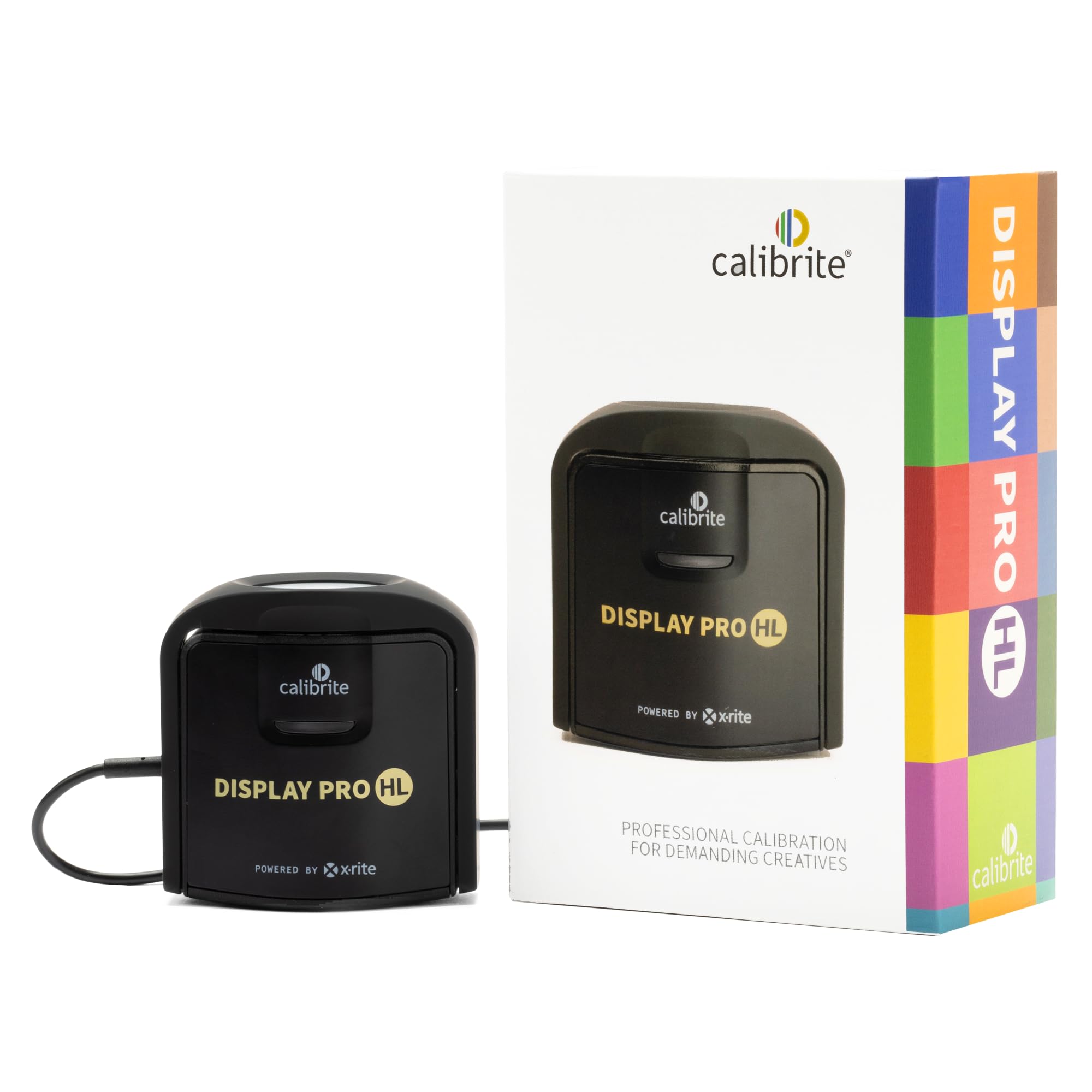
Calibrite Display Pro HL
Key details
- Software
- Calibrite PROFILER, Basic and Advanced
- Connection
- USB-C with USB-A adapter
- Sensor Range
- Up to 3000 nits
- Display Types
- LCD, mini-LED, OLED
The 3000-nit ceiling is what puts this one first. Modern mini-LED and OLED panels push far more light than the displays colorimeters were designed around a few years ago, and a sensor that runs out of range near the top of the scale leaves you guessing exactly where highlight detail sits. The HL measures that range instead of estimating it, across LCD, mini-LED, OLED, and Apple's XDR panels, plus compatible projectors. If you edit on a current MacBook Pro or a bright desktop panel, this is the calibrator we point to first.
The software is calmer than the specification suggests. PROFILER opens in a Basic mode that asks what kind of display you have, then walks through white point, luminance, gamma, and contrast ratio without demanding an opinion about any of them; Advanced mode exposes the same settings as numbers for people who have one. We appreciated that both live in the same application — the learning curve is one screen deep, not a second purchase.
Validation is what separates it from the cheaper picks here. Quick Check re-measures the display against the profile you just saved, the uniformity check compares the corners with the center, and flare correction accounts for light bouncing off a glossy panel. Those three tools turn "this looks better" into "this measures right," which is the entire reason to own a colorimeter instead of trusting your eye. Profiling several monitors on one machine and carrying presets between them matters mostly in a studio, but it's there.
Two things to know before ordering. The smooth path is Calibrite's own software; if you're committed to DisplayCal, check the current support notes rather than assuming, because that route has been uneven. And this sensor is tuned for brightness — if you work at low luminance in a dark room, the ColorChecker Display Pro further down this list is the more sensible choice. At 4.8 ounces with a pouch and a USB-C to USB-A adapter, it packs like a lens rather than lab equipment.
Pros
- Sensor measures up to 3000 nits
- Quick Check and uniformity validation tools
- Profiles several monitors with shared presets
- Packs small, with pouch and adapter
Cons
- Costs more than the budget Datacolor
We tell anyone editing on a bright modern panel to buy this one: the 3000-nit sensor and the validation tools make a correct profile something you can prove.