Best Gaming Headsets of 2026

A gaming headset takes more abuse than anything else on your desk. It lives on your head for four-hour sessions, gets yanked off by the cable, and carries every squad call you make — so a bad one announces itself fast: clamp that turns into a headache, a mic your friends describe as underwater, a battery that quits in the middle of a match. The right pair should disappear around hour two and make you sound like yourself to the people you play with.

I've owned several headsets I regretted by week two. Over the past six months, my team and I have worn 12 models — wired and wireless, budget to high-end — through weeknight sessions, long solo stretches, and more voice calls than I'd like to admit. We weighed sound, comfort at hour three, mic clarity on the other end, connection reliability, and value.

One thing worth knowing before you shop: driver size and surround-sound badges sell headsets, but they rarely decide whether you keep one. Whether it hops between console, PC, and phone without a dongle swap matters more, as does how the mic handles a mechanical keyboard clacking in the background. The picks below were chosen with all of that in mind.

Keeper Score summarizes customer ratings and review volume. Read it alongside the product details and trade-offs. How the score works.

1

Best Overall

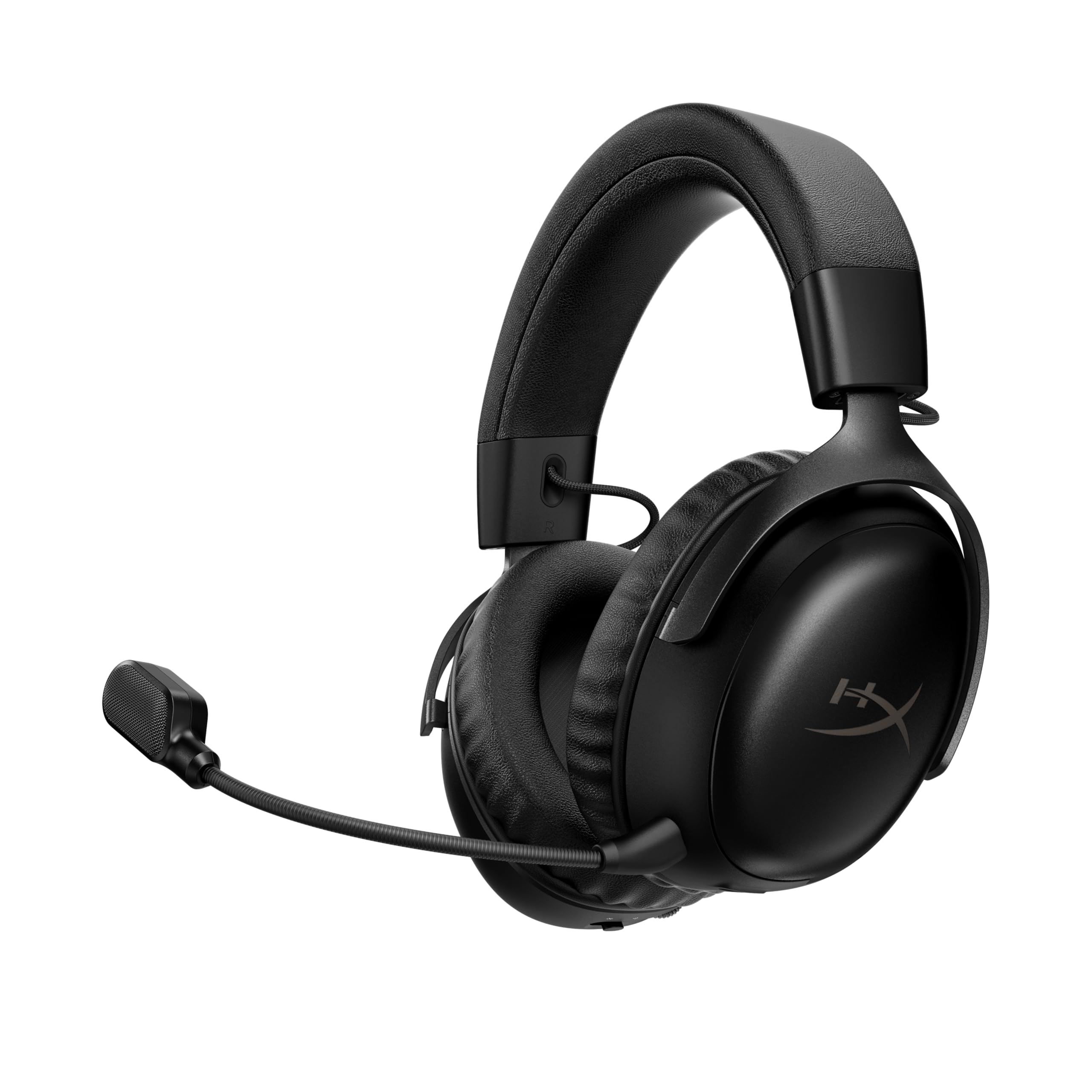
HyperX Cloud III

88 /100
Keeper Score Excellent

Key details

Weight
10.9 oz
Drivers
Angled 53mm
Microphone
Detachable 10mm
Connectivity
USB-C, USB-A, 3.5mm
Check Price on Amazon

The Cloud III's most useful trick is that it doesn't make you choose a port. There's a 3.5mm cable for a controller, a USB-C adapter for a laptop or PS5, and a USB-A path for a desktop, all in the box. We kept the 3.5mm lead attached for console sessions and switched to USB when we wanted DTS spatial audio on PC. That flexibility is why it's our default pick: one headset can move between the desk and the couch without a dongle hunt.

We also like how solid it feels. The aluminum frame has enough give to survive being pulled off and put back on, and the memory foam cushions seal without clamping like a vise. The angled 53mm drivers put footsteps and gunfire in clear positions rather than a wall of bass. The microphone is the compromise: it can sound crisp in chat, but it can also drop your voice low enough that teammates ask you to repeat yourself. Test it in your usual app before a ranked match, and use the red mute light on the mic as your cue.

The detachable mic is a small ownership win: pull it off for solo play and the headset doubles as a plain pair of wired headphones. The inline controls are easy to find by feel, and the 308g weight is light enough to forget during a long session but heavy enough to feel substantial in the hand. It is the wired headset we reach for first when we don't know which platform we'll be playing on.

Pros

  • Three wired connection options in the box
  • Aluminum frame feels sturdier than plastic
  • Angled 53mm drivers place game audio well
  • Memory foam cushions stay comfortable

Cons

  • Headband pressure runs high for some head sizes
Our verdict

We recommend the Cloud III to most PC and console players: it connects almost anywhere, feels built to last, and keeps positional audio clear.

Check Latest Price
2

Best Budget Wired

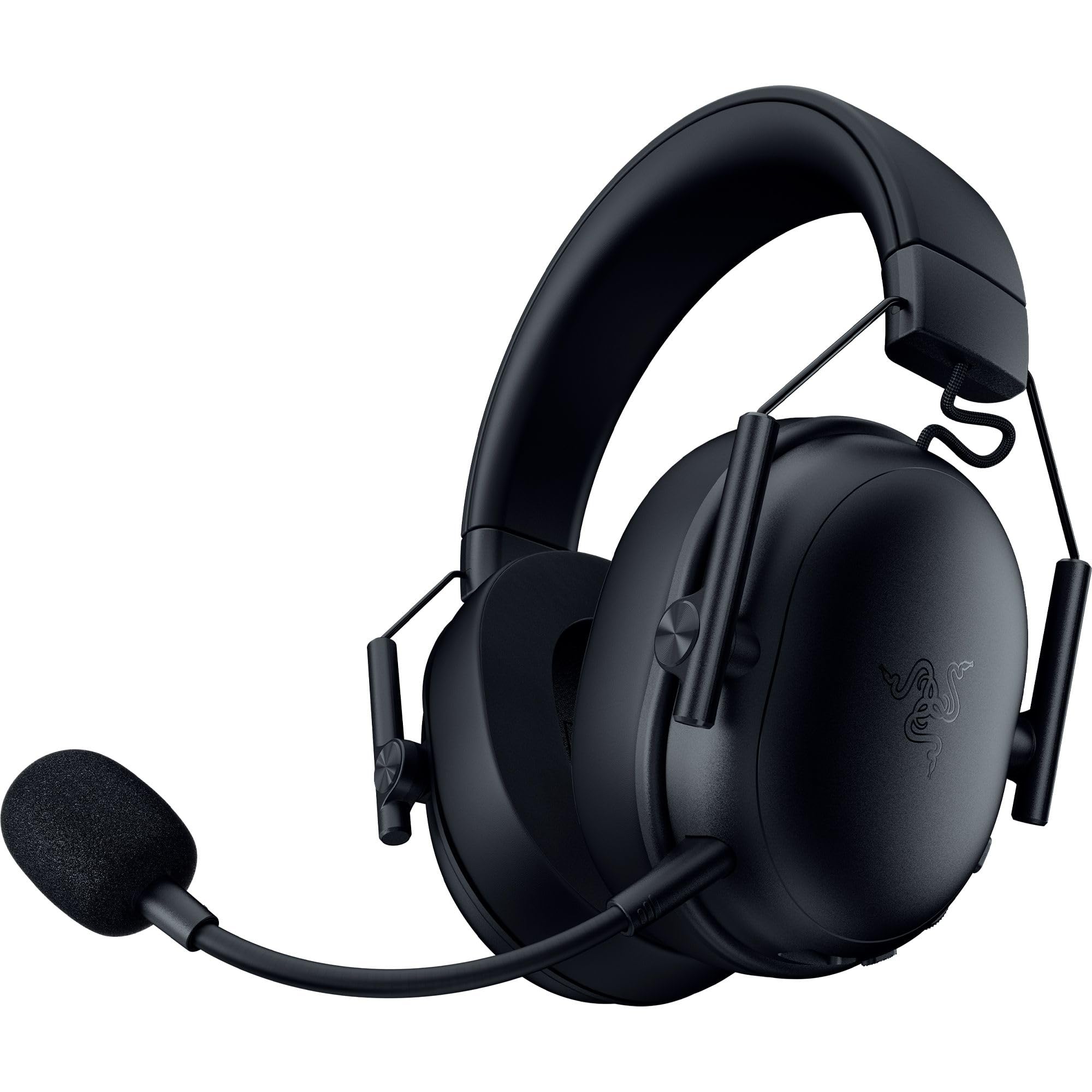
Razer BlackShark V2 X

89 /100
Keeper Score Excellent

Key details

Weight
8.47 oz
Drivers
50mm titanium-coated
Surround
7.1 on Windows
Connectivity
3.5mm wired
Check Price on Amazon

At 240g, the BlackShark V2 X is the headset we forget we're wearing first. The closed earcups and memory foam pads sit close without a lot of pressure, and the light frame is easy to live with at a desk. It's a wired 3.5mm headset, so there's no battery to manage and no dongle to lose; the trade-off is a cable that ties you to the controller or PC.

The 50mm titanium-coated drivers have a bright, punchy character that suits games. Footsteps and reloads are easy to place, and the passive seal keeps a decent amount of room noise out. The 7.1 surround is Windows-only software, so console players get stereo; that's not a fault, but it is worth knowing before you buy. The cardioid mic is the part to test in your chat app; keep it close and use push-to-talk when you can.

We like this one as a dedicated desk headset. The light weight and modest clamping make it easy to wear through a long session, and the sound has enough energy for games without turning into a bass cannon. It isn't the headset to throw in a backpack; the plastic frame and thin cable are the parts to treat gently. For a first wired setup or a spare for a console, it does the important things well.

Pros

  • Very light at 240g
  • Punchy 50mm sound for games
  • Memory foam pads stay comfortable
  • Works over a standard 3.5mm jack

Cons

  • Mic can sound thin
  • Cable is short for couch play
Our verdict

The BlackShark V2 X is the budget wired pick we hand to a PC or console player who wants light, clear sound without fuss.

Check Latest Price
3

Best Wireless for Consoles

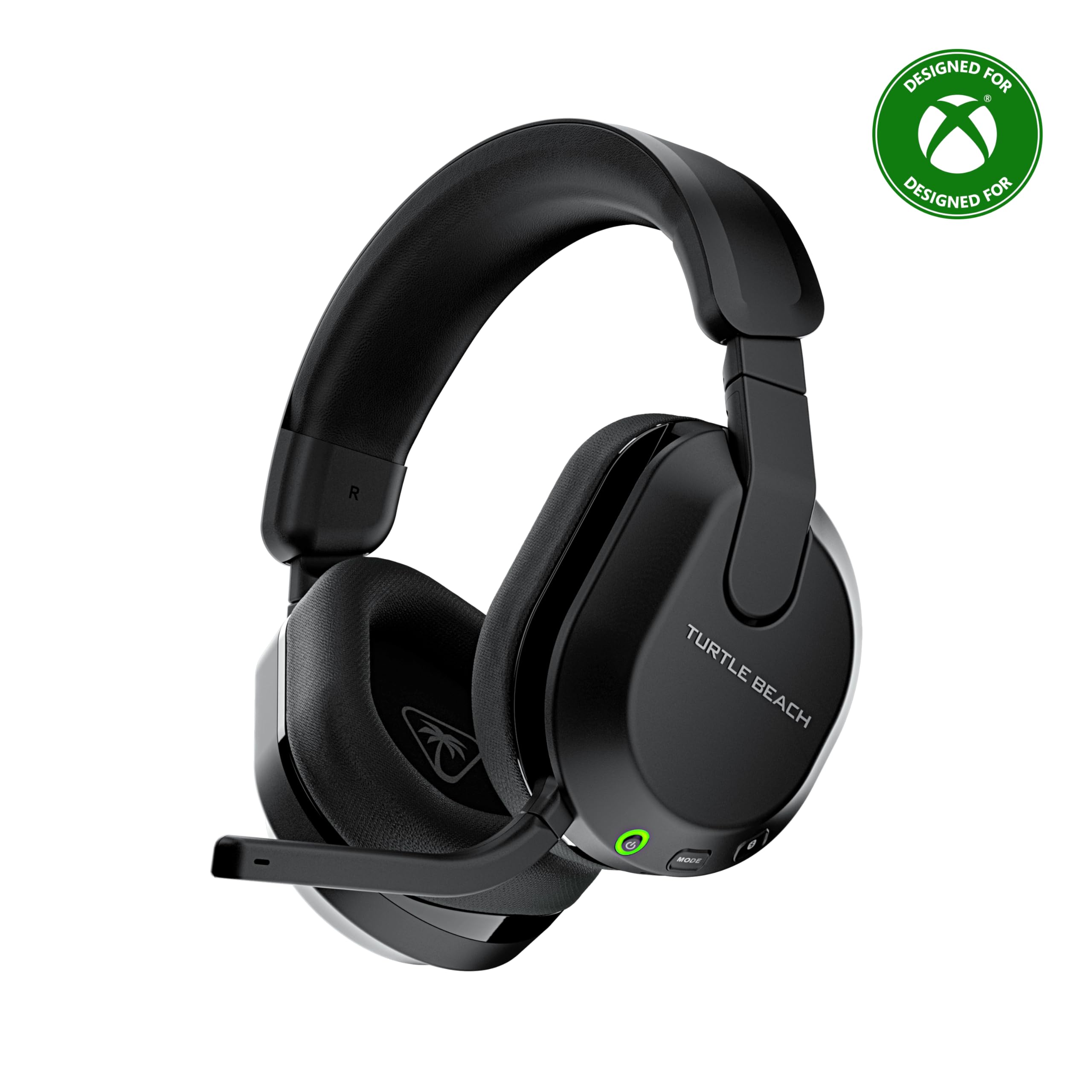
Turtle Beach Stealth 600

88 /100
Keeper Score Excellent

Key details

Battery
80 hours
Drivers
50mm
Microphone
Flip-to-mute
Connectivity
2.4GHz + Bluetooth
Check Price on Amazon

The Stealth 600 is the wireless console headset we point to when glasses are non-negotiable. The memory foam cushions have a glasses-friendly shape that leaves room at the temples, and the 320g weight sits evenly enough for a long evening. The flip-to-mute mic is the other detail we appreciate: it swings up and out of the way, and the mute is obvious without a software menu.

The 50mm drivers have a lively, spatial presentation that suits shooters, and the 80-hour battery rating is the kind of number that changes habits; you stop planning around a charger. The 2.4GHz connection is the fast path for console, while Bluetooth is there for a phone or a late-night video. The catch is consistency: the wireless link can drop, and the mappable wheel and mode button take a little setup before they feel natural. Once they do, switching between game and chat audio is quick.

Pros

  • Glasses-friendly memory foam cushions
  • 80-hour battery rating
  • 2.4GHz and Bluetooth wireless
  • Flip-to-mute microphone

Cons

  • Durability feels fragile
  • Mic can sound thin
Our verdict

For glasses wearers who want a wireless console headset, the Stealth 600 is the comfortable pick, with an easy mute and a battery that runs for days.

Check Latest Price
4

Best Wireless Battery Life

HyperX Cloud III S Wireless

87 /100
Keeper Score Excellent

Key details

Weight
12.6 oz
Battery
120 hours (2.4GHz)
Drivers
Angled 53mm
Connectivity
2.4GHz + Bluetooth
Check Price on Amazon

A 120-hour battery rating is the sort of spec that sounds like marketing until you live with it. HyperX rates the Cloud III S for 120 hours on 2.4GHz and up to 200 hours over Bluetooth, and the practical effect is that charging becomes a monthly chore rather than a nightly one. We like that the headset still feels like a Cloud: memory foam, a steel-and-aluminum frame, and a detachable mic rather than a built-in boom you can't replace.

The 53mm angled drivers have a clean, spacious character. In games, that translates to directional cues that sit outside your head rather than in a flat wall, and the over-ear pads are comfortable enough for a long workday. The fit is on the heavier side at 356g, but the padding spreads it across the head; we wore it through a long session without a hot spot.

Connectivity is the part to read carefully. The 2.4GHz dongle is the low-latency path for PC and PlayStation, and Bluetooth is useful for a phone or a tablet. The detachable mic is convenient for chat, and pulling it off turns the headset into a plain pair of wireless headphones for music or calls. The controls are simple enough to learn by touch.

The Cloud III S Wireless is the headset we choose for a long trip or a week of forgetful charging. The battery, dual connection, and solid frame make it the easiest wireless headset here to live with. It isn't the lightest wireless option, but it is the one we trust to keep going.

Pros

  • 120 hours on 2.4GHz
  • 2.4GHz and Bluetooth modes
  • Steel and aluminum frame
  • Memory foam comfort

Cons

  • Xbox is not supported
  • Mic can sound thin
Our verdict

The Cloud III S Wireless is our pick for long sessions away from a charger, with a huge battery and a sturdy frame that make it easy to live with.

Check Latest Price
5

Best Midrange Wireless for PC

Razer BlackShark V3 X HyperSpeed

85 /100
Keeper Score Excellent

Key details

Battery
70 hours
Drivers
50mm Gen-2
Microphone
Detachable 9.9mm cardioid
Connectivity
2.4GHz, Bluetooth, USB
Check Price on Amazon

The BlackShark V3 X HyperSpeed has a switch for the way a lot of us actually play: 2.4GHz for a low-latency game session, Bluetooth for a phone call or a video, and a USB connection for a wired session or charging. Razer calls the handoff SmartSwitch, and the point is that you don't have to re-pair the headset every time you move between devices. The 70-hour battery rating means most people will charge it before they need to, not because it died mid-match.

We like the V3 X HyperSpeed as a PC-first wireless headset. The 50mm Gen-2 drivers have a clear, positional character, and the plush oval earcups are comfortable for a long evening. The detachable 9.9mm cardioid mic is a useful convenience when you want to switch to solo play. The 7.1 surround is a software effect, so try it on one game and turn it off if the mix starts to feel hollow.

For PC and mobile, the three-mode setup is genuinely useful, and the earcups stay comfortable through a long session. It is the midrange wireless pick for someone who wants one headset for a desk and a phone.

Pros

  • 2.4GHz, Bluetooth, and USB modes
  • 70-hour battery
  • Detachable cardioid mic
  • Plush oval earcups

Cons

  • PS5 compatibility can be inconsistent
  • Mic volume can sit low
Our verdict

The BlackShark V3 X HyperSpeed is our pick for a PC player who wants wireless freedom, Bluetooth for a phone, and a long battery in one headset.

Check Latest Price
6

Best Lightweight Comfort

Logitech G733

89 /100
Keeper Score Excellent

Key details

Weight
9.81 oz
Battery
29 hours
Drivers
40mm PRO-G
Connectivity
Lightspeed wireless
Check Price on Amazon

The G733's suspension headband is the reason it stays comfortable after the novelty of a new headset wears off. Two soft straps run over the top of the head and spread the 278g weight instead of concentrating it in one spot, and the ear cups don't clamp hard enough to press glasses into your temples. We noticed the difference most during a long PC session, when other headsets start to feel like a clamp and this one just disappears.

The 40mm PRO-G drivers have a clean, slightly restrained sound that works well for games and voice chat. Battery life is rated at 29 hours, and the Lightspeed wireless connection has a 20-meter range, so you can walk to the kitchen without losing audio. The Blue VO!CE mic filters on PC are the secret weapon; they make the mic sound fuller and more controlled than the raw feed.

This is the headset we choose when comfort is the priority and the PC is the main platform. The reversible suspension band and RGB lighting give it a personal look, and the light weight makes it an easy daily driver for work and play. It is the headset we leave on the desk when we want to forget we are wearing one.

Pros

  • Suspension band spreads weight
  • Light 278g build
  • 29-hour battery
  • Blue VO!CE tuning on PC

Cons

  • No Bluetooth
  • Console mic misses PC polish
Our verdict

For long PC sessions, the G733 is the comfort pick, with a suspension band that keeps pressure off glasses and a 29-hour battery.

Check Latest Price
7

Best Ultra-Budget Starter

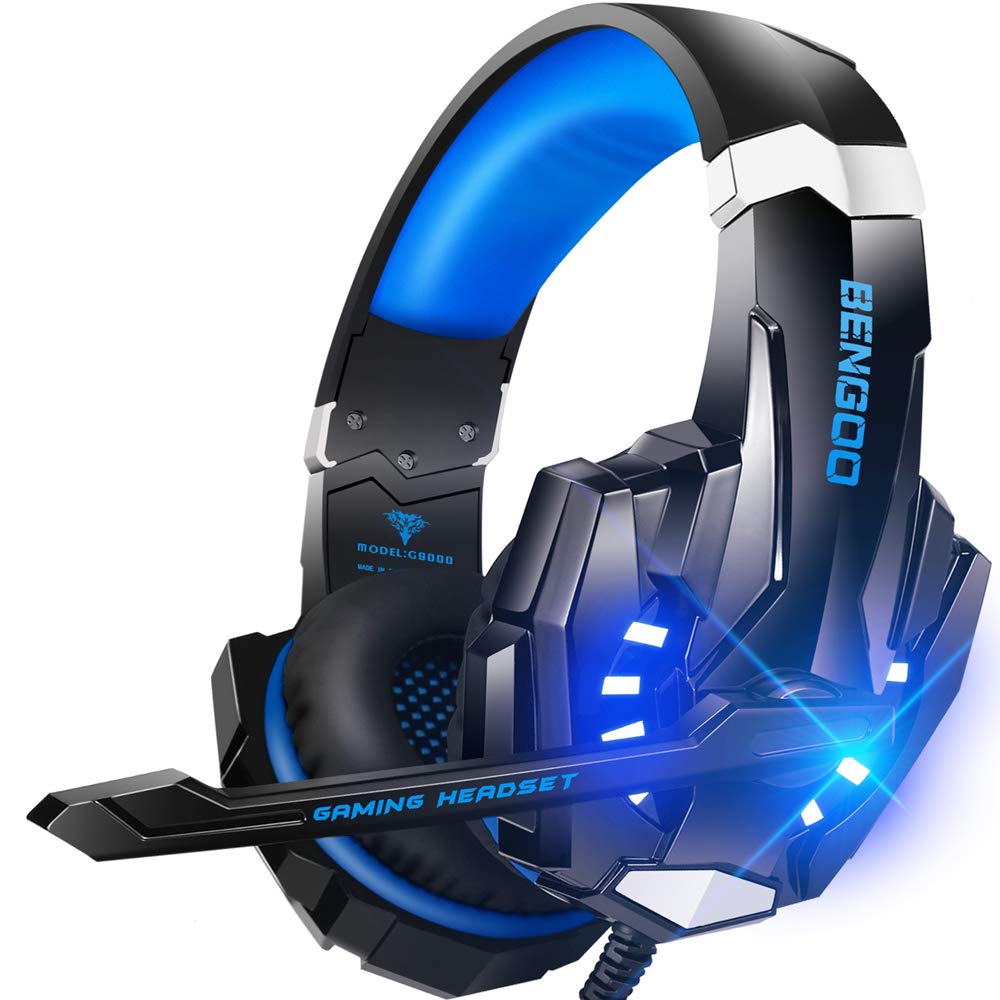
BENGOO G9000

88 /100
Keeper Score Excellent

Key details

Weight
9.6 oz
Drivers
40mm
Microphone
Noise-isolating
Connectivity
3.5mm wired
Check Price on Amazon

The G9000 is the headset we hand to a younger player or anyone building a first setup on a tight budget. It has the loud, bright sound that makes games feel exciting, the memory foam pads are soft enough for a long session, and the LED-lit earcups are part of the appeal if it's going on a kid's desk. The 3.5mm connection works with a controller, a PC, a tablet, or a phone with the right adapter, and the inline rotary volume and mute are easy to find without looking.

The compromises show up in the details. The 40mm drivers favor impact over precision, so positional cues are less exact than our top pick. The plastic frame and braided cable are best kept at a desk rather than shoved into a backpack. None of that changes the value proposition: this is a cheerful, comfortable headset for casual play, not a competitive tool.

Pros

  • Loud, lively sound for casual games
  • Soft memory foam pads
  • Broad 3.5mm compatibility
  • Inline volume and mute

Cons

  • Mic can sound distant
Our verdict

For a first headset or a younger player, the G9000 delivers lively sound and a comfortable fit at the lowest cost here.

Check Latest Price
8

Multi-System Desk

Logitech G Astro A50

82 /100
Keeper Score Excellent

Key details

Battery
24 hours
Drivers
40mm graphene
Microphone
48 kHz boom
Connectivity
2.4GHz + Bluetooth
Check Price on Amazon

The Astro A50's charging dock is the detail that makes the headset feel like part of a desk rather than another gadget to plug in. You set it down, it charges, and it's ready for the next session. The dock also anchors the A50's multi-system trick: the PLAYSYNC base switches between three connected platforms, so an Xbox, a PlayStation, and a PC can all stay hooked up at once.

The 40mm graphene drivers have the most spacious, detailed sound in this group. Footsteps and environmental cues sit in a wide field, and the 24-bit Lightspeed wireless link keeps the audio clean and synchronized. The 48kHz boom mic is the other high point: voices sound fuller and more natural than on most gaming headsets, and the flip-to-mute action is easy to use without looking.

Comfort is good rather than universal. The 363g weight is noticeable at first, and the ear cups need a careful fit if you have a large head. Bluetooth dual-device mixing is genuinely useful for taking a call while staying in game audio, but the connection isn't as set-and-forget as the 2.4GHz link. Battery life is rated at 24 hours, so the dock matters more than the raw number.

The A50 is the premium pick for a multi-system desk, not the headset we recommend for everyone. If you keep a console and a PC side by side and want a spacious sound and a broadcast-style mic, it earns its place. If you want a simple, sturdy wireless headset for one platform, the Cloud III S Wireless or Stealth 600 makes more sense.

Pros

  • PLAYSYNC switches three systems
  • Charging dock keeps it ready
  • 40mm graphene drivers
  • 48kHz boom microphone

Cons

  • Dock charging can miss the contacts
  • Ear cup posts can loosen
Our verdict

The Astro A50 is the premium pick for a multi-system desk, pairing spacious sound and a broadcast-style mic with a genuinely useful dock.

Check Latest Price

How We Tested the Best Gaming Headsets

We built a shortlist of roughly 30 headsets from manufacturer spec sheets, retailer listings, and the models our own friends and coworkers actually keep on their desks, then cut it to 12 that covered the range of what people buy: plain 3.5mm wired sets, 2.4GHz dongle models, Bluetooth hybrids that pair with a phone as readily as a console, and one flagship. Anything locked to a single platform or priced well above the rest of its tier didn't make the cut.

Each headset got at least two weeks of daily use, often overlapping so we could compare two side by side in the same session. We wore them through weeknight squad games, long weekend single-player runs, handheld play on the couch, and workday calls. We noted where the clamp started to bite, whether our ears got hot and sweaty by hour three, and how they sat over glasses. For the mic, we recorded the same paragraph on every model and played the clips back to a second listener who didn't know which was which, then tested the flip-to-mute arms and detachable booms one-handed, mid-sentence, the way you actually use them.

Connectivity and battery got the least glamorous testing. We logged drain after every session, walked to the far side of the apartment to see where the 2.4GHz signal broke up, and paired each wireless set to a phone to check how quickly it switched over. Durability meant dropping them onto carpet from desk height, tugging the cable at the plug rather than the cord, flexing the headband, and shoving them into a backpack without a case. The ones that survived all of that and still felt worth their price are the ones below.

How to Choose a Gaming Headset

Match the connection to your platforms

A 3.5mm jack is the most universal connection: it works with a controller, a laptop, a phone, and most consoles, and it never needs charging. USB-C or USB-A adds software features such as virtual surround and mic tuning, but those extras often stop at PC. For wireless, 2.4GHz is the low-latency path for gaming, while Bluetooth is better for calls and videos; a headset with both is more flexible but usually costs more. Check the compatibility list before buying, especially for Xbox, which sits outside some otherwise broad wireless headsets. The Cloud III's three wired paths are a good example of flexibility without a battery.

Treat comfort as a fit problem

Weight, clamping force, and earpad shape matter more than the word memory foam on the box. A 240g headset can still pinch if the band is tight, and a 360g headset can feel fine if the padding spreads the load. If you wear glasses, look for glasses-friendly cushions and a band that doesn't press behind the ears; if you have a large head, check whether the ear cups slide far enough. We check the band before the spec sheet. A suspension design, like the G733's, is one way to keep pressure off the top of the head.

The microphone is half the headset

A gaming headset's mic matters as much as its drivers, and it is the first place budget models cut corners. A cardioid boom mic close to the mouth rejects more keyboard noise than a short built-in mic, and a detachable design is easier to replace or remove for solo play. We put more weight on a clear mic than on a surround-sound badge. Test the mic in the app you actually use—Discord, game chat, or a console party—before you rely on it. If your voice sounds thin or distant, move the mic closer before you blame the headset.

Wireless battery ratings need context

Battery figures are quoted under different conditions, so compare like with like: 2.4GHz usually draws more power than Bluetooth, and lighting or spatial audio shortens runtime. A 24-hour headset is fine if it lives on a charging dock, while a 120-hour rating matters if you leave it in a bag. Latency is the other half of the wireless decision: 2.4GHz is the safer choice for competitive games, and Bluetooth is better for a phone call or a video. A dual-mode headset covers both, but only if the switch is easy to reach.

Check the parts that fail first

The headband, earcup pads, cable, and mic boom are the parts that usually go first, not the drivers. A metal frame and replaceable pads are worth paying for if you plan to keep the headset for years; a thin cable at the plug is a weak point on wired models. Detachable mics are easier to replace than fixed ones, and a charging dock needs clean contacts to work reliably. We look at the warranty and the replacement parts before we decide, especially on a premium wireless model.

Frequently Asked Questions

Final Verdict

The HyperX Cloud III is the headset we recommend first because it covers the most ground: a 3.5mm cable for consoles, USB-C and USB-A for a PC, a sturdy aluminum frame, and positional audio that makes games easier to read. It is the wired default we keep coming back to.

If you need wireless for a console, choose the Turtle Beach Stealth 600; if battery life is the priority and you are not on Xbox, the HyperX Cloud III S Wireless is the better fit.