Best Digital Microscopes of 2026

A digital microscope is the rare purchase where the biggest number on the box tells you the least. Magnification is cheap to print and hard to deliver: push any lens past what its sensor and lighting can support, and 1,000X becomes a blurry smudge. What you're actually buying is a clean, steady, well-lit look at something very small.

I've had 12 of these set up around my house over the past six months — the soldering bench in the garage, coin trays on the kitchen table, one that a kid carried out into the yard. The magnification claims separated almost nothing. The models that won me over were the ones I could see through without hunching, that came into focus with a wrist turn instead of a minute of fiddling, and that let me throw the image onto a laptop when I wanted a second pair of eyes.

One thing worth knowing before you shop: field of view and magnification pull against each other, so a scope that fills the screen with a whole coin at 50X is a different tool from one that reveals a single solder pad. Most people end up wanting both, which is why the stand and the screen turn out to matter as much as the lens. The picks below are sorted by where they earn their keep.

Keeper Score summarizes customer ratings and review volume. Read it alongside the product details and trade-offs. How the score works.

1

Best Overall

Andonstar AD246S-M

89 /100
Keeper Score Excellent

Key details

Video
2160P
Display
7-inch LCD
Connectivity
HDMI and Windows PC
Magnification
Up to 2040x
Check Price on Amazon

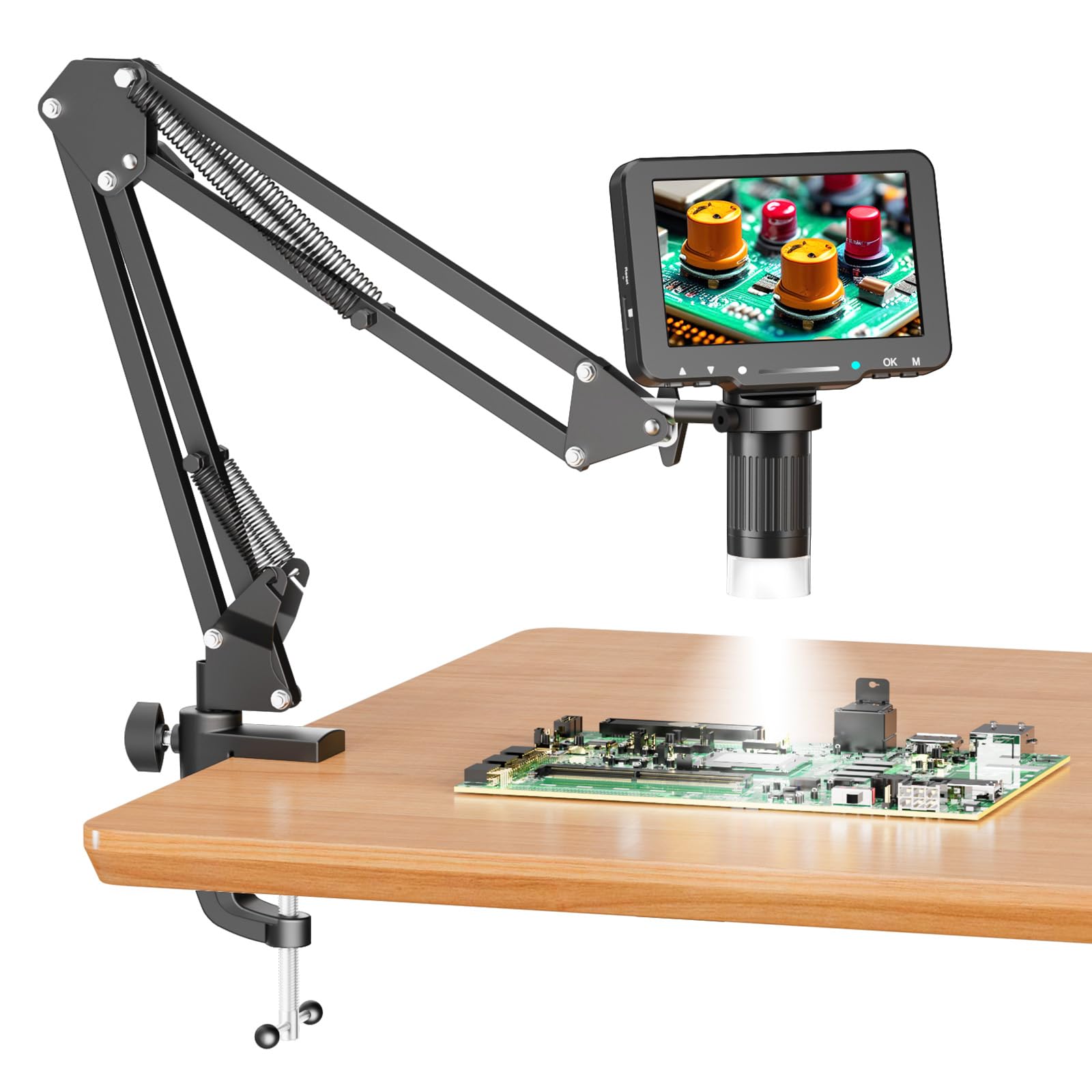
The three-lens system is what makes the Andonstar AD246S-M the one we reach for first. The long-distance lens leaves room for an iron and tweezers, while the wide lens takes in a whole coin or a larger specimen. Swapping lenses takes a small screwdriver, and the boom arm can be swung over a board without moving the base.

It earns the top spot because it covers more jobs than any other scope here. The 7-inch screen is big enough to work from, the 2160P video gives you detail to review later, and HDMI sends the same view to a larger monitor when you need it. The listed 2040x maximum is not a promise of crisp detail at every step, but the lens choice and working distance do more for practical magnification than the number on the box.

The boom arm is the quiet advantage. It adjusts front and back, left and right, and in height, so the scope can sit over a board while your hands stay underneath. The metal stand has enough mass to stay put during ordinary work; at very high magnification, you will still want to brace the bench and take a moment to settle the focus.

The 7-inch screen and HDMI output also make it easy to bring a second person into the view, which is more useful than we expected when comparing a coin variety or tracing a solder bridge. It is a bench instrument, not a pocket scope, and that is the right trade for this kind of work.

Pros

  • Three lenses cover coins and soldering
  • 7-inch screen with HDMI output
  • Boom arm swings over a work area
  • 2160P video captures fine detail

Cons

  • Bench footprint is large
Our verdict

We reach for this one first for mixed coin and soldering work, thanks to three lenses and HDMI on a stable boom arm.
Check Latest Price
2

Best for Coin Collectors

TOMLOV DM9

89 /100
Keeper Score Excellent

Key details

Stand
8.5-inch metal stand
Camera
12MP photo / 1080P video
Display
7-inch LCD
Magnification
Up to 1200x
Check Price on Amazon

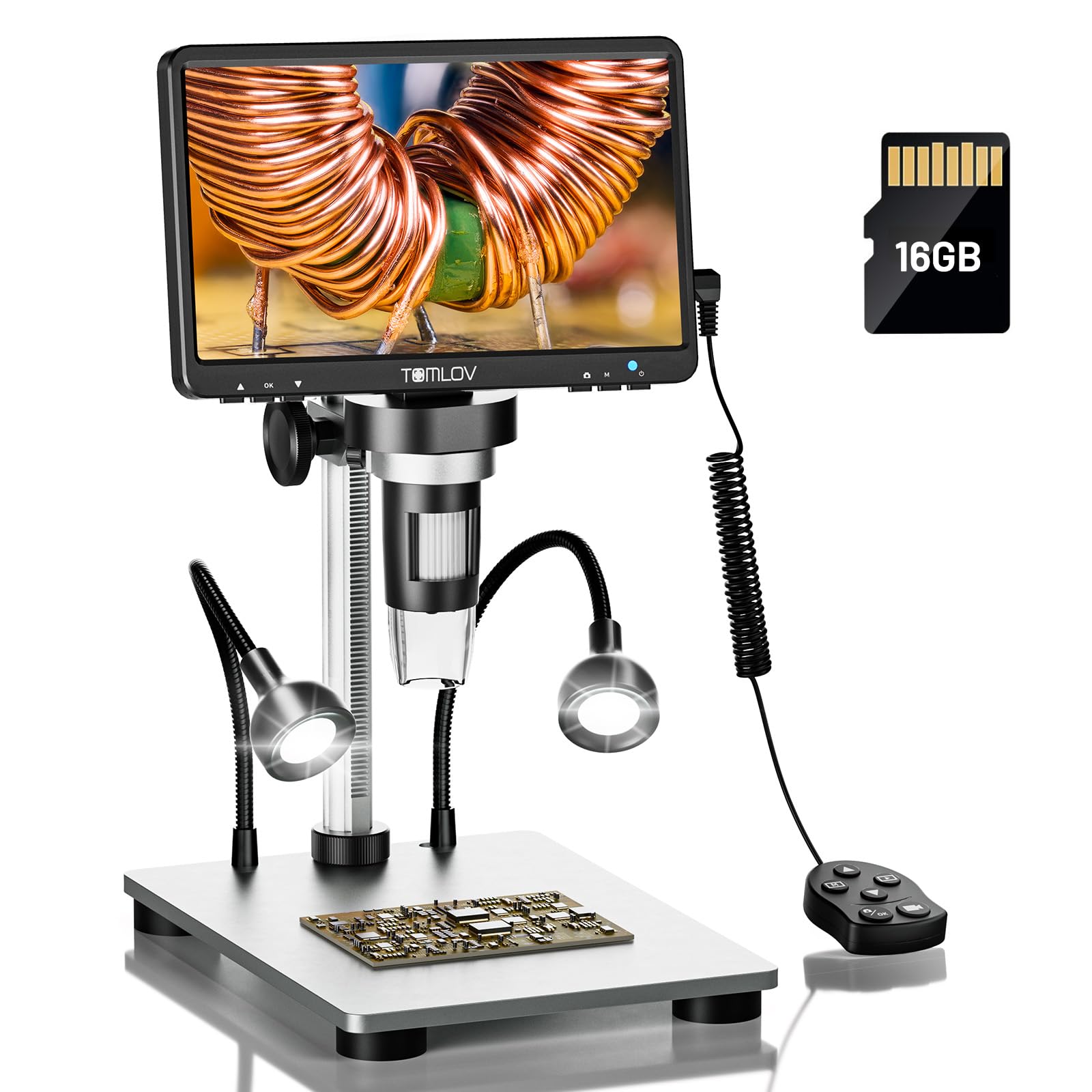
The 7-inch screen and metal base are the two reasons we recommend the TOMLOV DM9 for coin work. You can set a coin on the base, bring the head down, and read a date or mint mark without hunching over a loupe. The screen is large enough that two people can look at once, and the 12MP camera and 1080P video let you keep a record of what you see.

The 8.5-inch stand gives you more room to work than the short stands on budget scopes, and the 10 LEDs are bright enough for surface details. The side lights are useful for raking across a coin and picking up scratches or relief; on a proof coin, you will still move the light or tilt the coin to tame glare. The 16GB card in the box means you can start capturing without a separate purchase.

Battery life is the weak spot, so we treat the DM9 as a plug-in bench scope; the included USB cable keeps it running for longer sessions. That is a fair trade for the big screen and stable base, but it means the cordless convenience is not the reason to buy. For a collector who mostly works at a desk, it is the easier scope to live with than a tiny handheld.

Pros

  • Large 7-inch screen
  • Stable metal base and 8.5-inch stand
  • 12MP photos and 1080P video
  • 16GB card included

Cons

  • Maximum magnification is a digital stretch
Our verdict

We recommend this big-screen coin scope for reading dates and mint marks comfortably at a desk.

Check Latest Price
3

Best Budget

Elikliv EDM4

91 /100
Keeper Score Outstanding

Key details

Display
4.3-inch LCD
PC View
Windows and Mac
Lighting
8 adjustable LEDs
Magnification
Up to 1000x
Check Price on Amazon

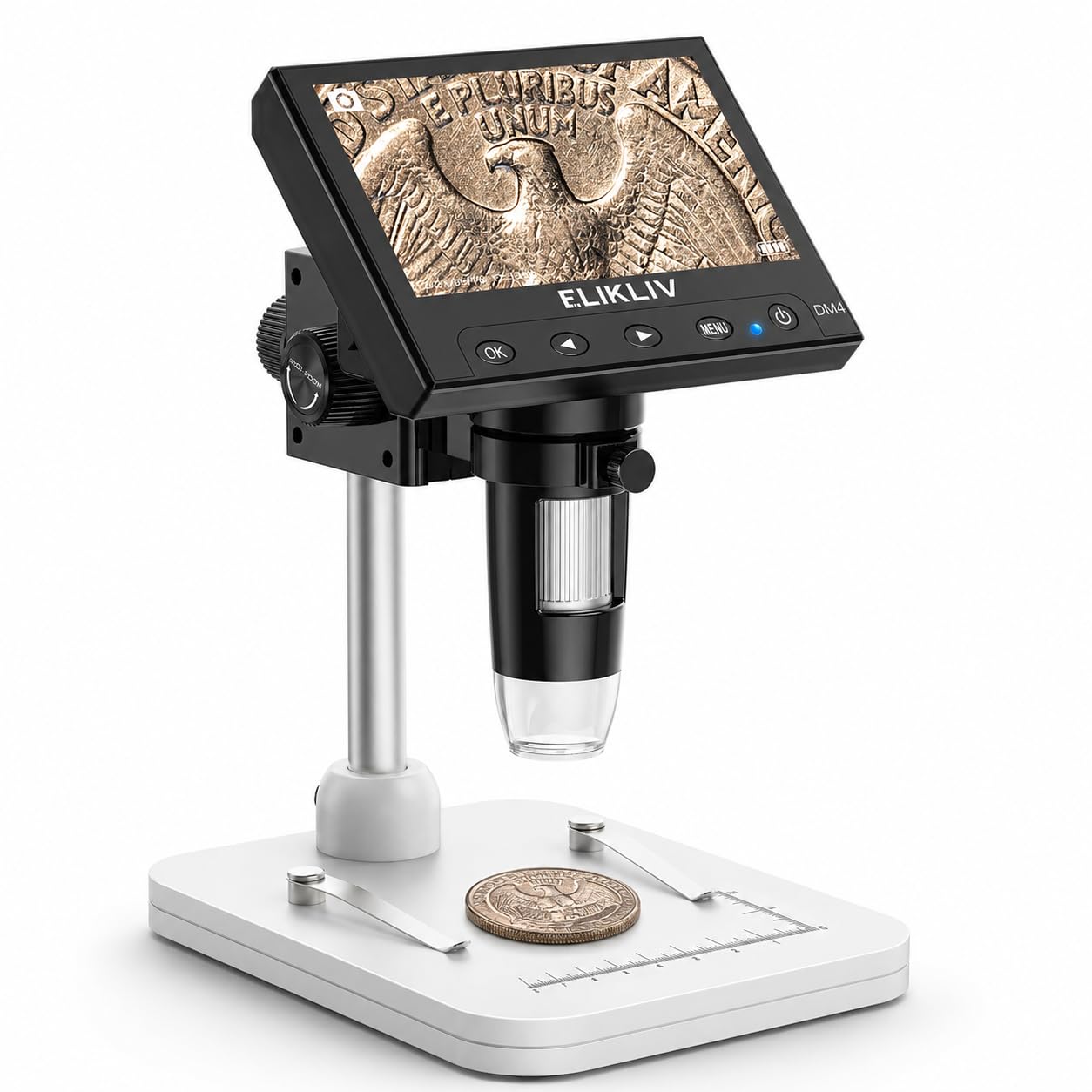
The 4.3-inch screen is the first thing to understand about the Elikliv EDM4: it keeps the scope small, simple, and inexpensive, but it also means you will move a coin around to see the whole face. If you want to take in an entire coin at once, this is not the scope for that job. If you want to read a date, a mint mark, or a solder pad, the screen is sharp enough and the setup takes only a few minutes.

The 8 adjustable LEDs do the heavy lifting in dim rooms, and the 720P display shows enough detail for coin dates and small parts. The stand is basic but stable enough for desk work, and the PC view is a genuine plus: connect it to a Windows or Mac computer and the same image opens on a larger screen. The controls are simple enough that you can skip the manual for basic viewing.

The EDM4 is our budget pick because it does the core job without making you learn a complicated menu. The 1000x claim is not a fixed zoom; the actual image depends on the screen size and the distance between the lens and the object, so treat the top number as a ceiling rather than a button you press. For a first microscope or a gift for someone who wants to inspect coins and small parts, that simplicity is the point.

Pros

  • Budget-friendly and simple to set up
  • Clear enough for coin dates and small parts
  • Works with Windows and Mac for PC view
  • 8 adjustable LEDs

Cons

  • Battery life limits long cordless sessions
Our verdict

We see the EDM4 as a simple budget starting point for reading coin details and small parts.

Check Latest Price
4

Best for Phone Viewing

Skybasic Wireless Microscope

86 /100
Keeper Score Excellent

Key details

Resolution
1080P
Focal Range
3–60 mm
Connectivity
Wi-Fi and USB
Magnification
50x–1000x
Check Price on Amazon

The phone is the screen with the Skybasic wireless microscope, and that is either the whole appeal or the dealbreaker. The scope creates its own Wi-Fi network, you open the app, and the live image appears on your phone. There is no built-in display to fog up or drain, and the whole thing is light enough to slip into a bag with a tablet.

We like it for travel and for showing someone else what you are looking at: you can hand over the phone while the scope stays on the bug, leaf, or coin. The 8 LEDs are bright, the 1080P capture is good enough for sharing, and the 3-60 mm focal range means you hold the lens a short distance above the subject rather than pressing it down. The connection is not instant, though, and the image can lag if the Wi-Fi link is weak.

Focus is the other thing to learn. At high magnification, a small change in distance throws the image out, so brace your hand or use the included stand. The scope works over USB too, which is a useful fallback when Wi-Fi is crowded. It is the pick for phone-first buyers who value portability over a dedicated screen; if you want to work for an hour at a bench, a screen scope is calmer.

Pros

  • Turns a phone into a large screen
  • Lightweight and portable
  • 8 LEDs and 1080P capture
  • 3-60 mm focal range

Cons

  • Phone is occupied during viewing
Our verdict

We like this Wi-Fi scope for travel and quick sharing, because your phone becomes the screen.

Check Latest Price
5

Best Hands-Free Soldering Scope

Aikokkl 5-Inch Soldering Microscope

87 /100
Keeper Score Excellent

Key details

Mount
C-clamp flexible arm
Display
5-inch IPS
Storage
Micro SD up to 32GB
Magnification
Up to 1000x digital
Check Price on Amazon

The C-clamp is the reason we choose this Aikokkl scope for a soldering kit: it locks to the edge of a bench and frees both hands for an iron and tweezers. That sounds like a small thing until you try to hold a probe, a solder wire, and a microscope head at the same time. The flexible arm lets you push the screen into a comfortable viewing angle without moving the clamp.

The 5-inch IPS screen is bright and clear enough for solder pads and fine traces, and the image is good for a scope in this class. There is no autofocus and no zoom rocker; you focus by moving the lens closer or farther from the board, then tighten the arm. That manual approach is slower than an autofocus scope, but it also means fewer motors and menus to fight when you are working in a tight space.

A micro SD card is required to save photos or video but is not included, so add one to your order if capture matters. The 5-inch screen is also best for one person at a time; it is a workbench tool, not a family viewer. This is the one for a compact soldering station or a repair bench where hands-free viewing is the priority.

Pros

  • C-clamp frees both hands
  • 5-inch IPS screen
  • Flexible arm positions the head
  • Useful for compact soldering benches

Cons

  • Arm can be stiff to reposition
Our verdict

We choose this Aikokkl scope when both hands need to stay on a soldering board.

Check Latest Price
6

Best for Young Kids

BMDSAE Kids Microscope

89 /100
Keeper Score Excellent

Key details

Camera
2MP
Battery
600mAh
Display
2.0-inch IPS
Magnification
Up to 1000x
Check Price on Amazon

A child can wrap a hand around the BMDSAE handheld and carry it by the lanyard, which is exactly the point. The 2-inch IPS screen is built into the body, so there is no phone to borrow and no app to connect. It looks and feels like a toy, but the 2MP camera and 8 LEDs give kids a real magnified view of leaves, insects, coins, and whatever else they pick up.

The controls are simple enough for a young user to learn: a focus wheel, a few buttons, and a screen that shows the image immediately. The 600mAh battery and 32M storage are sized for a walk around the yard, not a lab session. We treat the 1000x claim as optimistic; it reveals texture and small structures, not cells.

This is the one we point to for a first microscope because it removes the two things that stop kids from using a scope: a tripod they cannot set up and a phone they have to hand back. The plastic body is light, the lanyard keeps it close, and the screen is small enough to feel personal. It is not the scope for a serious coin collector or a soldering bench, and that is fine.

Pros

  • Built for a child's hand
  • No phone or app required
  • LED-lit 2-inch screen
  • Lightweight with lanyard

Cons

  • No stand for hands-free viewing
Our verdict

We point to this handheld first for young kids who want to explore without a phone.

Check Latest Price
7

Fast Autofocus Inspection

Elikliv EM4K-AF

84 /100
Keeper Score Excellent

Key details

Video
4K UHD
Display
8-inch IPS
Autofocus
AI autofocus with TOF
Magnification
Up to 2000x
Check Price on Amazon

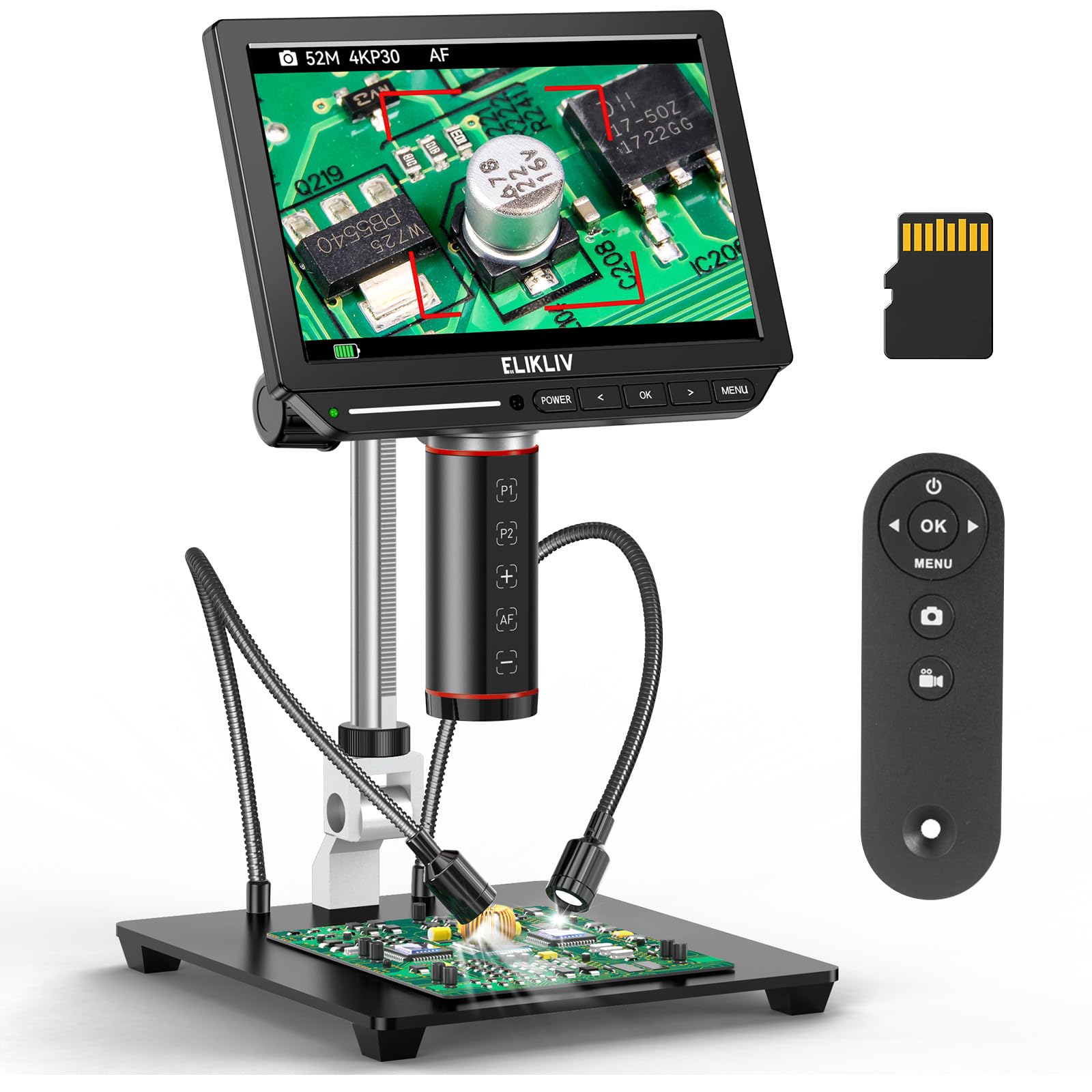
The autofocus is the feature that changes how the Elikliv EM4K-AF feels in use: put a coin or a board under the lens, and the head refocuses without you hunting for a knob. The TOF sensor is there to speed up that distance check, and the result is a scope that keeps up when you slide a subject around the base.

The 8-inch IPS screen is the largest in this group, and the 4K video and 52MP stills give you room to crop and inspect afterwards. The image is clear enough for solder joints and coin details, and the 2000x maximum is best treated as a digital ceiling rather than a constant zoom. The menu is busier than the simple scopes here, so give yourself a few minutes to learn the controls.

The 10-inch stand gives you room to slide a board underneath, and the side lights help separate a component from its shadow. The base is heavy enough that the head stays where you put it during ordinary work. At the top of the zoom range, the image softens and the depth of field gets thin, so the middle of the range is where most work happens.

We choose this one for a bench where subjects change constantly and speed matters. It is more scope than a casual coin collector needs, and the 8-inch body takes up space, but the focus speed and resolution are the reasons to choose it over the simpler 7-inch models.

Pros

  • Autofocus speeds up inspection
  • 8-inch 4K screen
  • 52MP stills and 4K video
  • 10-inch stand with side lights

Cons

  • PC mode can lock out zoom and menu controls
Our verdict

We choose the EM4K-AF when subjects change fast, because autofocus and an 8-inch 4K screen save setup time.

Check Latest Price
8

3D Solder Inspection

TOMLOV TM3K-3D

87 /100
Keeper Score Excellent

Key details

View
360° 3D side-view
Lenses
Magnetic dual lens
Display
7-inch IPS
Resolution
3K
Check Price on Amazon

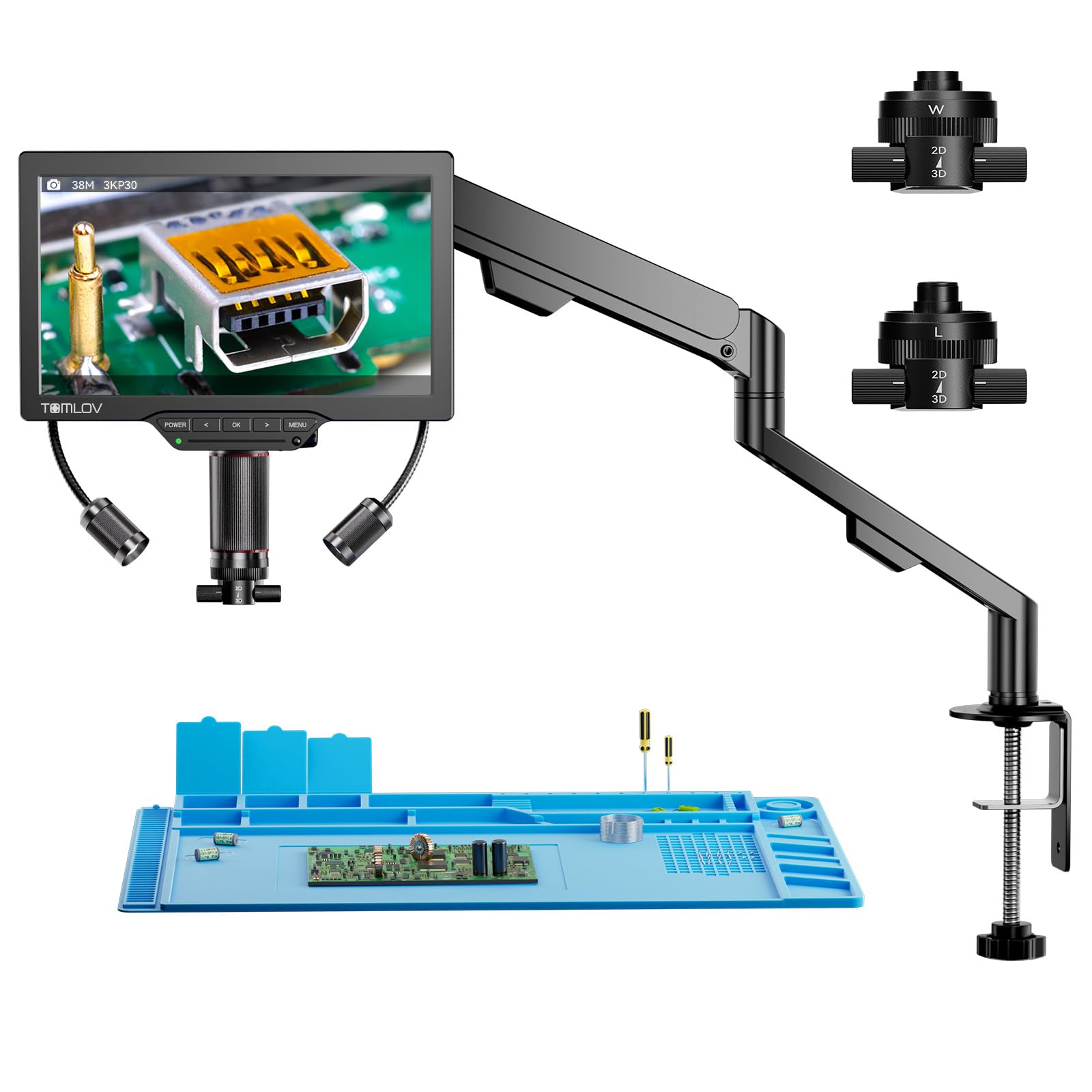
The side view is what separates the TOMLOV TM3K-3D from the flat-overhead scopes here. You can rotate the head around a solder joint and look at it from an angle, which is closer to the way you tilt a board under a magnifier. The magnetic lenses swap without tools, and the wide lens takes in a whole coin or a larger specimen while the long lens leaves room for an iron.

The 7-inch IPS screen is sharp, and HDMI sends the image to a larger monitor when you want a group view. The flex arm and small stand give you more positioning options than a fixed post, and the included repair mat and grid line are useful when you are tracing a circuit. The 3K video is more resolution than most bench work needs, but it gives you room to crop a still.

The 3D effect takes some getting used to if you are comparing it with a straight-down view. The head has to be positioned carefully to keep the joint in frame, and the extra articulation means more knobs to set before you start. The 2000x claim is also a digital ceiling; the side-view angle and lens choice matter more than the number.

We keep the TM3K-3D for a repair bench that regularly handles small boards and wants a side view without a stereo microscope. It is a specialist tool, not the first scope for a coin collector or a child. If you mostly need straight-down inspection, the Andonstar covers more ground for less.

Pros

  • 360° side-view rotation
  • Magnetic dual lenses swap without tools
  • 7-inch screen with HDMI
  • Flex arm and repair mat included

Cons

  • One-year warranty on a premium scope
Our verdict

We keep this TOMLOV for side-view solder inspection, though it is a specialist tool rather than a first scope.

Check Latest Price

How We Tested 12 Digital Microscopes

Shortlisting took longer than I expected. We gathered every digital microscope we could find with a real sensor spec, read through the reviews for the complaints that keep repeating, and dropped listings whose magnification claims clearly outran their optics. That left 12 models — soldering rigs on articulated arms, coin scopes on metal bases, a couple of handheld units, and one built for kids — which we ran for six months.

We used them where people actually use them. The garage bench got the PCB work: chasing a cracked joint on a router board, checking solder bridges next to a hot iron. The kitchen table got coin trays, stamps, and plant leaves, with bug jars making regular appearances. Every scope stayed set up for at least a week, until we stopped noticing the setup and started noticing the tool.

Focus was the great divider. I timed how long it took to go from power-on to a crisp edge on a penny, and noted whether the knob made small adjustments or jumped past the sweet spot. For lighting, I turned each unit on a polished copper coin and a black circuit board and looked for glare washing out the relief or a bright ring leaving the edges in shadow. Field of view meant checking how much of a quarter fit on screen at the working distance I'd really use.

Then the practical bits. Handheld units ran until the battery died while I logged the time; tethered ones went into a TV, a laptop, and a phone to see whether the image arrived clean or laggy. I knocked the bench under each stand with the heel of my hand to check whether the picture held steady, and compared saved images side by side at full size. Value came down to whether a scope did one job properly or several jobs adequately.

How to Choose a Digital Microscope

Choose the screen around your subject

Screen size decides how much of the object you see at once. A 4.3-inch LCD keeps a scope small and affordable, but the image is tight enough that you will move a coin around to read both sides; a 7- or 8-inch screen lets you keep more of the coin, board, or specimen in view and work with both hands. We prioritize a 7-inch screen for bench work and accept a 4.3-inch screen only when portability matters. If you plan to inspect whole coins or work under the lens with tools, start at 7 inches. If the scope will live in a bag, the smaller screen is the better trade.

Match the lens and working distance to the job

Magnification is not one number. The lens-to-object distance, lens type, and screen size all change what fills the frame, and a 1000x or 2000x claim is usually a digital ceiling rather than a fixed zoom. For soldering, you need a lens that leaves room for an iron and tweezers; for coins, a wide lens that takes in the whole face. Three-lens scopes like the Andonstar give you both, but they cost more and take longer to swap. Choose the working distance first, then the magnification claim.

Focus, stand, and light are the real ergonomics

Focus and support decide whether a microscope feels like a tool or a balancing act. Autofocus is a real convenience when you move a board or coin around, while a manual focus wheel is fine for a single subject and often more predictable. A C-clamp or boom arm frees both hands for soldering; a heavy metal base steadies coin work. Lighting matters just as much: side LEDs reveal texture, but straight-on light can wash out a shiny coin. Look for adjustable brightness and a stand you can lock.

Plan for power, connectivity, and storage

Plan for the cable, not just the camera. Corded scopes run all day; battery scopes are easier to pass around but can quit in the middle of a session. HDMI gives you a lag-free view on a TV or monitor, USB is fine for a computer, and Wi-Fi makes a phone the screen but adds a connection step. If you want to save photos, check whether a micro SD card is included; on some models it is required and sold separately.

Frequently Asked Questions

Final Verdict

For most people, the Andonstar AD246S-M is the right first digital microscope: its three lenses cover coins, circuit boards, and larger specimens, and HDMI gives you a bigger view when the 7-inch screen is not enough. If coins are the main event, the TOMLOV DM9 is the easier scope to live with; if you want the simplest budget start, the Elikliv EDM4 does the basics well. The Andonstar is the one that keeps more jobs on one bench.